PixelCheck: Dead Pixel Test
Screen & OLED Burn-in Tester
Dirancang untuk iPhone, iPad
Rp 19ribu
- Batasan usia4+
- KategoriKegunaan
- PengembangSindre Sørensen
- BahasaSpanyol+ 8 lainnya
- Ukuran1,8 MB
Tertaut ke halaman resmi App Store
Download.org tidak menyimpan file PixelCheck: Dead Pixel Test apa pun. Tombol ini membuka halaman aplikasi di App Store, tempat Sindre Sørensen menerbitkannya. Halaman terakhir diperiksa pada 9/11/2026.
Tangkapan layar

Tentang
Pengembang belum menyediakan teks ini dalam bahasa Anda.
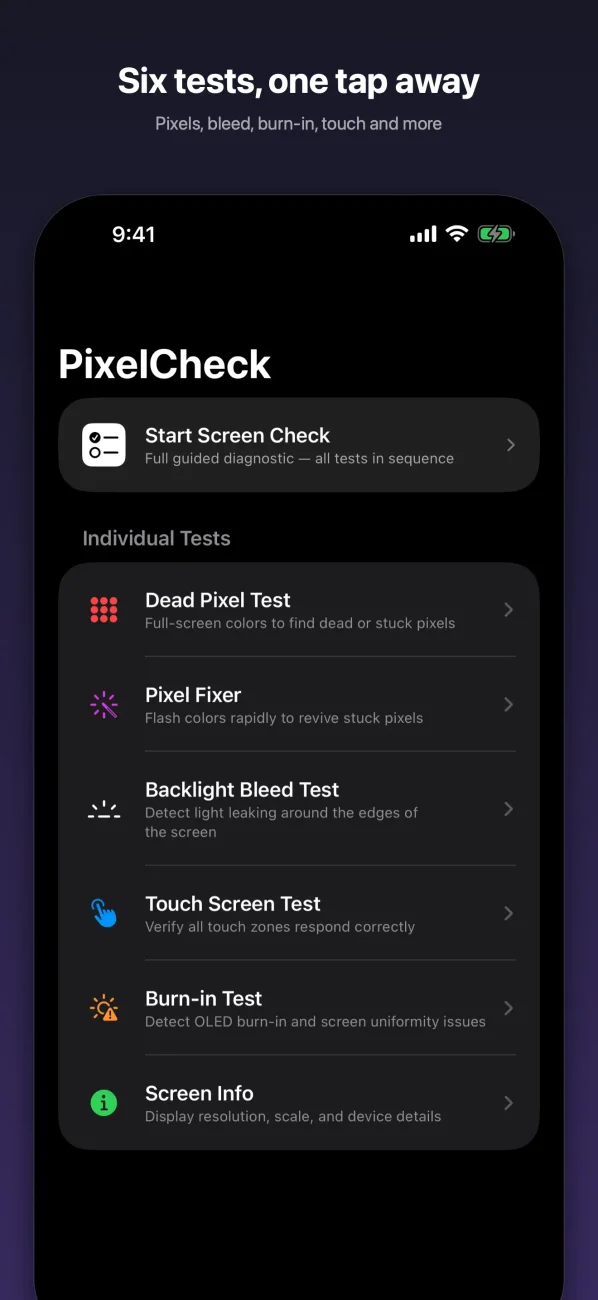
Buying a used iPhone? Just had your screen repaired? PixelCheck gives you a full guided screen check and six focused tests to verify your display is perfect — with a report you can share.
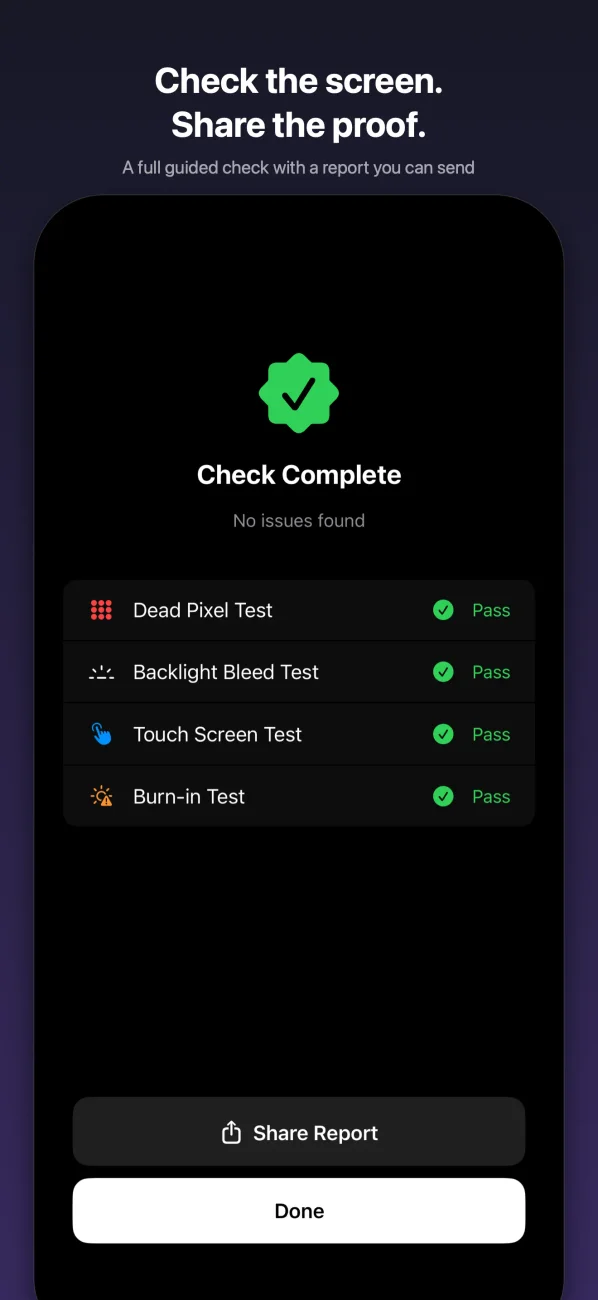
GUIDED SCREEN CHECK
Run every test in sequence with clear instructions, give each a pass or fail, and finish with a summary. Share the result as a report — proof of your screen's condition when buying or selling.
DEAD PIXEL TEST
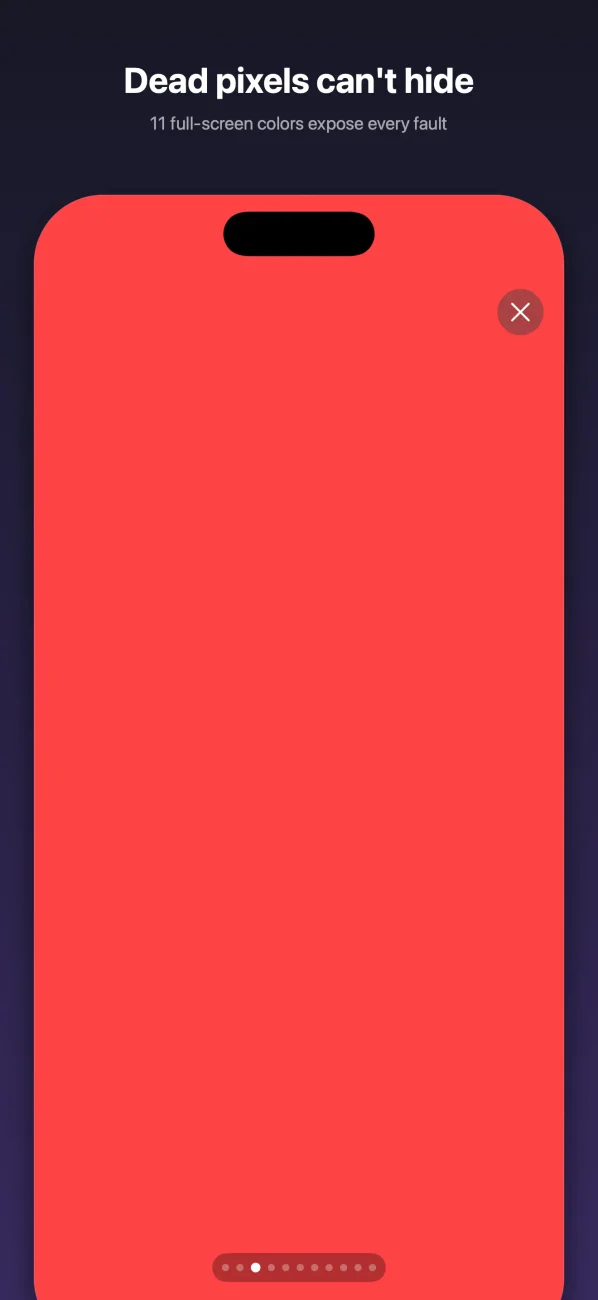
Cycle through 11 full-screen colors — white, black, red, green, blue, yellow, cyan, magenta, and three gray levels. Dead pixels and stuck pixels stand out immediately against solid colors.
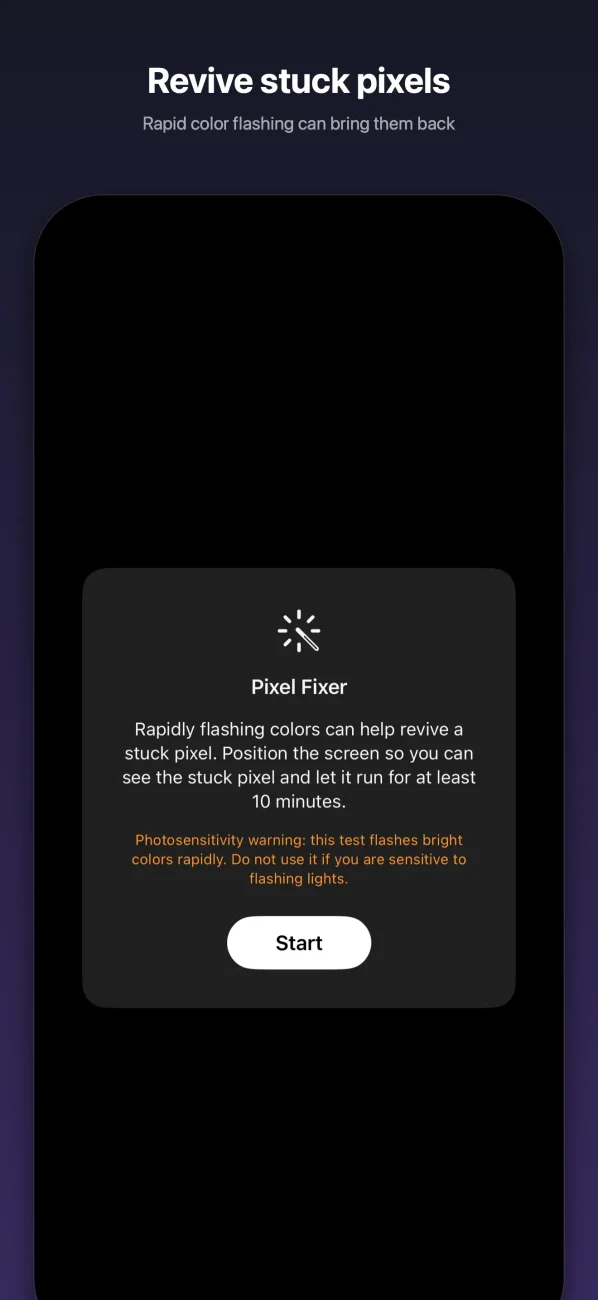
PIXEL FIXER
Found a stuck pixel? Rapid color flashing can help revive it. Position the screen and let it run.
BACKLIGHT BLEED TEST
A pure black screen reveals light leaking around the edges of LCD displays.
TOUCH SCREEN TEST
Draw across a grid overlay to verify every zone of your touch screen responds — with true multi-finger support. Track your coverage in real time.
OLED BURN-IN TEST
A slow-moving gray block and uniform gray screen reveal ghost images, uneven brightness, and burn-in damage on OLED displays. Adjust the gray level to catch subtle issues.
SCREEN INFO
View your device model, screen resolution, pixel density, display type, refresh rate, and current brightness — all in one place.
WHY PIXELCHECK?
- No ads, no tracking, no internet required
- Works completely offline
- Tiny app size, instant launch
- Supports iPhone and iPad
- Screen stays awake and at full brightness during tests
PERFECT FOR
- Buying or selling a used iPhone or iPad
- Checking a screen after repair
- Verifying OLED burn-in on older devices
- Testing touch response across the full screen
Simple, fast, private. Open the app, run the check, share the proof.
Yang baru
Versi 1.2 · 1/8/2026
• Guided Screen Check: run every test in sequence and get a clear pass/fail summary
• Share Report: send proof of your screen's condition — perfect when buying or selling a used device
• New Pixel Fixer: rapid color flashing helps revive stuck pixels
• New Backlight Bleed test for LCD screens
• Touch test now registers multiple fingers at once
• Dead pixel test now has 11 colors, including three gray levels
• The screen stays awake and at full brightness during tests
• Haptic feedback throughout the app
Privasi aplikasi
Yang dinyatakan Sindre Sørensen di App Store tentang cara aplikasi ini menangani data.
-
Data tidak dikumpulkan
Pengembang tidak mengumpulkan data apa pun dari aplikasi ini.
Praktik privasi dapat bervariasi, misalnya berdasarkan fitur yang Anda gunakan atau usia Anda.
Informasi
- Penjual
- Sindre Sørensen
- Kategori
- Kegunaan
- Versi
- 1.2
- Diperbarui
- 1/8/2026
- Dirilis
- 4/4/2026
- Ukuran
- 1,8 MB
- Memerlukan
- iOS 17.0 atau yang lebih baru
- Batasan usia
- 4+
- Harga
- Rp 19ribu
- Bahasa
- Spanyol, Jerman, Tionghoa Sederhana, Korea, Prancis, Inggris, Jepang, Bokmål Norsk, Portugis
- Hak cipta
- © 2026 Sindre Sørensen