PixelCheck: Dead Pixel Test
Screen & OLED Burn-in Tester
Được thiết kế cho iPhone, iPad
29.000đ
- Độ tuổi4+
- Danh mụcTiện Ích
- Nhà phát triểnSindre Sørensen
- Ngôn ngữTiếng Tây Ban Nha+ 8 ngôn ngữ khác
- Kích thước1,8 MB
Liên kết đến trang App Store chính thức
Download.org không lưu trữ tệp nào của PixelCheck: Dead Pixel Test. Nút này mở trang ứng dụng trên App Store, nơi Sindre Sørensen phát hành ứng dụng. Trang được kiểm tra lần cuối: 09/11/2026.
Ảnh chụp màn hình
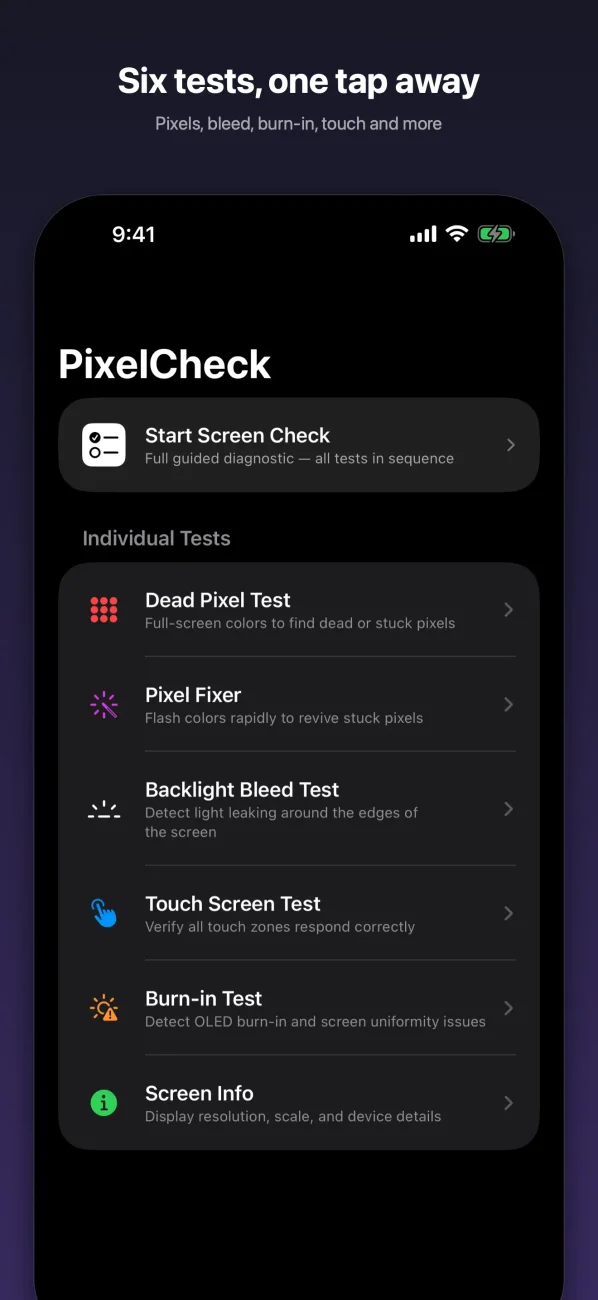

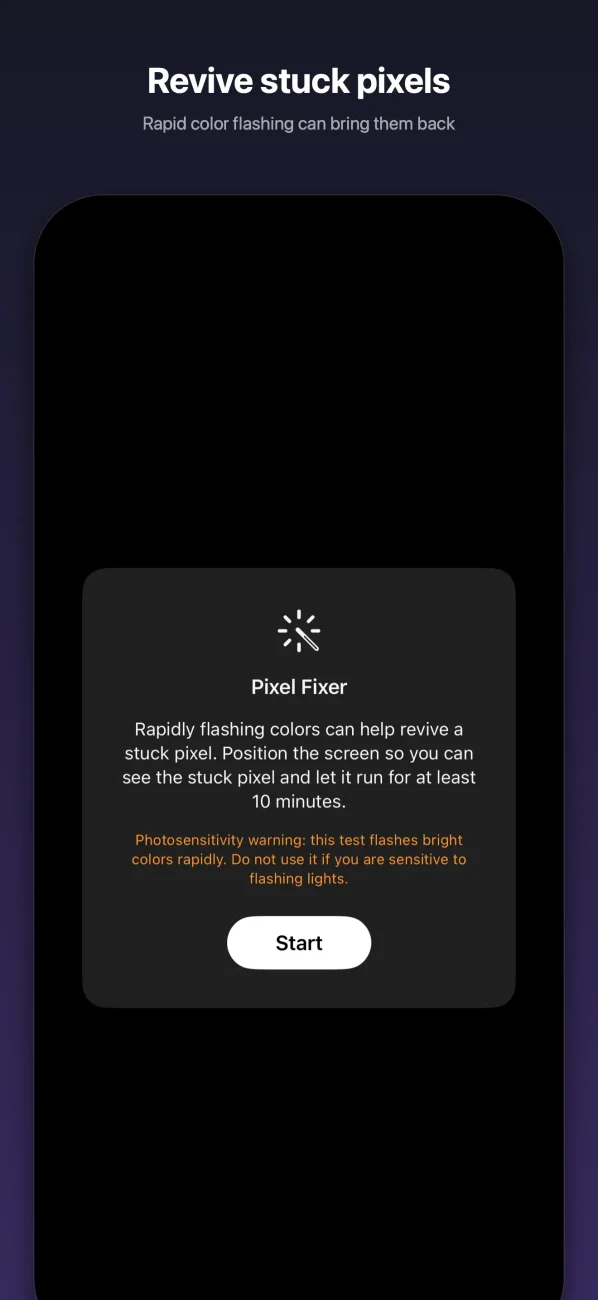
Giới thiệu
Nhà phát triển chưa cung cấp nội dung này bằng ngôn ngữ của bạn.
Buying a used iPhone? Just had your screen repaired? PixelCheck gives you a full guided screen check and six focused tests to verify your display is perfect — with a report you can share.
GUIDED SCREEN CHECK
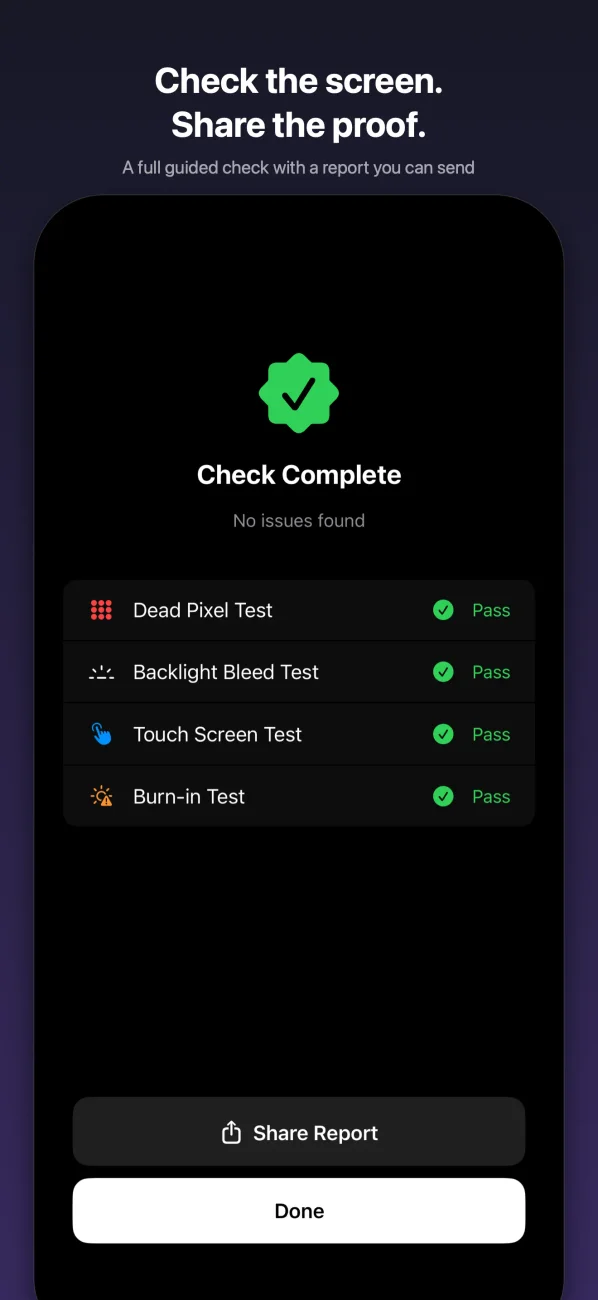
Run every test in sequence with clear instructions, give each a pass or fail, and finish with a summary. Share the result as a report — proof of your screen's condition when buying or selling.
DEAD PIXEL TEST
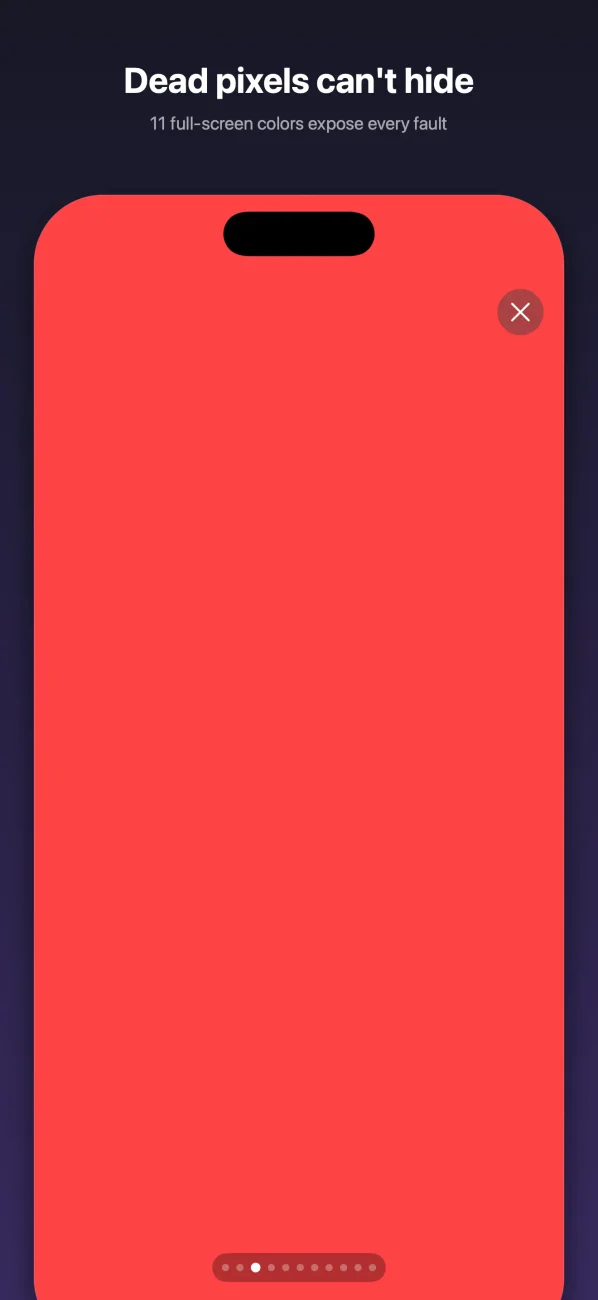
Cycle through 11 full-screen colors — white, black, red, green, blue, yellow, cyan, magenta, and three gray levels. Dead pixels and stuck pixels stand out immediately against solid colors.
PIXEL FIXER
Found a stuck pixel? Rapid color flashing can help revive it. Position the screen and let it run.
BACKLIGHT BLEED TEST
A pure black screen reveals light leaking around the edges of LCD displays.
TOUCH SCREEN TEST
Draw across a grid overlay to verify every zone of your touch screen responds — with true multi-finger support. Track your coverage in real time.
OLED BURN-IN TEST
A slow-moving gray block and uniform gray screen reveal ghost images, uneven brightness, and burn-in damage on OLED displays. Adjust the gray level to catch subtle issues.
SCREEN INFO
View your device model, screen resolution, pixel density, display type, refresh rate, and current brightness — all in one place.
WHY PIXELCHECK?
- No ads, no tracking, no internet required
- Works completely offline
- Tiny app size, instant launch
- Supports iPhone and iPad
- Screen stays awake and at full brightness during tests
PERFECT FOR
- Buying or selling a used iPhone or iPad
- Checking a screen after repair
- Verifying OLED burn-in on older devices
- Testing touch response across the full screen
Simple, fast, private. Open the app, run the check, share the proof.
Có gì mới
Phiên bản 1.2 · 01/08/2026
• Guided Screen Check: run every test in sequence and get a clear pass/fail summary
• Share Report: send proof of your screen's condition — perfect when buying or selling a used device
• New Pixel Fixer: rapid color flashing helps revive stuck pixels
• New Backlight Bleed test for LCD screens
• Touch test now registers multiple fingers at once
• Dead pixel test now has 11 colors, including three gray levels
• The screen stays awake and at full brightness during tests
• Haptic feedback throughout the app
Quyền riêng tư của ứng dụng
Những gì Sindre Sørensen khai báo trên App Store về cách ứng dụng này xử lý dữ liệu.
-
Dữ liệu không được thu thập
Nhà phát triển không thu thập bất kỳ dữ liệu nào từ ứng dụng này.
Phương thức đảm bảo quyền riêng tư có thể khác nhau, chẳng hạn như tuỳ theo các tính năng bạn sử dụng hoặc độ tuổi của bạn.
Thông tin
- Người bán
- Sindre Sørensen
- Danh mục
- Tiện Ích
- Phiên bản
- 1.2
- Cập nhật
- 01/08/2026
- Phát hành
- 04/04/2026
- Kích thước
- 1,8 MB
- Yêu cầu
- iOS 17.0 trở lên
- Độ tuổi
- 4+
- Giá
- 29.000đ
- Ngôn ngữ
- Tiếng Tây Ban Nha, Tiếng Đức, Tiếng Trung Giản thể, Tiếng Hàn, Tiếng Pháp, Tiếng Anh, Tiếng Nhật, Tiếng Bokmål Na Uy, Tiếng Bồ Đào Nha
- Bản quyền
- © 2026 Sindre Sørensen