Plynic
NAS & Local Video Player
Dirancang untuk iPhone, iPad, iPod touch
Gratis
- Batasan usia4+
- KategoriHiburan
- Pengembang融 林
- BahasaInggris+ 1 lainnya
- Ukuran82,5 MB
Tertaut ke halaman resmi App Store
Download.org tidak menyimpan file Plynic apa pun. Tombol ini membuka halaman aplikasi di App Store, tempat 融 林 menerbitkannya. Halaman terakhir diperiksa pada 26/11/2026.
Tangkapan layar


Tentang
Pengembang belum menyediakan teks ini dalam bahasa Anda.
Your media, together. Play videos from your NAS, Emby or Jellyfin library, local files and your own IPTV playlists in one clean, easy-to-use player.
A viewing experience made for iPhone Duo
Fold into a laptop-style position to keep the video above and playback controls below. Browse your library with layouts that keep posters, titles and controls clear of the fold.
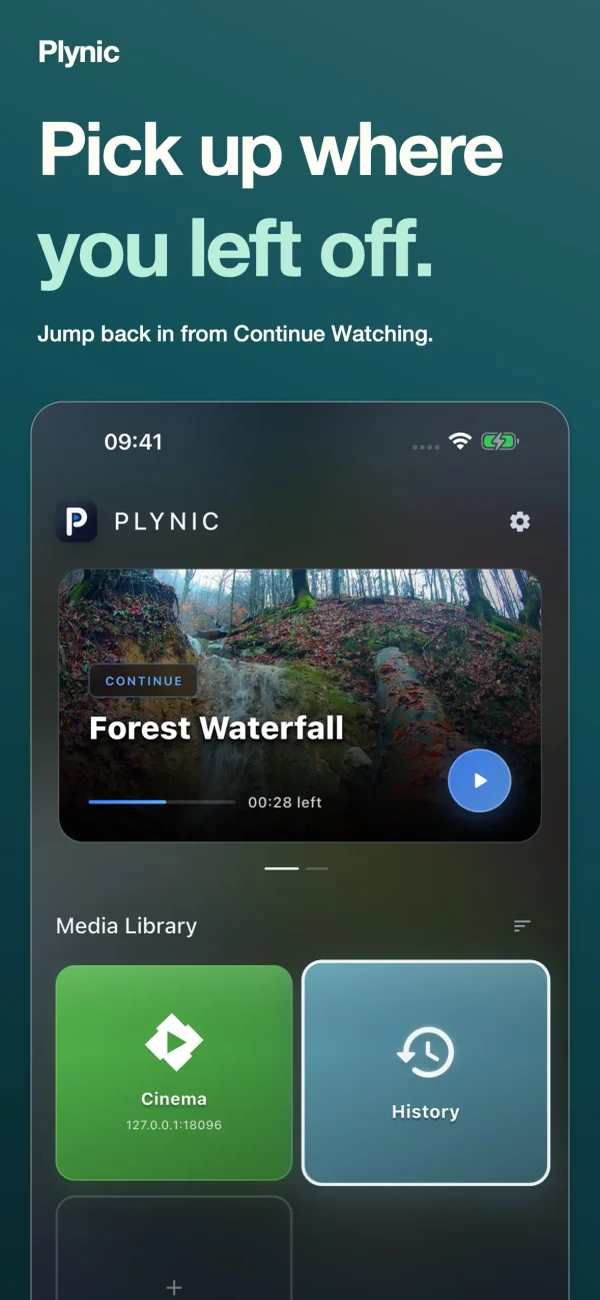
Pick up where you left off
Find recent videos in Continue Watching, save favorites and organize playlists. With Emby and Jellyfin, keep favorites and playback progress in sync with your server.
Subtitles that work for you
Adjust subtitle size, position and timing to suit your screen and your viewing style. Choose playback speed and access useful controls without leaving your video.
Make room for danmaku
Add a custom danmaku server in Settings. The subtitle-avoidance option helps keep comments clear of your subtitles.
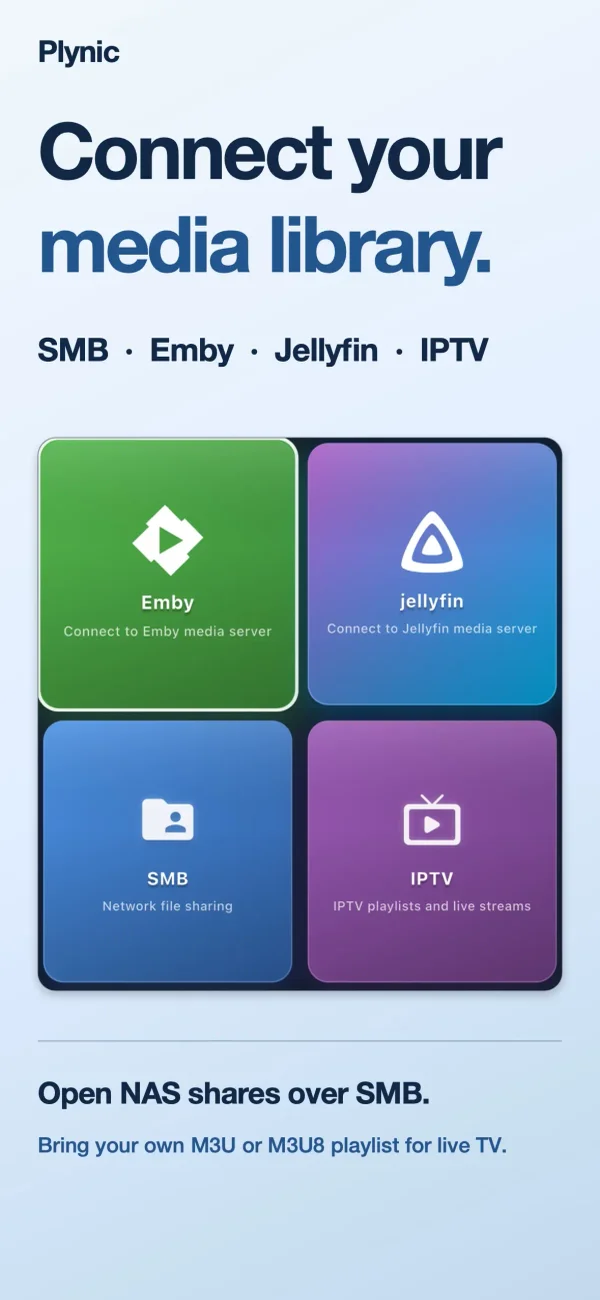
Connect to your own collection
Browse SMB network shares and connect to Emby or Jellyfin. Import your own IPTV playlists to browse channels and program information.
Plynic does not provide, host or distribute movies, TV channels or other media. Add your own files or services, and only use content you have permission to access.
Yang baru
Versi 1.0.22 · 25/11/2026
Dual subtitles
• Show two subtitle tracks together during on-demand playback. Choose and swap tracks in the player, or set a second preferred language for automatic selection.
• Stack both tracks at the bottom or place one at the top. Customize the size and color of secondary text subtitles, fine-tune their timing, or display two Blu-ray PGS tracks together. More descriptive track names make selection easier.
iCloud sync
• Turn on iCloud sync in Settings to keep favorites and watch progress in sync across devices using the same Apple Account. You can also select media source settings, tags, danmaku and playback preferences individually.
• Sync is off by default. Media files, server passwords and sign-in tokens stay on the original device. Enter your credentials again when connecting to a protected source on a new device.
Privasi aplikasi
Yang dinyatakan 融 林 di App Store tentang cara aplikasi ini menangani data.
-
Data yang ditautkan dengan Anda
Dapat dikumpulkan dan ditautkan dengan identitas Anda.
- Lokasi
- Pengenal
- Data penggunaan
- Diagnostik
Praktik privasi dapat bervariasi, misalnya berdasarkan fitur yang Anda gunakan atau usia Anda.
Informasi
- Penjual
- 融 林
- Kategori
- Hiburan
- Versi
- 1.0.22
- Diperbarui
- 25/11/2026
- Dirilis
- 6/1/2026
- Ukuran
- 82,5 MB
- Memerlukan
- iOS 15.0 atau yang lebih baru
- Batasan usia
- 4+
- Harga
- Gratis
- Bahasa
- Inggris, Tionghoa Sederhana
- Hak cipta
- © 2025 Lin Rong