- 対象年齢4+
- カテゴリエンターテインメント
- 開発元融 林
- 言語英語ほか1言語
- サイズ82.5 MB
App Storeの公式ページにリンクしています
Download.orgはPlynicのファイルを一切ホストしていません。ボタンを押すと、融 林が公開しているApp Storeのアプリページが開きます。ページの最終確認:2026/11/26。
スクリーンショット


概要
開発元はこのテキストをお使いの言語で提供していません。
Your media, together. Play videos from your NAS, Emby or Jellyfin library, local files and your own IPTV playlists in one clean, easy-to-use player.
A viewing experience made for iPhone Duo
Fold into a laptop-style position to keep the video above and playback controls below. Browse your library with layouts that keep posters, titles and controls clear of the fold.
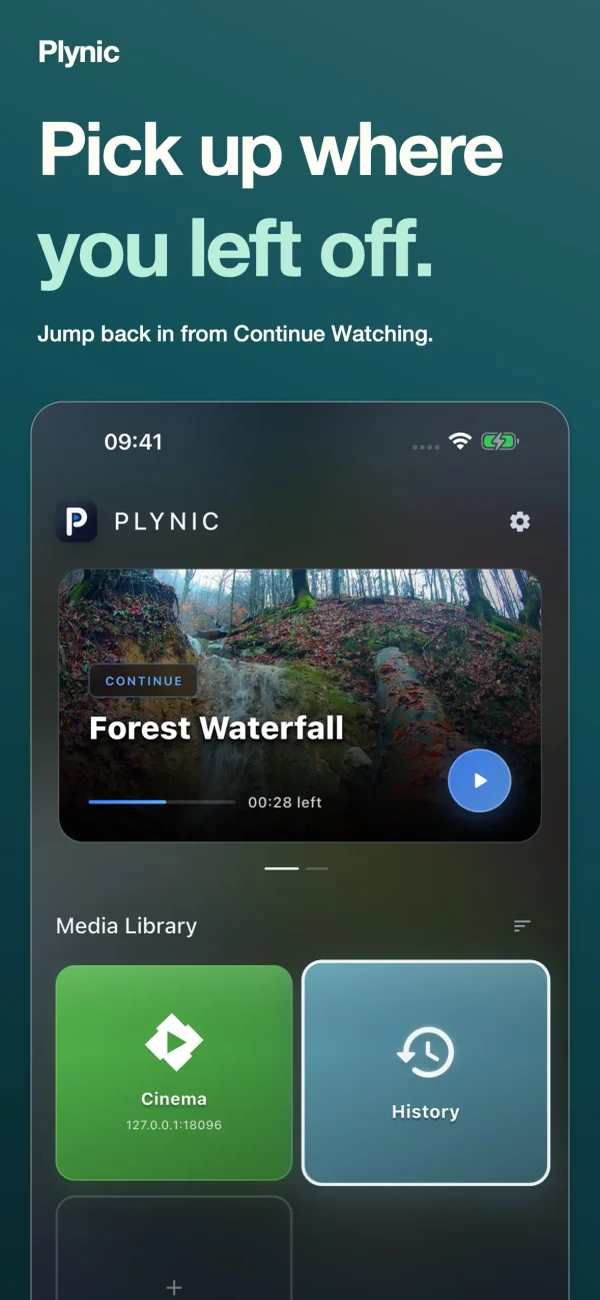
Pick up where you left off
Find recent videos in Continue Watching, save favorites and organize playlists. With Emby and Jellyfin, keep favorites and playback progress in sync with your server.
Subtitles that work for you
Adjust subtitle size, position and timing to suit your screen and your viewing style. Choose playback speed and access useful controls without leaving your video.
Make room for danmaku
Add a custom danmaku server in Settings. The subtitle-avoidance option helps keep comments clear of your subtitles.
Connect to your own collection
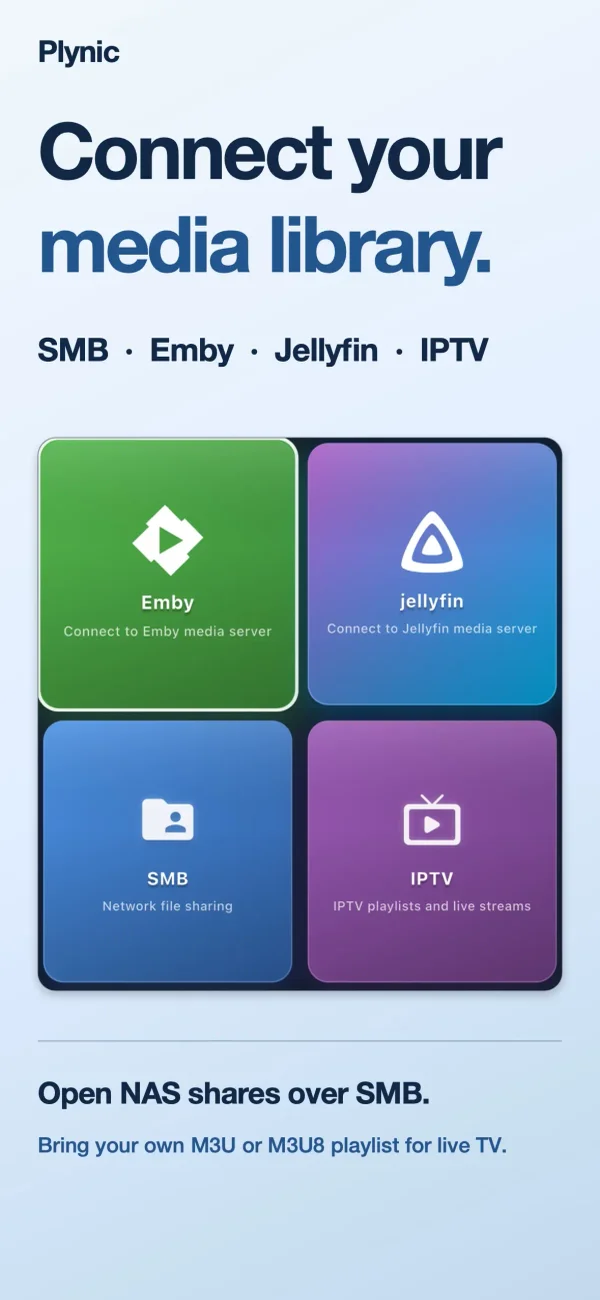
Browse SMB network shares and connect to Emby or Jellyfin. Import your own IPTV playlists to browse channels and program information.
Plynic does not provide, host or distribute movies, TV channels or other media. Add your own files or services, and only use content you have permission to access.
新機能
バージョン 1.0.22 · 2026/11/25
Dual subtitles
• Show two subtitle tracks together during on-demand playback. Choose and swap tracks in the player, or set a second preferred language for automatic selection.
• Stack both tracks at the bottom or place one at the top. Customize the size and color of secondary text subtitles, fine-tune their timing, or display two Blu-ray PGS tracks together. More descriptive track names make selection easier.
iCloud sync
• Turn on iCloud sync in Settings to keep favorites and watch progress in sync across devices using the same Apple Account. You can also select media source settings, tags, danmaku and playback preferences individually.
• Sync is off by default. Media files, server passwords and sign-in tokens stay on the original device. Enter your credentials again when connecting to a protected source on a new device.
アプリのプライバシー
このアプリのデータの取り扱いについて、融 林がApp Storeで申告している内容です。
-
ユーザーに関連付けられたデータ
収集され、ユーザーの識別情報に関連付けられる場合があります。
- 位置情報
- ID
- 使用状況データ
- 診断
プライバシーの取り扱いは、ご利用の機能やお客様の年齢などに応じて異なる場合があります。
情報
- 販売元
- 融 林
- カテゴリ
- エンターテインメント
- バージョン
- 1.0.22
- 更新日
- 2026/11/25
- リリース
- 2026/1/6
- サイズ
- 82.5 MB
- 必要条件
- iOS 15.0以降
- 対象年齢
- 4+
- 価格
- 無料
- 言語
- 英語, 簡体字中国語
- 著作権
- © 2025 Lin Rong