
Pocket Case Pro
Create, track and resolve.
Dirancang untuk iPhone, iPad
Gratis
- Batasan usia4+
- KategoriProduktivitas
- PengembangYeeHaw IT & Webb AB
- BahasaInggris
- Ukuran8,8 MB
Tertaut ke halaman resmi App Store
Download.org tidak menyimpan file Pocket Case Pro apa pun. Tombol ini membuka halaman aplikasi di App Store, tempat YeeHaw IT & Webb AB menerbitkannya. Halaman terakhir diperiksa pada 16/11/2026.
Tangkapan layar
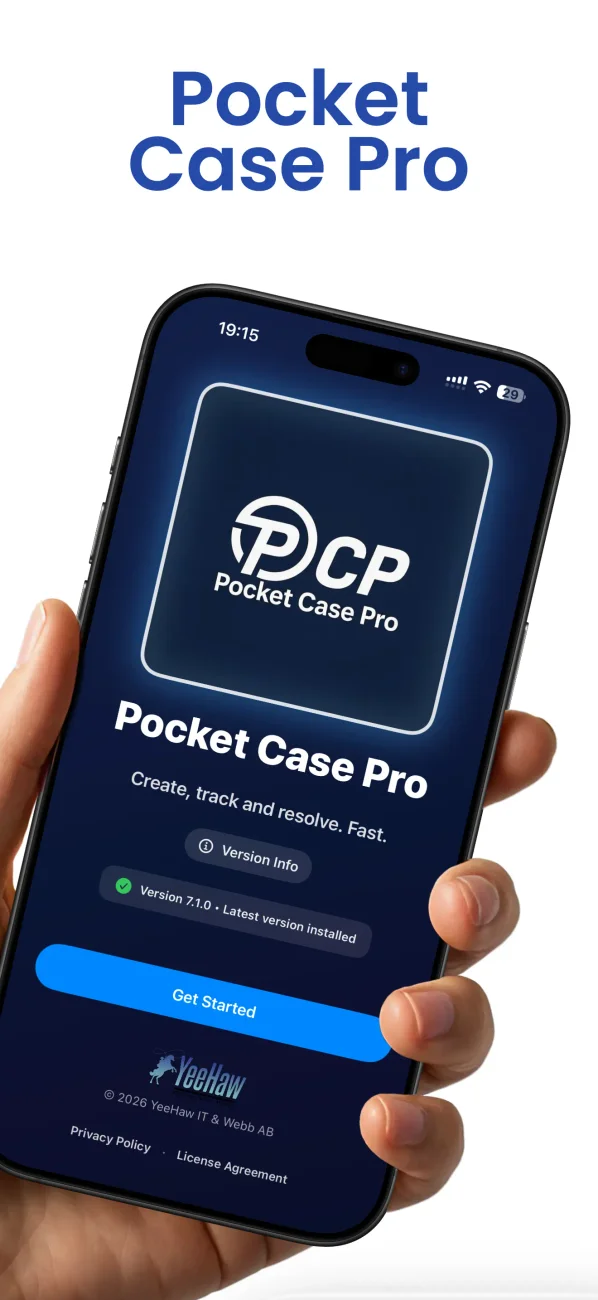
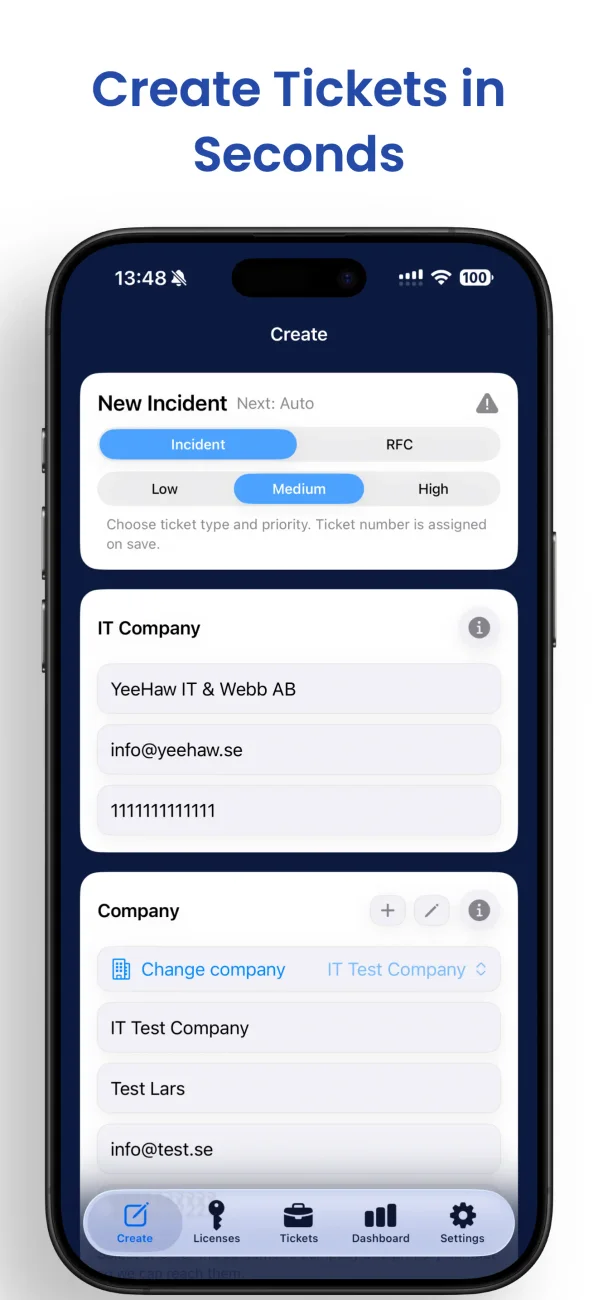
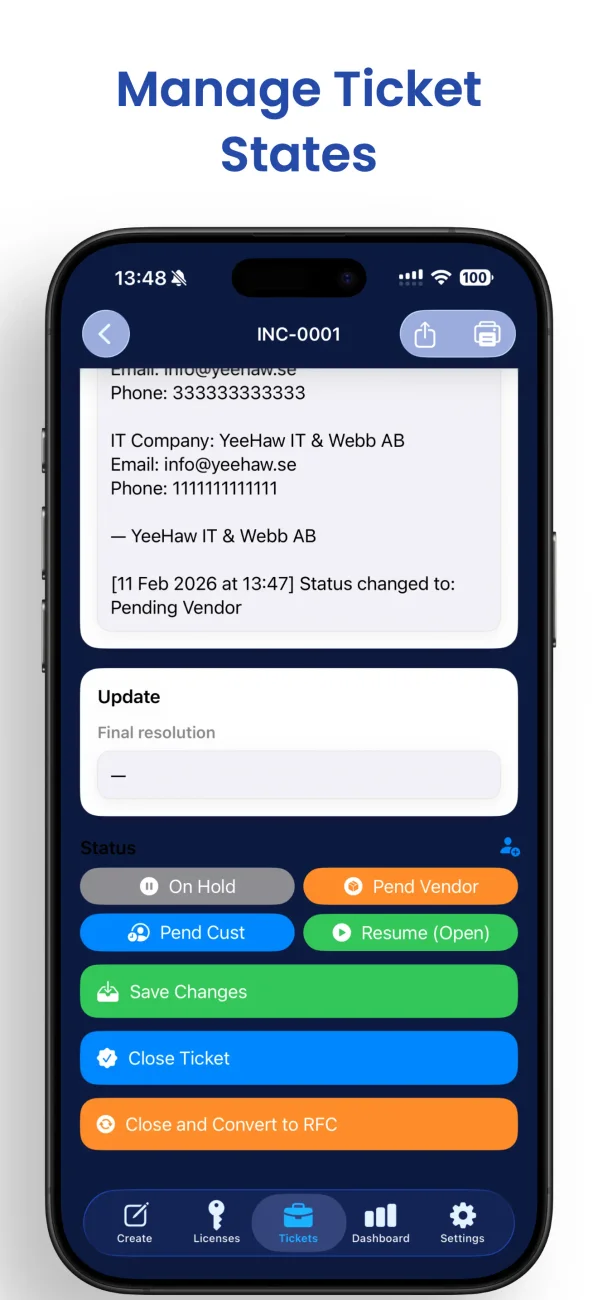
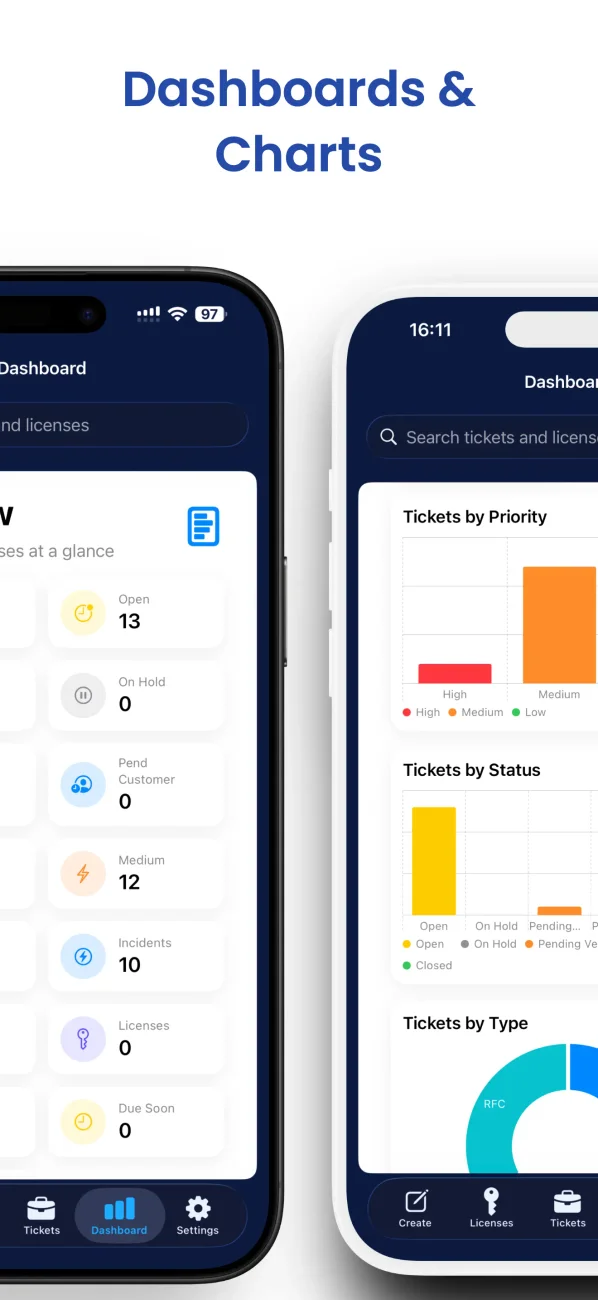


Tentang
Pengembang belum menyediakan teks ini dalam bahasa Anda.
Pocket Case Pro
Pocket Case Pro is a lightweight ticket, incident (INC), RFC, and license management app built for teams that want structure and collaboration without subscriptions or enterprise complexity.
Create tickets quickly, assign technicians, track status, and maintain a clear history with timestamped updates. Use it locally or collaborate in a shared workspace powered by Apple iCloud and CloudKit.
Ticket and RFC Management
• Create Incidents (INC) and Requests for Change (RFC)
• Set priority: High, Medium, Low
• Track status: Open, On Hold, Pending Vendor, Pending Customer, Closed
• Assign technicians and track ownership
• Add timestamped updates for full history
• Close, reopen, and convert Incidents into RFCs
Save customers and technicians to speed up ticket creation and ensure consistent assignments.
Optional email notifications can be sent when creating or closing a ticket.
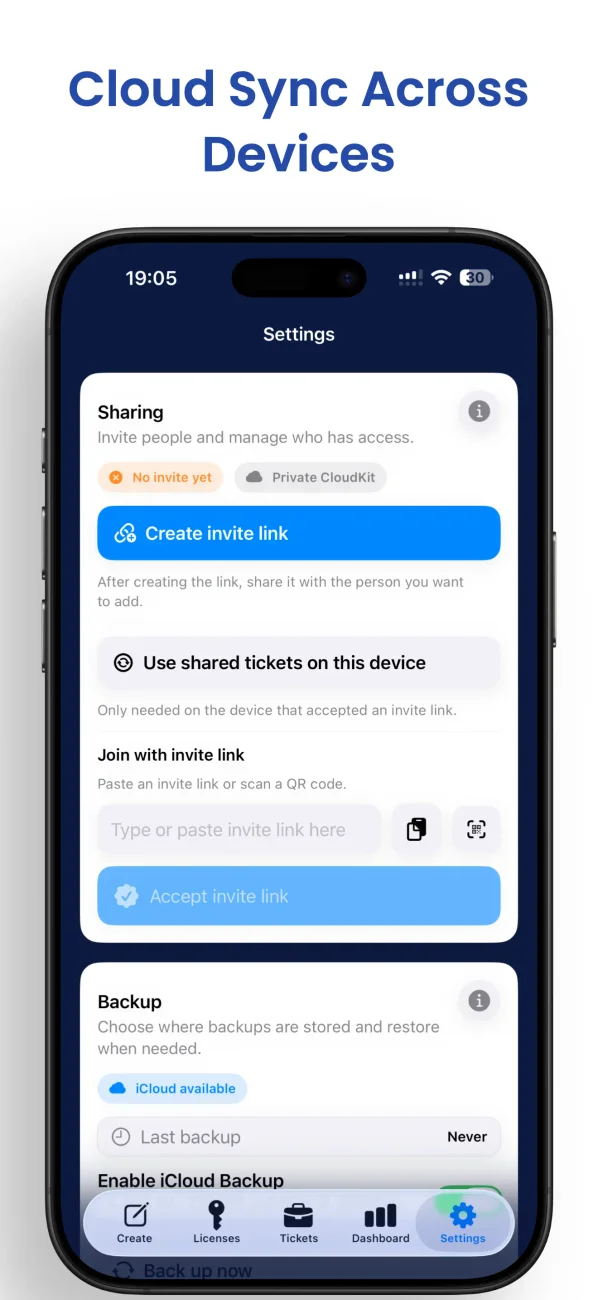
Shared Workspace with iCloud and CloudKit
Collaborate without running your own servers:
• Create a shared workspace
• Generate and copy an invite link
• Teammates join using "Join with Invite Link"
• Paste the invite link and accept using Apple iCloud
• Sync tickets across all connected devices
• Manage participants or revoke access at any time
Pocket Case Pro does not use sign up, login, or external accounts.
Users only need to be signed into iCloud for CloudKit sharing.
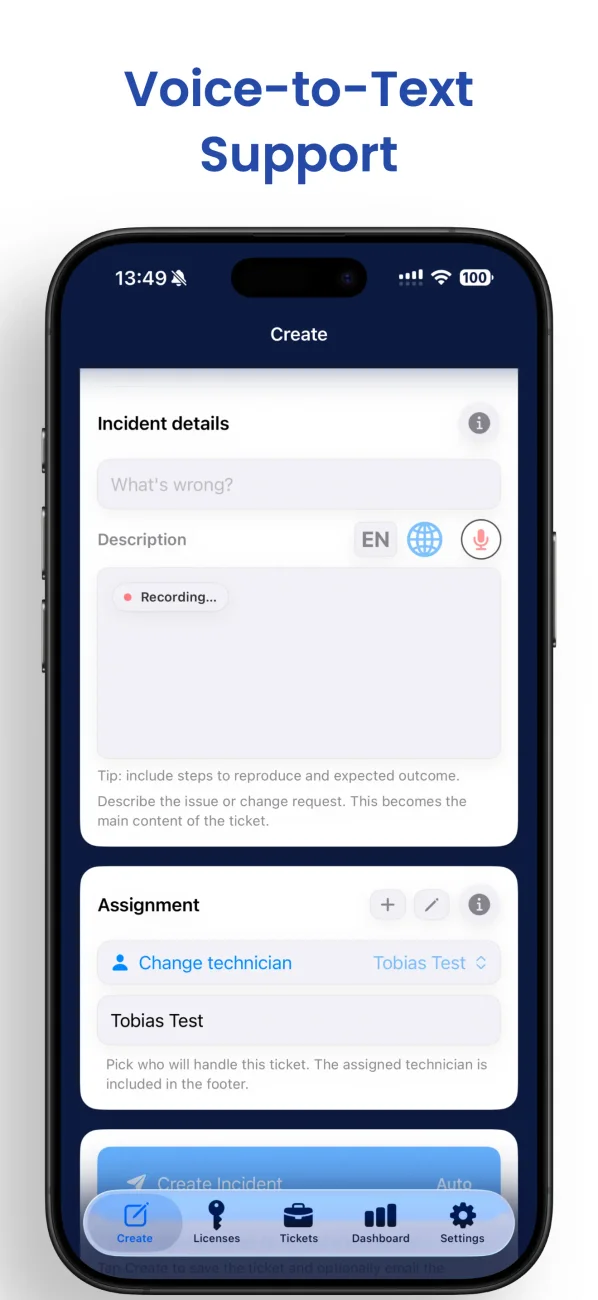
Voice Input
Use the built in microphone button to dictate ticket descriptions. Voice input uses Apple speech recognition and supports the languages enabled on the device.
Dashboards and License Tracking
• View tickets by status, type, and priority
• Track ticket trends over time
• Monitor technician workload
• Manage licenses with expiration and invoice tracking
Export and Backup
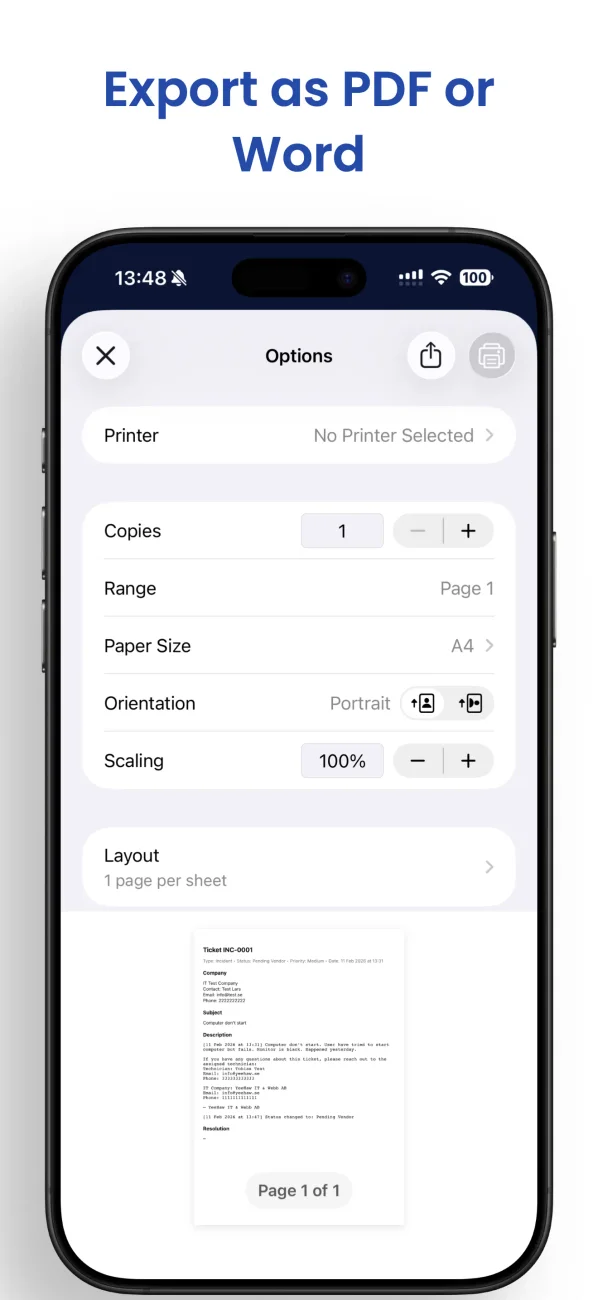
• Export tickets as PDF or DOCX
• Share as text or print
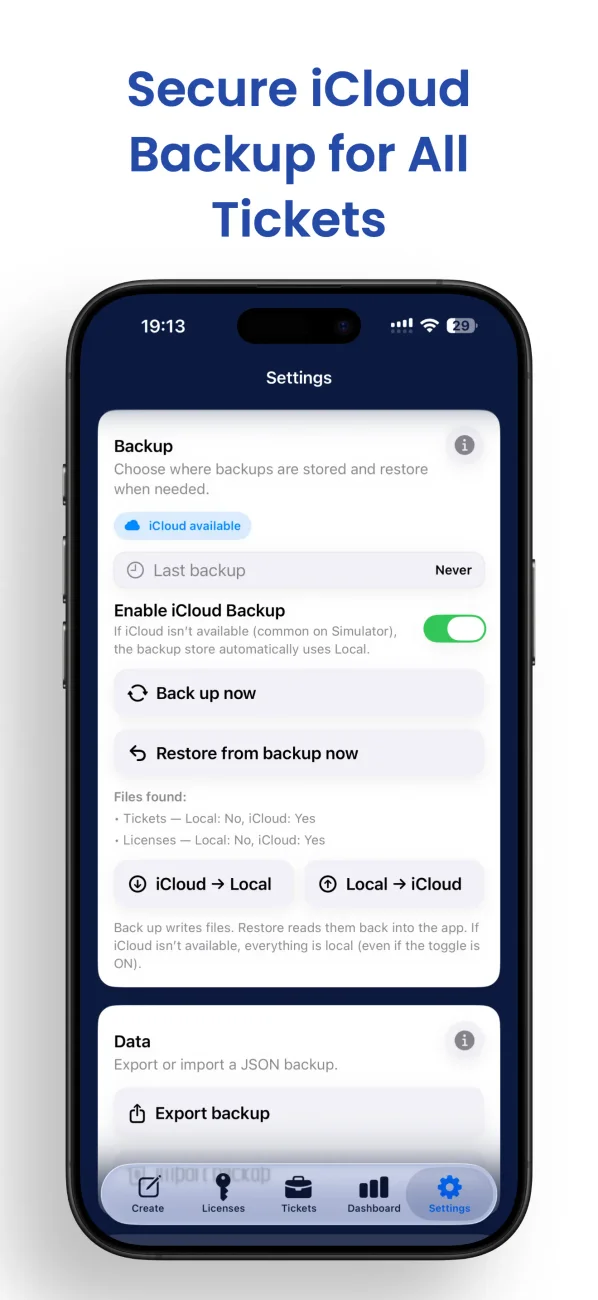
• Local and iCloud backup and restore
• Import and export JSON backups
Privacy and Data Ownership
Pocket Case Pro does not operate external servers. If iCloud sync or sharing is enabled, data is stored securely in Apple iCloud and CloudKit and shared only with participants you invite.
Customer Support: support@yeehaw.se
Terms of Use: https://www.apple.com/legal/internet-services/itunes/dev/stdeula/
Privacy Policy: https://yeehaw.se/pocket_case_pro_privacy_policy/
Yang baru
Versi 7.2.0 · 22/7/2026
What’s New in Version 7.2.0
• Improved iCloud ticket sharing with QR invite links
• More reliable local and iCloud backup handling
• Clearer backup and restore controls
• Better protection against empty backup restores
• General stability and UI improvements
Bugs fixed in 7.2.0:
• Fixed shared tickets disappearing after app restart.
• Fixed QR invite links sometimes connecting but showing 0 tickets.
• Fixed Mac owner mode wrongly trying to find a shared zone like a participant.
• Fixed invite links being created before tickets were published to CloudKit.
• Fixed backup not including all required app data.
• Fixed restore replacing existing tickets when backup had 0 tickets.
• Fixed empty local/iCloud backup files hiding populated backup files.
• Fixed dummy/sample tickets appearing in the app.
• Fixed email invite text formatting on Mac.
• Improved backup UI so it is clearer what is saved, restored, and copied.
Privasi aplikasi
Yang dinyatakan YeeHaw IT & Webb AB di App Store tentang cara aplikasi ini menangani data.
-
Data tidak dikumpulkan
Pengembang tidak mengumpulkan data apa pun dari aplikasi ini.
Praktik privasi dapat bervariasi, misalnya berdasarkan fitur yang Anda gunakan atau usia Anda.
Informasi
- Penjual
- YeeHaw IT & Webb AB
- Kategori
- Produktivitas
- Versi
- 7.2.0
- Diperbarui
- 22/7/2026
- Dirilis
- 20/2/2026
- Ukuran
- 8,8 MB
- Memerlukan
- iOS 26.0 atau yang lebih baru
- Batasan usia
- 4+
- Harga
- Gratis
- Bahasa
- Inggris
- Hak cipta
- © 2025 YeeHaw IT & Webb AB
Mungkin Anda juga suka
-
 Duty shiftProduktivitas
-
 Konverter Grafik ke Excel: XLSEkstrak Grafik ke file XLSX
-
 AI Agent Assistant: Agentic AIProduktivitas
-
 Kunci Aplikasi Apk Pengunci .Kata Sandi Kunci App Lock
-
 Chat PRO AI ChatbotProduktivitas
-
 PDF AI: Editor, Pemindai, ChatRingkas, Terjemah & Tanda
-
 Password Manager: SafeProduktivitas
-
 Bots - AI Agent & ChatbotProduktivitas
-
 AI Chat Bot - Nova AIProduktivitas
-
 PDF Reader – PDFelementProduktivitas