
PS File Viewer
View & Convert PS Files.
Dirancang untuk iPhone, iPad
Gratis · Pembelian dalam aplikasi
- Batasan usia4+
- KategoriProduktivitas
- PengembangVaibhav Singhal
- BahasaInggris+ 16 lainnya
- Ukuran34,9 MB
Tertaut ke halaman resmi App Store
Download.org tidak menyimpan file PS File Viewer apa pun. Tombol ini membuka halaman aplikasi di App Store, tempat Vaibhav Singhal menerbitkannya. Halaman terakhir diperiksa pada 14/11/2026.
Tangkapan layar
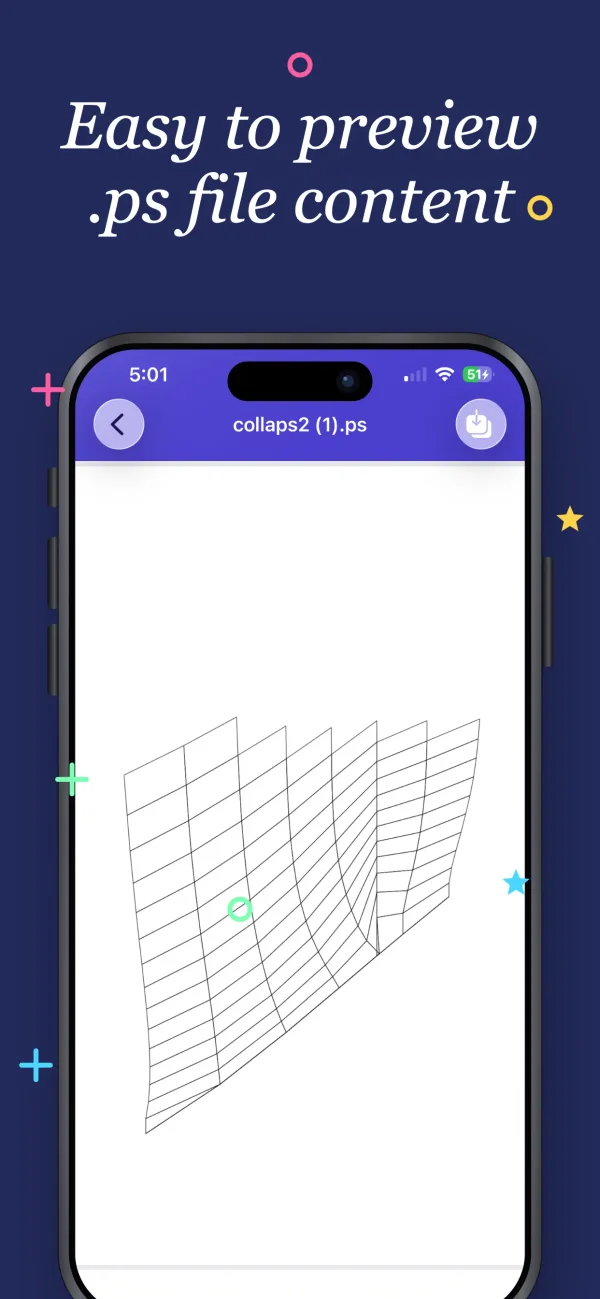
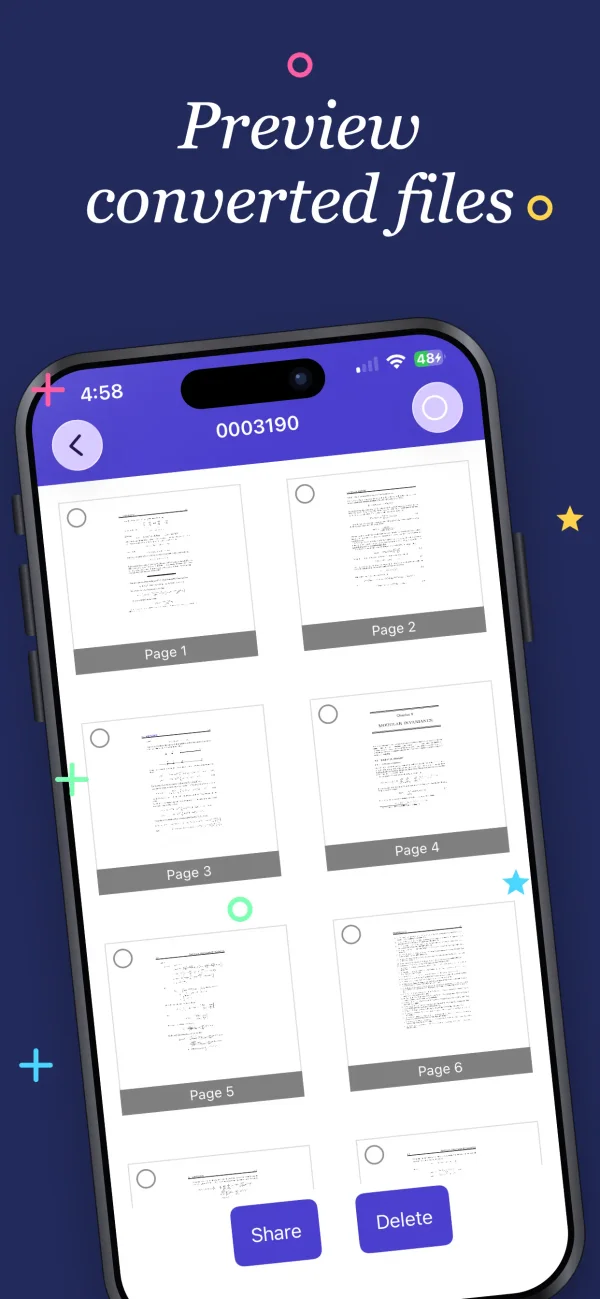
Tentang
Pengembang belum menyediakan teks ini dalam bahasa Anda.
Viewer for PS Files is the simplest way to open, view, and convert PostScript (.ps) files right from your iPhone or iPad — no desktop software required.
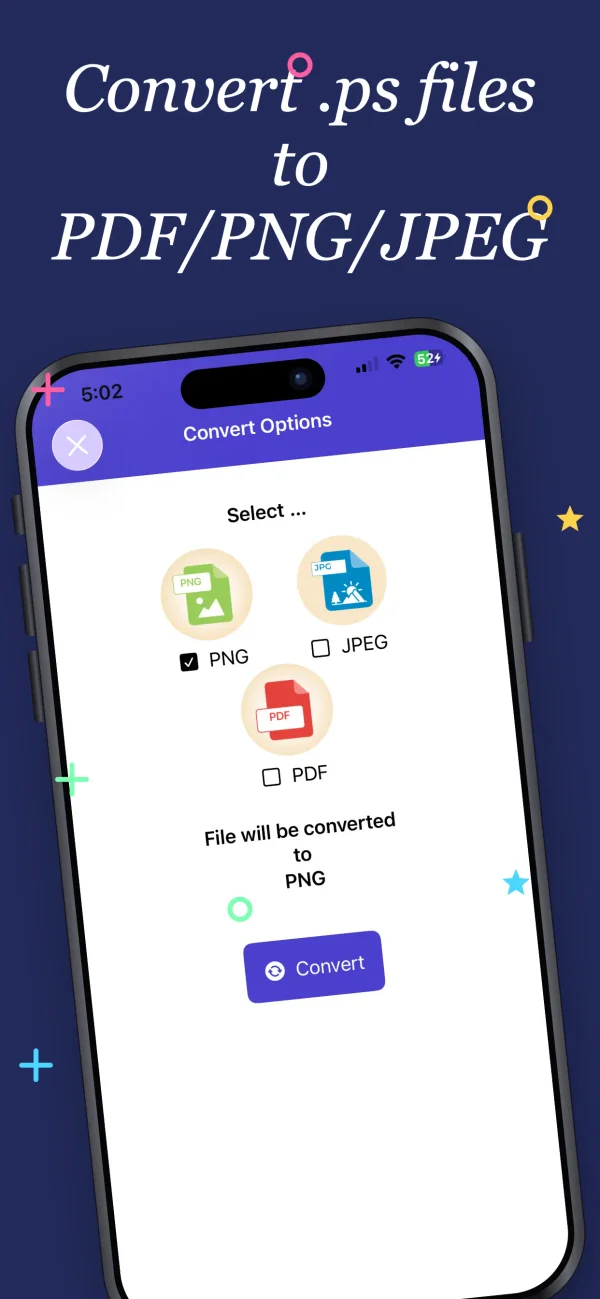
PostScript files are notoriously hard to open on mobile devices. Viewer for PS Files solves that problem by letting you import a .ps file and instantly convert it into PDF, PNG, or JPEG — whichever format you need.
KEY FEATURES
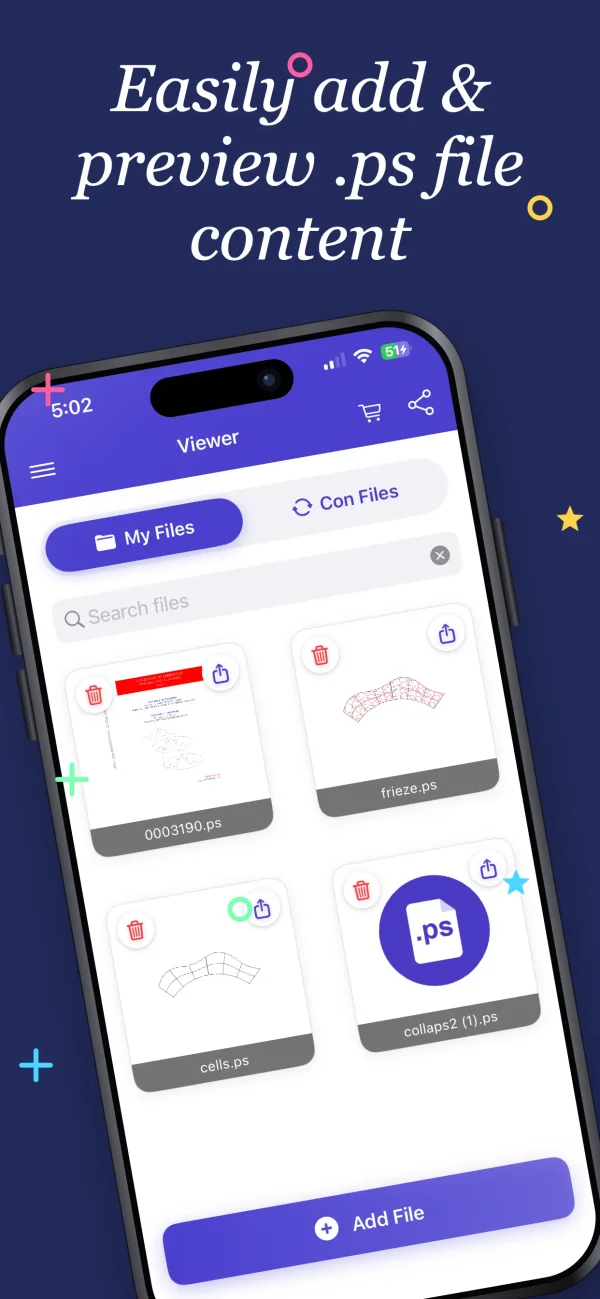
• Open .ps files directly from Files, Mail, AirDrop, or any app that supports the Share Sheet
• Convert PostScript files to PDF, PNG, or JPEG
• Fast, reliable online conversion
• Clean, distraction-free viewer for your converted files with smooth scrolling and zoom
• Save converted files locally so you can access them anytime, even offline
• Share converted files via Mail, Messages, AirDrop, or any installed app
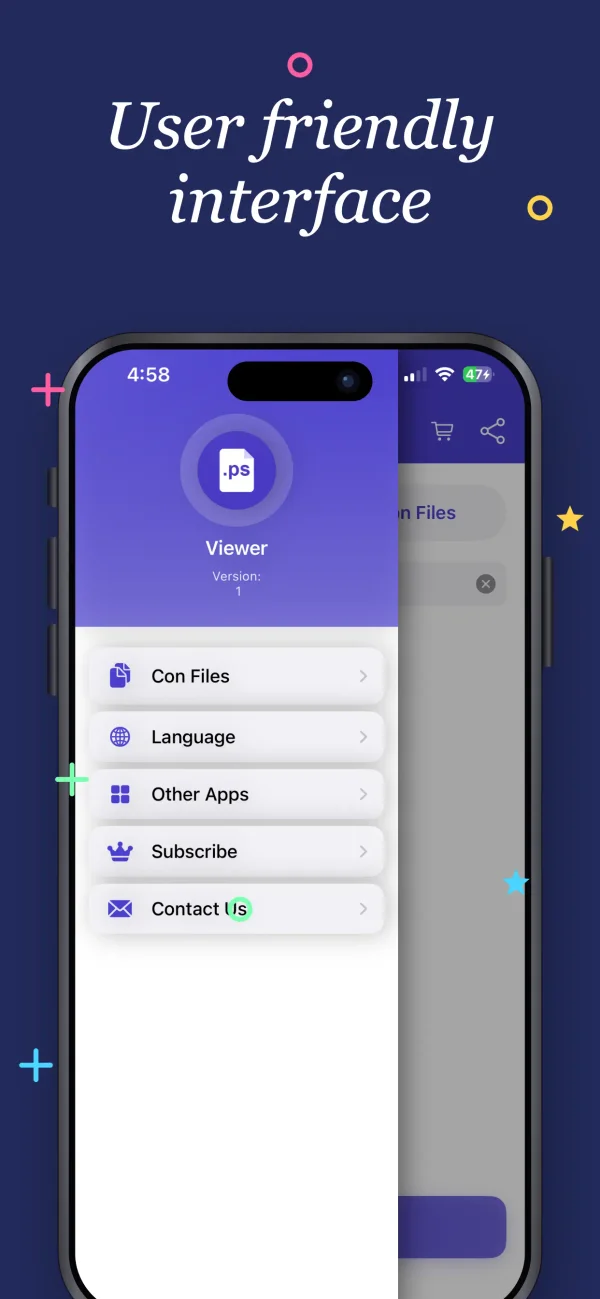
• Simple, intuitive interface designed for quick, on-the-go use
• Automatic retry handling for a smooth conversion experience, even on slower connections
HOW IT WORKS
1. Open a .ps file from the Files app or share it into Viewer for PS Files
2. The app securely process and converts your file to PDF, PNG, or JPEG
3. View your converted file instantly inside the app
4. Save or share it wherever you need it
WHO IT'S FOR
Viewer for PS Files is built for anyone who receives PostScript files from printers, publishers, engineering tools, or legacy software and needs a fast way to view or convert them on iOS — students, engineers, print professionals, and everyday users alike.
PRIVACY & RELIABILITY
Your files are processed securely and only used to generate your converted file. We don't require an account to get started, and the app is designed to be lightweight and fast.
SUBSCRIPTION
Viewer for PS Files offers an optional subscription that removes ads and unlocks unlimited conversions for a smoother, uninterrupted experience. Subscriptions are billed through your Apple ID account and can be managed or cancelled anytime in your device Settings.
Download Viewer for PS Files today and turn any PostScript file into a viewable, shareable PDF, PNG, or JPEG in seconds.
Terms of use(EULA) : https://www.apple.com/legal/internet-services/itunes/dev/stdeula/
Yang baru
Versi 1.8 · 30/10/2026
Viewer for PS Files is the simplest way to open, view, and convert PostScript (.ps) files right from your iPhone or iPad — no desktop software required. Convert PostScript files to PDF, PNG, or JPEG.
Privasi aplikasi
Yang dinyatakan Vaibhav Singhal di App Store tentang cara aplikasi ini menangani data.
-
Data yang digunakan untuk melacak Anda
Dapat digunakan untuk melacak Anda di aplikasi dan situs web milik perusahaan lain.
- Lokasi
- Pengenal
-
Data yang tidak ditautkan dengan Anda
Dapat dikumpulkan, tetapi tidak ditautkan dengan identitas Anda.
- Lokasi
- Pengenal
- Diagnostik
Praktik privasi dapat bervariasi, misalnya berdasarkan fitur yang Anda gunakan atau usia Anda.
Informasi
- Penjual
- Vaibhav Singhal
- Kategori
- Produktivitas
- Versi
- 1.8
- Diperbarui
- 30/10/2026
- Dirilis
- 18/7/2026
- Ukuran
- 34,9 MB
- Memerlukan
- iOS 16.0 atau yang lebih baru
- Batasan usia
- 4+
- Harga
- Gratis
- Pembelian dalam aplikasi
- Ya
- Bahasa
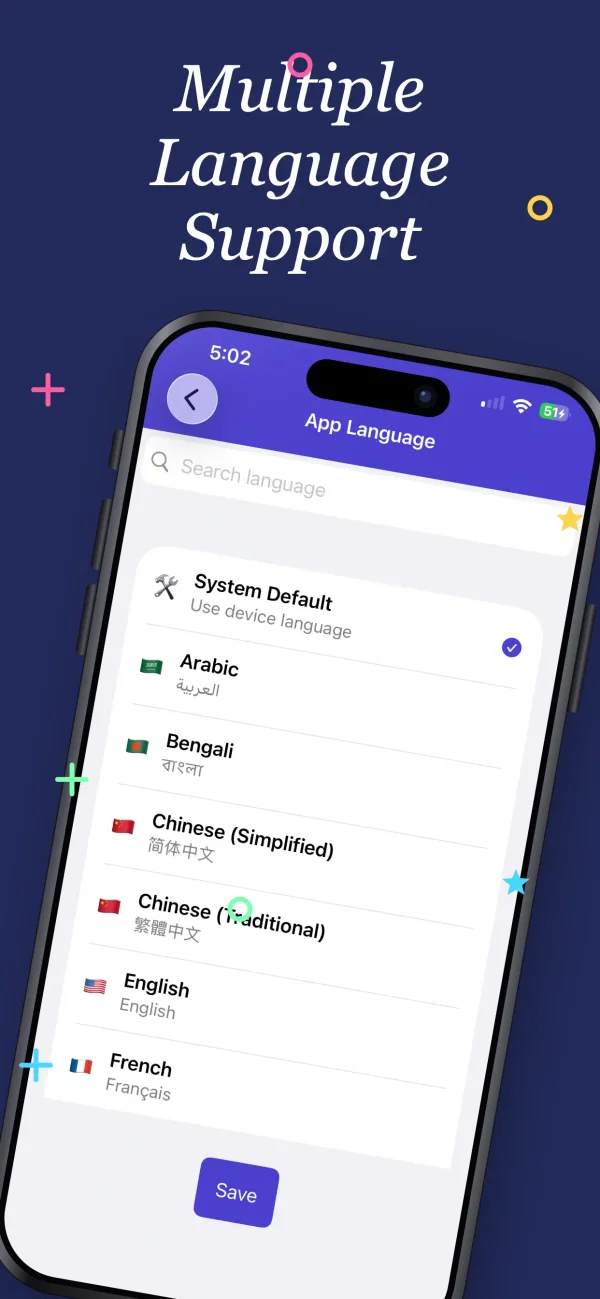
- Inggris, Arab, Bengali, Prancis, Jerman, Hindi, Bahasa Indonesia, Italia, Jepang, Korea, Portugis, Rusia + 5 lainnya
- Hak cipta
- © 2026, MagicApps
Mungkin Anda juga suka
-
 EPS Viewer: Open & View FilesEPS Reader & PostScript Tools
-
 Relock: Block Apps & FocusProduktivitas
-
 FlightLog – Pilot LogbookProduktivitas
-
 Deplan - Expense SharingProduktivitas
-
 QR Code & Barcode Label MakerProduktivitas
-
 Unplugged - Limit Screen TimeProduktivitas
-
 Just2Done: AI Note TakerProduktivitas
-
 OpenFile - Pratinjau FilePratinjau 100+ Format File
-
 AI Humanizer Teks: AkmonManusiakan & Lolos Deteksi
-
 wasep.meProduktivitas