QR Code Reader by Scanwise
Scan, Generate QR Code/Barcode
Dirancang untuk iPhone, iPad, iPod touch
Gratis
- Batasan usia4+
- KategoriKegunaan
- PengembangOprayo Ltd
- BahasaInggris
- Ukuran29,5 MB
Tertaut ke halaman resmi App Store
Download.org tidak menyimpan file QR Code Reader by Scanwise apa pun. Tombol ini membuka halaman aplikasi di App Store, tempat Oprayo Ltd menerbitkannya. Halaman terakhir diperiksa pada 14/11/2026.
Tangkapan layar




Tentang
Pengembang belum menyediakan teks ini dalam bahasa Anda.
100% free for all features. No upgrade cost. No Subscription
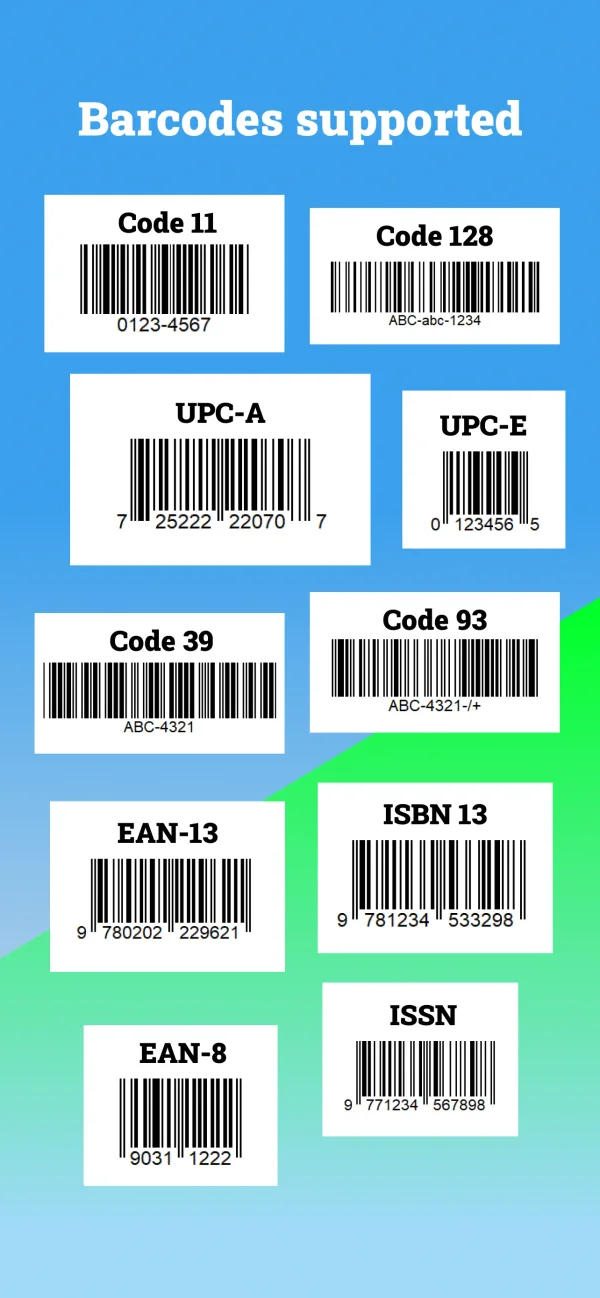
Scanwise scans and reads QR codes and barcodes, supporting:
QR codes:
- Webpage / Facebook / Twitter / YouTube links / URLs
- SMS
- Location on Google Map
- WiFi Hotspots
- Phone Number
- Email Address
- Text Message
Barcodes:
- Code-128
- EAN-8
- EAN-13
- UPC-A
- UPC-E
- ISBN
- and more!
Simply point and hold
Automatic detection of code type.
Supports scan from photo
If you have a photo of a QR code you may pick the photo for scanning. (Access permission is required for this)
Safe browsing
You have the option to open a link after reading the scanned link, avoid phishing or malware sites.
Supports flashlight and torch
You may quickly toggle on the flashlight or torch within the app for scanning in the dark.
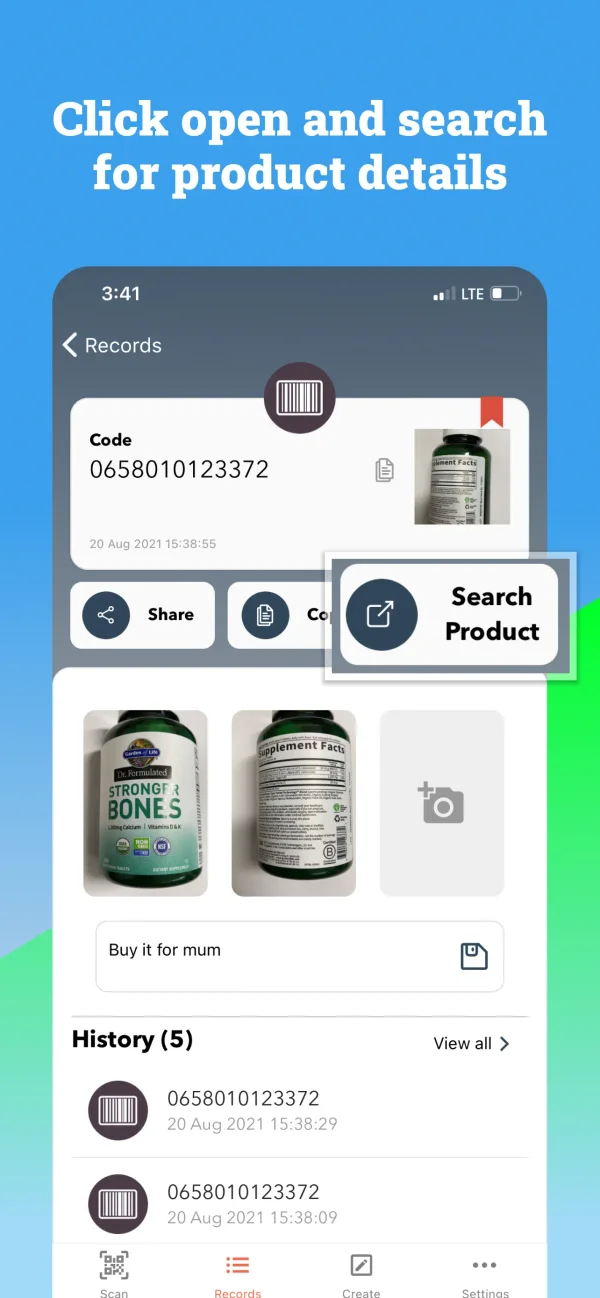
Auto search for product
After scanning product barcodes, you may open and read the product details in browser.
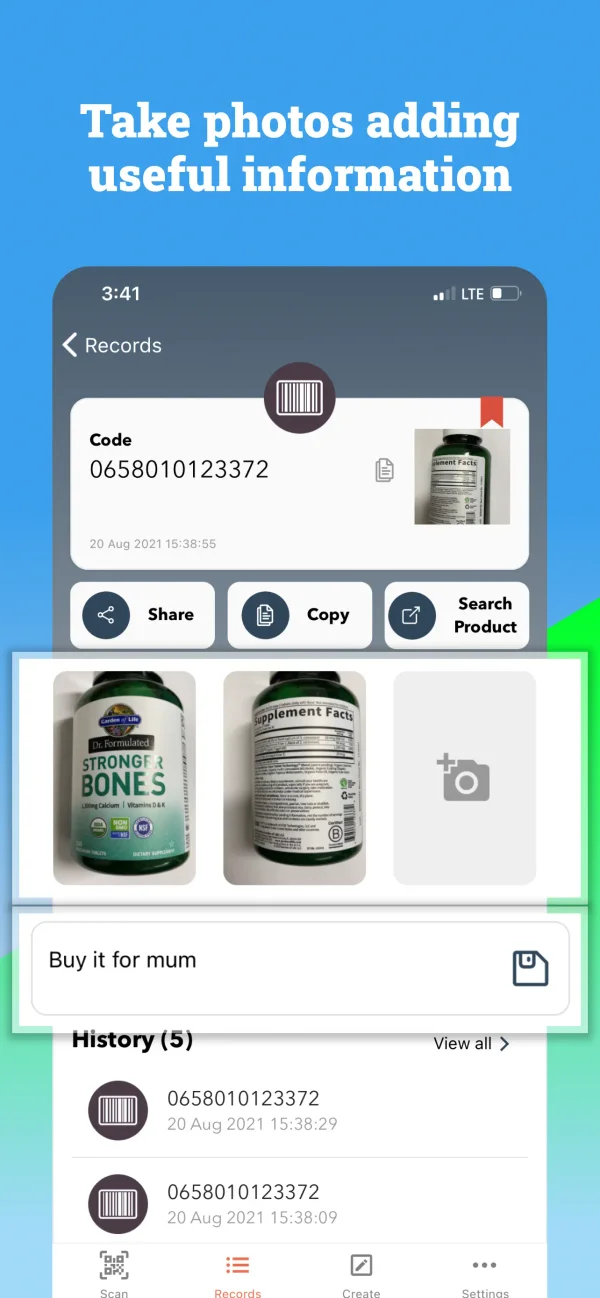
Attach useful photo
You may want to add photos about a link or a product to make the scans more informative. For example, you just scanned a coffee coupon and you may want to add a photo of the menu or a photo of the shop.
Add your own comment on product
You may write comments in the app for the products that you find them worth-buying.
Amazon search for ISBN barcodes (books)
For ISBN barcodes, Scanwise can auto search for books in Amazon.
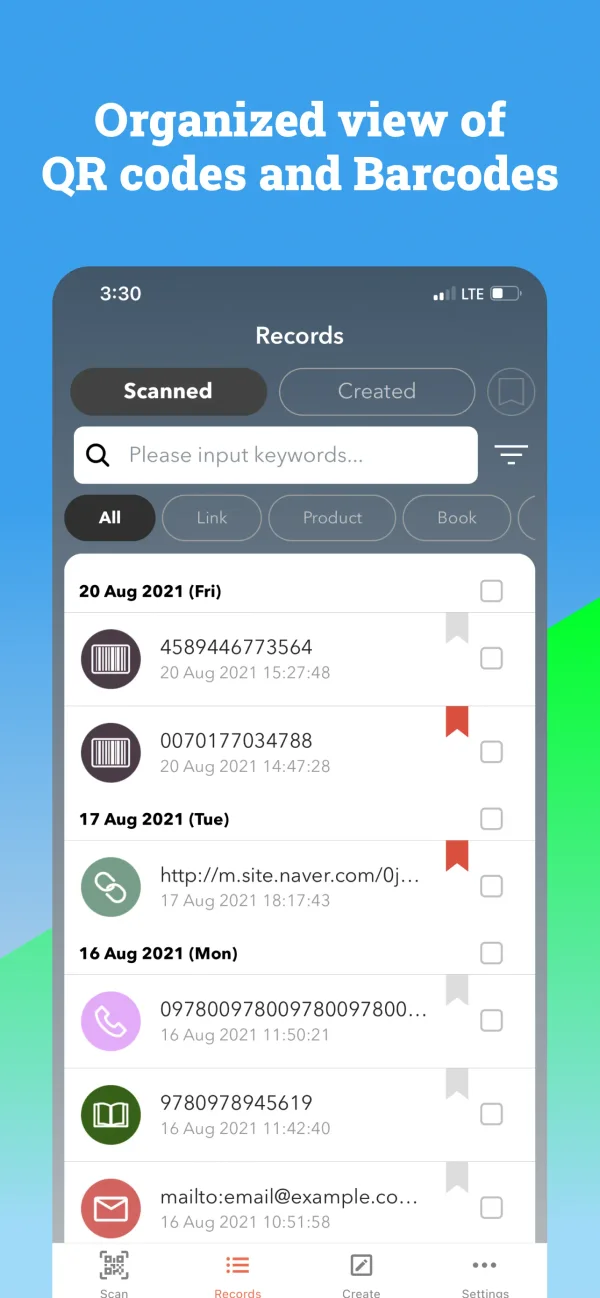
Add to Bookmark
Simply click the “Bookmark” icon, you can add your scanned codes such as links, books, albums, etc. to your Bookmark List.
Create your own QR codes
- Webpage / Facebook / Twitter / YouTube links / URLs
- SMS
- Location on Google Map
- WiFi Hotspots
- Phone Number
- Email Address
- Text Message
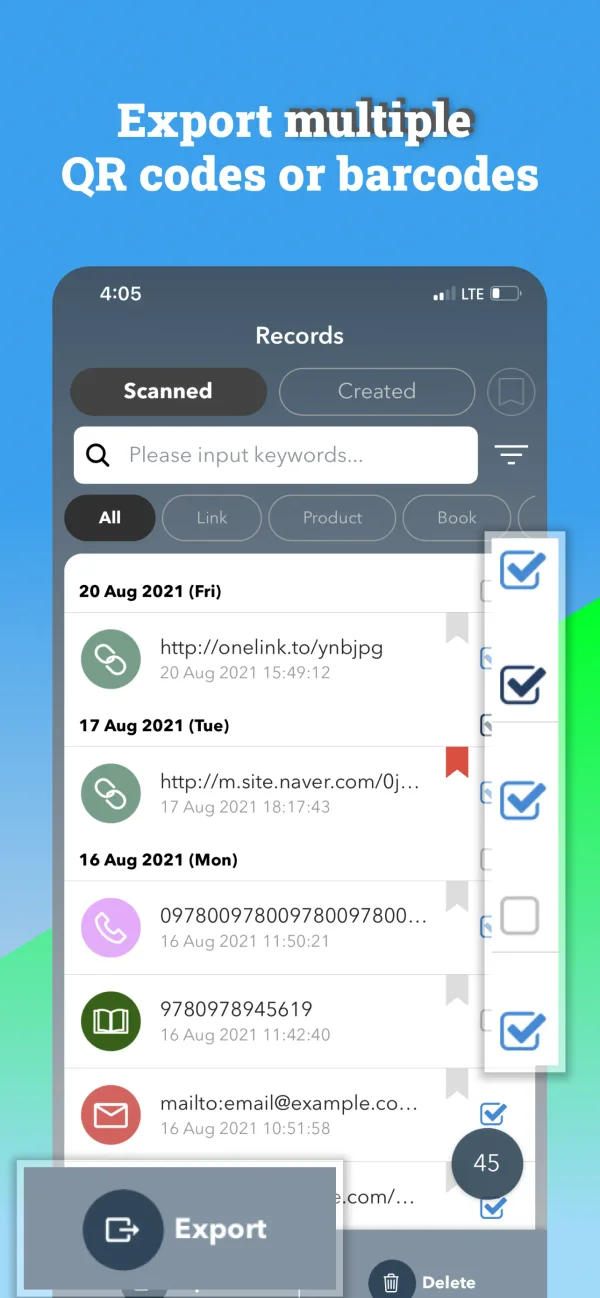
Export your scans by CSV file
Share and export your scan history as CSV file. It is especially suitable for extensive use of scanning QR codes and barcodes.
Supports unlimited scan history
You may manage unlimited history of all your scans and new QR Codes.
If you have comment, feel free to contact us: hklocalscom@gmail.com
Yang baru
Versi 1.4.0 · 30/7/2025
We’ve added powerful new features to help you get more from your scans!
Food details: Scan food barcodes to instantly view ingredients, allergens, preservatives and nutrition info from OpenFoodFacts.
Book details: Scan ISBN barcodes to see book titles, authors and descriptions using Google Books.
Quick search buttons: Easily search scanned products or books on Google, Amazon and more with just one tap.
Hong Kong users: For food items, you can now see local price information from the Hong Kong Consumer Council.
Thank you for using QR Code Reader by Scanwise!
Privasi aplikasi
Yang dinyatakan Oprayo Ltd di App Store tentang cara aplikasi ini menangani data.
-
Data yang digunakan untuk melacak Anda
Dapat digunakan untuk melacak Anda di aplikasi dan situs web milik perusahaan lain.
- Pengenal
- Data penggunaan
-
Data yang tidak ditautkan dengan Anda
Dapat dikumpulkan, tetapi tidak ditautkan dengan identitas Anda.
- Pengenal
- Data penggunaan
Praktik privasi dapat bervariasi, misalnya berdasarkan fitur yang Anda gunakan atau usia Anda.
Informasi
- Penjual
- Oprayo Ltd
- Kategori
- Kegunaan
- Versi
- 1.4.0
- Diperbarui
- 30/7/2025
- Dirilis
- 23/8/2021
- Ukuran
- 29,5 MB
- Memerlukan
- iOS 15.1 atau yang lebih baru
- Batasan usia
- 4+
- Harga
- Gratis
- Bahasa
- Inggris
- Hak cipta
- © 2025 Rex Lam
Mungkin Anda juga suka
-
 QRScan - Pemindai Kode QRPemindaian Kode QR
-
 Continuous Qr ScannerKegunaan
-
 QRoll – Group Check-InKegunaan
-
 ProScan-Mobile Barcode ReaderKegunaan
-
 EV BatteryManAIKesehatan&Prediksi Baterai EV
-
 QR Scan&CreateKegunaan
-
 BrandsGuardsKegunaan
-
 CalcBinKegunaan
-
 TPG - Tiny Password GeneratorKegunaan
-
 Fybra HomeKegunaan