QR Code Reader by Scanwise
Scan, Generate QR Code/Barcode
Designed for iPhone, iPad, iPod touch
Free
- Age rating4+
- CategoryUtilities
- DeveloperOprayo Ltd
- LanguagesEnglish
- Size29.5 MB
Links to the official App Store page
Download.org hosts no file of QR Code Reader by Scanwise. The button opens its official App Store page, published by Oprayo Ltd. Listing last checked on Nov 14, 2026.
Screenshots




About
100% free for all features. No upgrade cost. No Subscription
Scanwise scans and reads QR codes and barcodes, supporting:
QR codes:
- Webpage / Facebook / Twitter / YouTube links / URLs
- SMS
- Location on Google Map
- WiFi Hotspots
- Phone Number
- Email Address
- Text Message
Barcodes:
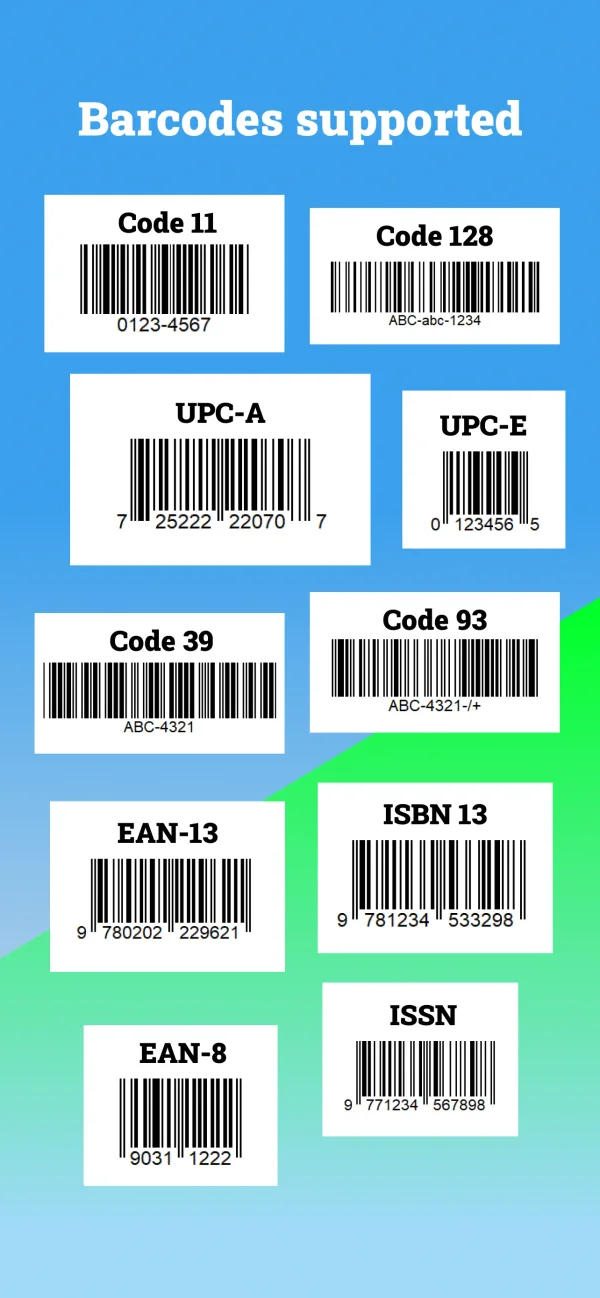
- Code-128
- EAN-8
- EAN-13
- UPC-A
- UPC-E
- ISBN
- and more!
Simply point and hold
Automatic detection of code type.
Supports scan from photo
If you have a photo of a QR code you may pick the photo for scanning. (Access permission is required for this)
Safe browsing
You have the option to open a link after reading the scanned link, avoid phishing or malware sites.
Supports flashlight and torch
You may quickly toggle on the flashlight or torch within the app for scanning in the dark.
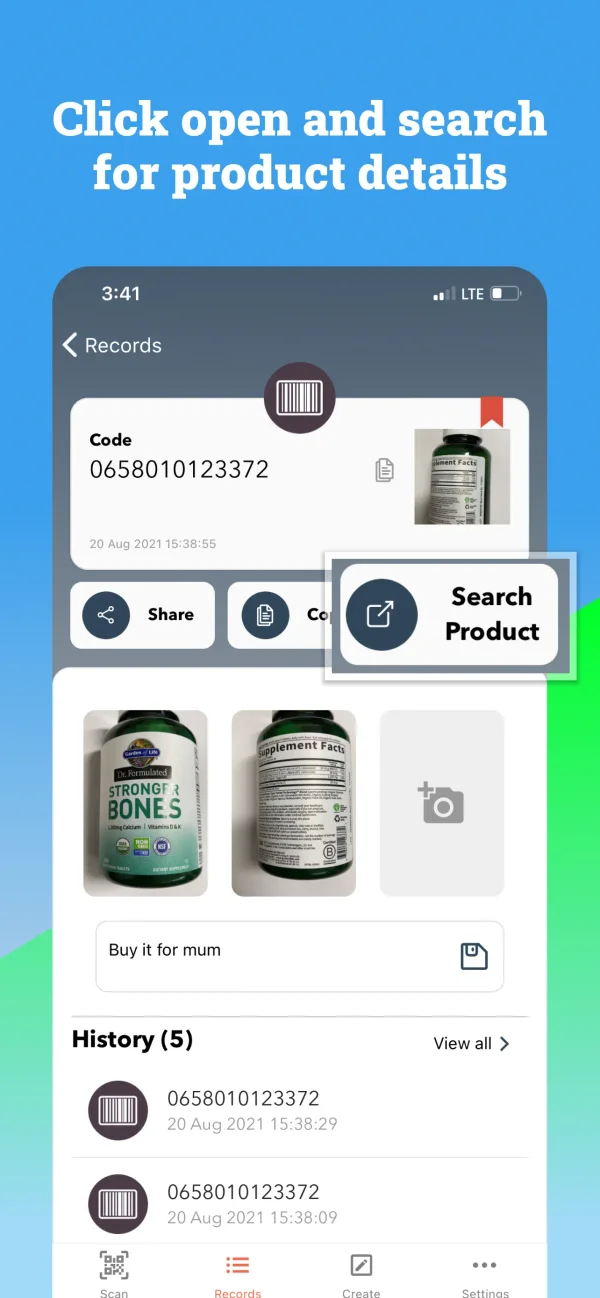
Auto search for product
After scanning product barcodes, you may open and read the product details in browser.
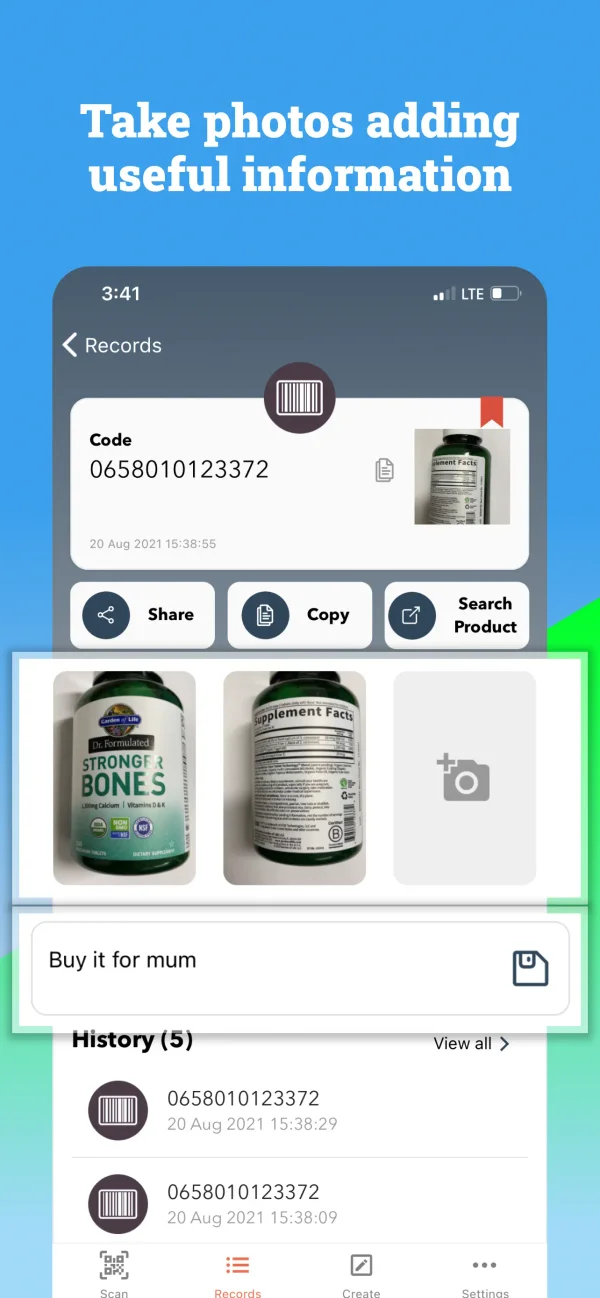
Attach useful photo
You may want to add photos about a link or a product to make the scans more informative. For example, you just scanned a coffee coupon and you may want to add a photo of the menu or a photo of the shop.
Add your own comment on product
You may write comments in the app for the products that you find them worth-buying.
Amazon search for ISBN barcodes (books)
For ISBN barcodes, Scanwise can auto search for books in Amazon.
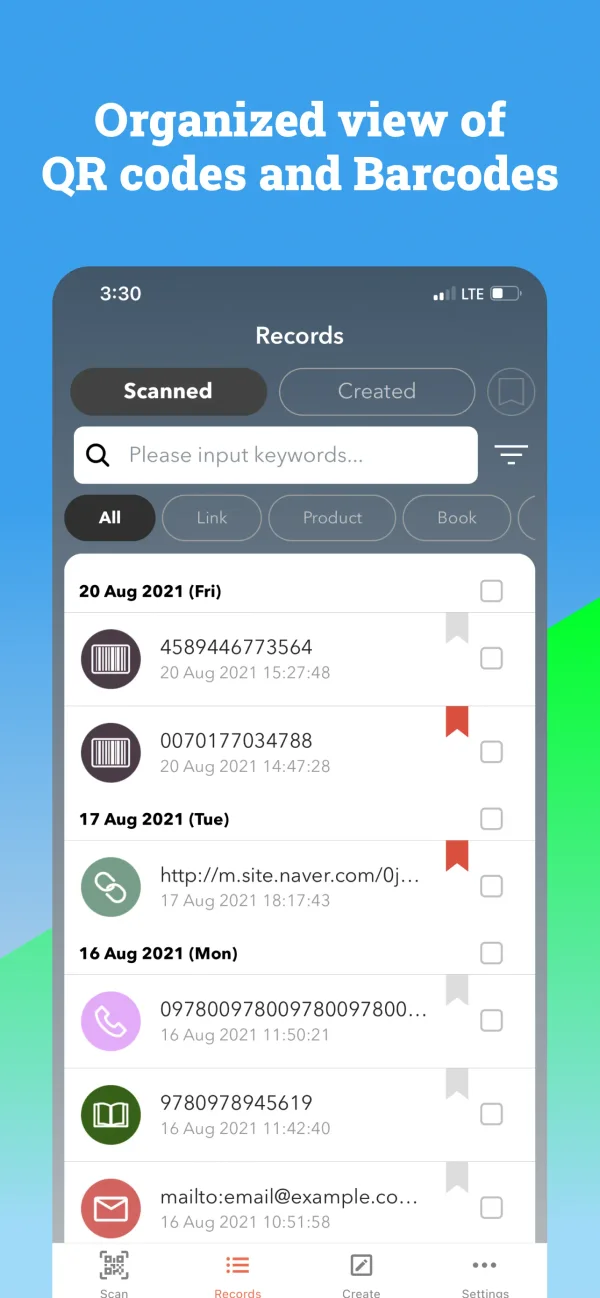
Add to Bookmark
Simply click the “Bookmark” icon, you can add your scanned codes such as links, books, albums, etc. to your Bookmark List.
Create your own QR codes
- Webpage / Facebook / Twitter / YouTube links / URLs
- SMS
- Location on Google Map
- WiFi Hotspots
- Phone Number
- Email Address
- Text Message
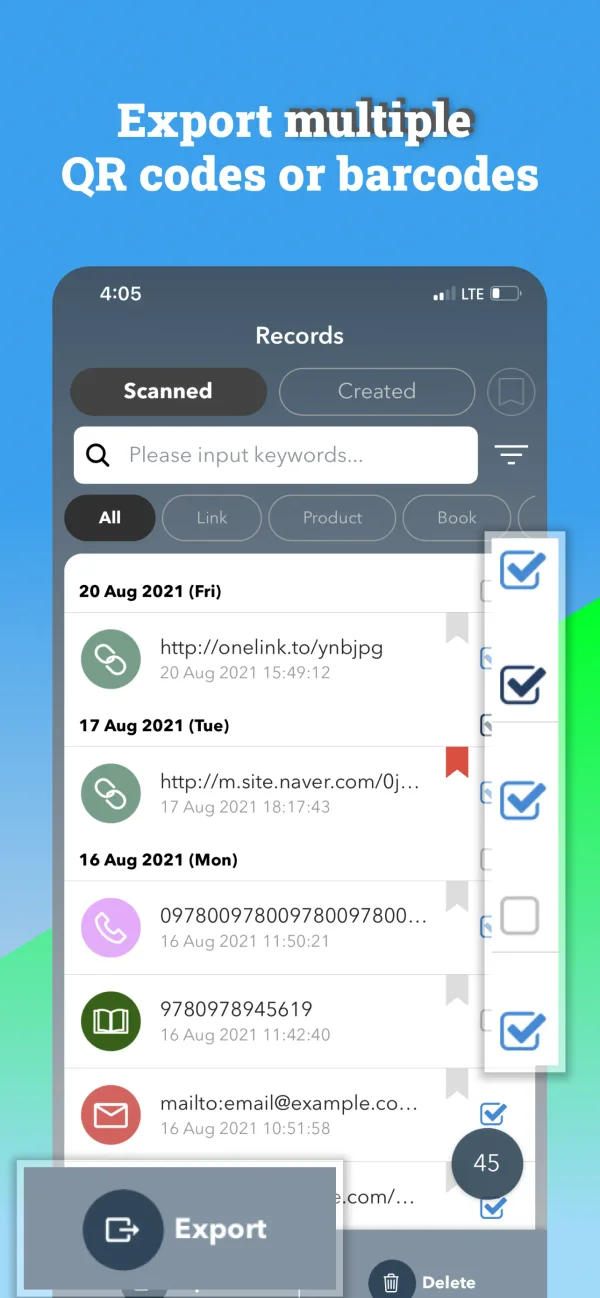
Export your scans by CSV file
Share and export your scan history as CSV file. It is especially suitable for extensive use of scanning QR codes and barcodes.
Supports unlimited scan history
You may manage unlimited history of all your scans and new QR Codes.
If you have comment, feel free to contact us: hklocalscom@gmail.com
What’s new
Version 1.4.0 · Jul 30, 2025
We’ve added powerful new features to help you get more from your scans!
Food details: Scan food barcodes to instantly view ingredients, allergens, preservatives and nutrition info from OpenFoodFacts.
Book details: Scan ISBN barcodes to see book titles, authors and descriptions using Google Books.
Quick search buttons: Easily search scanned products or books on Google, Amazon and more with just one tap.
Hong Kong users: For food items, you can now see local price information from the Hong Kong Consumer Council.
Thank you for using QR Code Reader by Scanwise!
App privacy
What Oprayo Ltd declares on the App Store about how this app handles data.
-
Data used to track you
May be used to track you across apps and websites owned by other companies.
- Identifiers
- Usage data
-
Data not linked to you
May be collected but is not linked to your identity.
- Identifiers
- Usage data
Privacy practices may vary, for example with the features you use or your age.
Information
- Seller
- Oprayo Ltd
- Category
- Utilities
- Version
- 1.4.0
- Updated
- Jul 30, 2025
- Released
- Aug 23, 2021
- Size
- 29.5 MB
- Requires
- iOS 15.1 or later
- Age rating
- 4+
- Price
- Free
- Languages
- English
- Copyright
- © 2025 Rex Lam
You might also like
-
 QRScan: QR & Barcode Scanner.Fast Code Reader & Generator
-
 Continuous Qr ScannerScan links without stopping
-
 QRoll – Group Check-InQR Attendance for Small Groups
-
 ProScan-Mobile Barcode ReaderUtilities
-
 EV BatteryManAIEV Battery Health & Prediction
-
 QR Scan&CreateUtilities
-
 BrandsGuardsUtilities
-
 CalcBinCalc & Convert BIN,OCT,DEC,HEX
-
 TPG - Tiny Password GeneratorUtilities
-
 Fybra HomeUtilities