QuickCode: Code Editor
A Simple Code Editor
Dirancang untuk iPhone, iPad, Mac
Gratis
- Batasan usia4+
- KategoriAlat Pengembang
- PengembangMark Howard
- BahasaInggris
- Ukuran6,2 MB
Tertaut ke halaman resmi App Store
Download.org tidak menyimpan file QuickCode: Code Editor apa pun. Tombol ini membuka halaman aplikasi di App Store, tempat Mark Howard menerbitkannya. Halaman terakhir diperiksa pada 15/11/2026.
Tangkapan layar
Tentang
Pengembang belum menyediakan teks ini dalam bahasa Anda.
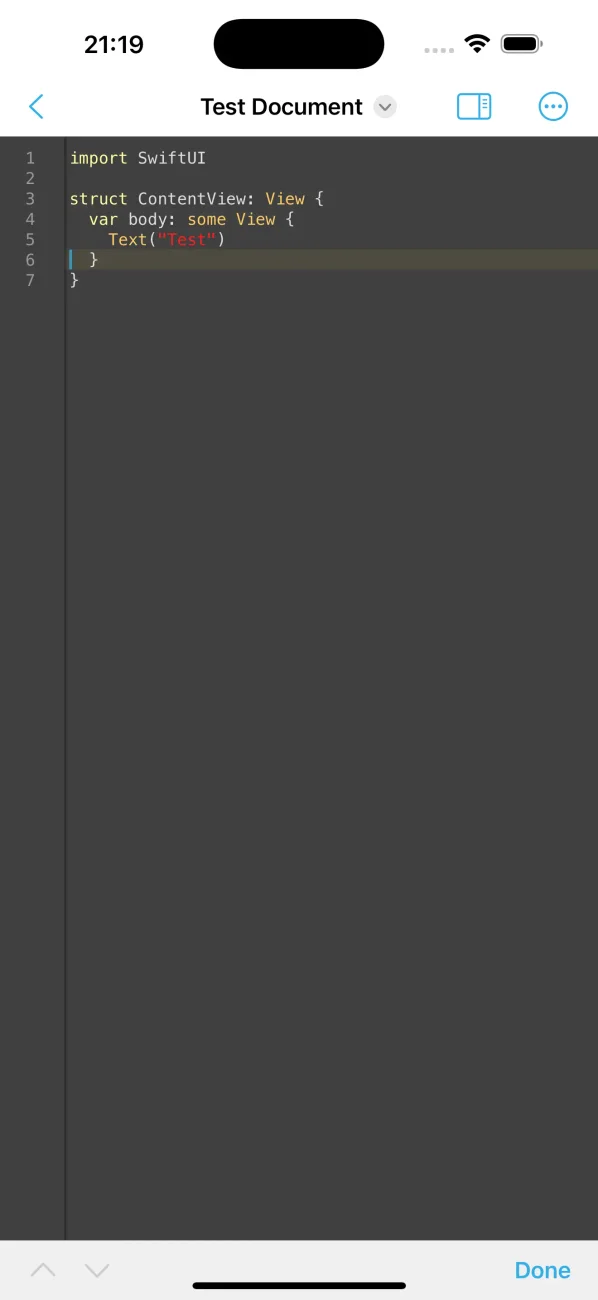
Welcome to QuickCode, the ultimate code editor designed for users who want to code on the go with power and ease.
Featuring a sleek and intuitive interface, QuickCode offers a comprehensive set of tools tailored for both beginners and seasoned developers. Whether you're crafting a quick script or diving into a complex project, this app provides the versatility and functionality you need to bring your ideas to life.
Features:
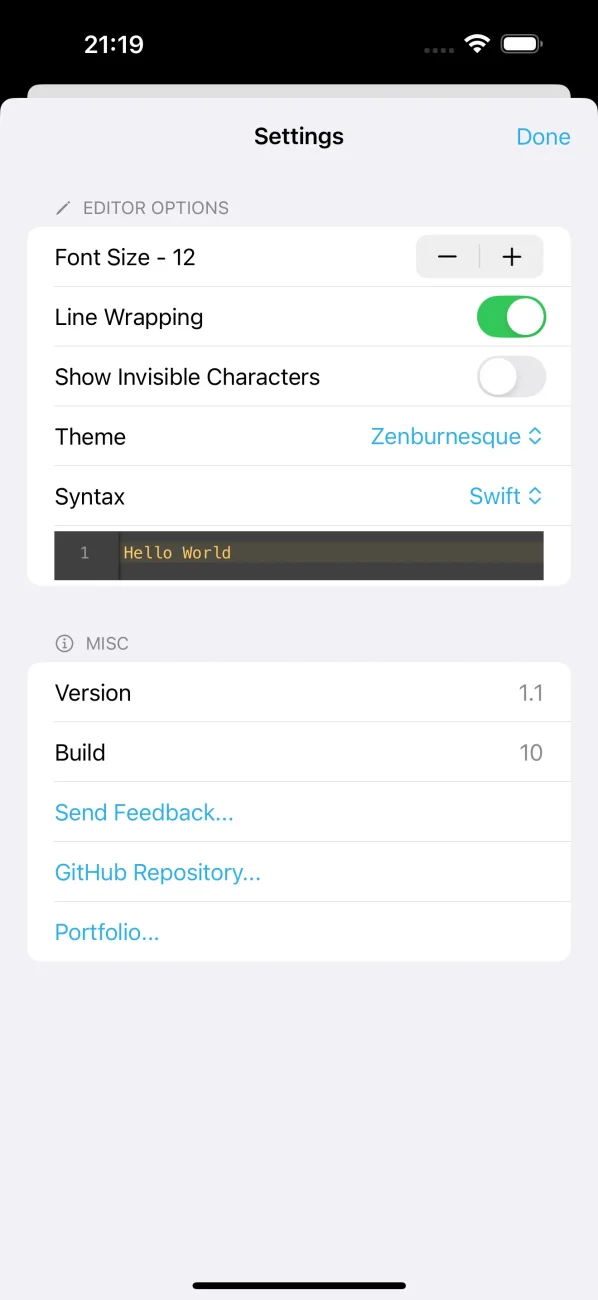
* Syntax Highlighting: Write code with clarity and precision thanks to our advanced syntax highlighting feature, which enhances readability and reduces errors.
* Editor Themes: Customise your coding environment to suit your style with a variety of editor themes, ensuring a personalised and comfortable experience.
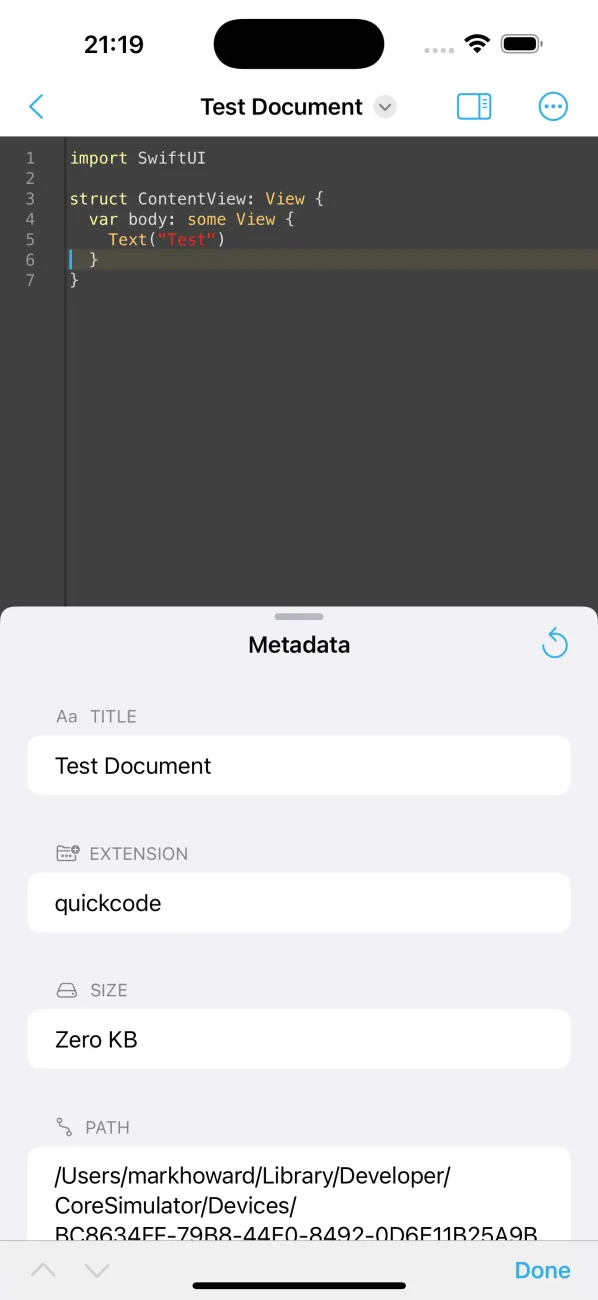
* Metadata Pane: Stay organised and efficient with our metadata pane, providing quick access to essential information about the file you're currently working on.
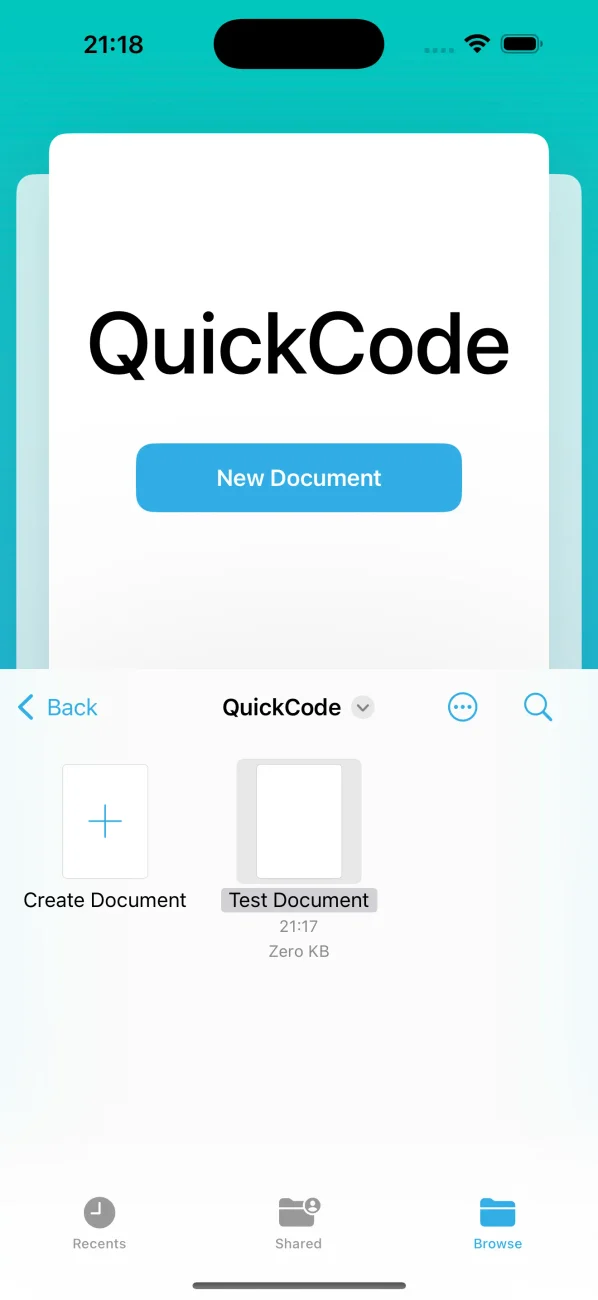
* Integration with the Files App: Seamlessly manage your projects and files using the iOS Files app integration, enabling easy access and synchronisation across your devices.
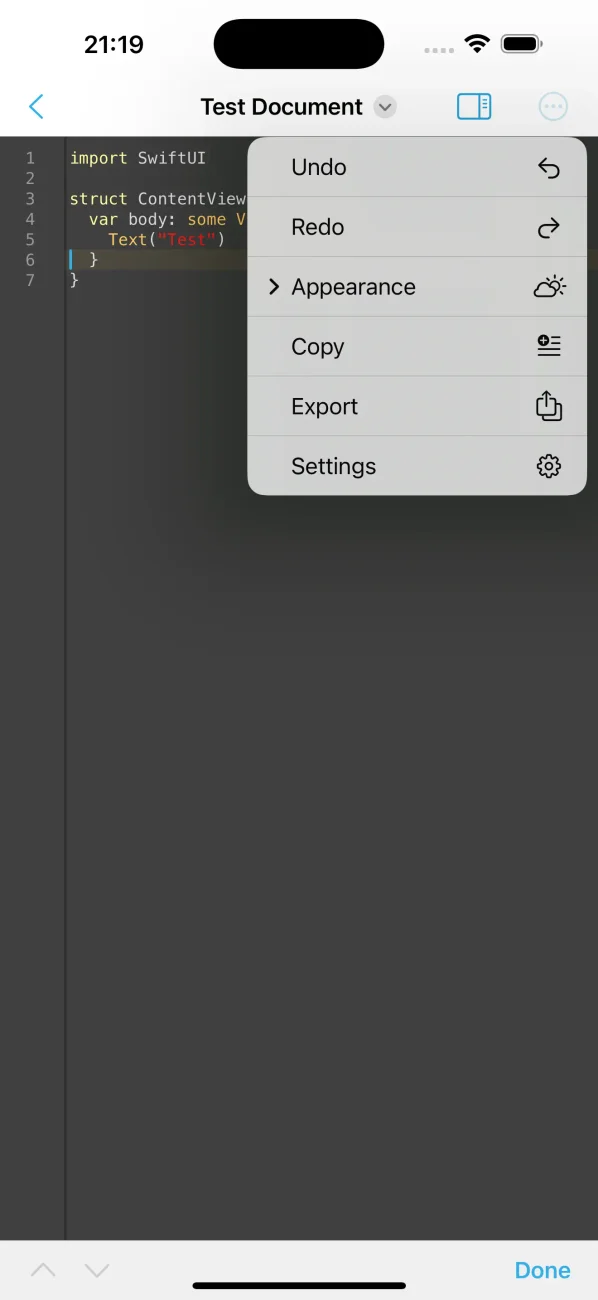
* Export to Multiple Formats: Share your code effortlessly by exporting to various file formats, ensuring compatibility with different platforms and tools.
* App Clip: Need a text editor in a pinch? Quickly install a compressed version of the app using an App Clip.
QuickCode empowers you to code anytime, anywhere, and on any device. Download now and unleash your creativity on the go!
Yang baru
Versi 1.1 · 6/11/2024
New In Version 1.1 - Added App Clip For iOS And iPadOS, Added New Document Dock Menu Quick Action For macOS, Allowed For More Types Of Files To Be Opened By The App, Allowed For File Metadata To Be Copied Out Of The Inspector Window, Fixed The Inspector Toolbar Overlap In iOS And iPadOS, Changed How File Attributes Are Updated To Reduce Crashing, Rebuilt For iOS And iPadOS 18 And macOS 15 Using The Xcode 16.1 SDK.
Privasi aplikasi
Yang dinyatakan Mark Howard di App Store tentang cara aplikasi ini menangani data.
-
Data tidak dikumpulkan
Pengembang tidak mengumpulkan data apa pun dari aplikasi ini.
Praktik privasi dapat bervariasi, misalnya berdasarkan fitur yang Anda gunakan atau usia Anda.
Informasi
- Penjual
- Mark Howard
- Kategori
- Alat Pengembang
- Versi
- 1.1
- Diperbarui
- 6/11/2024
- Dirilis
- 14/4/2024
- Ukuran
- 6,2 MB
- Memerlukan
- iOS 17.0 atau yang lebih baru
- Batasan usia
- 4+
- Harga
- Gratis
- Bahasa
- Inggris
- Hak cipta
- © 2024 Mark Howard
Mungkin Anda juga suka
-
 Text Editor : Code EditorAlat Pengembang
-
 Python Editor: Learn & CodeAlat Pengembang
-
 iTerminus: SSH Client TerminalAlat Pengembang
-
 CodeRun - Jalankan KodeJalankan & edit 600+ bahasa
-
 CodeMaster - Mobile Coding IDEEditor kode, SSH & SFTP
-
 Haptics ExplorerAlat Pengembang
-
 Code Viewer & Text EditorAlat Pengembang
-
 Editor Teks - QuickEditPython, HTML, Text Code Editor
-
 AI Code Generator & AssistantAlat Pengembang
-
 Code Editor: HTML, Python, JSAlat Pengembang