- Age rating4+
- CategoryDeveloper Tools
- DeveloperMark Howard
- LanguagesEnglish
- Size6.2 MB
Links to the official App Store page
Download.org hosts no file of QuickCode: Code Editor. The button opens its official App Store page, published by Mark Howard. Listing last checked on Nov 15, 2026.
Screenshots
About
Welcome to QuickCode, the ultimate code editor designed for users who want to code on the go with power and ease.
Featuring a sleek and intuitive interface, QuickCode offers a comprehensive set of tools tailored for both beginners and seasoned developers. Whether you're crafting a quick script or diving into a complex project, this app provides the versatility and functionality you need to bring your ideas to life.
Features:
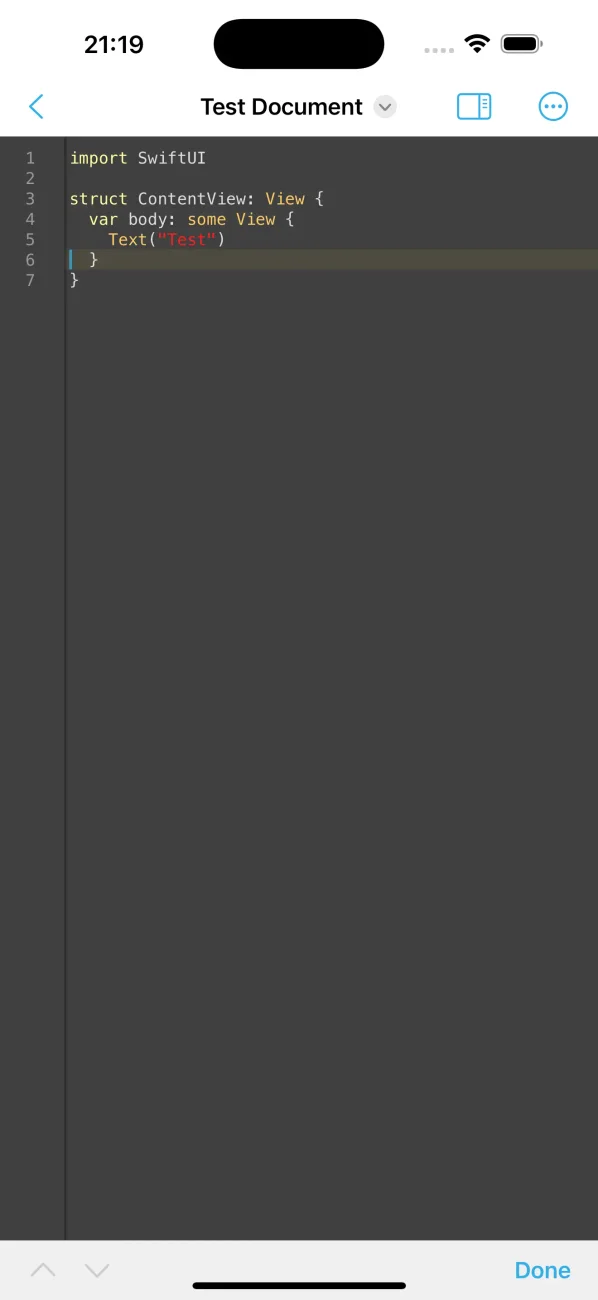
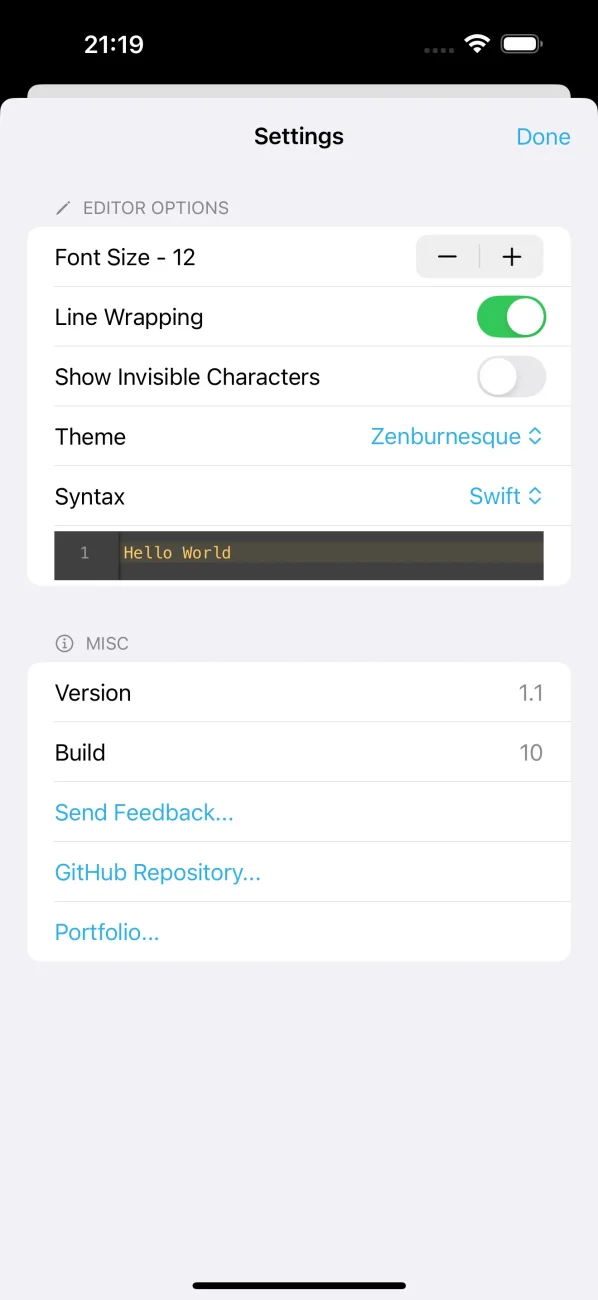
* Syntax Highlighting: Write code with clarity and precision thanks to our advanced syntax highlighting feature, which enhances readability and reduces errors.
* Editor Themes: Customise your coding environment to suit your style with a variety of editor themes, ensuring a personalised and comfortable experience.
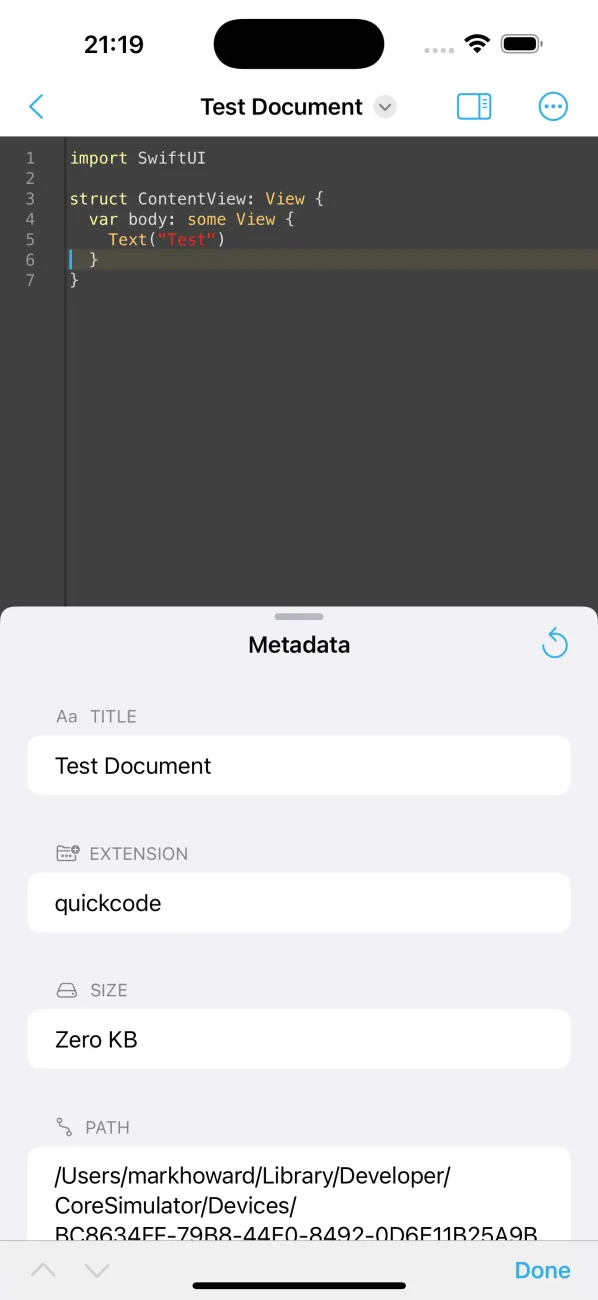
* Metadata Pane: Stay organised and efficient with our metadata pane, providing quick access to essential information about the file you're currently working on.
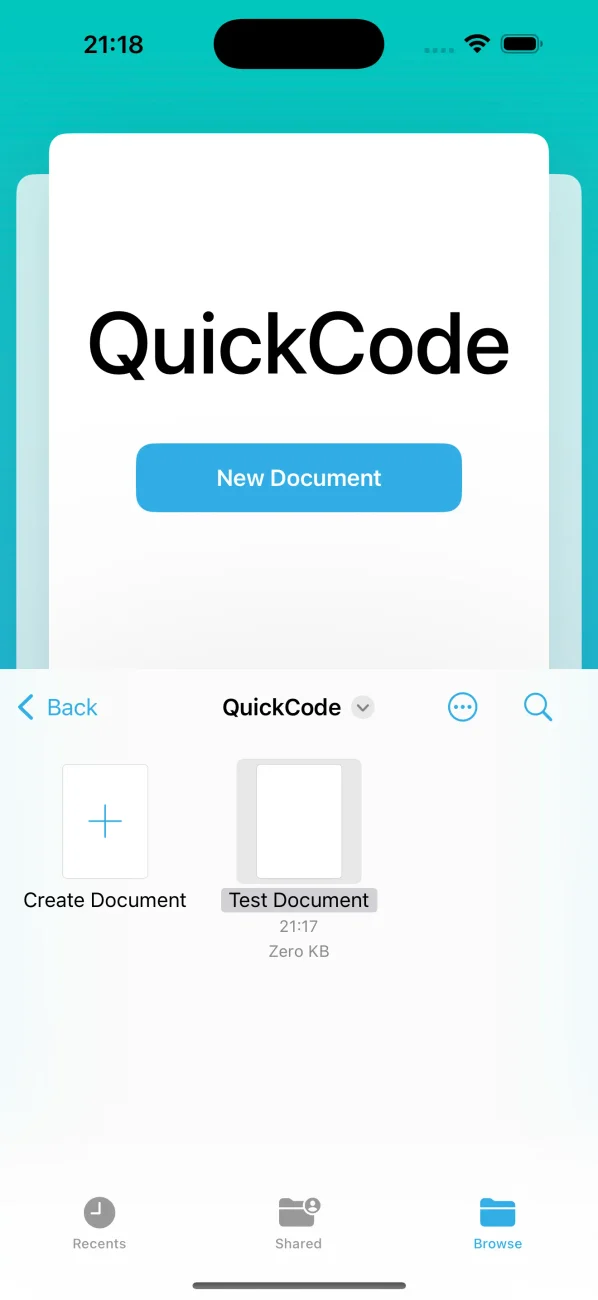
* Integration with the Files App: Seamlessly manage your projects and files using the iOS Files app integration, enabling easy access and synchronisation across your devices.
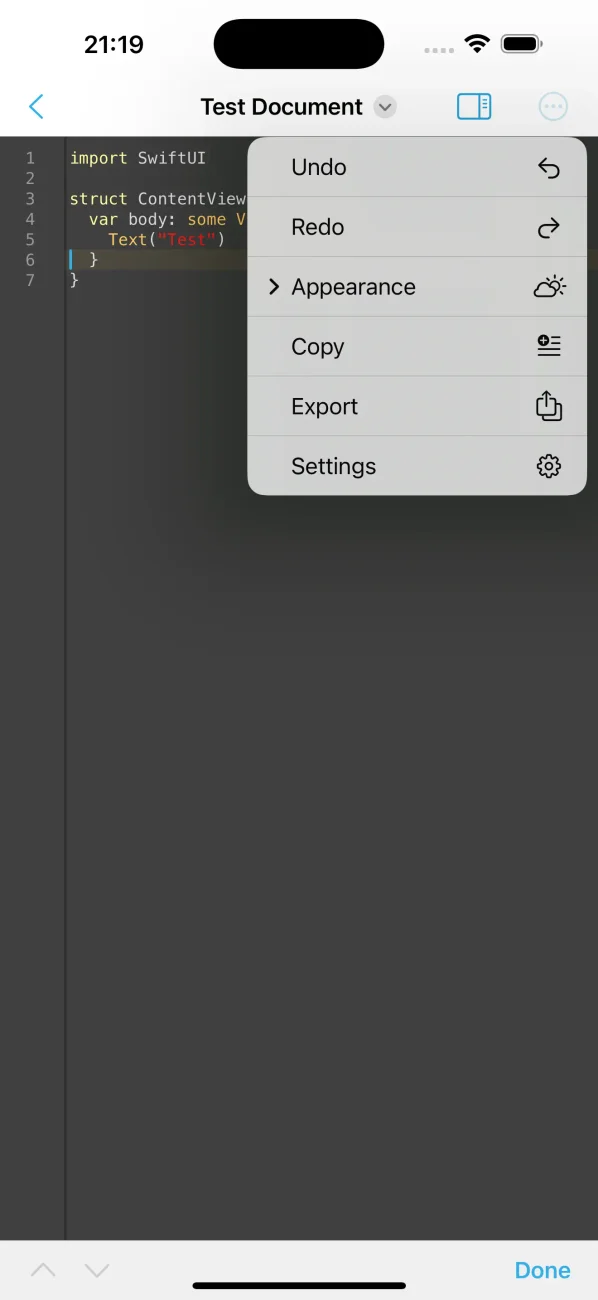
* Export to Multiple Formats: Share your code effortlessly by exporting to various file formats, ensuring compatibility with different platforms and tools.
* App Clip: Need a text editor in a pinch? Quickly install a compressed version of the app using an App Clip.
QuickCode empowers you to code anytime, anywhere, and on any device. Download now and unleash your creativity on the go!
What’s new
Version 1.1 · Nov 6, 2024
New In Version 1.1 - Added App Clip For iOS And iPadOS, Added New Document Dock Menu Quick Action For macOS, Allowed For More Types Of Files To Be Opened By The App, Allowed For File Metadata To Be Copied Out Of The Inspector Window, Fixed The Inspector Toolbar Overlap In iOS And iPadOS, Changed How File Attributes Are Updated To Reduce Crashing, Rebuilt For iOS And iPadOS 18 And macOS 15 Using The Xcode 16.1 SDK.
App privacy
What Mark Howard declares on the App Store about how this app handles data.
-
Data not collected
The developer does not collect any data from this app.
Privacy practices may vary, for example with the features you use or your age.
Information
- Seller
- Mark Howard
- Category
- Developer Tools
- Version
- 1.1
- Updated
- Nov 6, 2024
- Released
- Apr 14, 2024
- Size
- 6.2 MB
- Requires
- iOS 17.0 or later
- Age rating
- 4+
- Price
- Free
- Languages
- English
- Copyright
- © 2024 Mark Howard
You might also like
-
 Text Editor : Code Editor#1 App Built for Developers
-
 Python Editor: Learn & CodeOffline Compiler, IDE, Jupyter
-
 iTerminus: SSH Client TerminalKeys, SFTP & Port Forwarding
-
 CodeRun - Code Snippet RunRun & edit in 600+ languages
-
 CodeMaster - Mobile Coding IDECode Editor & Compile SFTP SSH
-
 Haptics ExplorerExplore haptic feedbacks
-
 Code Viewer & Text EditorHTML Viewer, JSON & Markdown
-
 Text Editor & Code: QuickEditCode Editor, HTML Viewer & TXT
-
 AI Code Generator & AssistantFix Python, Java, & HTML Code
-
 Code Editor: HTML, Python, JSWebsites & Scripts on the Go