Remote Shutter: camera connect
Selfie remote & camera timer
Dirancang untuk iPhone, iPad, Mac, iPod touch
Gratis · Pembelian dalam aplikasi
- Batasan usia4+
- KategoriFoto & Video
- PengembangSecurity Union LLC
- BahasaInggris+ 14 lainnya
- Ukuran19,1 MB
Tertaut ke halaman resmi App Store
Download.org tidak menyimpan file Remote Shutter: camera connect apa pun. Tombol ini membuka halaman aplikasi di App Store, tempat Security Union LLC menerbitkannya. Halaman terakhir diperiksa pada 23/11/2026.
Tangkapan layar
Tentang
Pengembang belum menyediakan teks ini dalam bahasa Anda.
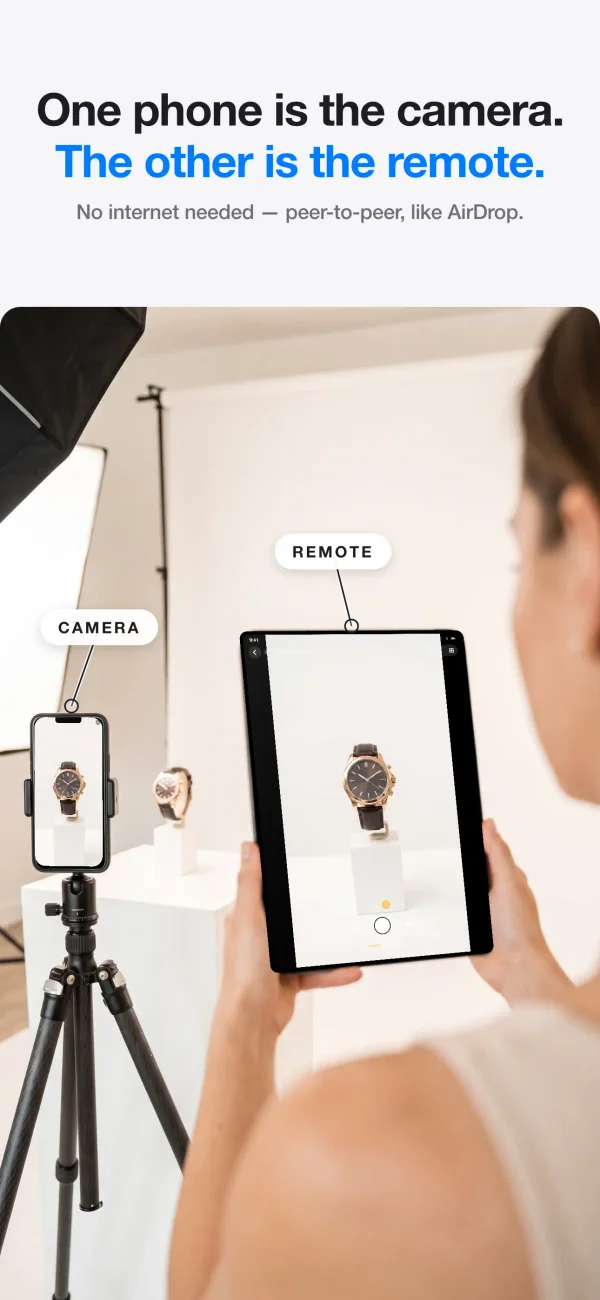
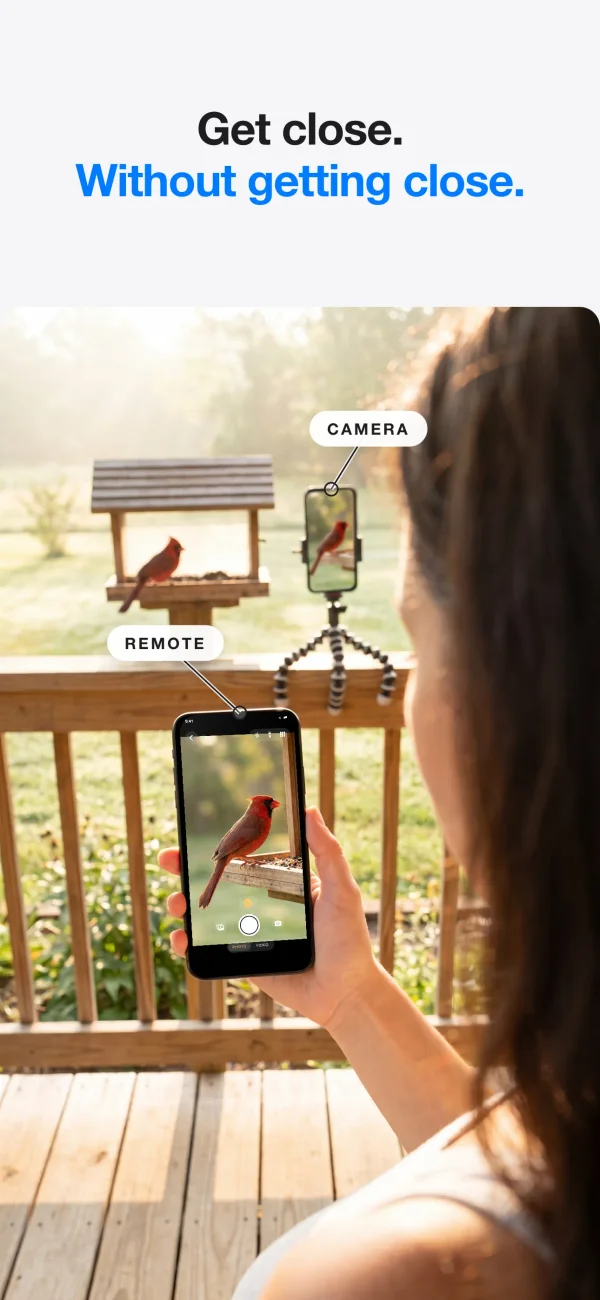
Turn any two devices into a wireless remote camera system — no internet, no router, no account needed. Just connect and shoot.
Remote Shutter uses peer-to-peer technology to link two devices directly. One becomes the camera, the other becomes your remote control with a live monitor. Perfect for group photos, selfies, tripod shots, creative angles, and hands-free photography.
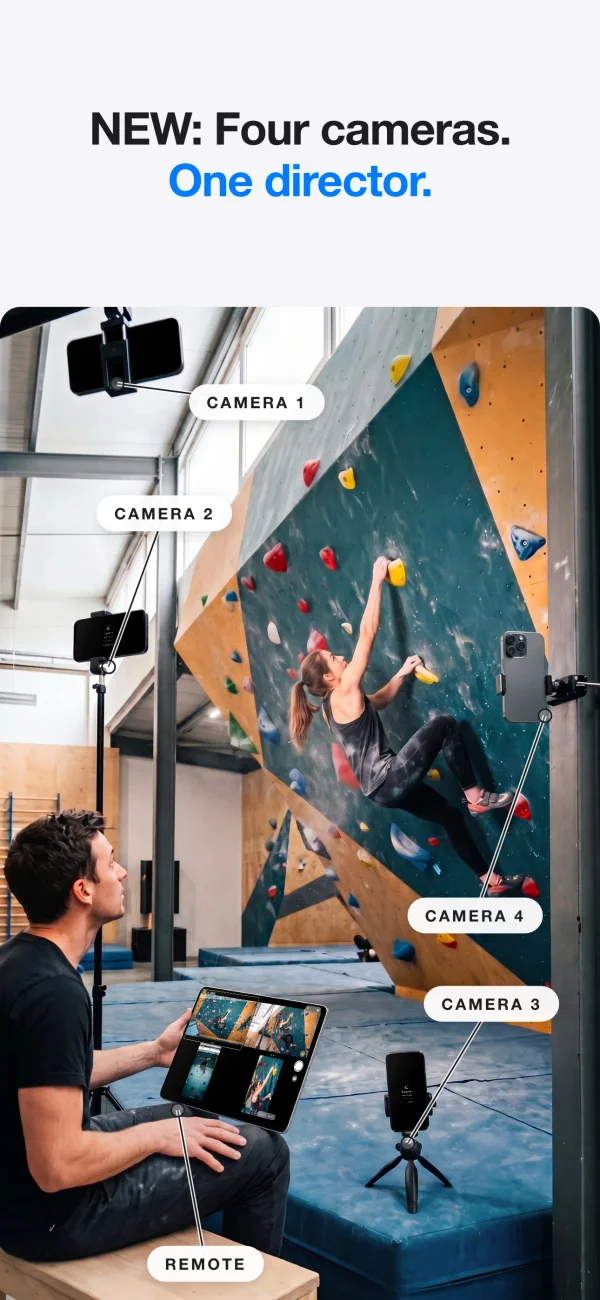
NEW — MULTICAM: UP TO FOUR CAMERAS, ONE DIRECTOR
- Connect up to four iPhones as cameras and see every angle live in a grid
- One synced shutter fires photos or video on every camera at the same instant
- Footage collects automatically to the director, time-aligned for editing
- Set frame rate, resolution, aspect ratio, HDR and focus for every camera from the director
- Interviews, music, sports, dance, unboxings — shoot every angle at once
FULL MAC SUPPORT
- Use your Mac as the camera: built-in, USB and pro webcams, even your iPhone via Continuity Camera
- Switch between every camera connected to your Mac, live from your iPhone
- Or flip it: use your Mac's big screen as a director's monitor for your iPhone camera
FEATURES
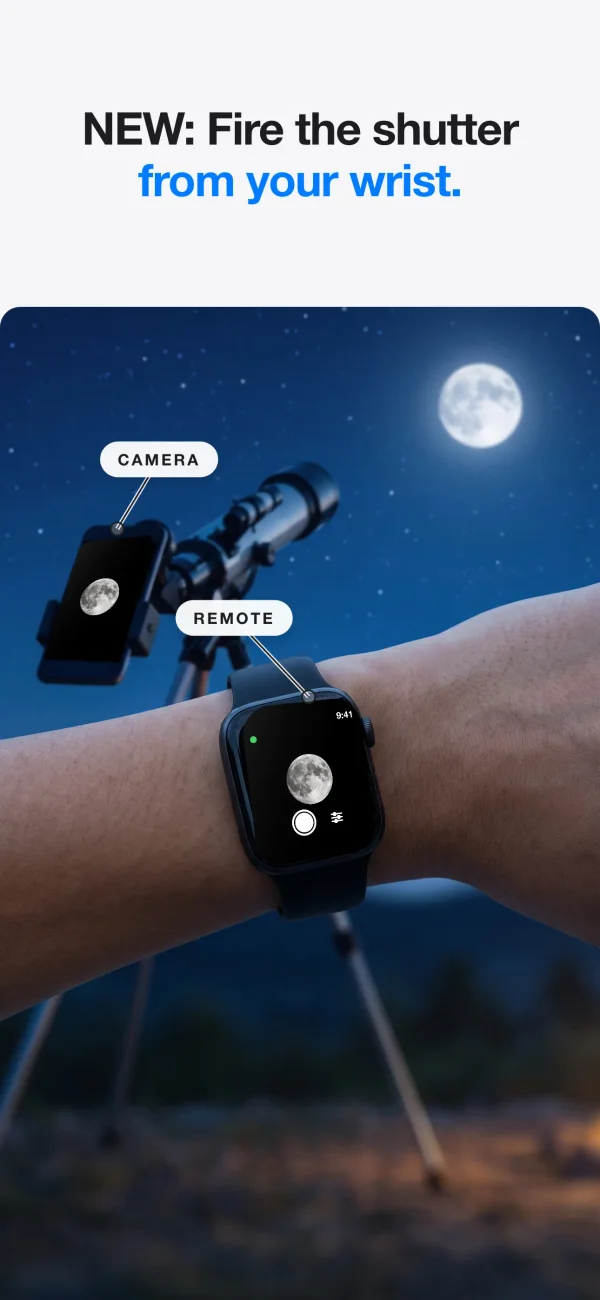
- Control your camera from your Apple Watch — trigger the shutter from your wrist
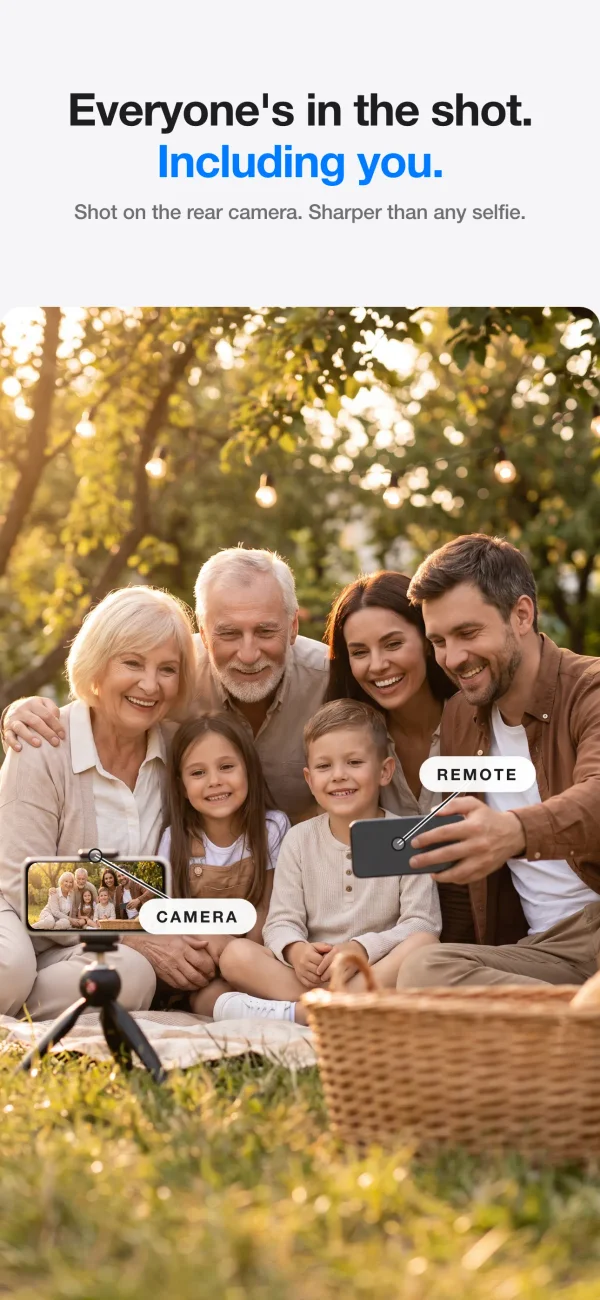
- Selfies and group shots on the sharp rear camera — frame yourself from the remote's live preview
- Wireless remote shutter from up to 50 feet away
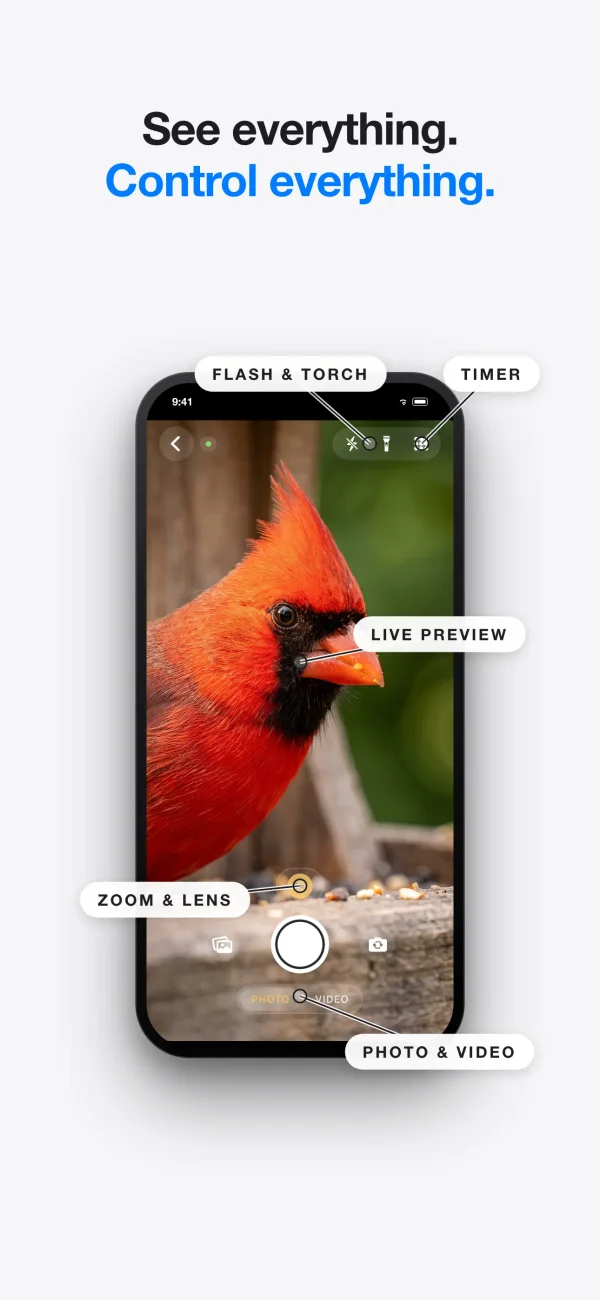
- Live camera preview on your remote device
- Switch cameras remotely — front/back on iPhone, any connected camera on Mac
- Camera flash control
- Adjustable photo timer
- Record video remotely — choose 24/30/60 fps, 1080p or 4K, aspect ratio and HDR from the remote
- Tap to focus on the remote's live preview (Pro)
- Works with iPhone, iPad, and Mac
- No internet or Wi-Fi network required — direct device-to-device connection (just keep Wi-Fi and Bluetooth turned on)
HOW TO USE
1. Open Remote Shutter on two devices
2. Devices connect automatically via peer-to-peer
3. Choose which device is the camera and which is the remote
4. Start shooting from anywhere in the room!
Whether you're directing four iPhones on a music video, shooting products with a pro camera on your Mac, directing from the big screen, or setting up a family photo, Remote Shutter gives you full wireless control of your camera from another device.
Yang baru
Versi 17.3.0 · 23/11/2026
• Multicam now directs up to 8 cameras at once, up from 4.
• Standby now dims the camera's screen all the way down, so phones on stands don't light up the stage.
• Name each device in Settings. File names now start with the camera's number and name, so each angle sorts together.
Privasi aplikasi
Yang dinyatakan Security Union LLC di App Store tentang cara aplikasi ini menangani data.
-
Data tidak dikumpulkan
Pengembang tidak mengumpulkan data apa pun dari aplikasi ini.
Praktik privasi dapat bervariasi, misalnya berdasarkan fitur yang Anda gunakan atau usia Anda.
Informasi
- Penjual
- Security Union LLC
- Kategori
- Foto & Video
- Versi
- 17.3.0
- Diperbarui
- 23/11/2026
- Dirilis
- 29/4/2013
- Ukuran
- 19,1 MB
- Memerlukan
- iOS 15.0 atau yang lebih baru
- Batasan usia
- 4+
- Harga
- Gratis
- Pembelian dalam aplikasi
- Ya
- Bahasa
- Inggris, Dansk (Denmark), Prancis, Jerman, Hindi, Italia, Jepang, Korea, Bahasa Melayu, Portugis, Rusia, Tionghoa Sederhana + 3 lainnya
- Hak cipta
- © 2026 Security Union
Mungkin Anda juga suka
-
 Remote Camera Control via AirFoto & Video
-
 SayCheese - Camera RemoteFoto & Video
-
 Camera Remote: Photos TogetherFoto & Video
-
 Remote ShutterCamera connect
-
 CamRanger 2 - Camera ControlFoto & Video
-
 Camera Connect & ControlFoto & Video
-
 Shutter+ Canon Camera RemoteFoto & Video
-
 Remote Camera: Unlimited RangeRemote shutter
-
 Shutter AppFoto & Video
-
 Remote LegacyFoto & Video