RemoteSim
Control simulators remotely
Dirancang untuk iPhone, iPad
Gratis · Pembelian dalam aplikasi
- Batasan usia4+
- KategoriAlat Pengembang
- PengembangKazuya Matsushita
- BahasaInggris+ 1 lainnya
- Ukuran14,4 MB
Tertaut ke halaman resmi App Store
Download.org tidak menyimpan file RemoteSim apa pun. Tombol ini membuka halaman aplikasi di App Store, tempat Kazuya Matsushita menerbitkannya. Halaman terakhir diperiksa pada 18/11/2026.
Tangkapan layar
Tentang
Pengembang belum menyediakan teks ini dalam bahasa Anda.
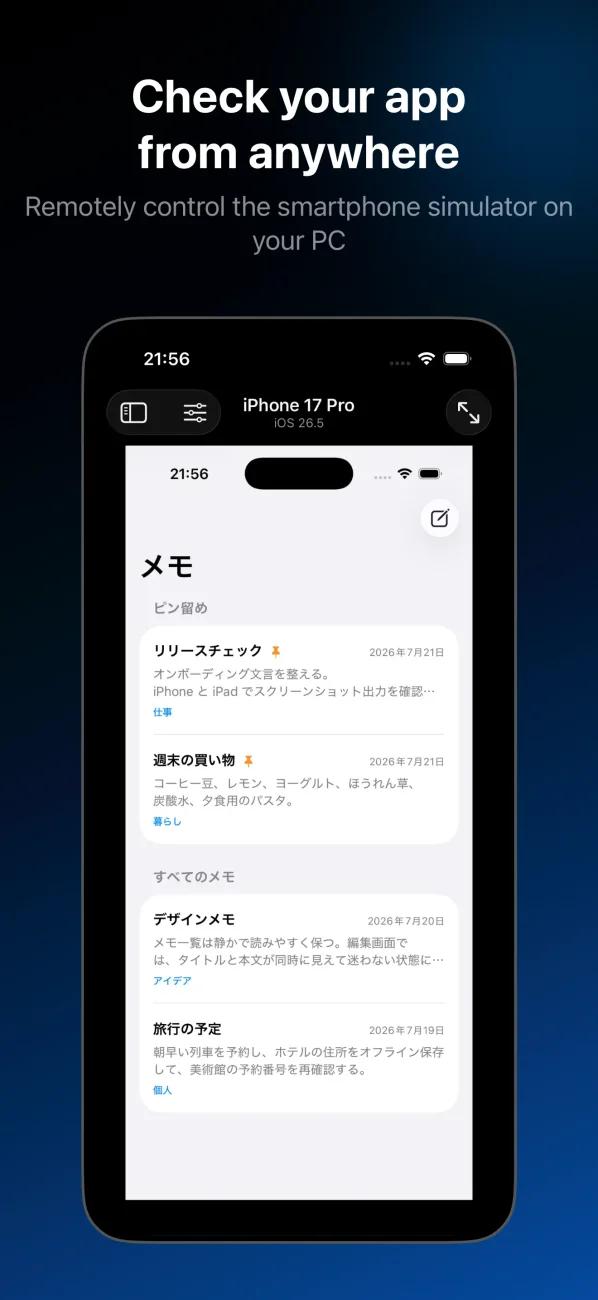
RemoteSim lets you view and control a simulator from your smartphone.
Check development screens in real time and send taps, swipes, and text input from wherever you are.
Key features:
• Real-time simulator viewing
• Tap, swipe, and text input
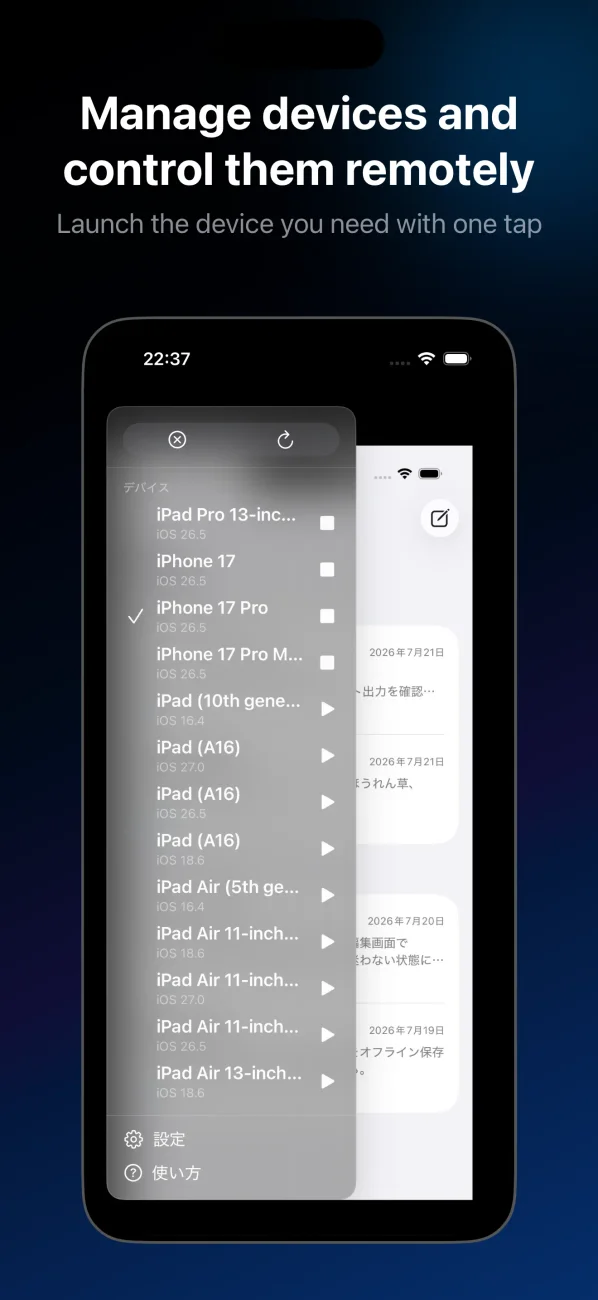
• Switch between simulators
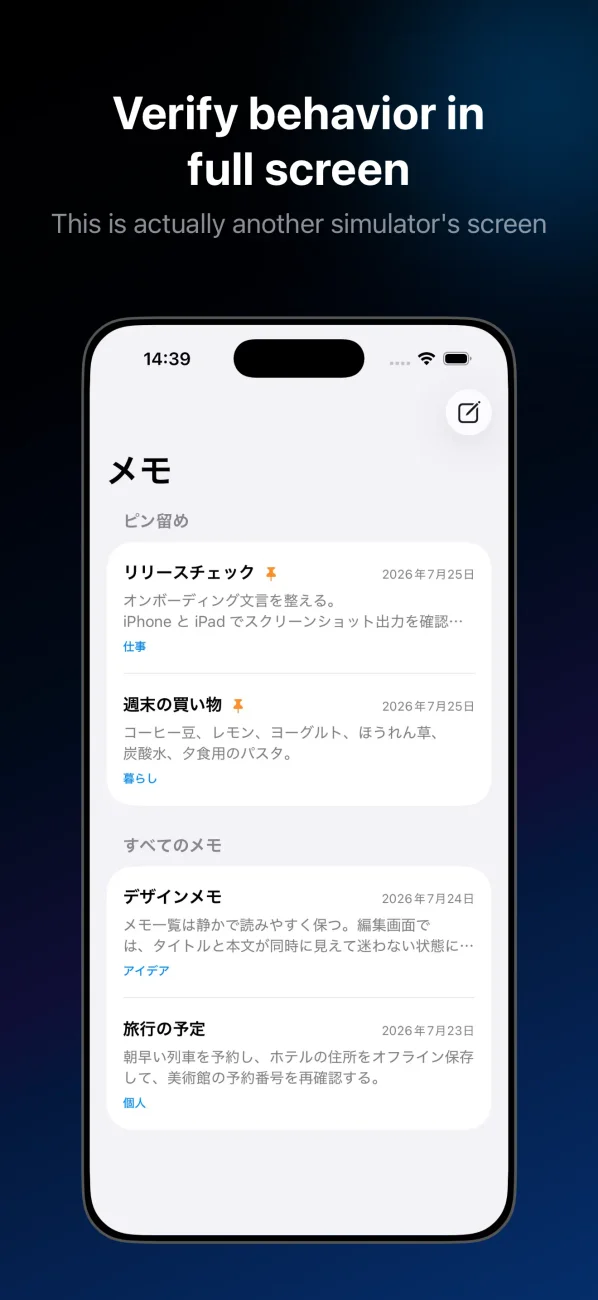
• Full-screen viewing
How to use:
1. Open the PC app and the smartphone app.
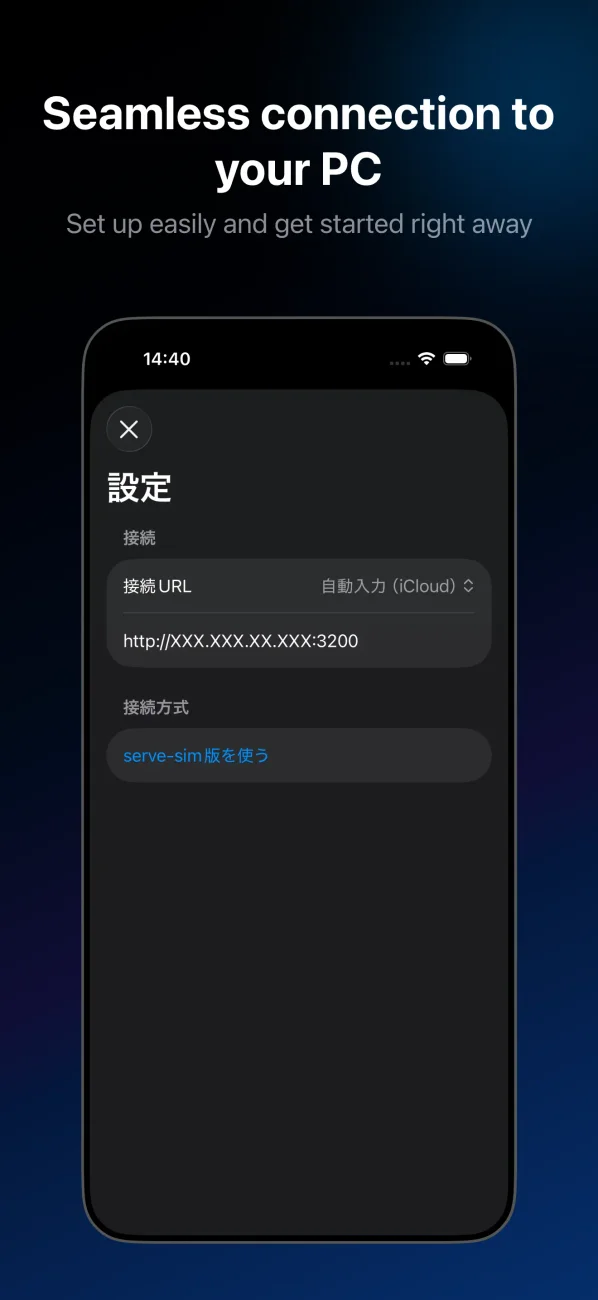
2. Connect both devices to the same network or VPN.
3. Use automatic iCloud connection for first-time setup. To share manually, choose “Share App URL” in the PC app settings and send it to your smartphone with AirDrop.
4. Select a connection and simulator, then start viewing and controlling it.
Use cases:
• Review UI away from your desk
• Check development screens quickly
• Switch between multiple simulators
Notes:
• Both the PC app and smartphone app are required.
• The PC and smartphone must use the same network or VPN.
• The PC app must be able to access the target simulator.
Terms of Use:
https://www.apple.com/legal/internet-services/itunes/dev/stdeula/
Yang baru
Versi 2.2.0 · 14/9/2026
Added Pro plans for keyboard input, full-screen mode, and resolution settings. Choose a lifetime purchase or monthly subscription, restore purchases, and see entitlement changes reflected more quickly.
Privasi aplikasi
Yang dinyatakan Kazuya Matsushita di App Store tentang cara aplikasi ini menangani data.
-
Data tidak dikumpulkan
Pengembang tidak mengumpulkan data apa pun dari aplikasi ini.
Praktik privasi dapat bervariasi, misalnya berdasarkan fitur yang Anda gunakan atau usia Anda.
Informasi
- Penjual
- Kazuya Matsushita
- Kategori
- Alat Pengembang
- Versi
- 2.2.0
- Diperbarui
- 14/9/2026
- Dirilis
- 14/6/2026
- Ukuran
- 14,4 MB
- Memerlukan
- iOS 26.5 atau yang lebih baru
- Batasan usia
- 4+
- Harga
- Gratis
- Pembelian dalam aplikasi
- Ya
- Bahasa
- Inggris, Jepang
- Hak cipta
- © 2026 StudioMK