RemoteSim
Control simulators remotely
Designed for iPhone, iPad
Free · In-app purchases
- Age rating4+
- CategoryDeveloper Tools
- DeveloperKazuya Matsushita
- LanguagesEnglish+ 1 more
- Size14.4 MB
Links to the official App Store page
Download.org hosts no file of RemoteSim. The button opens its official App Store page, published by Kazuya Matsushita. Listing last checked on Nov 18, 2026.
Screenshots
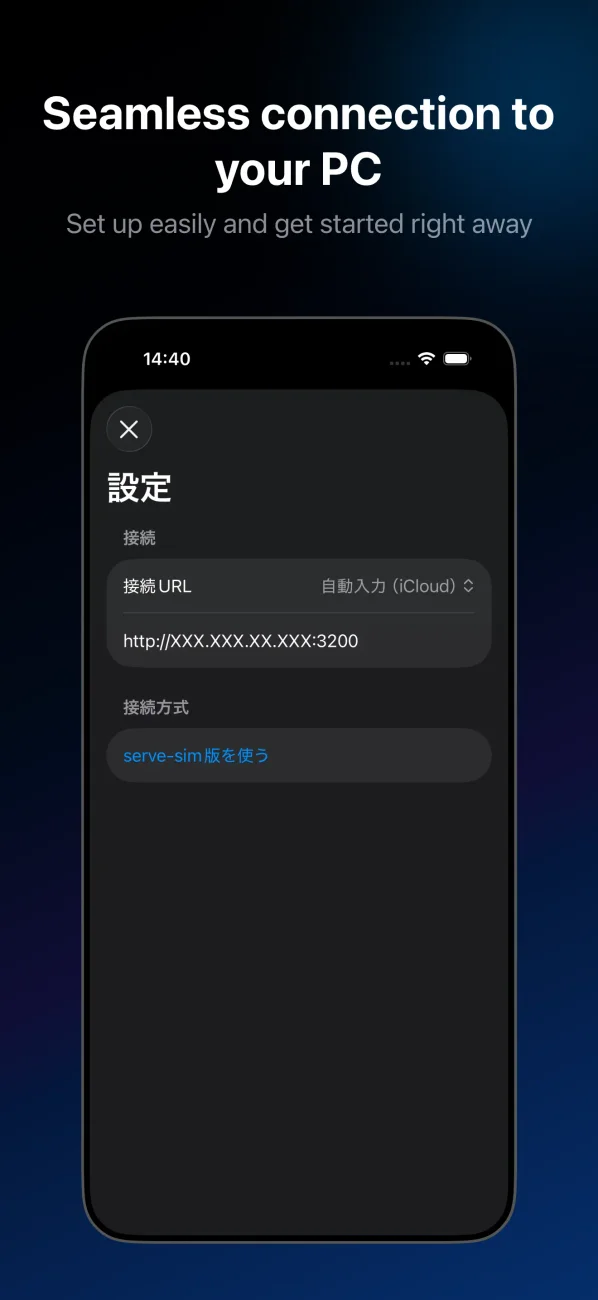
About
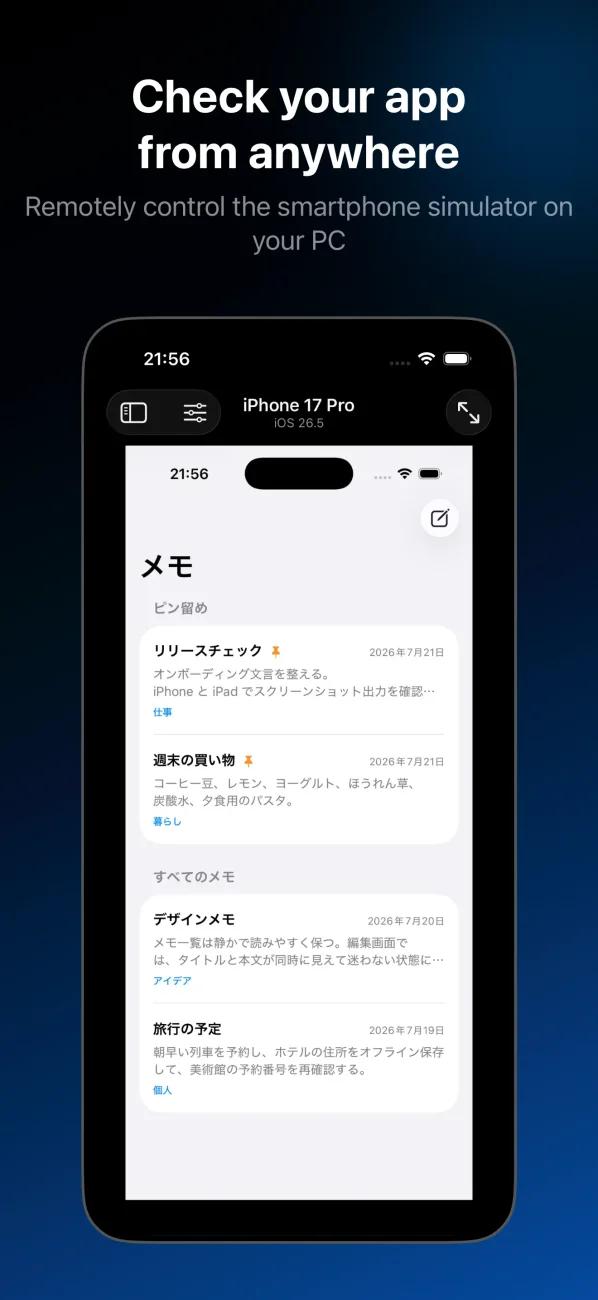
RemoteSim lets you view and control a simulator from your smartphone.
Check development screens in real time and send taps, swipes, and text input from wherever you are.
Key features:
• Real-time simulator viewing
• Tap, swipe, and text input
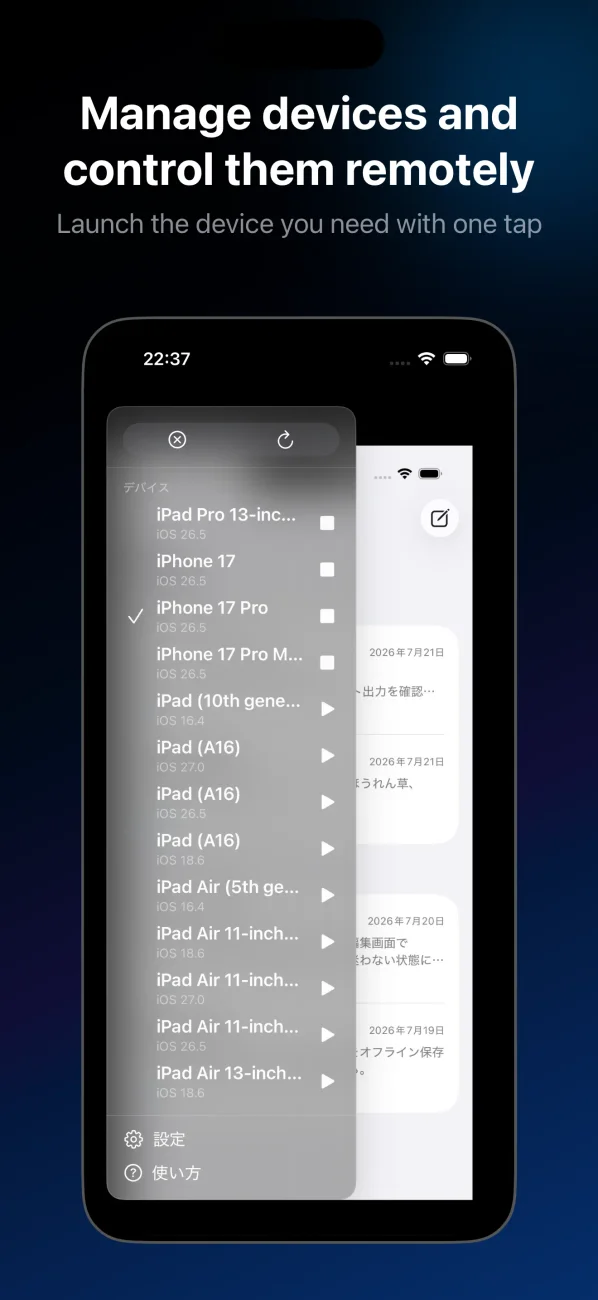
• Switch between simulators
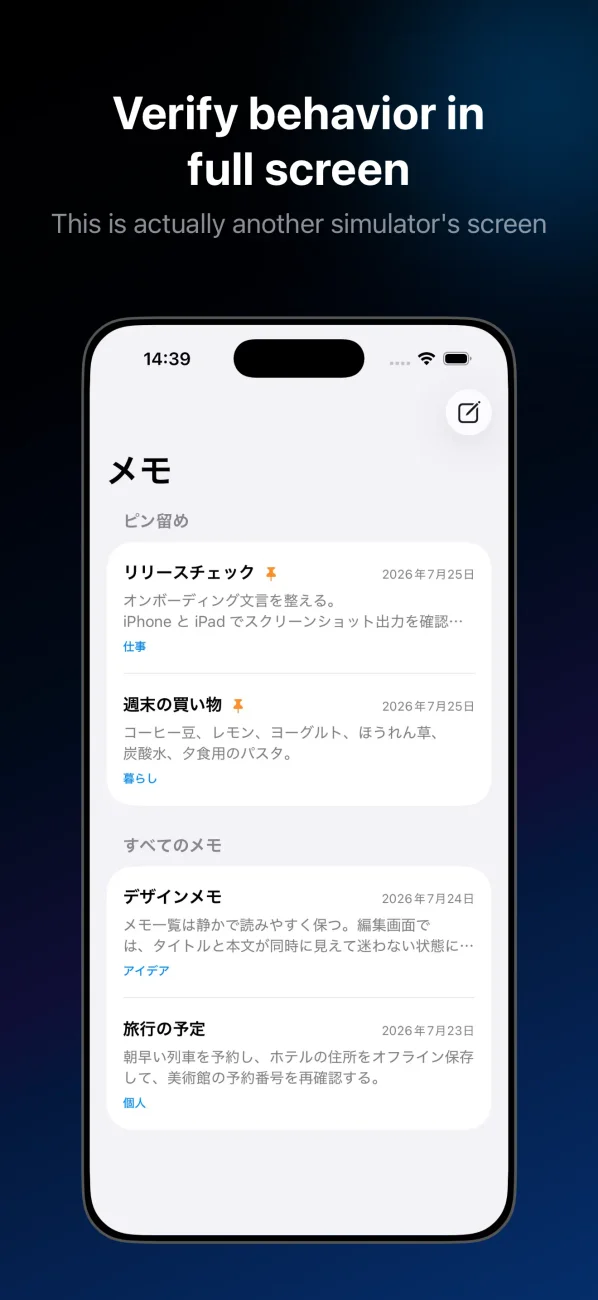
• Full-screen viewing
How to use:
1. Open the PC app and the smartphone app.
2. Connect both devices to the same network or VPN.
3. Use automatic iCloud connection for first-time setup. To share manually, choose “Share App URL” in the PC app settings and send it to your smartphone with AirDrop.
4. Select a connection and simulator, then start viewing and controlling it.
Use cases:
• Review UI away from your desk
• Check development screens quickly
• Switch between multiple simulators
Notes:
• Both the PC app and smartphone app are required.
• The PC and smartphone must use the same network or VPN.
• The PC app must be able to access the target simulator.
Terms of Use:
https://www.apple.com/legal/internet-services/itunes/dev/stdeula/
What’s new
Version 2.2.0 · Sep 14, 2026
Added Pro plans for keyboard input, full-screen mode, and resolution settings. Choose a lifetime purchase or monthly subscription, restore purchases, and see entitlement changes reflected more quickly.
App privacy
What Kazuya Matsushita declares on the App Store about how this app handles data.
-
Data not collected
The developer does not collect any data from this app.
Privacy practices may vary, for example with the features you use or your age.
Information
- Seller
- Kazuya Matsushita
- Category
- Developer Tools
- Version
- 2.2.0
- Updated
- Sep 14, 2026
- Released
- Jun 14, 2026
- Size
- 14.4 MB
- Requires
- iOS 26.5 or later
- Age rating
- 4+
- Price
- Free
- In-app purchases
- Yes
- Languages
- English, Japanese
- Copyright
- © 2026 StudioMK
You might also like
-
 SFTP360随时随地管理你的服务器文件.
-
 LaunchCutCreate Interactive App Demos
-
 GitBeatStay motivated to code
-
 Pixel Position & Color PickerXY Coordinates & Eyedropper
-
 SimBeamRemote for device simulators
-
 SimDeck StudioRemote simulator control
-
 Minna Appstimeline of developer history
-
 Private LLMAppPrivateAI - Runs On YourDevice
-
 SF Symbols FinderDraw to find SF Symbols
-
 CodexBar - Usage of AIDeveloper Tools