
Reply Me
AI Smart Replies
Dirancang untuk iPhone, iPod touch
Gratis · Pembelian dalam aplikasi
- Batasan usia4+
- KategoriKegunaan
- PengembangTywo LLC
- BahasaInggris
- Ukuran30,5 MB
Tertaut ke halaman resmi App Store
Download.org tidak menyimpan file Reply Me apa pun. Tombol ini membuka halaman aplikasi di App Store, tempat Tywo LLC menerbitkannya. Halaman terakhir diperiksa pada 8/11/2026.
Tangkapan layar



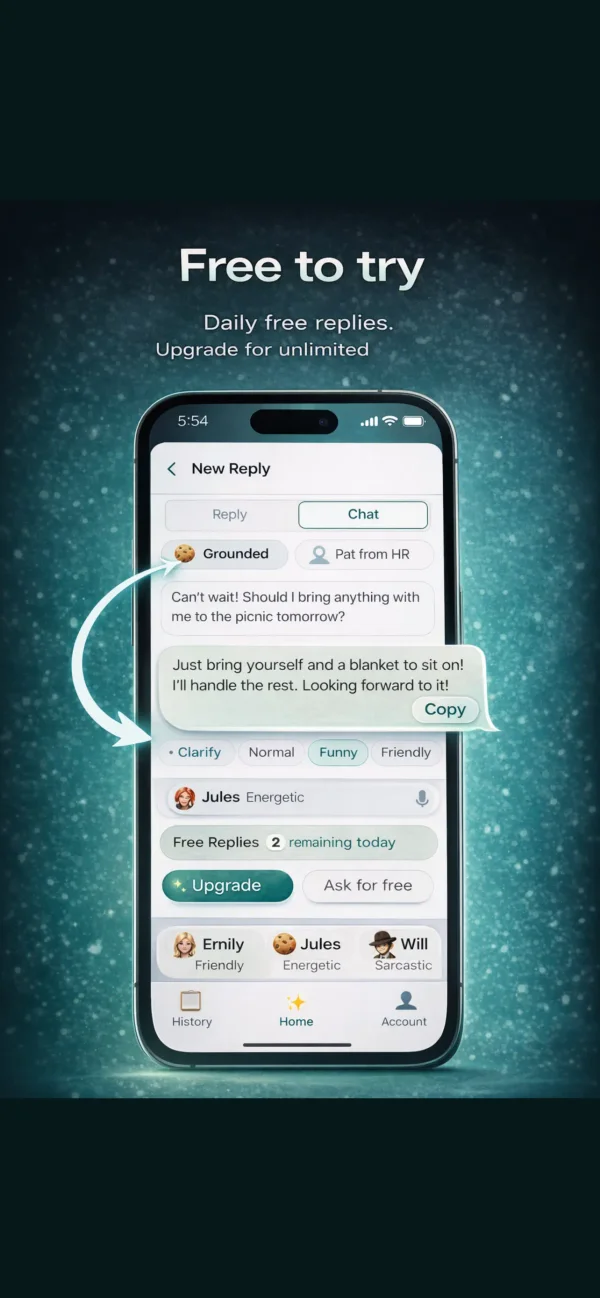
Tentang
Pengembang belum menyediakan teks ini dalam bahasa Anda.
Reply Me – Your AI reply assistant
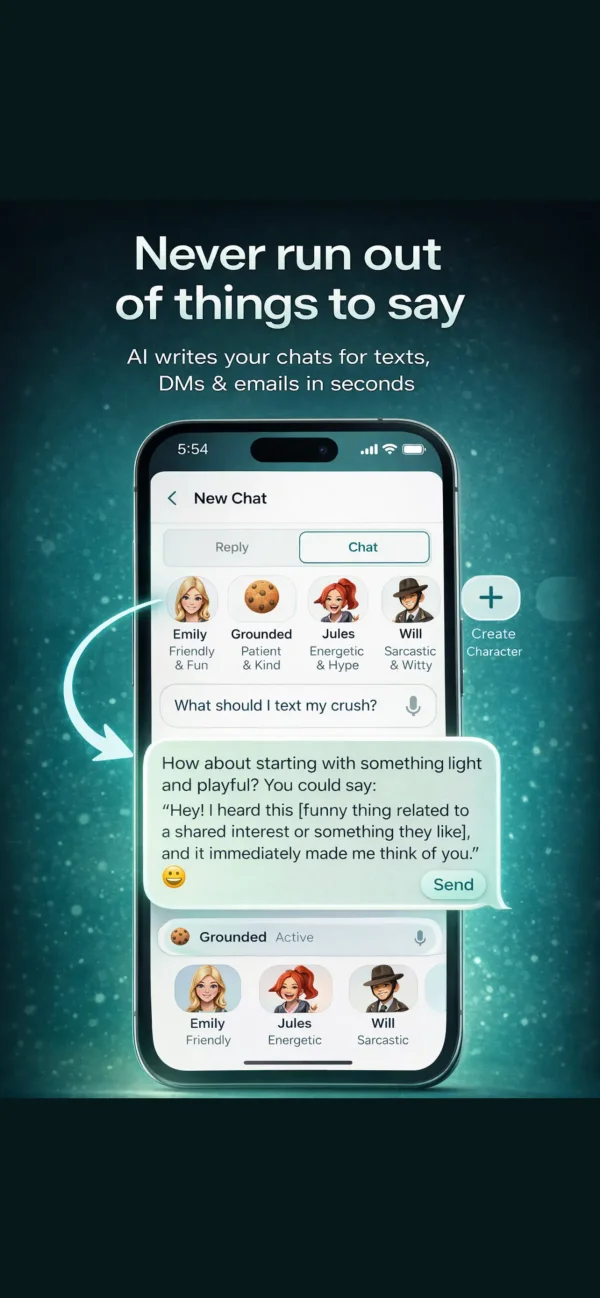
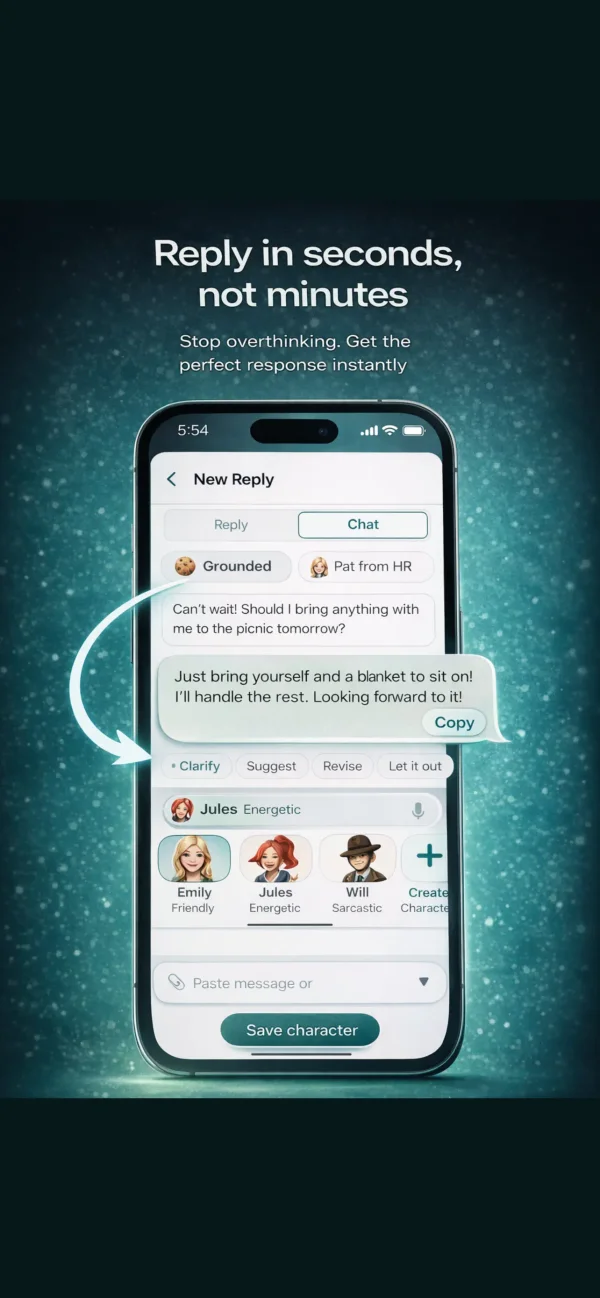
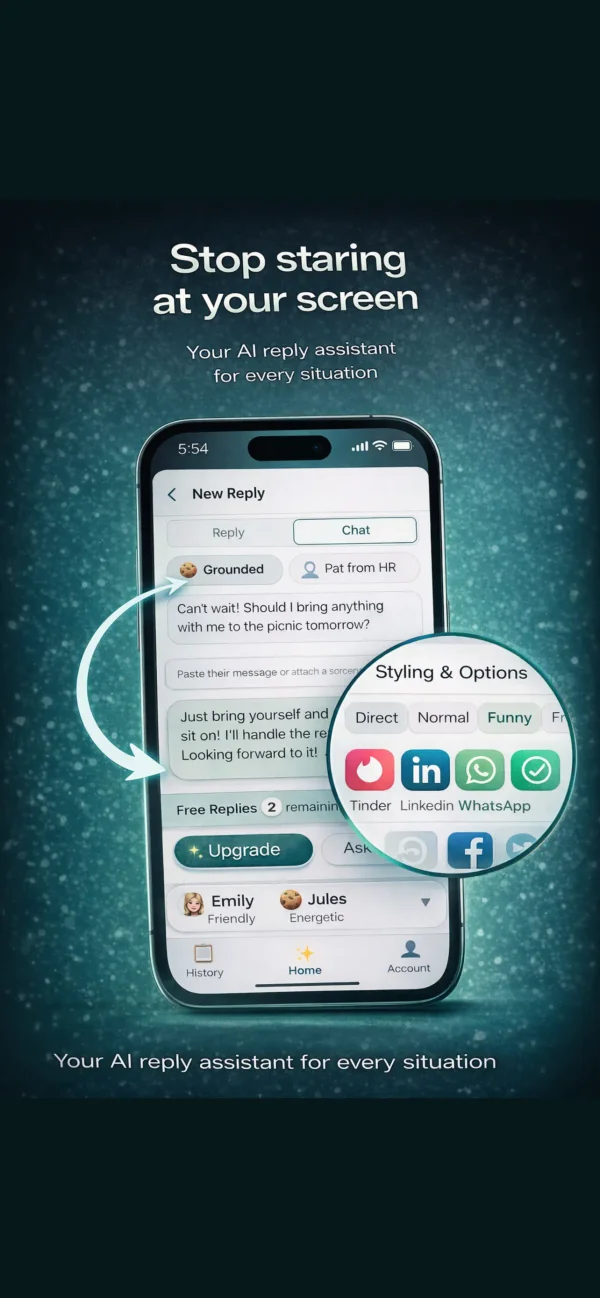
Stop staring at the screen wondering what to say. Reply Me helps you sound clear, warm, or professional—in seconds.
HOW IT WORKS
• Paste what they said (or attach a screenshot after you sign in).
• Pick the channel—WhatsApp, Instagram, X (Twitter), LinkedIn, email, dating apps, and more.
• Choose a tone and reply length. Add optional hints (“say you’re busy,” “keep it short”).
• Get a draft you can copy and send.
MODES
• Reply – Craft answers for real conversations (reviews, clients, dating, work).
• Chat – Brainstorm or talk freely with the same tone controls.
TONES
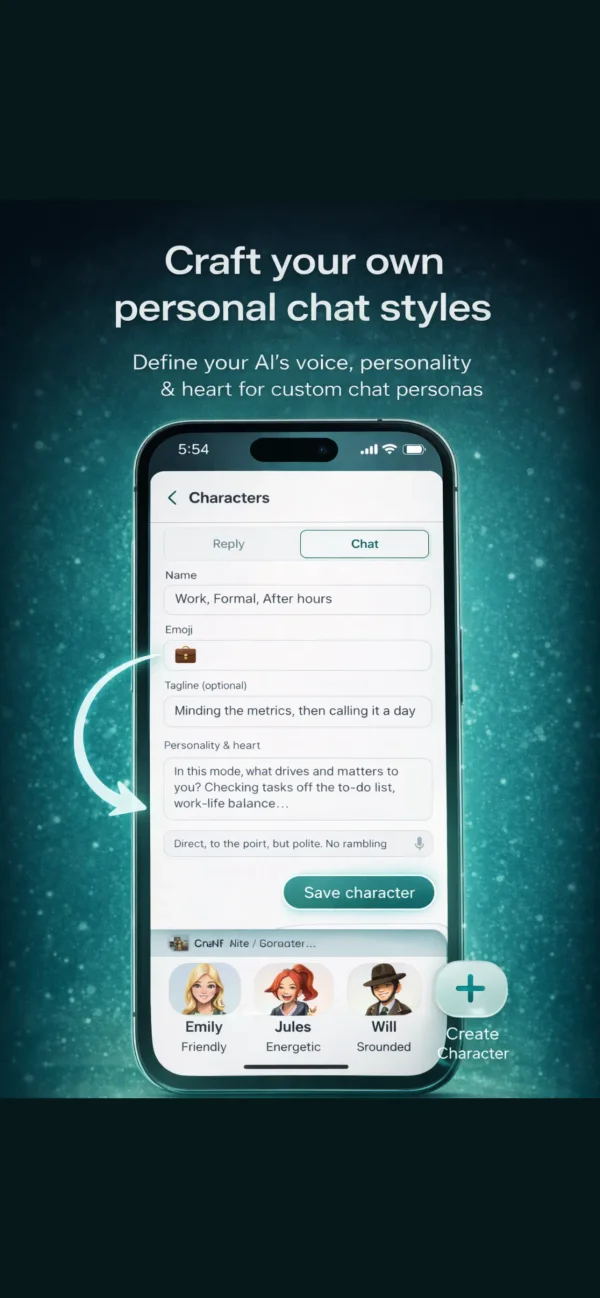
Confident, funny, romantic, professional, cold, toxic—and custom tone when you want your own voice.
SCREENSHOTS & FREE VS PRO
• Screenshot extraction is available when you’re signed in.
• On the free plan, you can use one screenshot-based reply per day (resets daily). Text-only replies use your normal free allowance.
• Pro unlocks higher limits and unlimited replies.
LANGUAGES
The app interface is available in English, French, Spanish, and Turkish.
Reply Me helps you answer with confidence—without sounding like a robot.
Terms of Use: https://www.apple.com/legal/internet-services/itunes/dev/stdeula/
Yang baru
Versi 1.2.2 · 4/5/2026
• Web composer (desktop): attachment “+” stays on the left; Options and Settings are on the right for a cleaner, more familiar layout.
• Send behavior is smarter: the inline send button appears only when there is content to send (typed text, relevant context, or attachments).
• Fixed draft carry-over: when starting a new thread or sending in ongoing flows, the input clears reliably instead of keeping old pasted content.
• X thread continuation is easier to follow: clearer “Continue this thread” wording and improved “What’s happening next?” guidance.
• Options behavior is more consistent after actions: option panels collapse after successful sends and hide/show states now behave predictably.
• Mobile now mirrors the new composer behavior: “+” on the left, controls on the right, conditional send visibility, and post-send cleanup.
• Additional polish and bug fixes across web and mobile continuation flows.
Privasi aplikasi
Yang dinyatakan Tywo LLC di App Store tentang cara aplikasi ini menangani data.
-
Data tidak dikumpulkan
Pengembang tidak mengumpulkan data apa pun dari aplikasi ini.
Praktik privasi dapat bervariasi, misalnya berdasarkan fitur yang Anda gunakan atau usia Anda.
Informasi
- Penjual
- Tywo LLC
- Kategori
- Kegunaan
- Versi
- 1.2.2
- Diperbarui
- 4/5/2026
- Dirilis
- 6/3/2026
- Ukuran
- 30,5 MB
- Memerlukan
- iOS 15.1 atau yang lebih baru
- Batasan usia
- 4+
- Harga
- Gratis
- Pembelian dalam aplikasi
- Ya
- Bahasa
- Inggris
- Hak cipta
- © 2026 Tywo LLC
Mungkin Anda juga suka
-
 Greenline - Car LogbookKegunaan
-
 ChatMate AI – Reply AssistantKegunaan
-
 ReplyMate: Keyboard Balasan AIIde balasan buat PDKT & chat
-
 OdometryKegunaan
-
 AiReply: AI Balasan SMS & ChatTulis balik, gayamu sendiri
-
 Seasons: Year Progress WidgetKegunaan
-
 Fast Reply: Saved RepliesKegunaan
-
 Tasonic Top-upKegunaan
-
 Unzip - Ekstraktor Zip Rar 7zEkstrak, Buka & Kompres File
-
 Offline AI: Private, Local GPTKegunaan