
- Age rating4+
- CategoryUtilities
- DeveloperTywo LLC
- LanguagesEnglish
- Size30.5 MB
Links to the official App Store page
Download.org hosts no file of Reply Me. The button opens its official App Store page, published by Tywo LLC. Listing last checked on Nov 8, 2026.
Screenshots



About
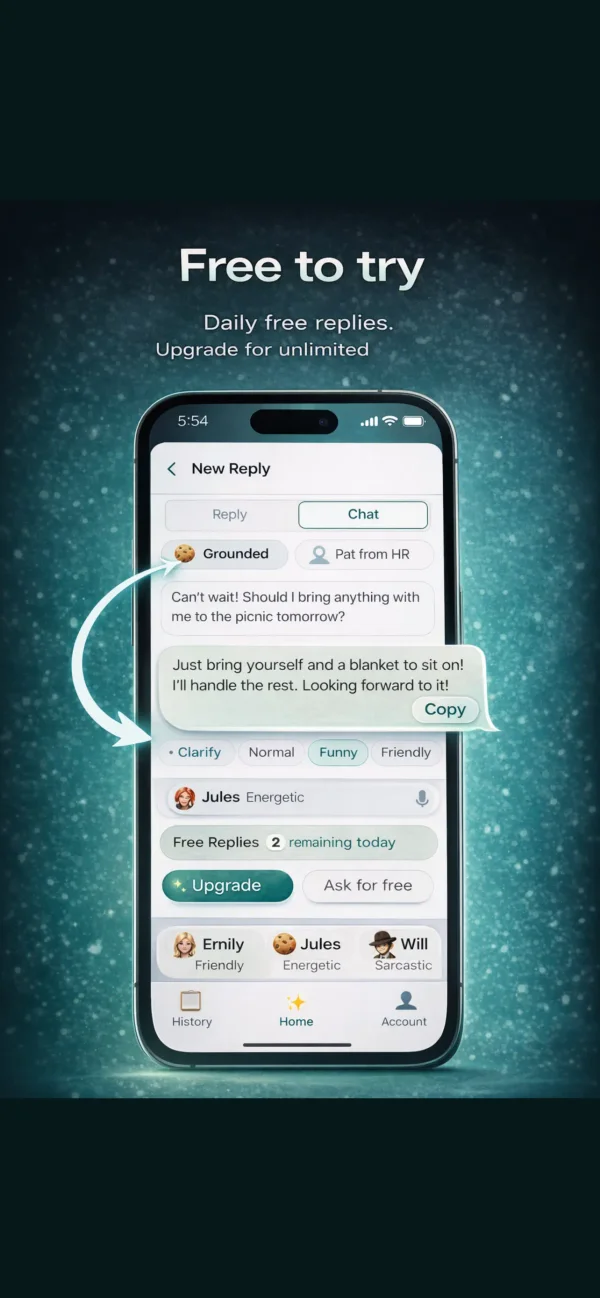
Reply Me – Your AI reply assistant
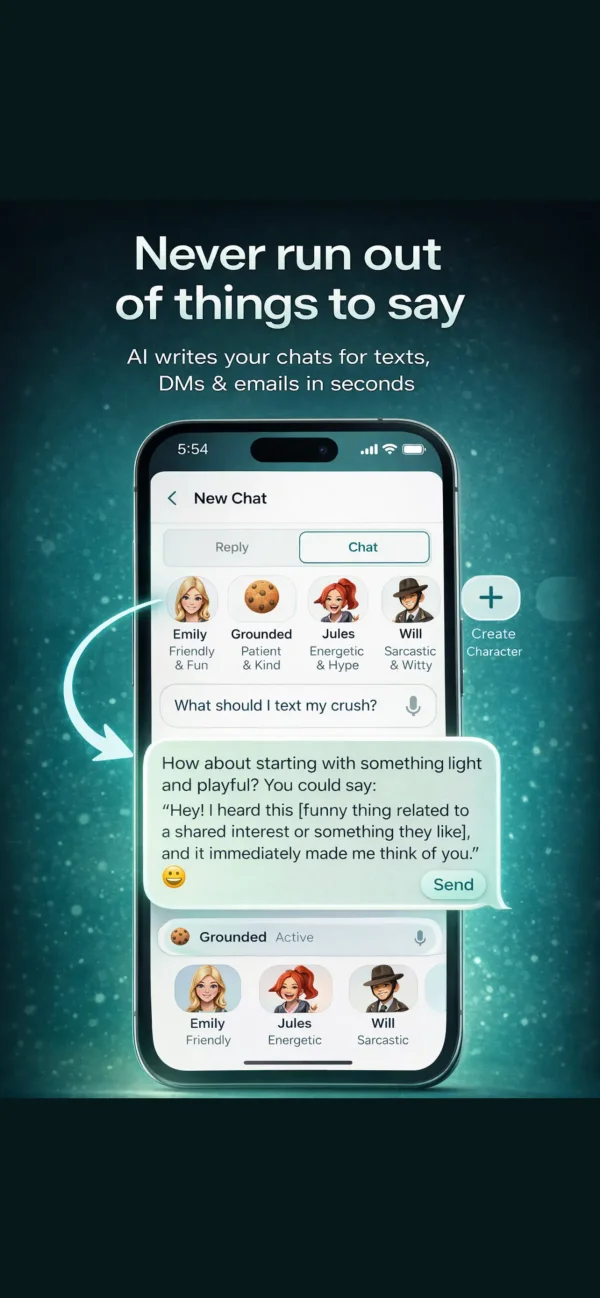
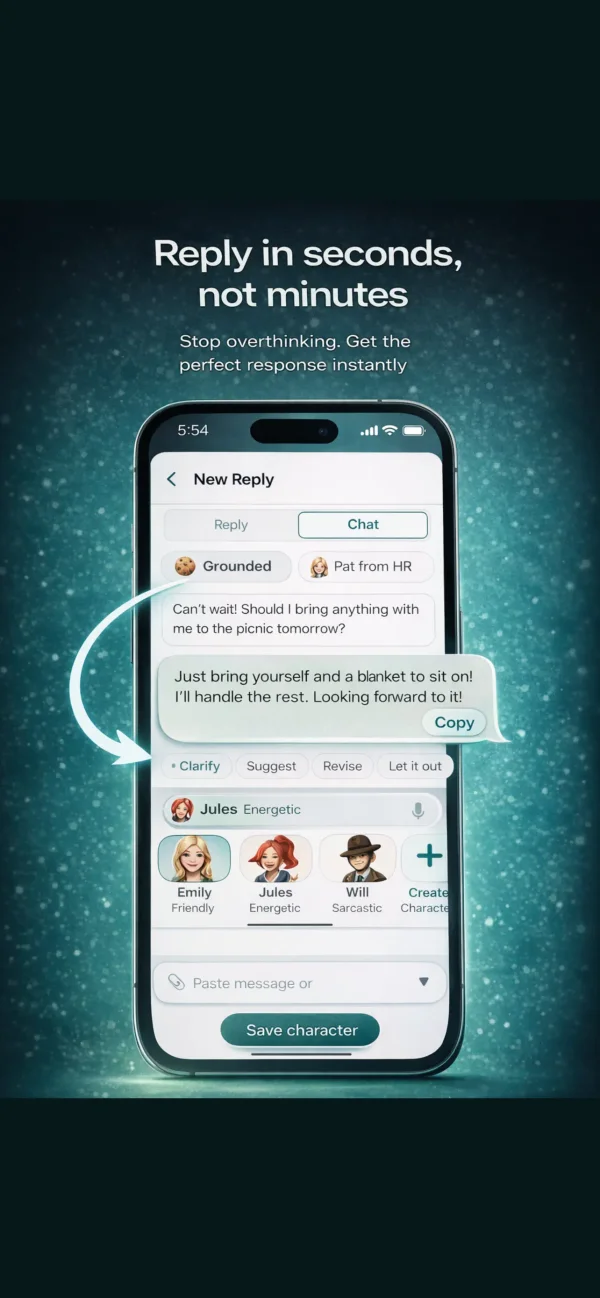
Stop staring at the screen wondering what to say. Reply Me helps you sound clear, warm, or professional—in seconds.
HOW IT WORKS
• Paste what they said (or attach a screenshot after you sign in).
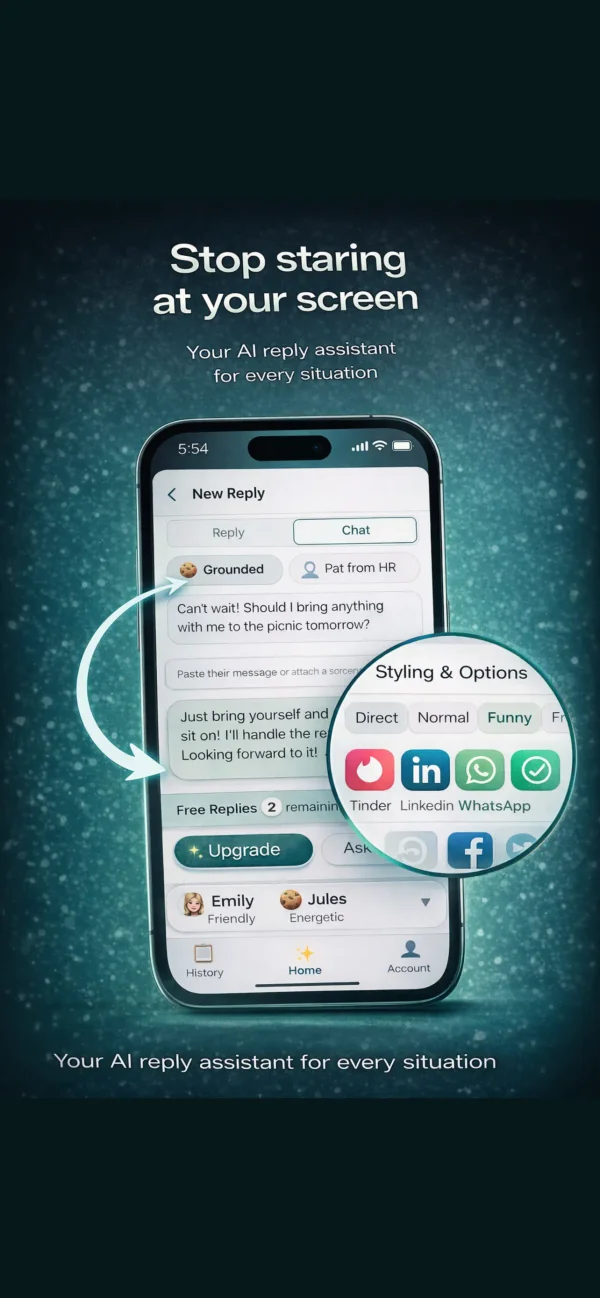
• Pick the channel—WhatsApp, Instagram, X (Twitter), LinkedIn, email, dating apps, and more.
• Choose a tone and reply length. Add optional hints (“say you’re busy,” “keep it short”).
• Get a draft you can copy and send.
MODES
• Reply – Craft answers for real conversations (reviews, clients, dating, work).
• Chat – Brainstorm or talk freely with the same tone controls.
TONES
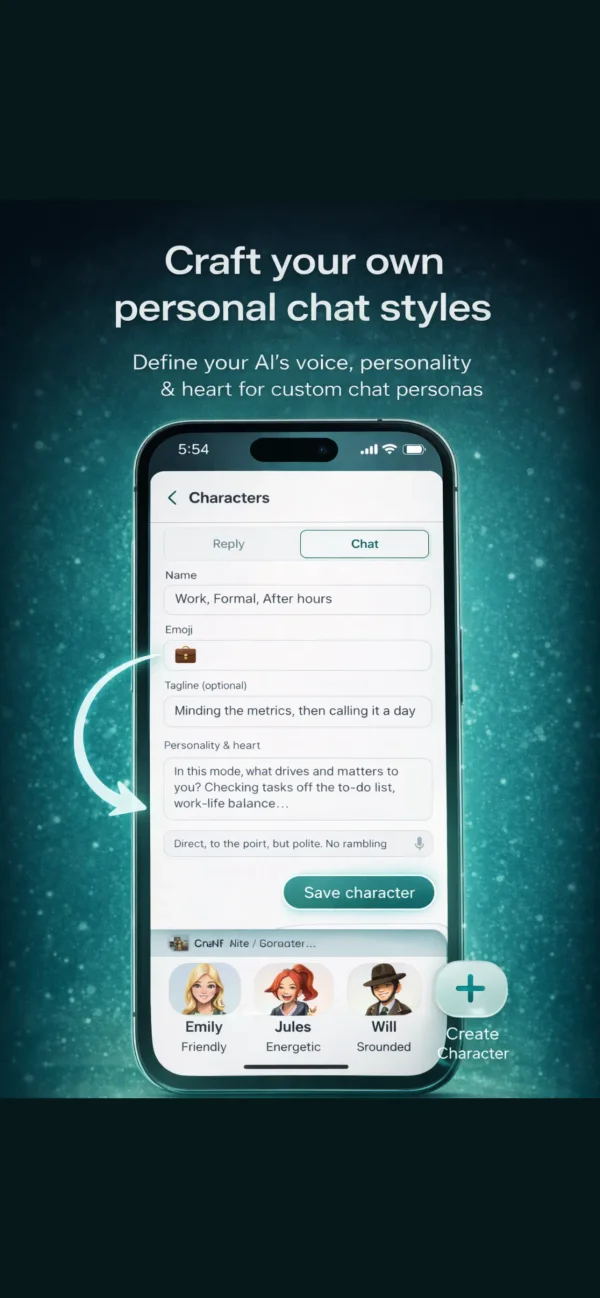
Confident, funny, romantic, professional, cold, toxic—and custom tone when you want your own voice.
SCREENSHOTS & FREE VS PRO
• Screenshot extraction is available when you’re signed in.
• On the free plan, you can use one screenshot-based reply per day (resets daily). Text-only replies use your normal free allowance.
• Pro unlocks higher limits and unlimited replies.
LANGUAGES
The app interface is available in English, French, Spanish, and Turkish.
Reply Me helps you answer with confidence—without sounding like a robot.
Terms of Use: https://www.apple.com/legal/internet-services/itunes/dev/stdeula/
What’s new
Version 1.2.2 · May 4, 2026
• Web composer (desktop): attachment “+” stays on the left; Options and Settings are on the right for a cleaner, more familiar layout.
• Send behavior is smarter: the inline send button appears only when there is content to send (typed text, relevant context, or attachments).
• Fixed draft carry-over: when starting a new thread or sending in ongoing flows, the input clears reliably instead of keeping old pasted content.
• X thread continuation is easier to follow: clearer “Continue this thread” wording and improved “What’s happening next?” guidance.
• Options behavior is more consistent after actions: option panels collapse after successful sends and hide/show states now behave predictably.
• Mobile now mirrors the new composer behavior: “+” on the left, controls on the right, conditional send visibility, and post-send cleanup.
• Additional polish and bug fixes across web and mobile continuation flows.
App privacy
What Tywo LLC declares on the App Store about how this app handles data.
-
Data not collected
The developer does not collect any data from this app.
Privacy practices may vary, for example with the features you use or your age.
Information
- Seller
- Tywo LLC
- Category
- Utilities
- Version
- 1.2.2
- Updated
- May 4, 2026
- Released
- Mar 6, 2026
- Size
- 30.5 MB
- Requires
- iOS 15.1 or later
- Age rating
- 4+
- In-app purchases
- Yes
- Languages
- English
- Copyright
- © 2026 Tywo LLC
You might also like
-
 Greenline - Car LogbookFuel & Service Records
-
 ChatMate AI – Reply AssistantFlirty Replies & Dating Help
-
 ReplyMate: AI Reply KeyboardRizz, Flirt & Text Back Ideas
-
 OdometryService history, kept properly
-
 AiReply: AI Text & Chat ReplyTexting back, in your words
-
 Seasons: Year Progress WidgetMoon Phase, Solstice & StandBy
-
 Fast Reply: Saved RepliesAuto Reply & Text Shortcuts
-
 Tasonic Top-upIntl, Mobile Top-up Recharge
-
 Unzip - Extract Zip Rar 7z LzhOpen, Create & Manage Archives
-
 Offline AI: Private, Local GPTRun AI locally & privately