Router Admin Setup Wifi
solution for router management
Dirancang untuk iPhone, iPad
Gratis · Pembelian dalam aplikasi
- Batasan usia4+
- KategoriKegunaan
- PengembangTofik Dardis
- BahasaInggris
- Ukuran15,3 MB
Tertaut ke halaman resmi App Store
Download.org tidak menyimpan file Router Admin Setup Wifi apa pun. Tombol ini membuka halaman aplikasi di App Store, tempat Tofik Dardis menerbitkannya. Halaman terakhir diperiksa pada 17/11/2026.
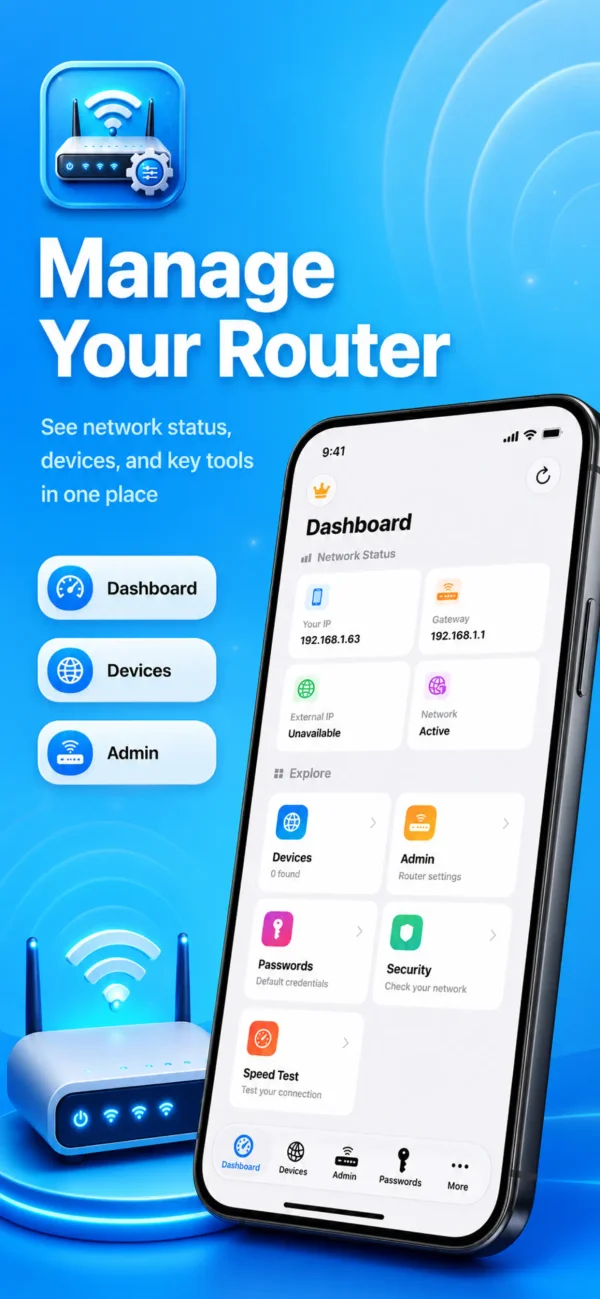
Tangkapan layar
Tentang
Pengembang belum menyediakan teks ini dalam bahasa Anda.
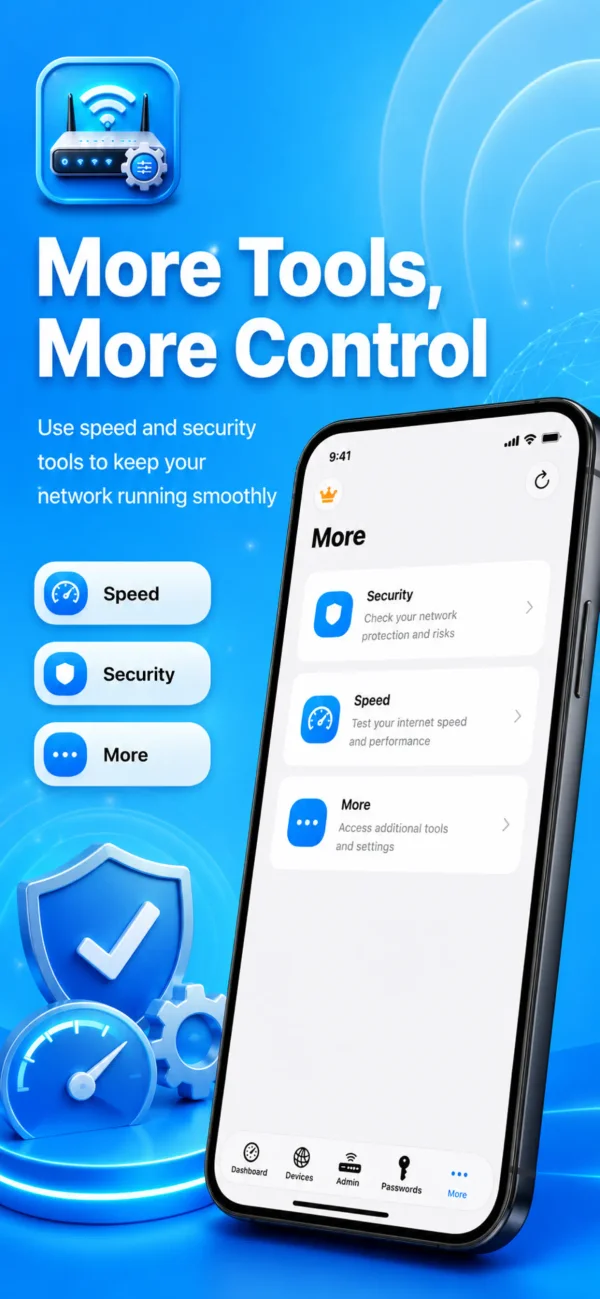
Router Admin Setup Wifi is a simple and secure utility designed exclusively for iOS users to quickly access and manage their Wi-Fi router or modem admin page directly from their iPhone or iPad.
The app automatically detects your router's gateway IP address when connected to your local Wi-Fi network and opens the official admin login page in Safari with one tap. This eliminates the need to manually remember or enter common gateway addresses like 192.168.1.1 or 192.168.0.1.
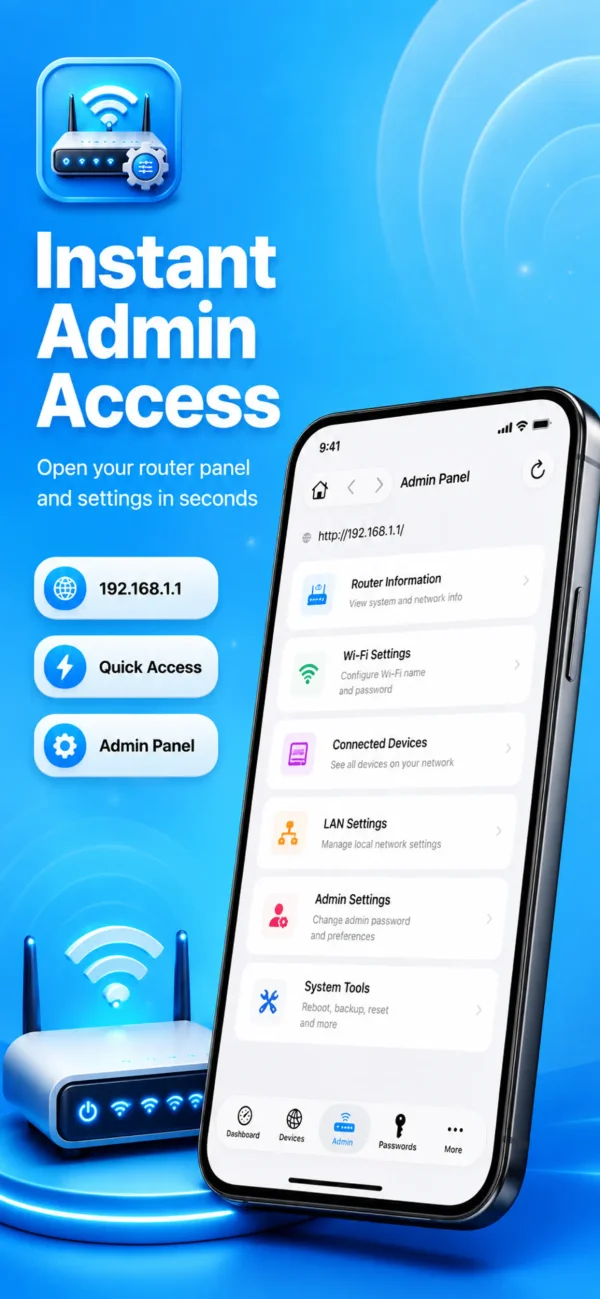
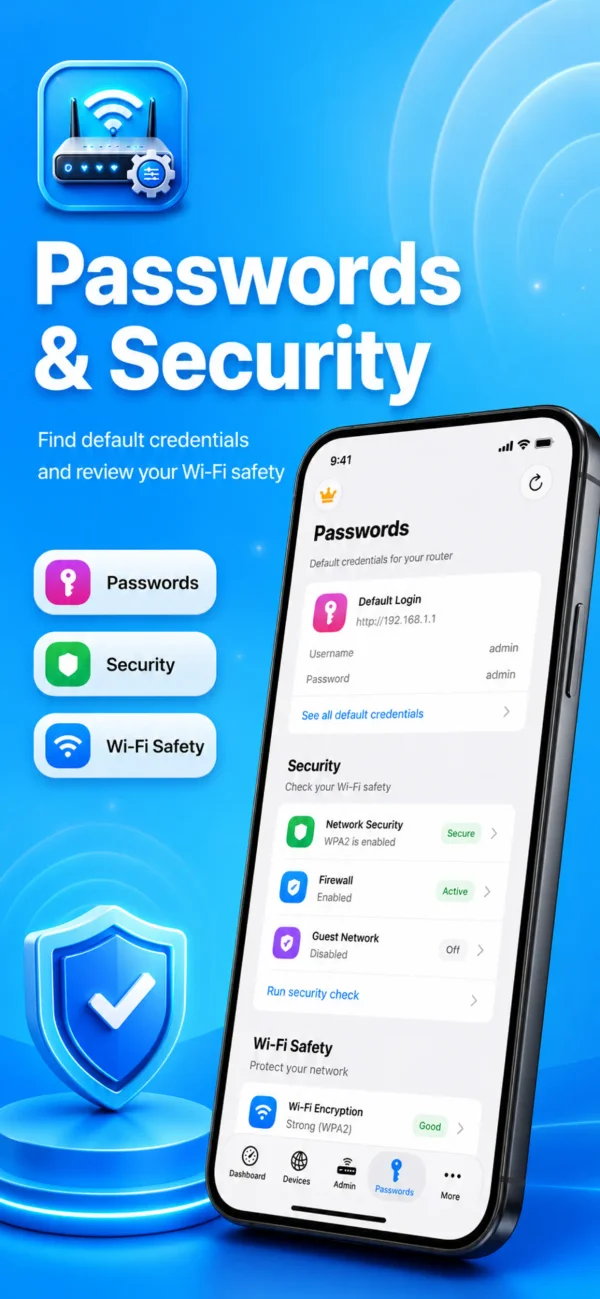
Use the app as a convenient shortcut to your router's own web-based control panel, where you can securely manage network settings using your valid router login credentials. All actions occur only within your local Wi-Fi network—directly through the router's interface.
Key Features:
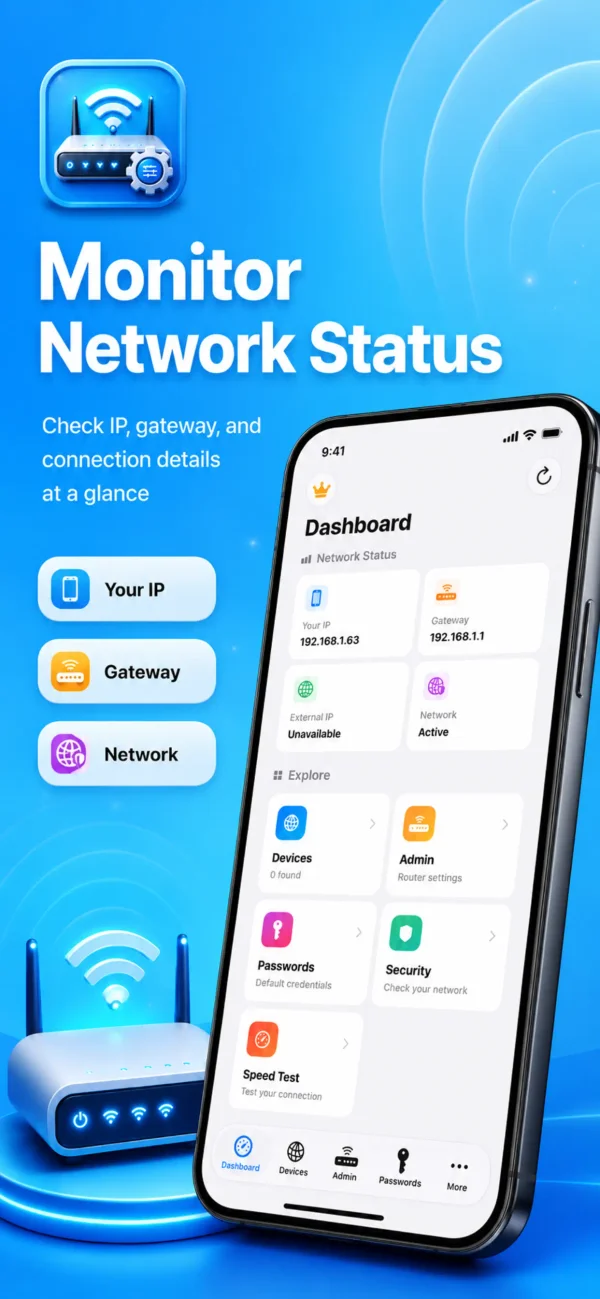
Automatically detects and displays your router's IP address.
One-tap access to the router admin login page.
Manage Wi-Fi settings, update passwords, monitor connected devices, control network access, and configure security options.
Suitable for both beginners and advanced users seeking fast, reliable access to router configuration.
Operates entirely locally with no remote servers involved, ensuring maximum privacy and network safety.
No password storage or security bypassing—the app simply provides quick navigation to your router's official interface.
How It Works:
Open the app and connect your iPhone or iPad to your router’s Wi-Fi network. The router’s IP address will appear automatically.
If the IP is not visible, tap the “Update IP” button to refresh it.
Tap “Open Admin Page” to be redirected to your router’s login page in Safari.
Enter your username and password (defaults are often printed on the router sticker—commonly “admin” for both, or check your router’s manual).
A Wi-Fi connection and valid router admin credentials are required. Feature availability depends on your router model and firmware.
Supported Routers and Modems
The app works with a wide range of routers and modems from popular manufacturers, making it ideal for home and office networks.
Router Admin Setup Wifi is built for iOS users who want a fast, organized, and privacy-focused way to reach their router setup page and manage their network efficiently—all from one place on their Apple device.
Privacy Policy: https://blogte.com/privacy-policy-3/
Terms of Use (EULA): https://www.apple.com/legal/internet-services/itunes/dev/stdeula
Yang baru
Versi v6 · 31/8/2026
bugs fixed
Privasi aplikasi
Yang dinyatakan Tofik Dardis di App Store tentang cara aplikasi ini menangani data.
-
Data tidak dikumpulkan
Pengembang tidak mengumpulkan data apa pun dari aplikasi ini.
Praktik privasi dapat bervariasi, misalnya berdasarkan fitur yang Anda gunakan atau usia Anda.
Informasi
- Penjual
- Tofik Dardis
- Kategori
- Kegunaan
- Versi
- v6
- Diperbarui
- 31/8/2026
- Dirilis
- 3/2/2026
- Ukuran
- 15,3 MB
- Memerlukan
- iOS 18.0 atau yang lebih baru
- Batasan usia
- 4+
- Harga
- Gratis
- Pembelian dalam aplikasi
- Ya
- Bahasa
- Inggris
- Hak cipta
- © Copyright By mszr
Mungkin Anda juga suka
-
 Router Admin WiFi SetupKegunaan
-
 Wifi Router Admin SetupKegunaan
-
 Router Admin Setup Controller.Kegunaan
-
 Router Setup Page ProKegunaan
-
 Router Setup PageKegunaan
-
 Wifi Router Setup ControlKegunaan
-
 WrtHub-OpenWrt ManagerKegunaan
-
 Router Admin ControlKegunaan
-
 Router Admin :Setup ControllerKegunaan
-
 All Router Wifi PasswordsKegunaan