Router Admin Setup Wifi
solution for router management
Designed for iPhone, iPad
Free · In-app purchases
- Age rating4+
- CategoryUtilities
- DeveloperTofik Dardis
- LanguagesEnglish
- Size15.3 MB
Links to the official App Store page
Download.org hosts no file of Router Admin Setup Wifi. The button opens its official App Store page, published by Tofik Dardis. Listing last checked on Nov 17, 2026.
Screenshots
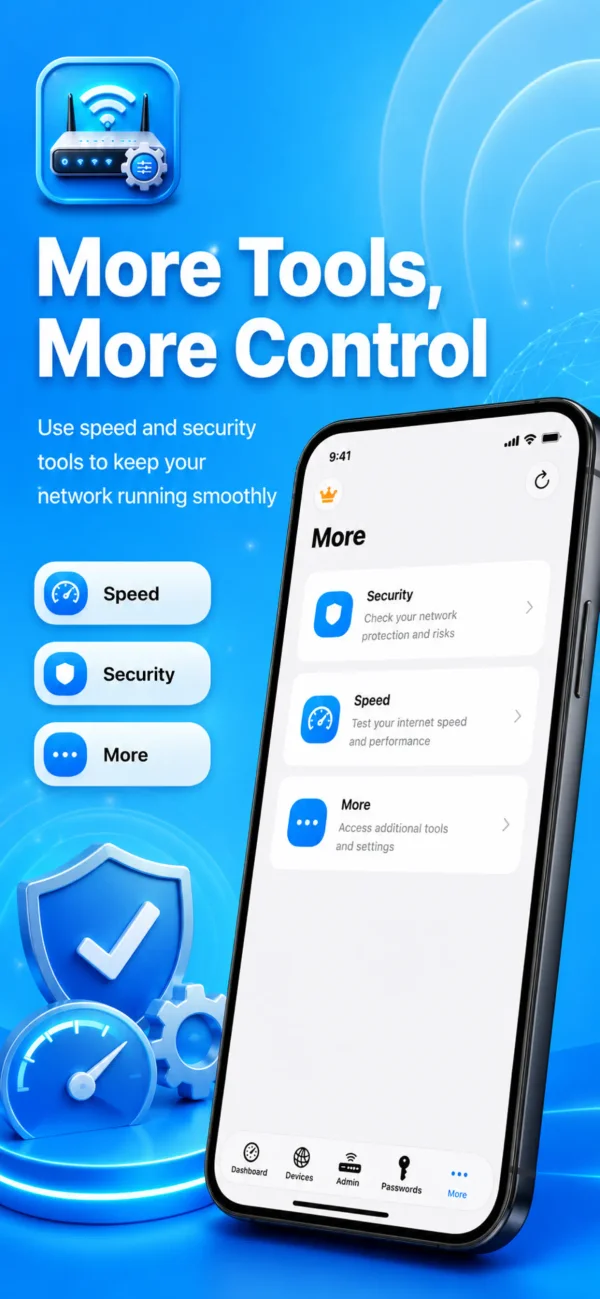
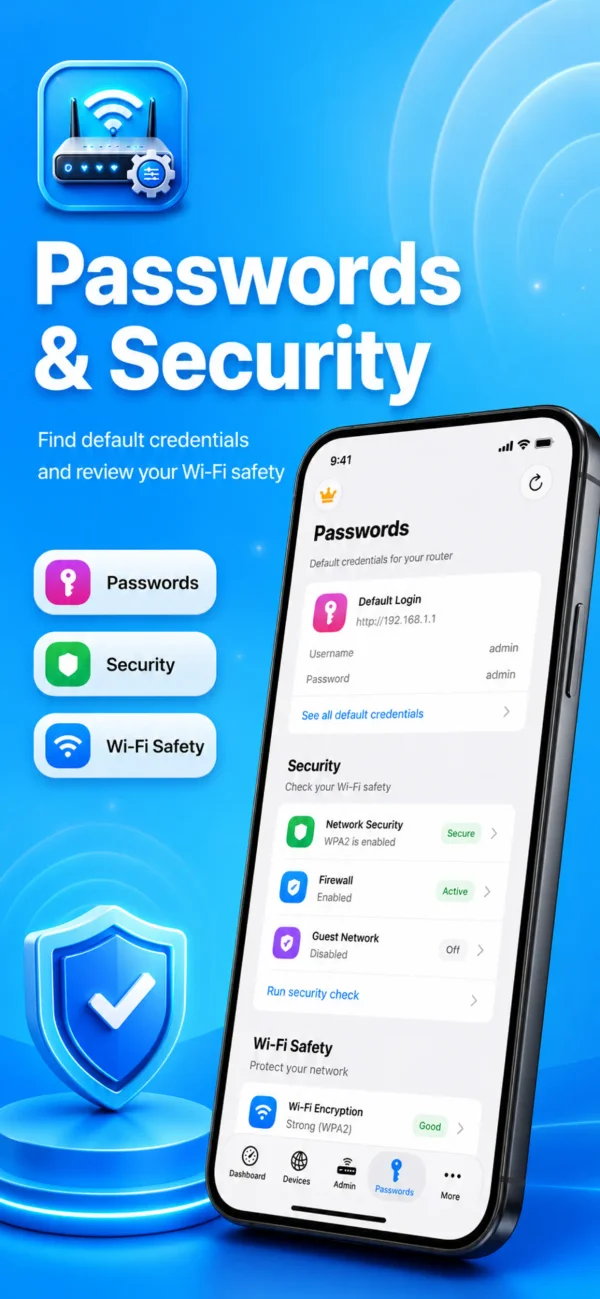
About
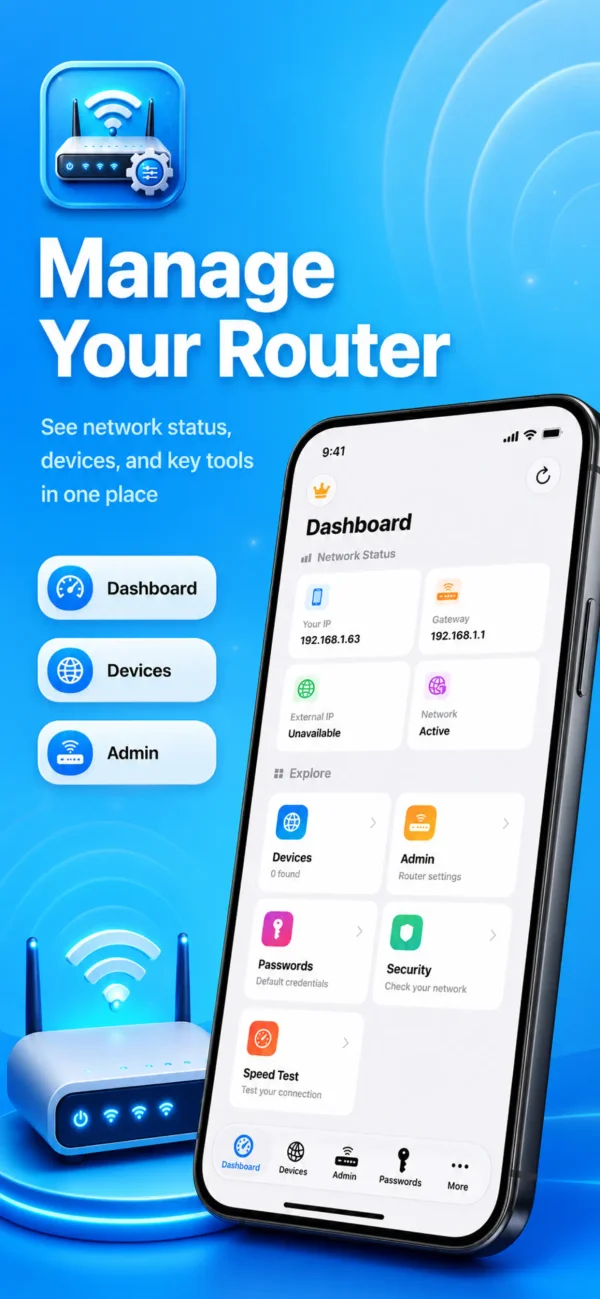
Router Admin Setup Wifi is a simple and secure utility designed exclusively for iOS users to quickly access and manage their Wi-Fi router or modem admin page directly from their iPhone or iPad.
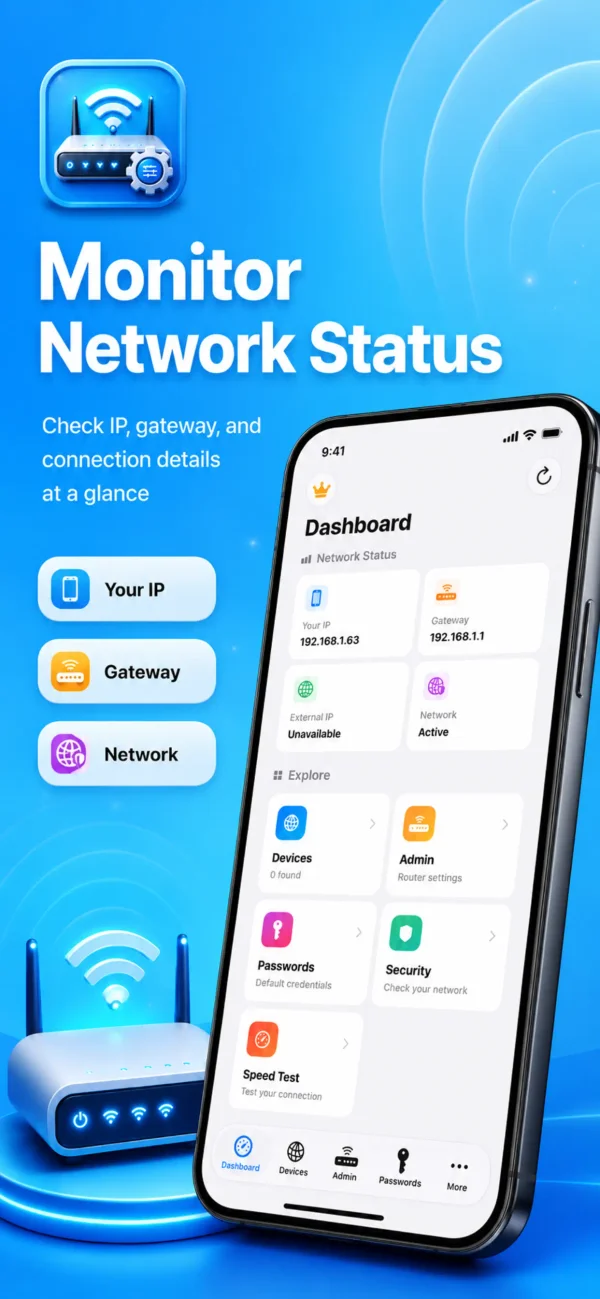
The app automatically detects your router's gateway IP address when connected to your local Wi-Fi network and opens the official admin login page in Safari with one tap. This eliminates the need to manually remember or enter common gateway addresses like 192.168.1.1 or 192.168.0.1.
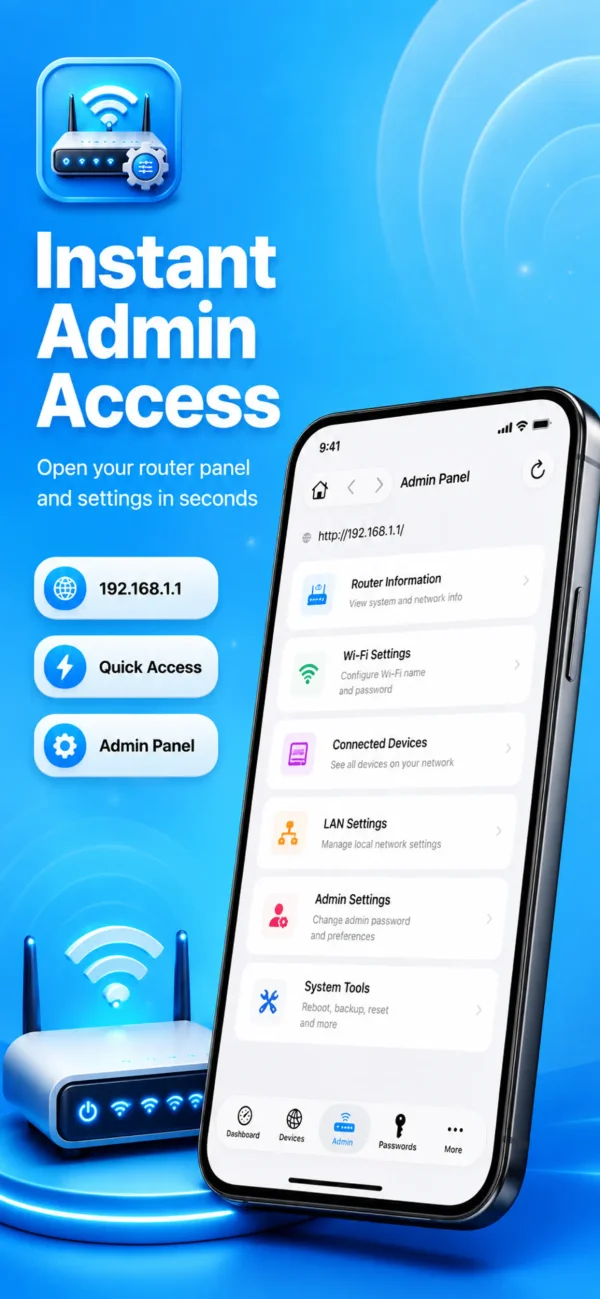
Use the app as a convenient shortcut to your router's own web-based control panel, where you can securely manage network settings using your valid router login credentials. All actions occur only within your local Wi-Fi network—directly through the router's interface.
Key Features:
Automatically detects and displays your router's IP address.
One-tap access to the router admin login page.
Manage Wi-Fi settings, update passwords, monitor connected devices, control network access, and configure security options.
Suitable for both beginners and advanced users seeking fast, reliable access to router configuration.
Operates entirely locally with no remote servers involved, ensuring maximum privacy and network safety.
No password storage or security bypassing—the app simply provides quick navigation to your router's official interface.
How It Works:
Open the app and connect your iPhone or iPad to your router’s Wi-Fi network. The router’s IP address will appear automatically.
If the IP is not visible, tap the “Update IP” button to refresh it.
Tap “Open Admin Page” to be redirected to your router’s login page in Safari.
Enter your username and password (defaults are often printed on the router sticker—commonly “admin” for both, or check your router’s manual).
A Wi-Fi connection and valid router admin credentials are required. Feature availability depends on your router model and firmware.
Supported Routers and Modems
The app works with a wide range of routers and modems from popular manufacturers, making it ideal for home and office networks.
Router Admin Setup Wifi is built for iOS users who want a fast, organized, and privacy-focused way to reach their router setup page and manage their network efficiently—all from one place on their Apple device.
Privacy Policy: https://blogte.com/privacy-policy-3/
Terms of Use (EULA): https://www.apple.com/legal/internet-services/itunes/dev/stdeula
What’s new
Version v6 · Aug 31, 2026
bugs fixed
App privacy
What Tofik Dardis declares on the App Store about how this app handles data.
-
Data not collected
The developer does not collect any data from this app.
Privacy practices may vary, for example with the features you use or your age.
Information
- Seller
- Tofik Dardis
- Category
- Utilities
- Version
- v6
- Updated
- Aug 31, 2026
- Released
- Feb 3, 2026
- Size
- 15.3 MB
- Requires
- iOS 18.0 or later
- Age rating
- 4+
- Price
- Free
- In-app purchases
- Yes
- Languages
- English
- Copyright
- © Copyright By mszr
You might also like
-
 Router Admin WiFi SetupAll-in-One WiFi Manager
-
 Wifi Router Admin SetupUtilities
-
 Router Admin Setup Controller.Router Admin - Setup WiFi
-
 Router Setup Page ProWiFi Manager & Device Scan
-
 Router Setup PageWiFi Analyzer & Speed Test
-
 Wifi Router Setup ControlSet Router Setting From Phone
-
 WrtHub-OpenWrt ManagerOpenWrt & ImmortalWrt Manager
-
 Router Admin ControlRouter Admin Setup, Speed Test
-
 Router Admin :Setup ControllerQuick Router Admin Access
-
 All Router Wifi PasswordsAll Router Admin Setup Control