- Batasan usia4+
- KategoriBisnis
- Pengembangsalesforce.com
- BahasaInggris+ 25 lainnya
- Ukuran57,1 MB
Tertaut ke halaman resmi App Store
Download.org tidak menyimpan file Salesforce Authenticator apa pun. Tombol ini membuka halaman aplikasi di App Store, tempat salesforce.com menerbitkannya. Halaman terakhir diperiksa pada 21/11/2026.
Tangkapan layar
Tentang
Pengembang belum menyediakan teks ini dalam bahasa Anda.
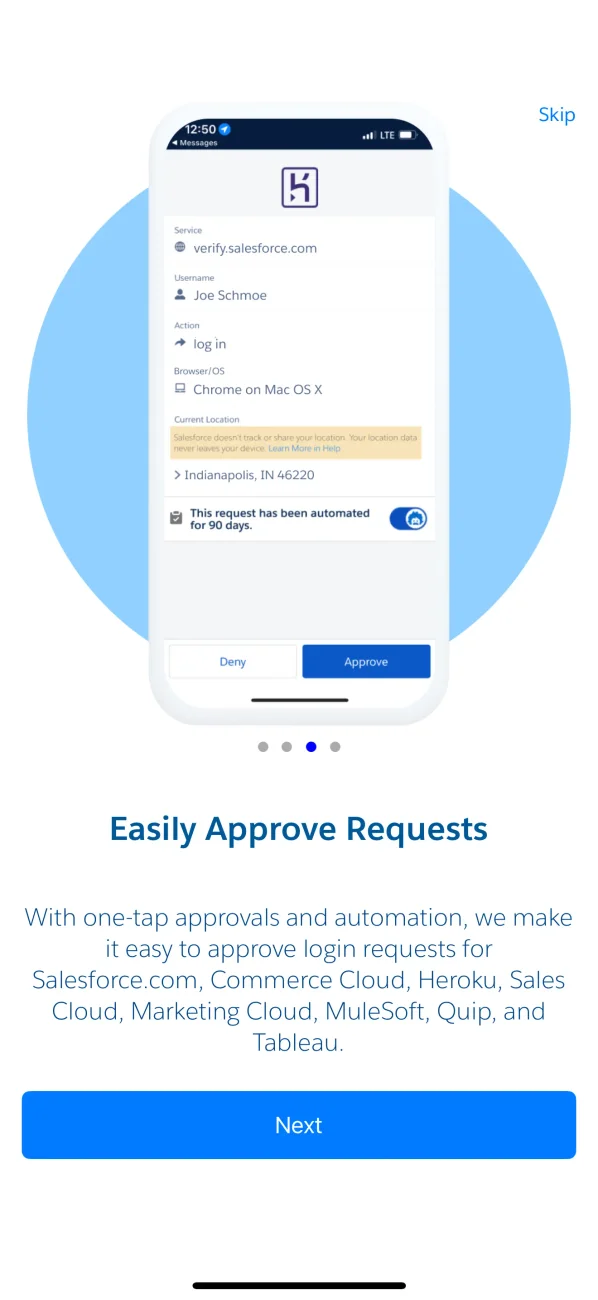
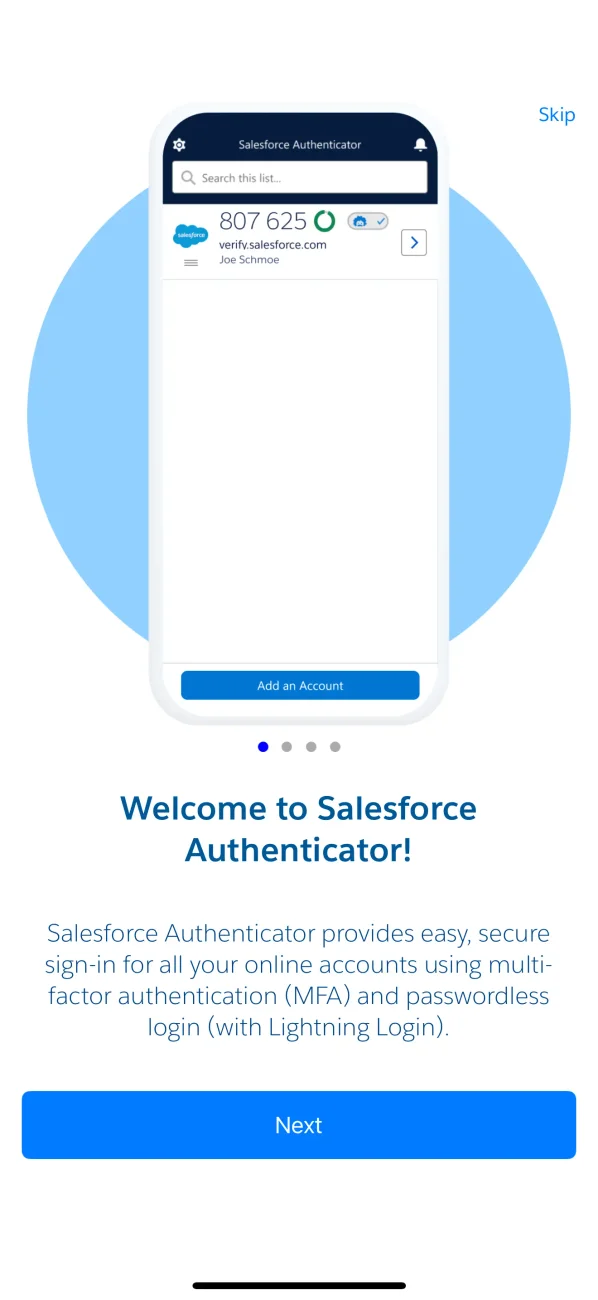
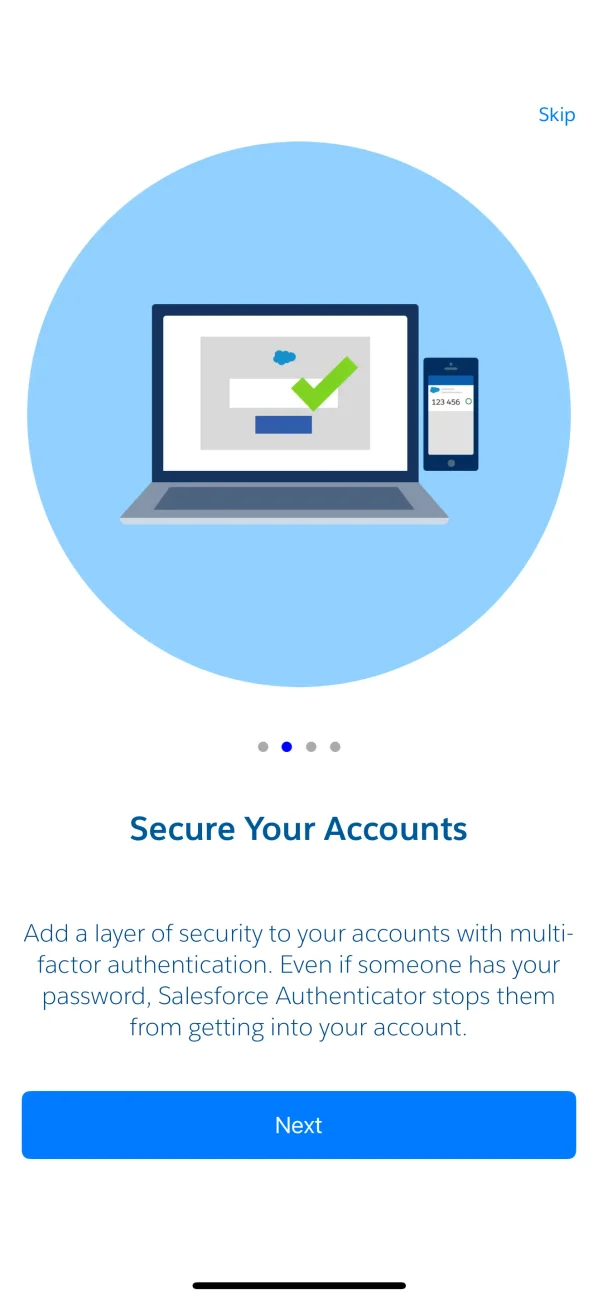
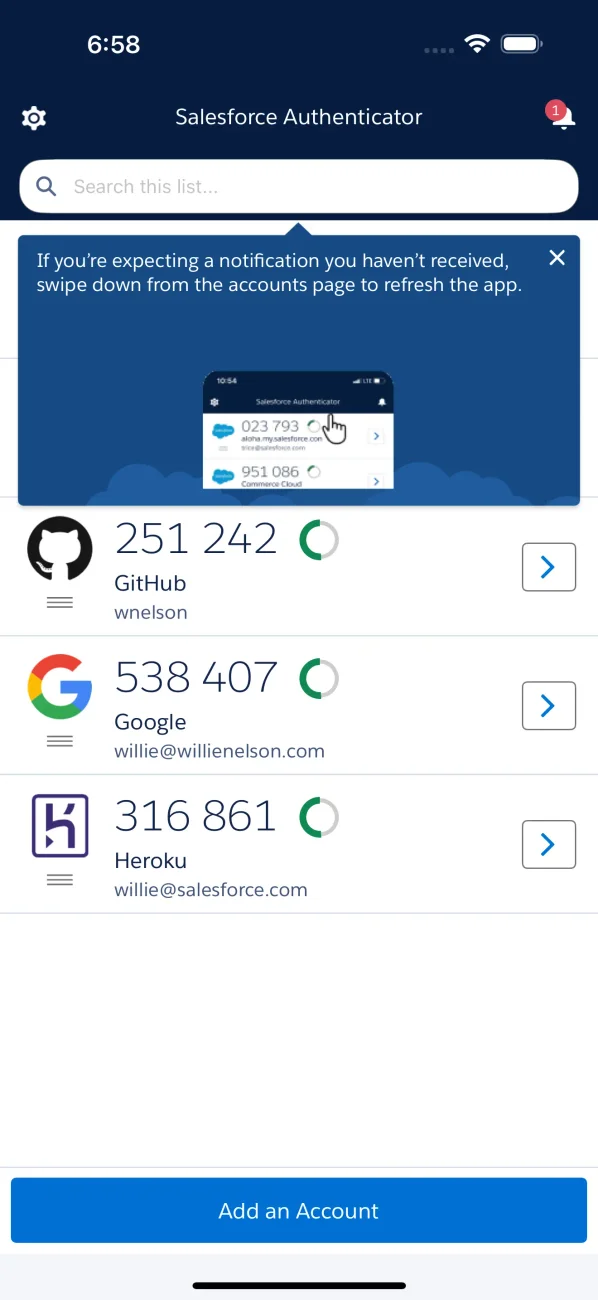
Salesforce Authenticator adds an extra layer of security for your online accounts with multi-factor authentication (also known as two-factor authentication). With Salesforce Authenticator, you use your mobile device to verify your identity when logging in to your account or performing critical actions. The app sends you a push notification, and you approve or deny the activity with just a tap. For even more convenience, Salesforce Authenticator can use your mobile device’s location services to automatically approve account activity that you trust. The app also provides one-time verification codes for use while you’re offline or have low connectivity.
Use Salesforce Authenticator to secure all your online accounts that support time-based one-time passwords (TOTP). Any service that allows multi-factor authentication using an “Authenticator app” is compatible with Salesforce Authenticator.
Location Data & Privacy
If you enable location-based automation in Salesforce Authenticator, rest assured that Salesforce never tracks your location or shares it with anyone. Location data is stored securely on your mobile device, never in the cloud. You can delete all location data from your device or turn off location services at any time. Learn more about how the app uses location data in Salesforce Help.
Battery Usage
Rather than getting precise location updates, Salesforce Authenticator only receives updates when you enter or leave the approximate area, or “geofence,” of a location that you trust. By minimizing the frequency of location updates, Salesforce Authenticator conserves your mobile device’s battery life. To reduce battery usage even more, you can turn off location services and stop automating your activity.
Yang baru
Versi 4.8.0 · 22/9/2026
bug fixes
Privasi aplikasi
Yang dinyatakan salesforce.com di App Store tentang cara aplikasi ini menangani data.
-
Data yang tidak ditautkan dengan Anda
Dapat dikumpulkan, tetapi tidak ditautkan dengan identitas Anda.
- Info kontak
- Konten pengguna
- Pengenal
- Diagnostik
Praktik privasi dapat bervariasi, misalnya berdasarkan fitur yang Anda gunakan atau usia Anda.
Informasi
- Penjual
- salesforce.com
- Kategori
- Bisnis
- Versi
- 4.8.0
- Diperbarui
- 22/9/2026
- Dirilis
- 8/1/2014
- Ukuran
- 57,1 MB
- Memerlukan
- iOS 15.0 atau yang lebih baru
- Batasan usia
- 4+
- Harga
- Gratis
- Bahasa
- Inggris, Cheska (Republik Cheska), Dansk (Denmark), Belanda, Suomi (Finlandia), Prancis, Jerman, Yunani, Magyar (Hungaria), Bahasa Indonesia, Italia, Jepang + 14 lainnya
- Hak cipta
- © 2025 by Salesforce.com, Inc.