
- Age rating4+
- CategoryBusiness
- Developersalesforce.com
- LanguagesEnglish+ 25 more
- Size57.1 MB
Links to the official App Store page
Download.org hosts no file of Salesforce Authenticator. The button opens its official App Store page, published by salesforce.com. Listing last checked on Nov 21, 2026.
Screenshots


About
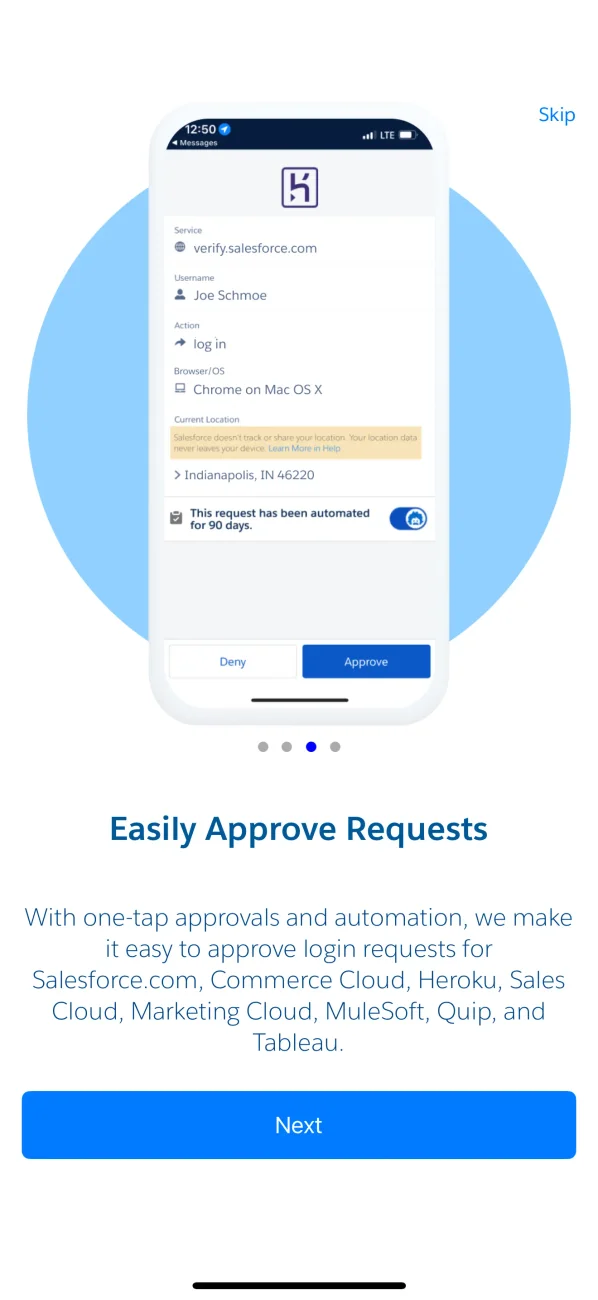
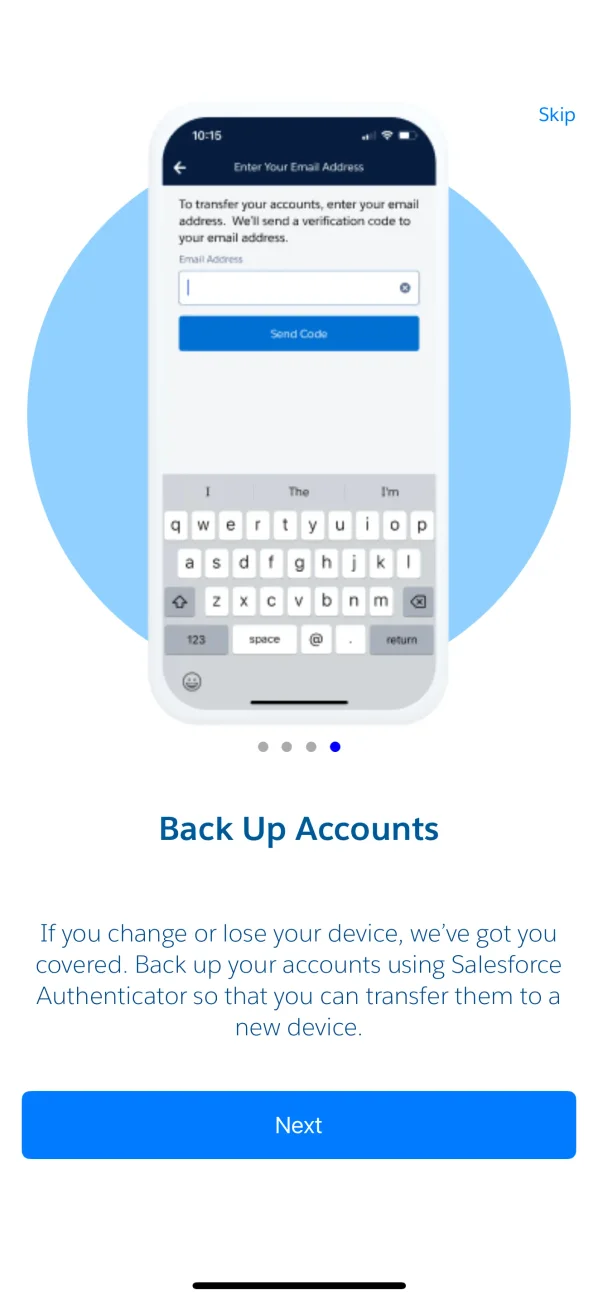
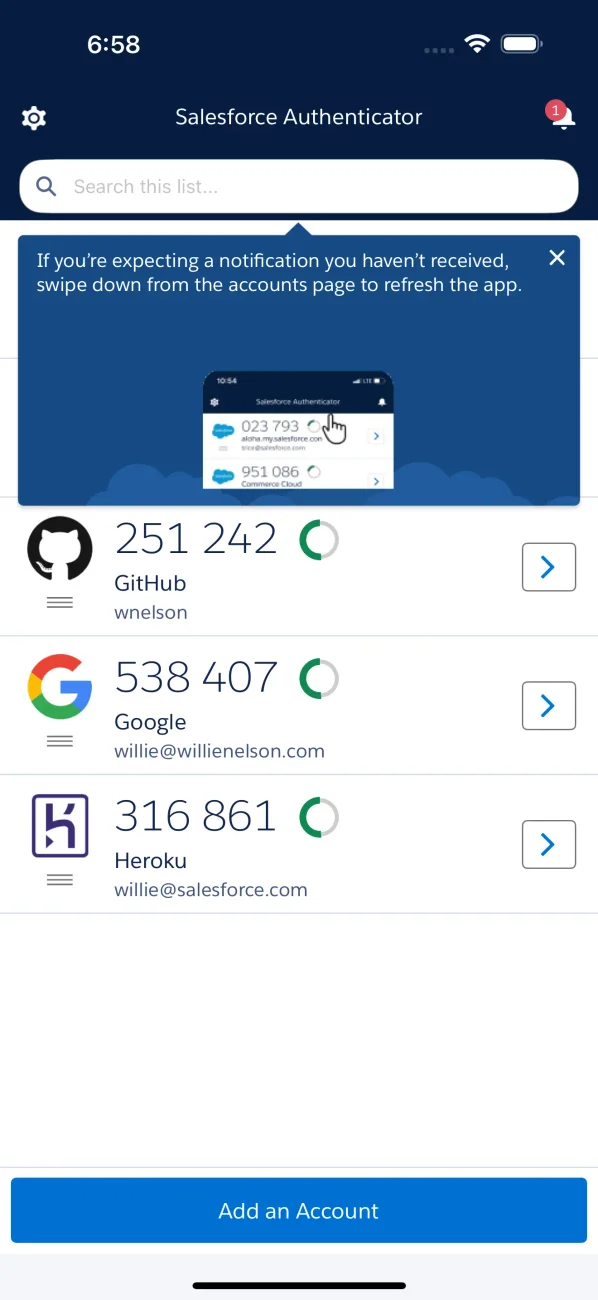
Salesforce Authenticator adds an extra layer of security for your online accounts with multi-factor authentication (also known as two-factor authentication). With Salesforce Authenticator, you use your mobile device to verify your identity when logging in to your account or performing critical actions. The app sends you a push notification, and you approve or deny the activity with just a tap. For even more convenience, Salesforce Authenticator can use your mobile device’s location services to automatically approve account activity that you trust. The app also provides one-time verification codes for use while you’re offline or have low connectivity.
Use Salesforce Authenticator to secure all your online accounts that support time-based one-time passwords (TOTP). Any service that allows multi-factor authentication using an “Authenticator app” is compatible with Salesforce Authenticator.
Location Data & Privacy
If you enable location-based automation in Salesforce Authenticator, rest assured that Salesforce never tracks your location or shares it with anyone. Location data is stored securely on your mobile device, never in the cloud. You can delete all location data from your device or turn off location services at any time. Learn more about how the app uses location data in Salesforce Help.
Battery Usage
Rather than getting precise location updates, Salesforce Authenticator only receives updates when you enter or leave the approximate area, or “geofence,” of a location that you trust. By minimizing the frequency of location updates, Salesforce Authenticator conserves your mobile device’s battery life. To reduce battery usage even more, you can turn off location services and stop automating your activity.
What’s new
Version 4.8.0 · Sep 22, 2026
bug fixes
App privacy
What salesforce.com declares on the App Store about how this app handles data.
-
Data not linked to you
May be collected but is not linked to your identity.
- Contact info
- User content
- Identifiers
- Diagnostics
Privacy practices may vary, for example with the features you use or your age.
Information
- Seller
- salesforce.com
- Category
- Business
- Version
- 4.8.0
- Updated
- Sep 22, 2026
- Released
- Jan 8, 2014
- Size
- 57.1 MB
- Requires
- iOS 15.0 or later
- Age rating
- 4+
- Price
- Free
- Languages
- English, Czech, Danish, Dutch, Finnish, French, German, Greek, Hungarian, Indonesian, Italian, Japanese + 14 more
- Copyright
- © 2025 by Salesforce.com, Inc.
You might also like
-
 DialpadA modern phone system
-
 Expensify - Travel & ExpenseTrack receipts & expenses
-
 TriNet MobileHR on-the-go for PEO
-
 RampTime is money. Save both
-
 Tableau MobileBusiness
-
 Oracle Mobile AuthenticatorBusiness
-
 BrexCards and expense management
-
 LinkedIn Sales NavigatorFind & engage the right buyer
-
 WeWork: Flexible WorkspaceBook space by the hour or day.
-
 Gong.ioRevenue Intelligence