
Scannerkit: PDF & Scanner App
Scan Documents. PDF Converter
Dirancang untuk iPhone
Gratis · Pembelian dalam aplikasi
- Batasan usia4+
- KategoriBisnis
- PengembangSmarter Apps
- BahasaInggris
- Ukuran253,2 MB
Tertaut ke halaman resmi App Store
Download.org tidak menyimpan file Scannerkit: PDF & Scanner App apa pun. Tombol ini membuka halaman aplikasi di App Store, tempat Smarter Apps menerbitkannya. Halaman terakhir diperiksa pada 17/11/2026.
Tangkapan layar
Tentang
Pengembang belum menyediakan teks ini dalam bahasa Anda.
Introducing the smartest, most effortless way to scan and digitize documents on iPhone. ScannerKit is the document and PDF scanner that transforms physical papers into perfectly organized digital files - so you can focus on your work while our AI handles the perfect capture, enhancement, and organization of every document.
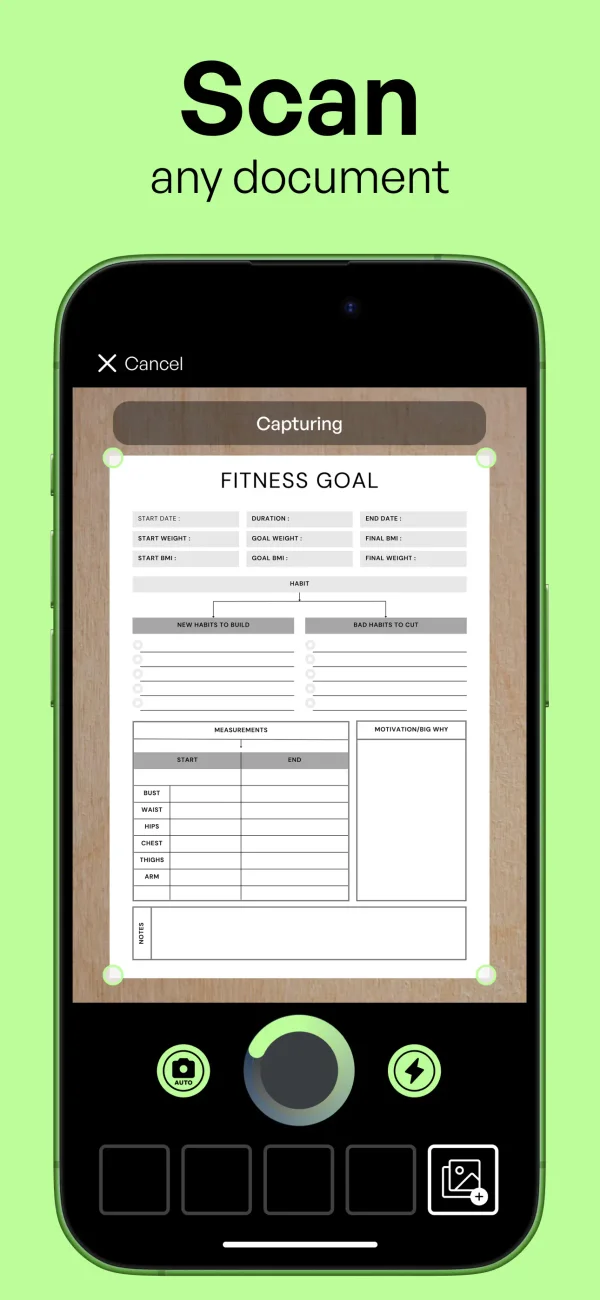
Whether you're capturing multi-page contracts or quickly digitizing receipts, ScannerKit's intelligent scanning technology handles the hard work. Just point your camera and watch as it automatically detects edges, corrects perspective, and enhances readability. Every scan becomes a crisp, professional PDF ready to store, sign, or share.
SCANNERKIT'S DOCUMENT & PDF SCANNER FEATURES
INTELLIGENT AUTO-CAPTURE
Point and scan. Our AI detects document edges and captures the perfect shot automatically - no tapping or adjusting needed.
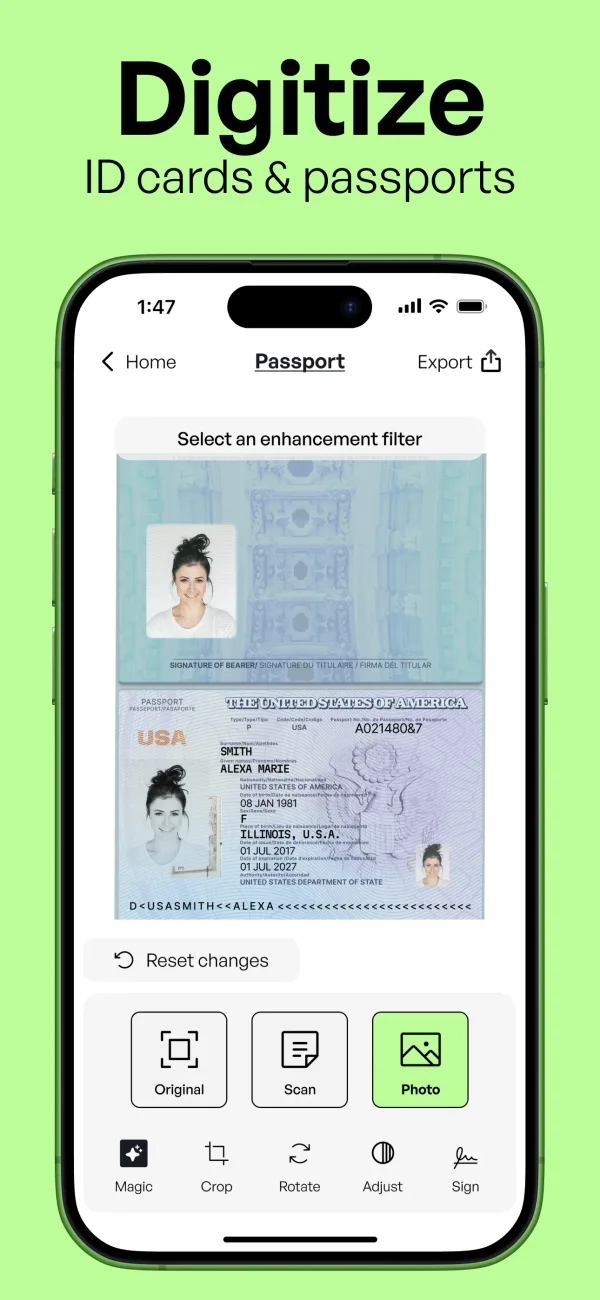
MAGICALLY SCAN-HANCE™ EVERY DOCUMENT
One tap transforms your scans with advanced enhancement filters, perfecting brightness, contrast, and text clarity instantly.
UNLIMITED MULTI-PAGE SCANNING
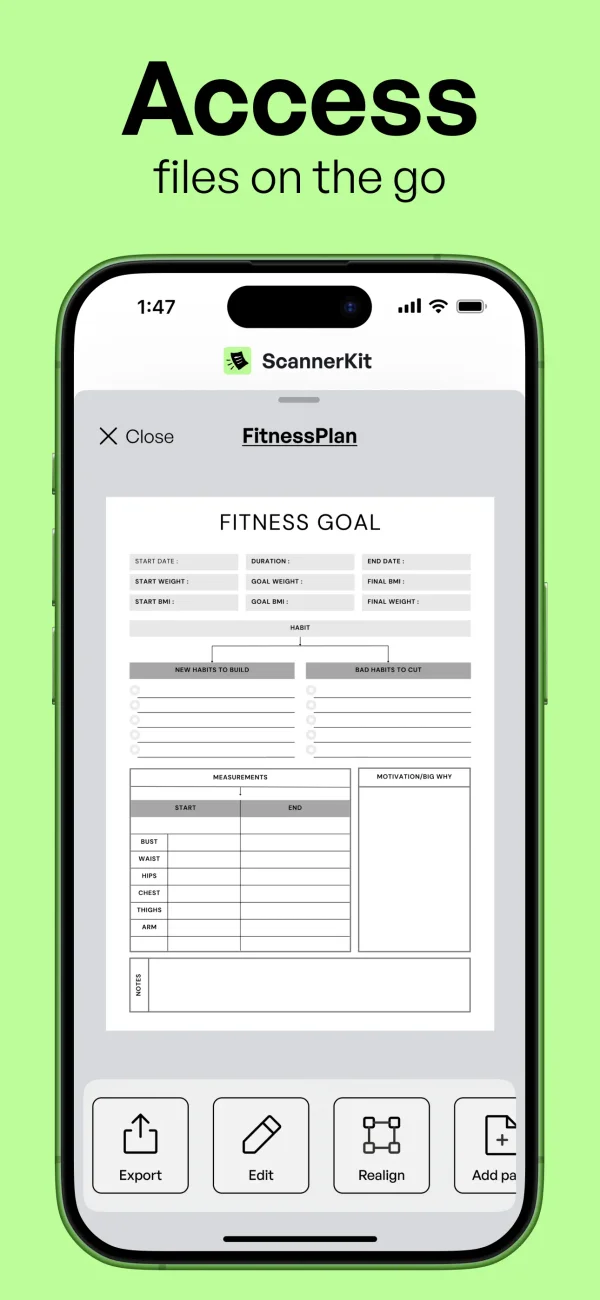
Capture documents of any length. Combine pages, reorder them, and create organized PDF files with perfect consistency.
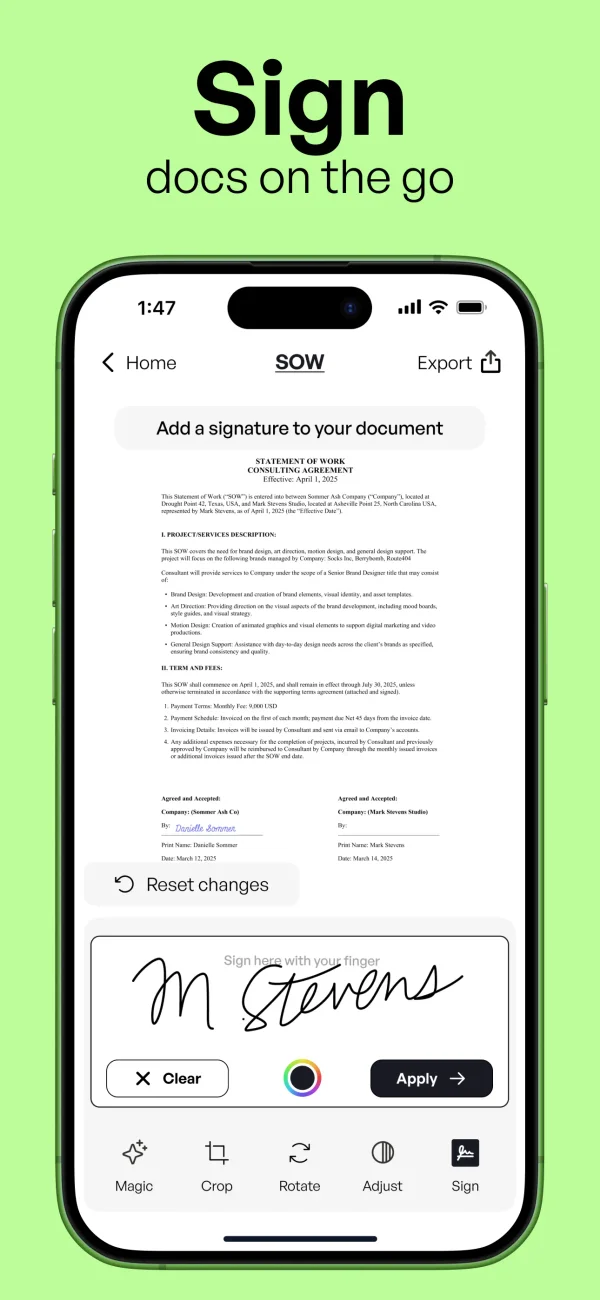
SIGN AND SHARE INSTANTLY
Add signatures to any document right on your phone. Share professional PDFs without ever needing a printer.
ADD ANYTHING FROM YOUR CAMERA ROLL
Turn photos into high-quality scans by importing directly from your camera roll. Whether it’s a receipt or whiteboard, enhance, edit, and share with precision—keeping your content organized in one place.
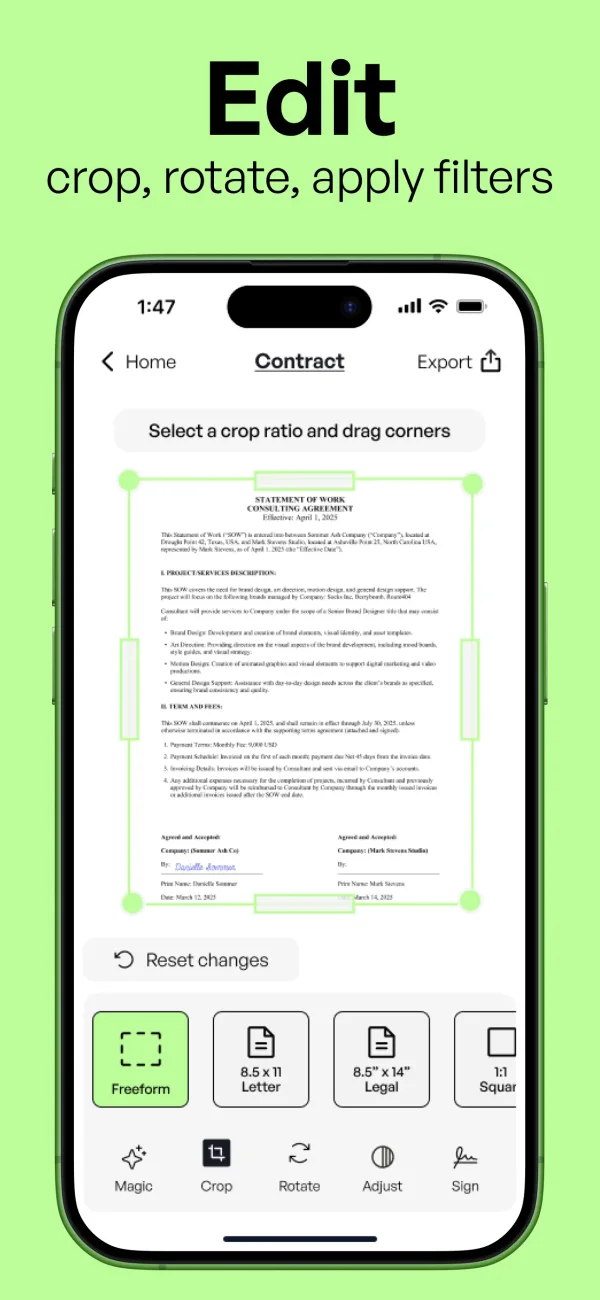
NO CROPPING NECESSARY
Easily frame your scans with preset crop options. Perfectly align anything–forms, notes, business cards, and images–in seconds for a professional finish every time.
Every feature in ScannerKit is designed to save you time and deliver perfect results. Stop dealing with poor quality scans, complicated apps, and disorganized files. Join the professionals who trust ScannerKit to handle their document scanning needs with unmatched speed and precision.
SCAN SMARTER, NOT HARDER
• Scan anything, anywhere. From receipts to contracts, whiteboards to books—capture it all in perfect clarity.
• Professional-quality results. Every scan is automatically enhanced for crisp, clear, ready-to-use documents.
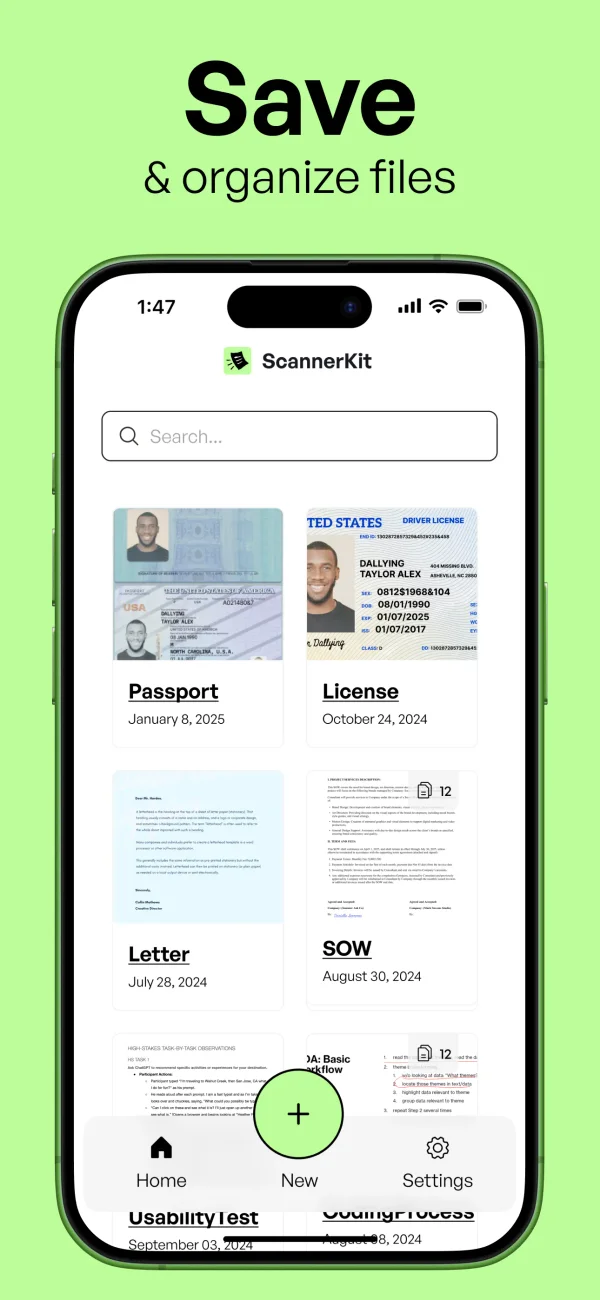
• Smart organization. Intelligent filing and auto-detection make your scans instantly useful.
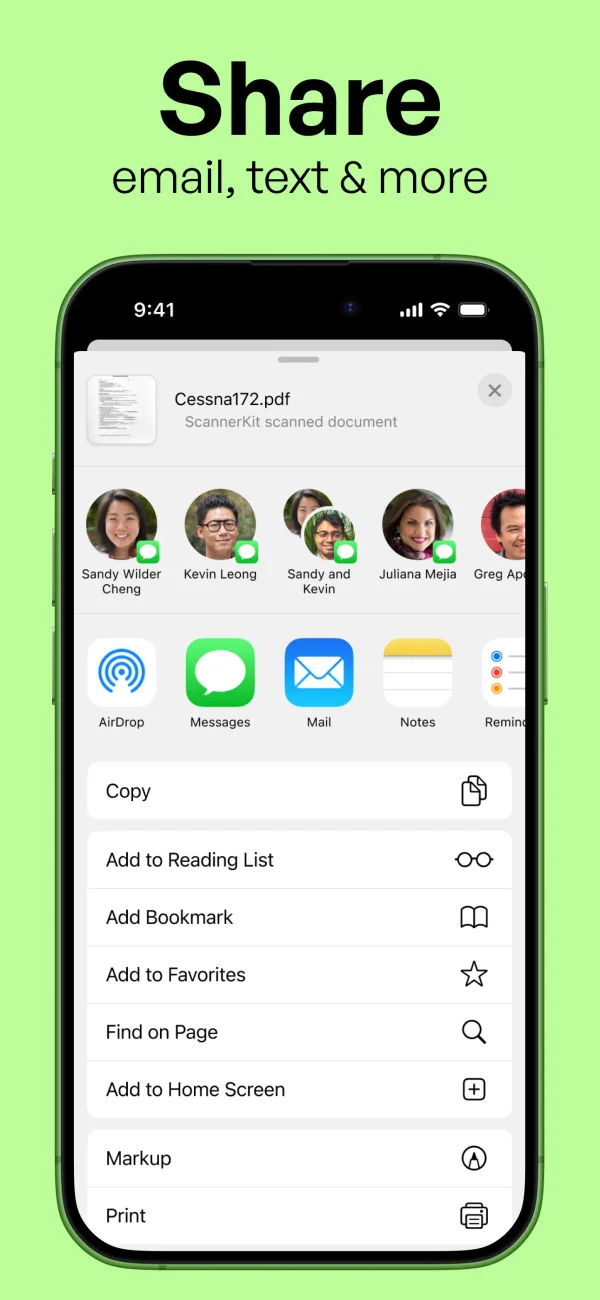
• Seamless integration. Share your scans directly with Google Drive, Dropbox, and other platforms you use daily.
• Multi-page mastery. Handle multi-page documents with ease—perfect for contracts, reports, and lengthy paperwork.
• Import existing photos. Transform any photo from your camera roll into a high-quality scan with powerful enhancement tools.
ScannerKit is free to download. A subscription is required to use the service, but you can try it out completely free. Once the trial ends, your subscription will automatically renew and you'll be billed. You can cancel your subscription at any time by contacting Apple Support.
Terms of Service: https://scannerkit.com/terms
Privacy Policy: https://scannerkit.com/privacy
Yang baru
Versi 1.3.1 · 3/12/2025
ScannerKit got a small desk tidy this week—smoother authentication, steadier sessions, and a more reliable workflow from the moment you open the app. Just clean, quiet productivity to keep your documents in order.
Privasi aplikasi
Yang dinyatakan Smarter Apps di App Store tentang cara aplikasi ini menangani data.
-
Data yang digunakan untuk melacak Anda
Dapat digunakan untuk melacak Anda di aplikasi dan situs web milik perusahaan lain.
- Pembelian
- Info kontak
- Pengenal
- Data penggunaan
-
Data yang ditautkan dengan Anda
Dapat dikumpulkan dan ditautkan dengan identitas Anda.
- Pembelian
- Info kontak
- Konten pengguna
- Pengenal
- Data penggunaan
-
Data yang tidak ditautkan dengan Anda
Dapat dikumpulkan, tetapi tidak ditautkan dengan identitas Anda.
- Konten pengguna
- Riwayat pencarian
- Diagnostik
Praktik privasi dapat bervariasi, misalnya berdasarkan fitur yang Anda gunakan atau usia Anda.
Informasi
- Penjual
- SMARTERAPPS.COM INC
- Kategori
- Bisnis
- Versi
- 1.3.1
- Diperbarui
- 3/12/2025
- Dirilis
- 15/12/2024
- Ukuran
- 253,2 MB
- Memerlukan
- iOS 16.0 atau yang lebih baru
- Batasan usia
- 4+
- Harga
- Gratis
- Pembelian dalam aplikasi
- Ya
- Bahasa
- Inggris
- Hak cipta
- © 2024 SmarterApps.com Inc.
Mungkin Anda juga suka
-
 Vaulted: Buy Gold & SilverKeuangan
-
 ParagraphAI: Writer & KeyboardProduktivitas
-
 Atlas AI: Pemindai Dokumen PDFPindai, tanda tangan, edit
-
 Connected InvestorsKeuangan
-
 Fofo – AI Save & OrganizeProduktivitas
-
 Echo – AI Meeting Note TakerProduktivitas
-
 Zap Scan: Photo to PDF ScannerProduktivitas
-
 WisdomTree PrimeKeuangan
-
 Zap QR Codes. Scan & createProduktivitas
-
 PDF Scanner: Photo JPG to PDFBisnis