
- 対象年齢4+
- カテゴリビジネス
- 開発元Smarter Apps
- 言語英語
- サイズ253.2 MB
App Storeの公式ページにリンクしています
Download.orgはScannerkit: PDF & Scanner Appのファイルを一切ホストしていません。ボタンを押すと、Smarter Appsが公開しているApp Storeのアプリページが開きます。ページの最終確認:2026/11/17。
スクリーンショット
概要
開発元はこのテキストをお使いの言語で提供していません。
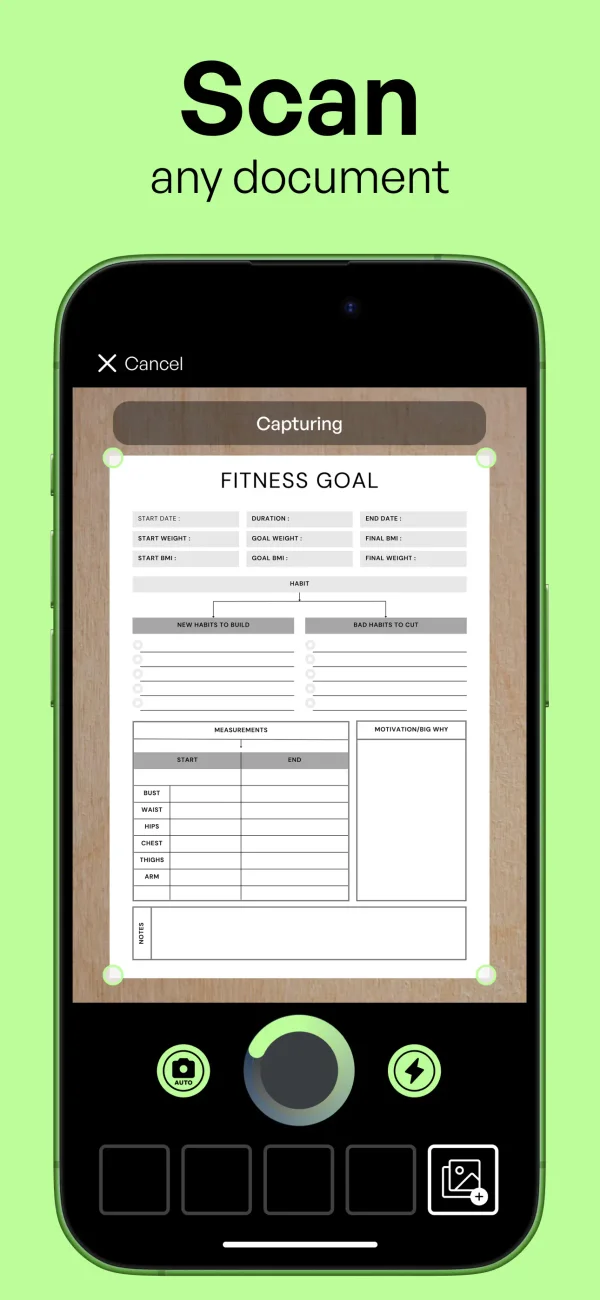
Introducing the smartest, most effortless way to scan and digitize documents on iPhone. ScannerKit is the document and PDF scanner that transforms physical papers into perfectly organized digital files - so you can focus on your work while our AI handles the perfect capture, enhancement, and organization of every document.
Whether you're capturing multi-page contracts or quickly digitizing receipts, ScannerKit's intelligent scanning technology handles the hard work. Just point your camera and watch as it automatically detects edges, corrects perspective, and enhances readability. Every scan becomes a crisp, professional PDF ready to store, sign, or share.
SCANNERKIT'S DOCUMENT & PDF SCANNER FEATURES
INTELLIGENT AUTO-CAPTURE
Point and scan. Our AI detects document edges and captures the perfect shot automatically - no tapping or adjusting needed.
MAGICALLY SCAN-HANCE™ EVERY DOCUMENT
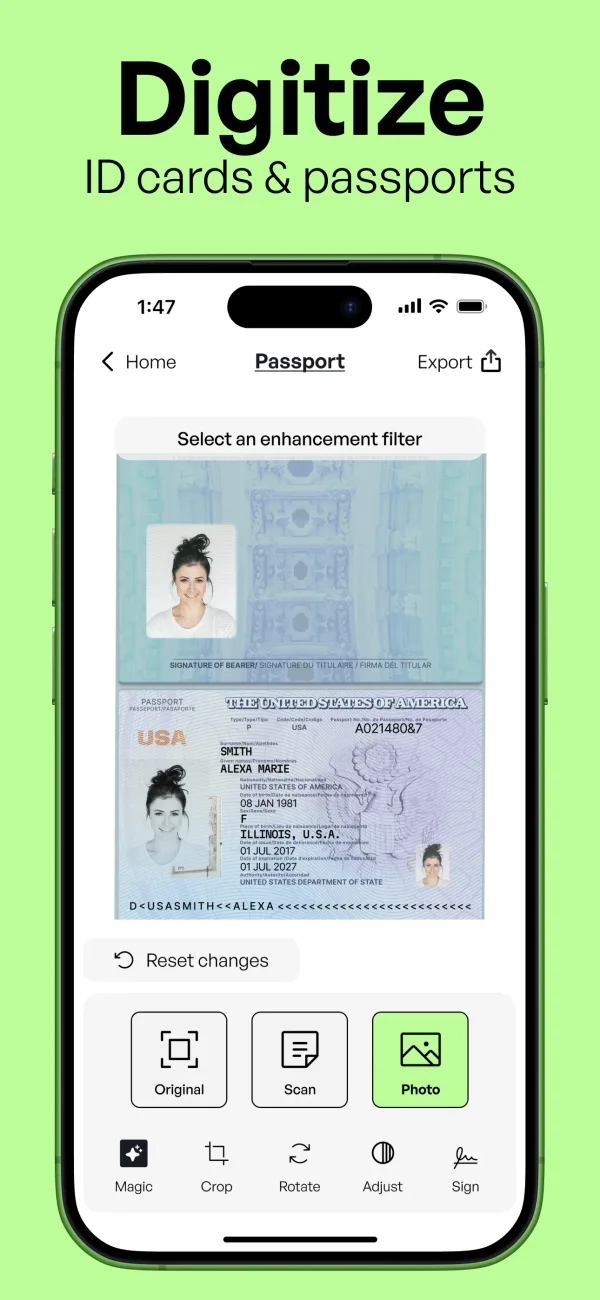
One tap transforms your scans with advanced enhancement filters, perfecting brightness, contrast, and text clarity instantly.
UNLIMITED MULTI-PAGE SCANNING
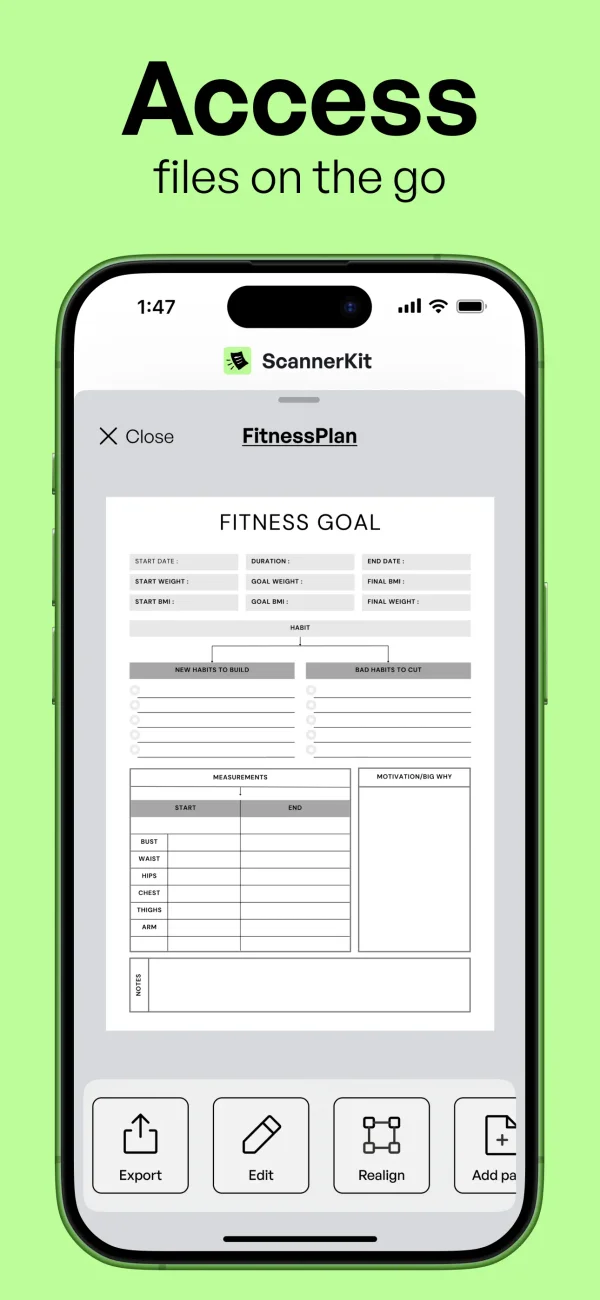
Capture documents of any length. Combine pages, reorder them, and create organized PDF files with perfect consistency.
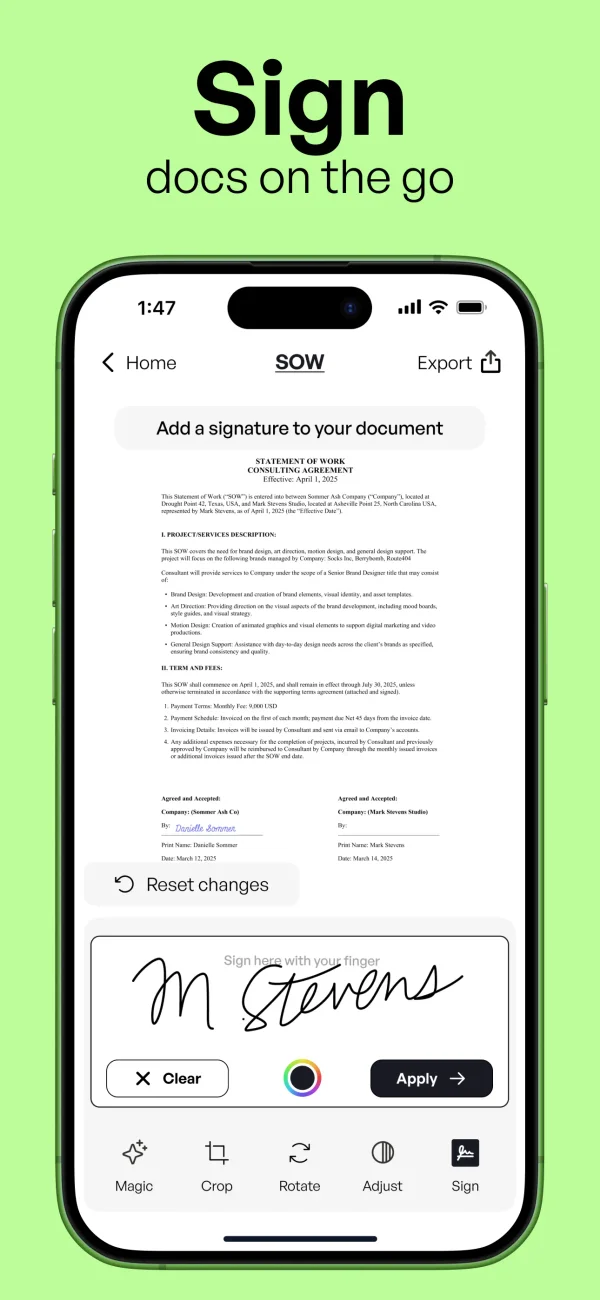
SIGN AND SHARE INSTANTLY
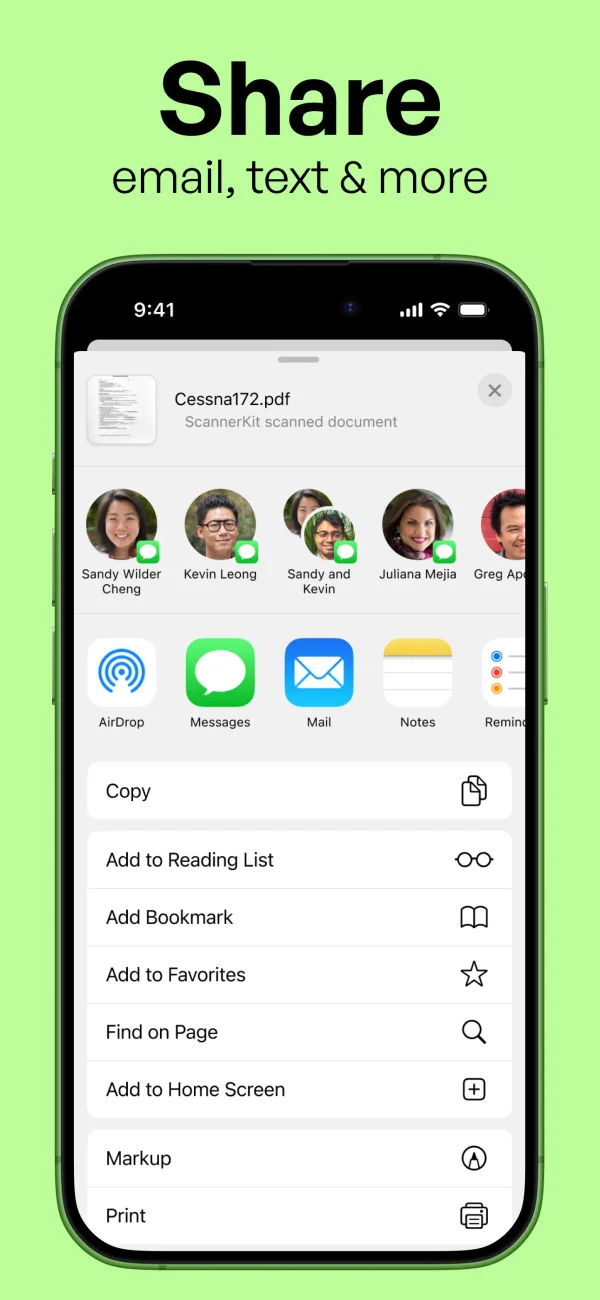
Add signatures to any document right on your phone. Share professional PDFs without ever needing a printer.
ADD ANYTHING FROM YOUR CAMERA ROLL
Turn photos into high-quality scans by importing directly from your camera roll. Whether it’s a receipt or whiteboard, enhance, edit, and share with precision—keeping your content organized in one place.
NO CROPPING NECESSARY
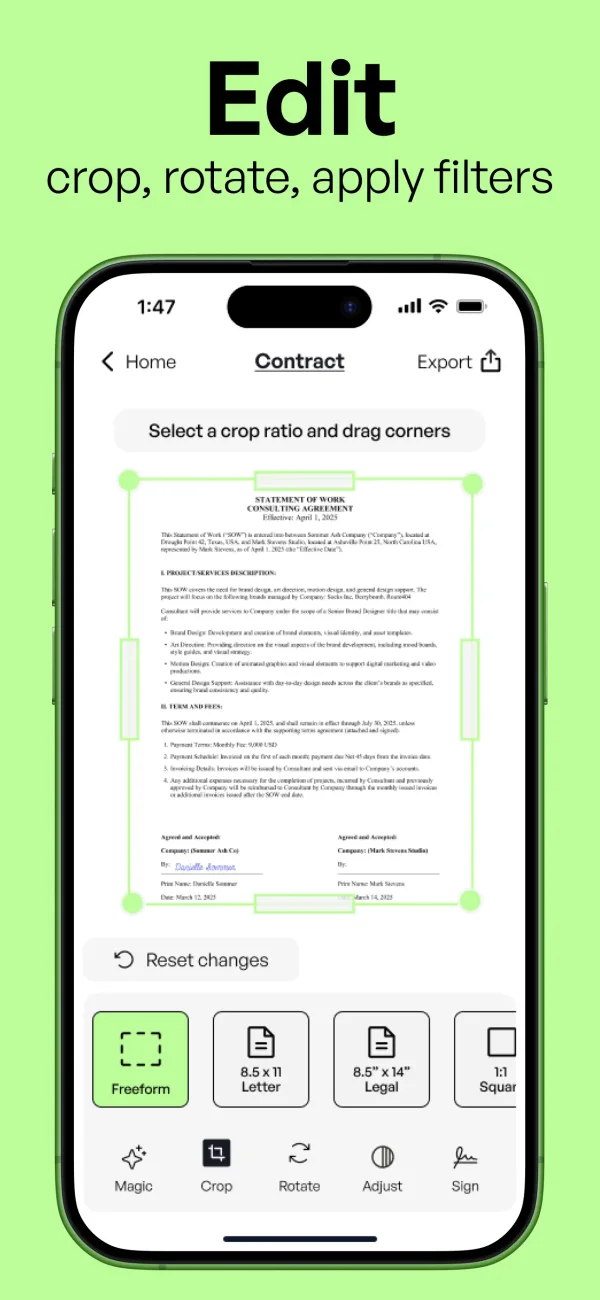
Easily frame your scans with preset crop options. Perfectly align anything–forms, notes, business cards, and images–in seconds for a professional finish every time.
Every feature in ScannerKit is designed to save you time and deliver perfect results. Stop dealing with poor quality scans, complicated apps, and disorganized files. Join the professionals who trust ScannerKit to handle their document scanning needs with unmatched speed and precision.
SCAN SMARTER, NOT HARDER
• Scan anything, anywhere. From receipts to contracts, whiteboards to books—capture it all in perfect clarity.
• Professional-quality results. Every scan is automatically enhanced for crisp, clear, ready-to-use documents.
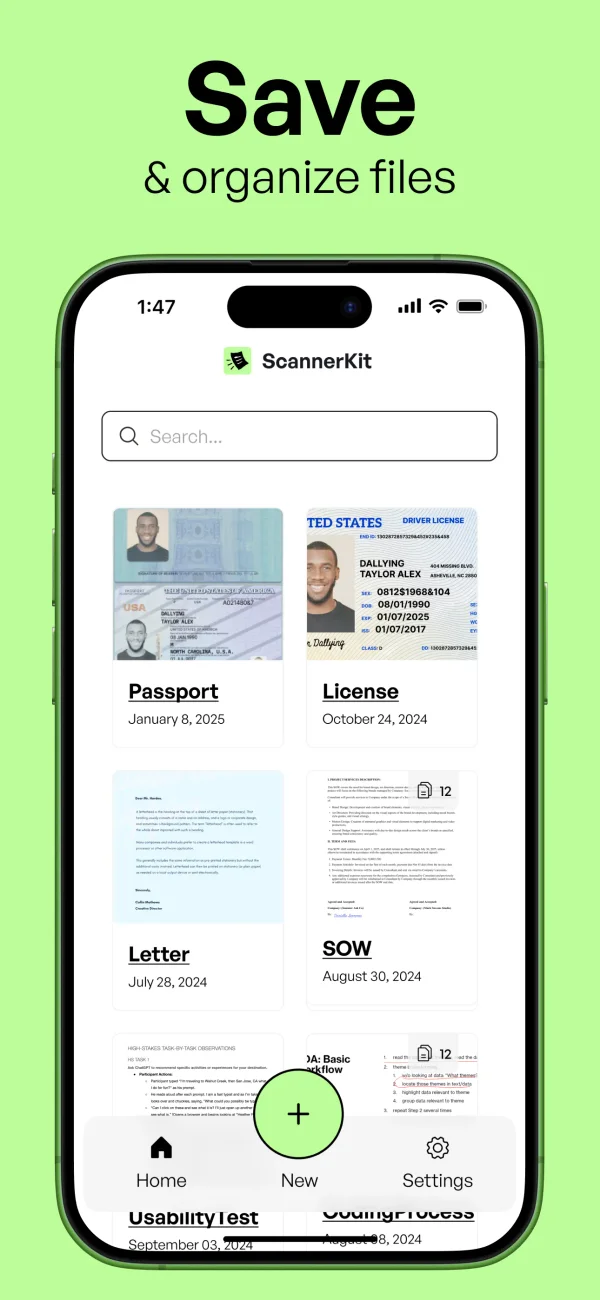
• Smart organization. Intelligent filing and auto-detection make your scans instantly useful.
• Seamless integration. Share your scans directly with Google Drive, Dropbox, and other platforms you use daily.
• Multi-page mastery. Handle multi-page documents with ease—perfect for contracts, reports, and lengthy paperwork.
• Import existing photos. Transform any photo from your camera roll into a high-quality scan with powerful enhancement tools.
ScannerKit is free to download. A subscription is required to use the service, but you can try it out completely free. Once the trial ends, your subscription will automatically renew and you'll be billed. You can cancel your subscription at any time by contacting Apple Support.
Terms of Service: https://scannerkit.com/terms
Privacy Policy: https://scannerkit.com/privacy
新機能
バージョン 1.3.1 · 2025/12/3
ScannerKit got a small desk tidy this week—smoother authentication, steadier sessions, and a more reliable workflow from the moment you open the app. Just clean, quiet productivity to keep your documents in order.
アプリのプライバシー
このアプリのデータの取り扱いについて、Smarter AppsがApp Storeで申告している内容です。
-
ユーザーのトラッキングに使用されるデータ
他社のアプリやウェブサイトを横断してユーザーをトラッキングする目的で使用される場合があります。
- 購入
- 連絡先情報
- ID
- 使用状況データ
-
ユーザーに関連付けられたデータ
収集され、ユーザーの識別情報に関連付けられる場合があります。
- 購入
- 連絡先情報
- ユーザーコンテンツ
- ID
- 使用状況データ
-
ユーザーに関連付けられないデータ
収集される場合がありますが、ユーザーの識別情報には関連付けられません。
- ユーザーコンテンツ
- 検索履歴
- 診断
プライバシーの取り扱いは、ご利用の機能やお客様の年齢などに応じて異なる場合があります。
情報
- 販売元
- SMARTERAPPS.COM INC
- カテゴリ
- ビジネス
- バージョン
- 1.3.1
- 更新日
- 2025/12/3
- リリース
- 2024/12/15
- サイズ
- 253.2 MB
- 必要条件
- iOS 16.0以降
- 対象年齢
- 4+
- 価格
- 無料
- アプリ内課金
- あり
- 言語
- 英語
- 著作権
- © 2024 SmarterApps.com Inc.
こちらもおすすめ
-
 Vaulted: Buy Gold & Silverファイナンス
-
 ParagraphAI: Writer & Keyboard仕事効率化
-
 Atlas AI: 書類スキャナー PDF署名・計測・AIチャット対応
-
 Connected Investorsファイナンス
-
 Fofo – AI Save & Organize仕事効率化
-
 Echo AI 文字起こし - 録音アプリAI議事録作成とボイスメモ、音声変換
-
 Zap Scan: Photo to PDF Scanner仕事効率化
-
 WisdomTree Primeファイナンス
-
 Zap QR Codes. Scan & create仕事効率化
-
 PDF Scanner: Photo JPG to PDFビジネス