
ScanOwl: PDF Document Scanner
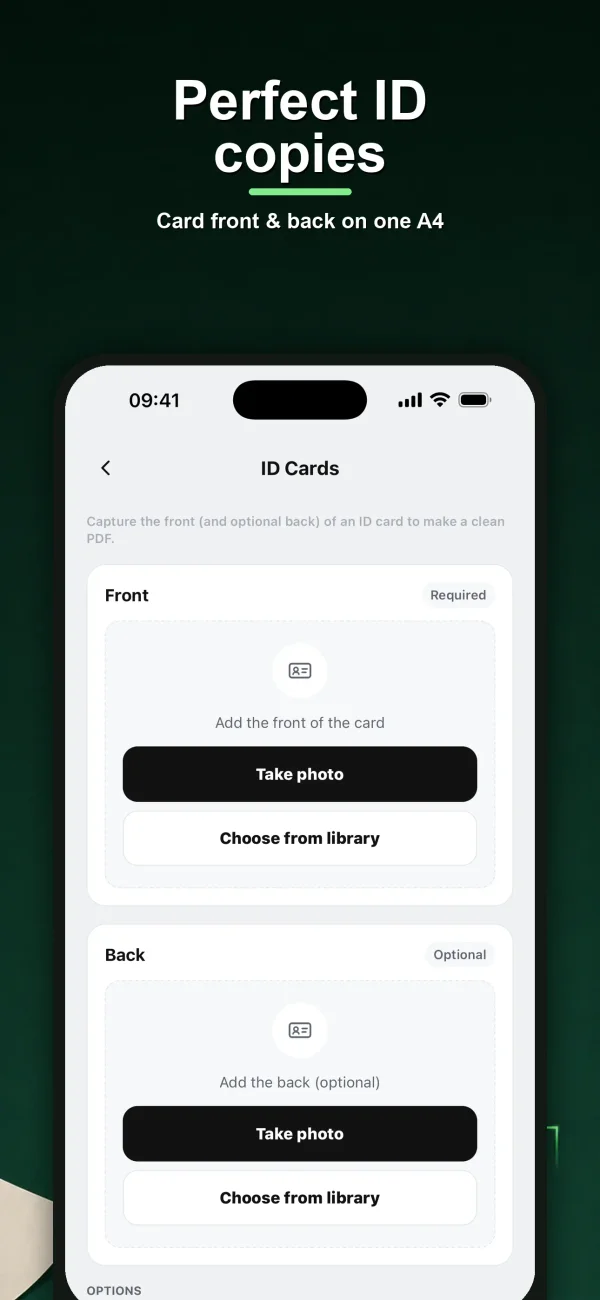
ID copies & signed contracts
Dirancang untuk iPhone, iPod touch
Gratis · Pembelian dalam aplikasi
- Batasan usia4+
- KategoriProduktivitas
- Pengembang小飞 刘
- BahasaInggris+ 16 lainnya
- Ukuran45,7 MB
Tertaut ke halaman resmi App Store
Download.org tidak menyimpan file ScanOwl: PDF Document Scanner apa pun. Tombol ini membuka halaman aplikasi di App Store, tempat 小飞 刘 menerbitkannya. Halaman terakhir diperiksa pada 14/11/2026.
Tangkapan layar

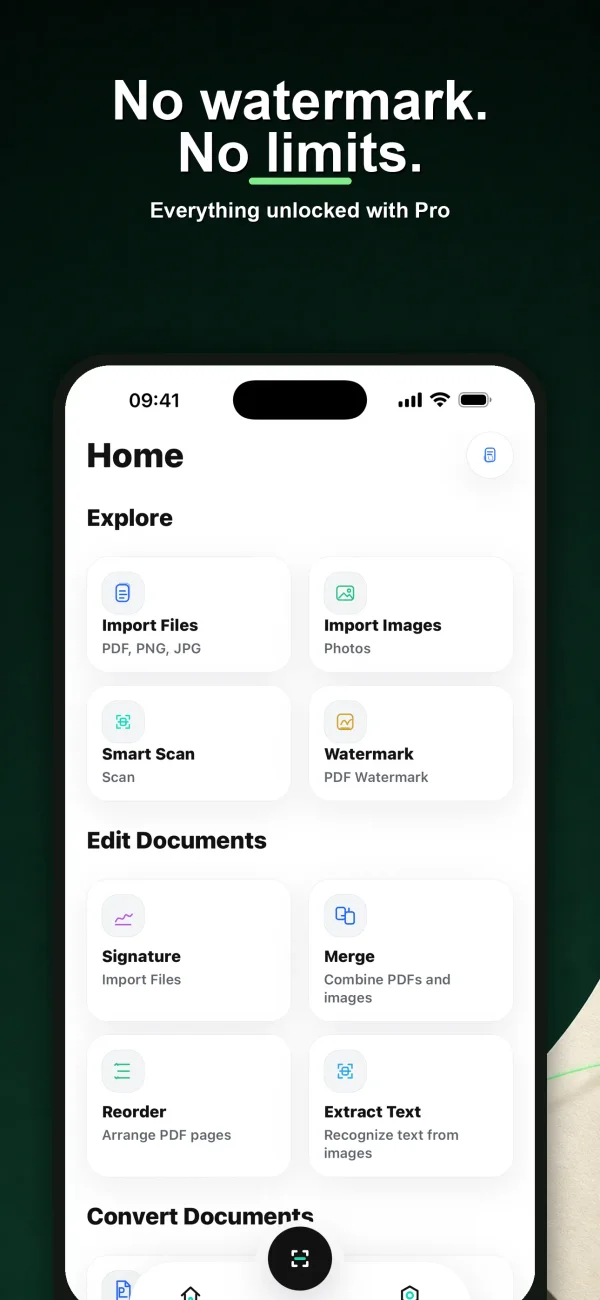
Tentang
Pengembang belum menyediakan teks ini dalam bahasa Anda.
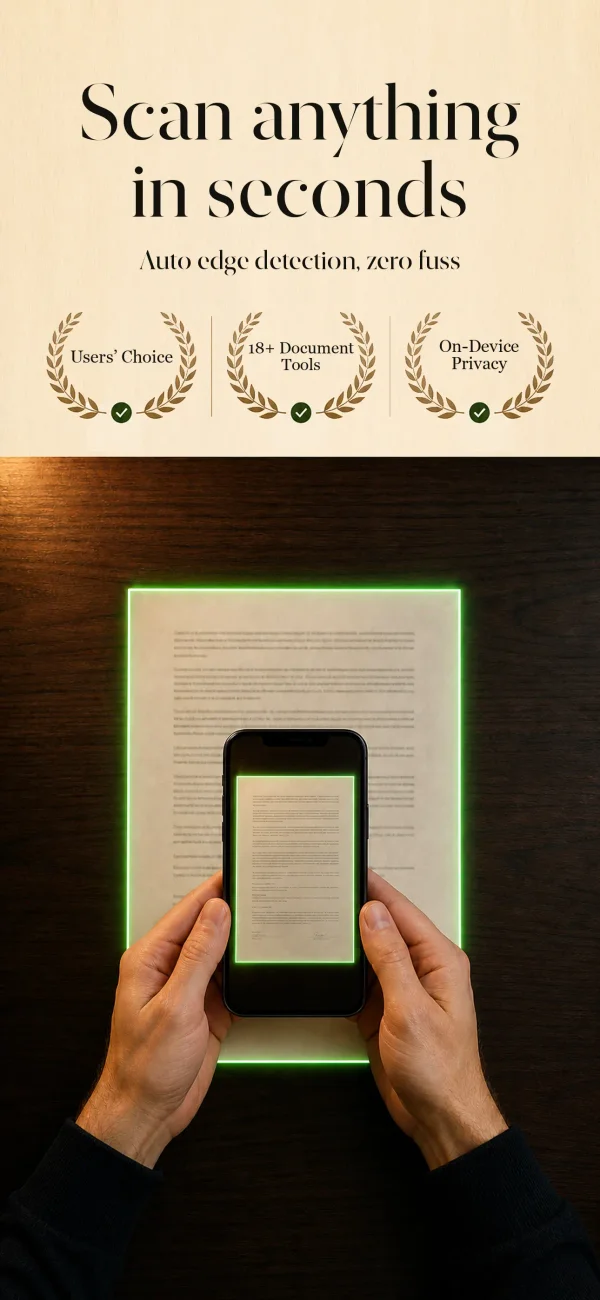
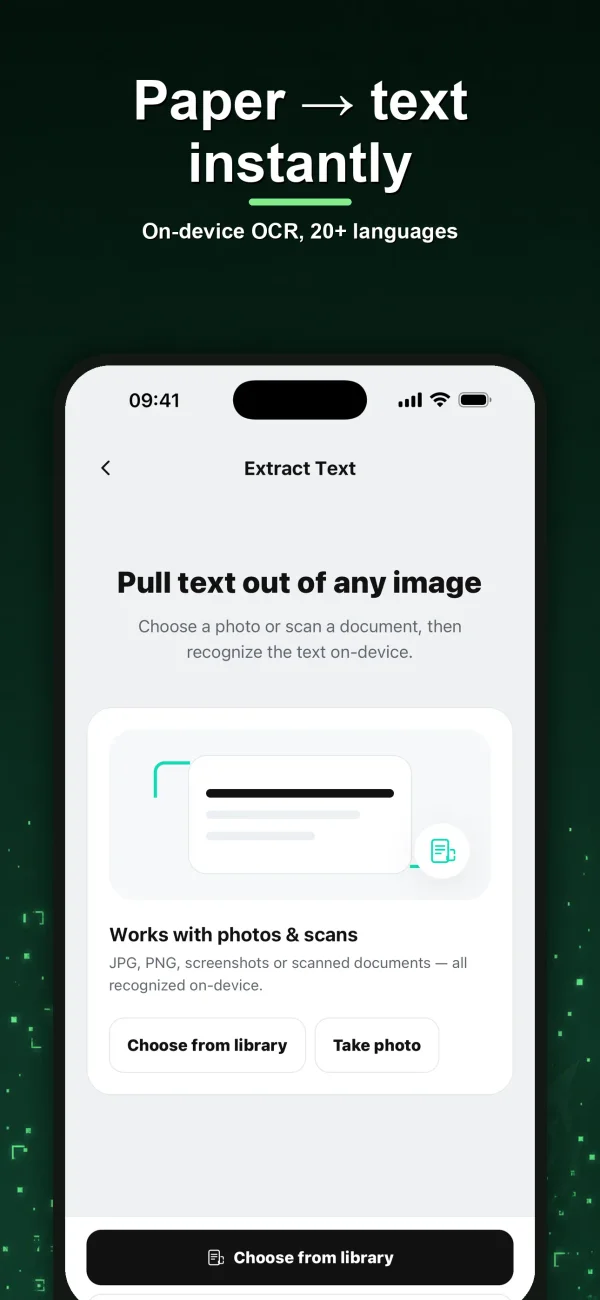
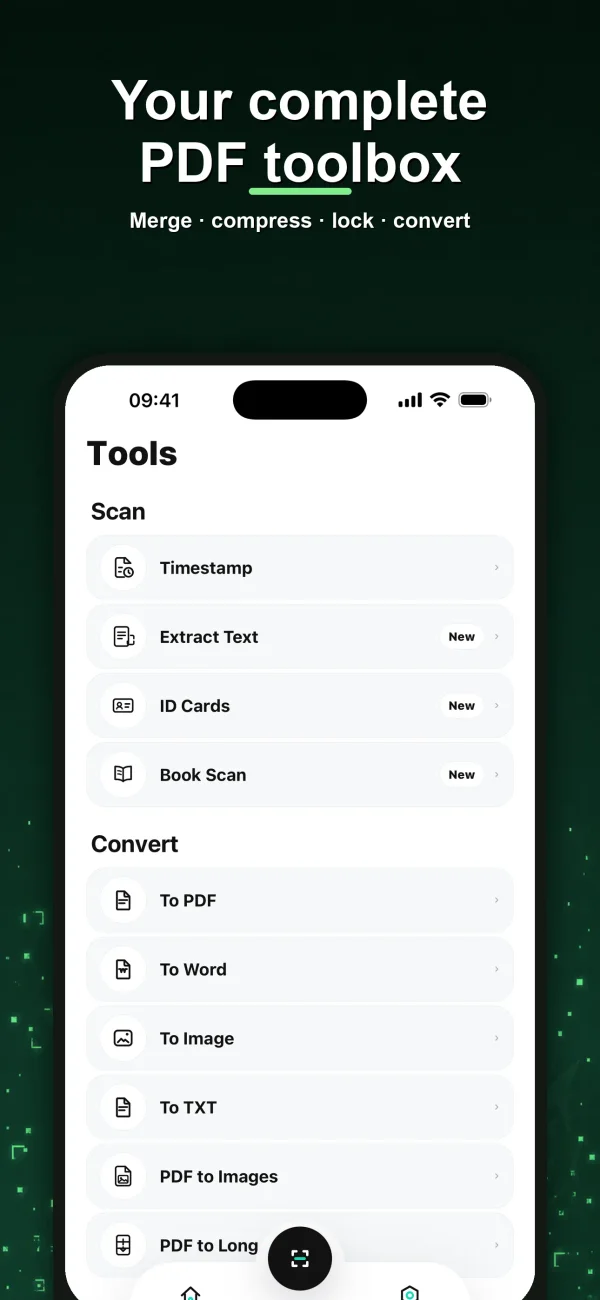
ScanOwl is a private document workspace for scanning documents and IDs, importing PDFs and images, adding signatures and watermarks, extracting text, organizing pages, and exporting clean files. Every scan comes out flat and straight: tilted shots square themselves up, page edges snap precisely into place, and crease shadows or uneven lighting lift away for a clean, copier-white page — with a quick corner check before you save. Merge, split, compress, reorder, convert, or protect documents from one app.
Document contents, scans, signatures, and OCR text are processed on your device and are not uploaded to our servers. With your permission, ScanOwl sends optional usage, diagnostic, and subscription analytics with random app identifiers to its Cloudflare-hosted operations service and RevenueCat. You can turn this off at any time in More settings; declining does not affect scanning or purchasing. Apple processes payments. RevenueCat processes the subscription identifiers, purchase history, and access status needed to validate and restore purchases.
ScanOwl Pro is available through auto-renewable subscriptions. Available plans, billing periods, local prices, and any eligible free trial are shown in the app and confirmed in the App Store purchase sheet. A trial is available only when your Apple ID and selected plan qualify. Payment is charged to your Apple ID. Subscriptions renew automatically unless canceled at least 24 hours before the end of the current period. You can manage or cancel subscriptions in App Store account settings. Pro includes multipage scanning, OCR, unlimited exports, and a clean ad-free document workflow.
Terms of Use (EULA): https://www.apple.com/legal/internet-services/itunes/dev/stdeula/
Privacy Policy: https://scanowl-ops.pauley-apps.workers.dev/privacy?lang=en
Yang baru
Versi 1.0.238 · 17/10/2026
• Your first scan is saved and opens directly in the editing and export flow.
• Subscription choices reflect available plans, current prices, and your free-trial eligibility.
• Canceled exports and failed operations no longer use a free allowance. OCR and tools count a use only after producing a result.
• Restoring an active Pro subscription lets you continue the export that prompted the upgrade.
Privasi aplikasi
Yang dinyatakan 小飞 刘 di App Store tentang cara aplikasi ini menangani data.
-
Data tidak dikumpulkan
Pengembang tidak mengumpulkan data apa pun dari aplikasi ini.
Praktik privasi dapat bervariasi, misalnya berdasarkan fitur yang Anda gunakan atau usia Anda.
Informasi
- Penjual
- 小飞 刘
- Kategori
- Produktivitas
- Versi
- 1.0.238
- Diperbarui
- 17/10/2026
- Dirilis
- 15/6/2026
- Ukuran
- 45,7 MB
- Memerlukan
- iOS 15.5 atau yang lebih baru
- Batasan usia
- 4+
- Harga
- Gratis
- Pembelian dalam aplikasi
- Ya
- Bahasa
- Inggris, Arab, Prancis, Jerman, Hindi, Bahasa Indonesia, Italia, Jepang, Korea, Portugis, Rusia, Tionghoa Sederhana + 5 lainnya
- Hak cipta
- © 2026 QuickSign
Mungkin Anda juga suka
-
 KaranScan: PDF ScannerProduktivitas
-
 Doc Scanner To PDFProduktivitas
-
 Watermark & Stempel PDFTeks dan stempel untuk PDF
-
 ScanNgai: Scan, Sign & SendProduktivitas
-
 Scan PDF: Pemindai & OCRStruk, KTP, gambar ke PDF
-
 PDF Scanner Tanpa WatermarkScan, OCR & Tanda Tangan PDF
-
 MemoketProduktivitas
-
 Image to pdf: easy converterProduktivitas
-
 FileCentral for iPhoneProduktivitas
-
 Viral PitchProduktivitas