ScanToExcel - Document Scanner
PDF & Photo to Spreadsheet
Dirancang untuk iPhone, iPad
Gratis · Pembelian dalam aplikasi
- Batasan usia4+
- KategoriProduktivitas
- PengembangREPHRASY
- BahasaInggris
- Ukuran1,0 MB
Tertaut ke halaman resmi App Store
Download.org tidak menyimpan file ScanToExcel - Document Scanner apa pun. Tombol ini membuka halaman aplikasi di App Store, tempat REPHRASY menerbitkannya. Halaman terakhir diperiksa pada 12/11/2026.
Tangkapan layar
Tentang
Pengembang belum menyediakan teks ini dalam bahasa Anda.
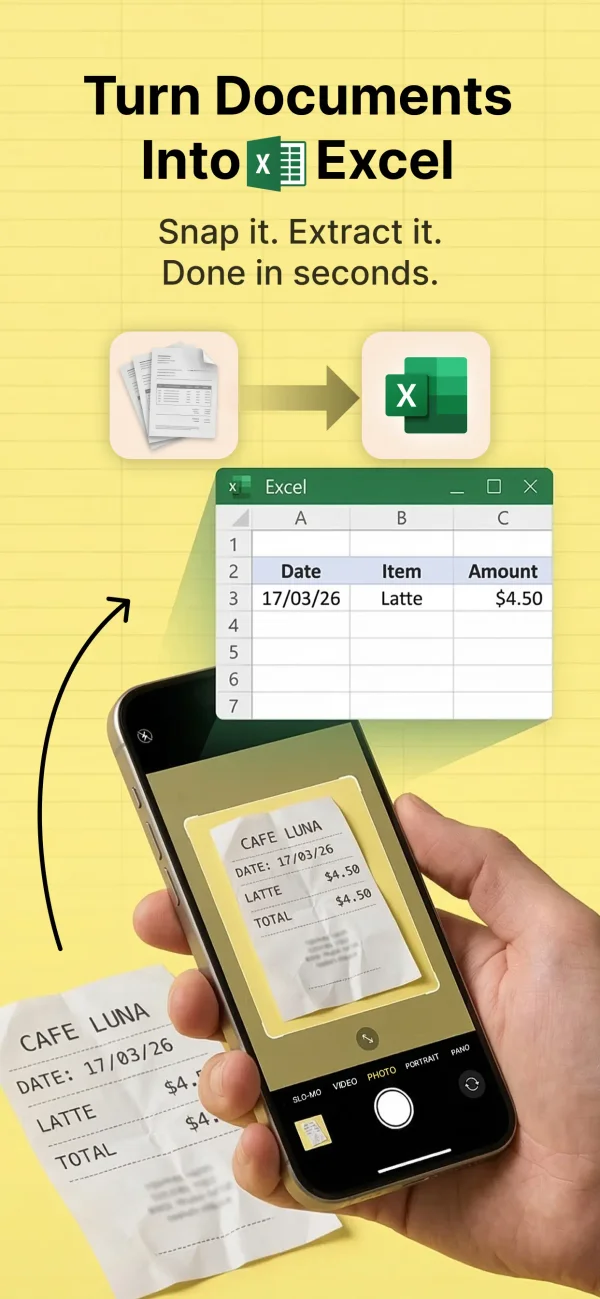
Turn any document into a spreadsheet in seconds. ScanToExcel uses AI to
extract tables and data from photos, scans, and PDFs — and converts them into
clean, organized Excel files.
Whether you're digitizing invoices, receipts, financial reports, inventory
lists, or handwritten tables — ScanToExcel handles it all. No manual data
entry, no copy-pasting. Just point, scan, and export.
HOW IT WORKS
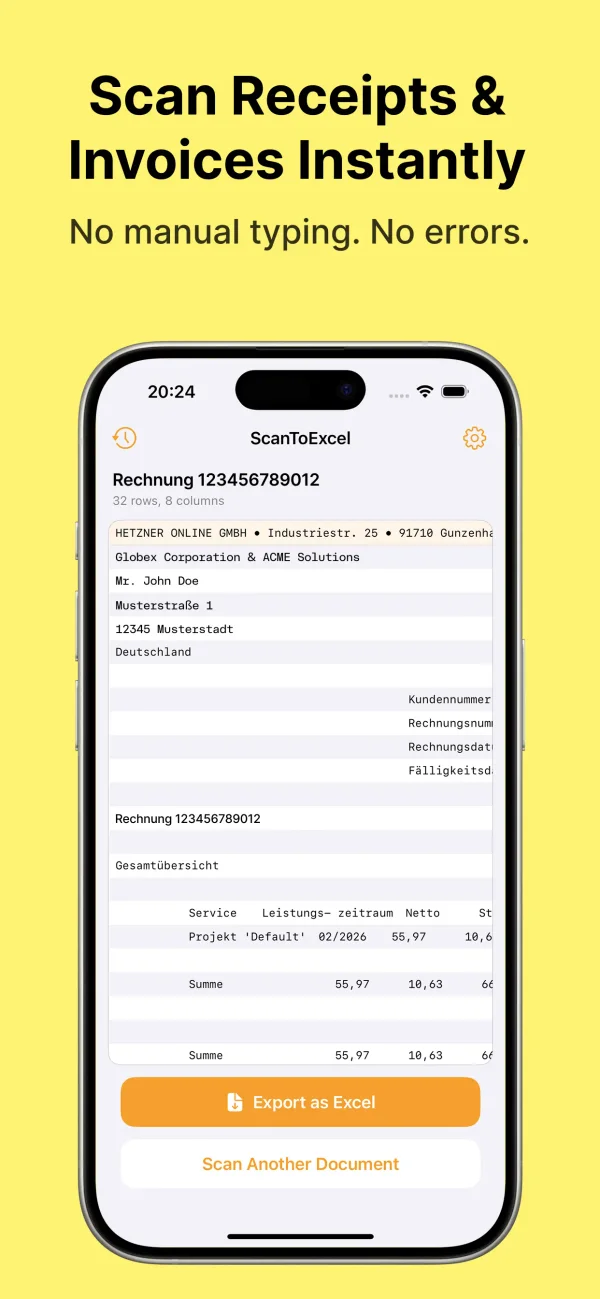
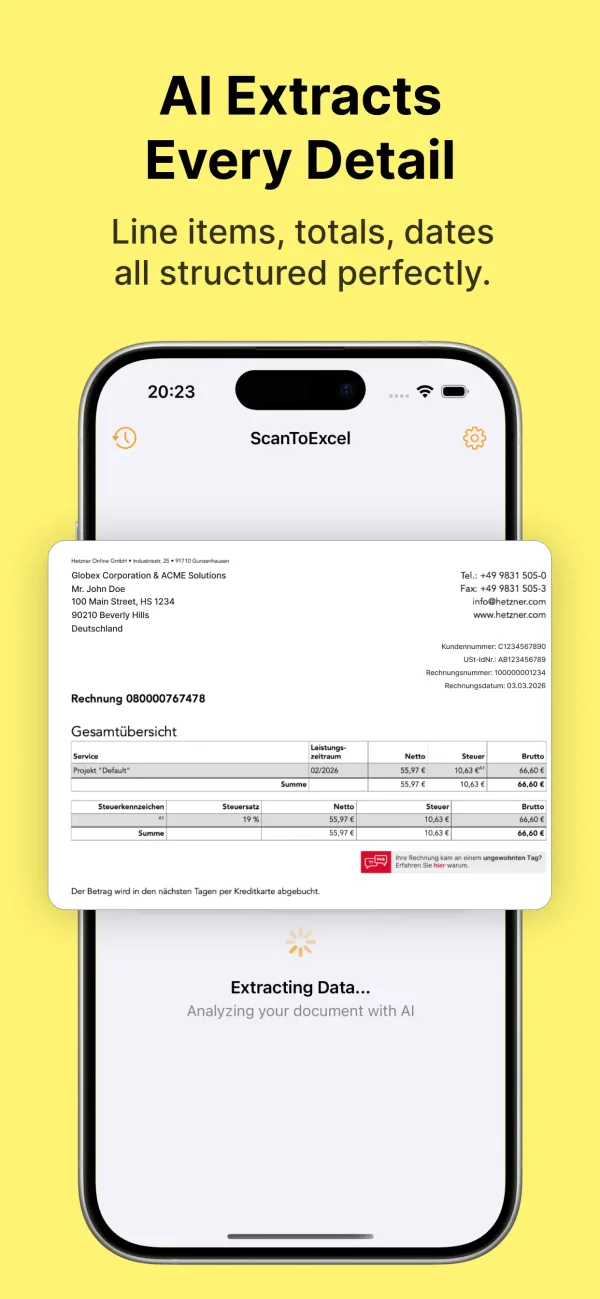
1. Scan a document with your camera, pick a photo from your library, or import
a PDF
2. AI automatically detects rows, columns, headers, and values
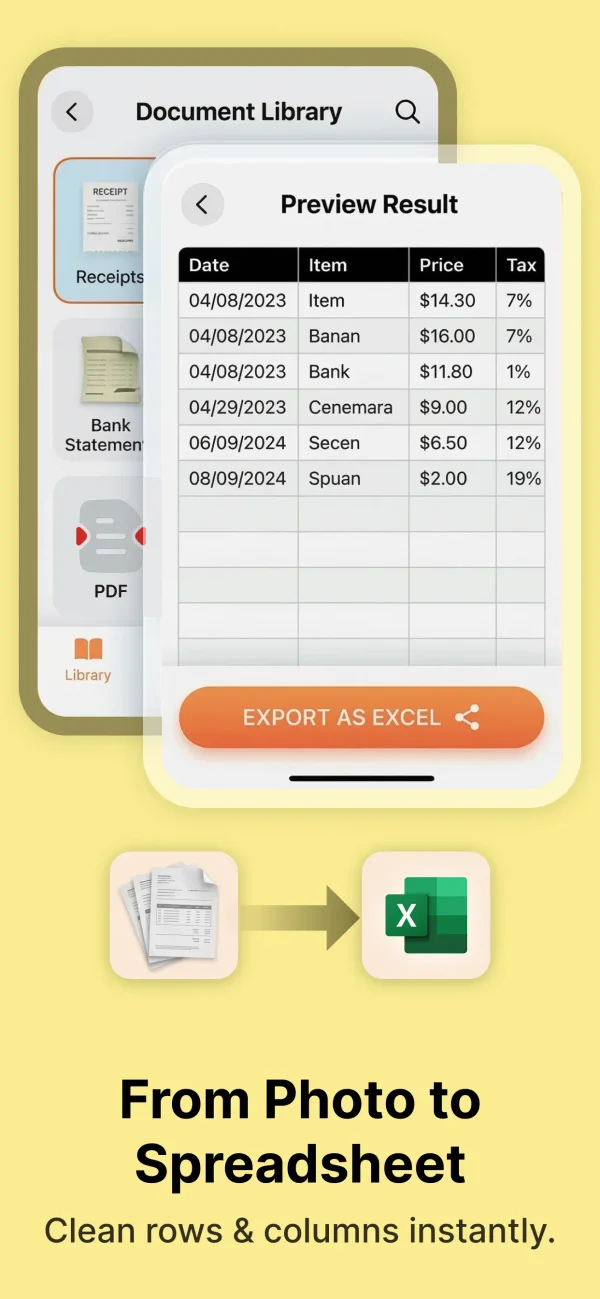
3. Review the extracted data in a clean table preview
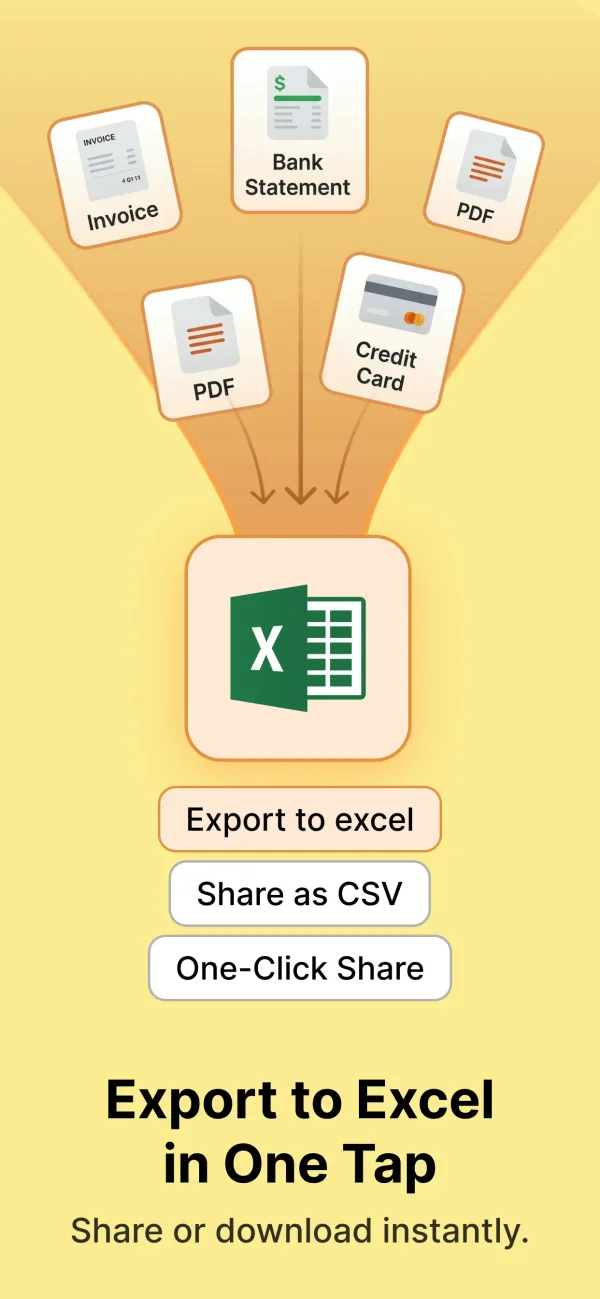
4. Export as Excel (.xlsx), CSV, or JSON — share via email, save to Files,
AirDrop, or open in Numbers, Google Sheets, or any spreadsheet app
KEY FEATURES
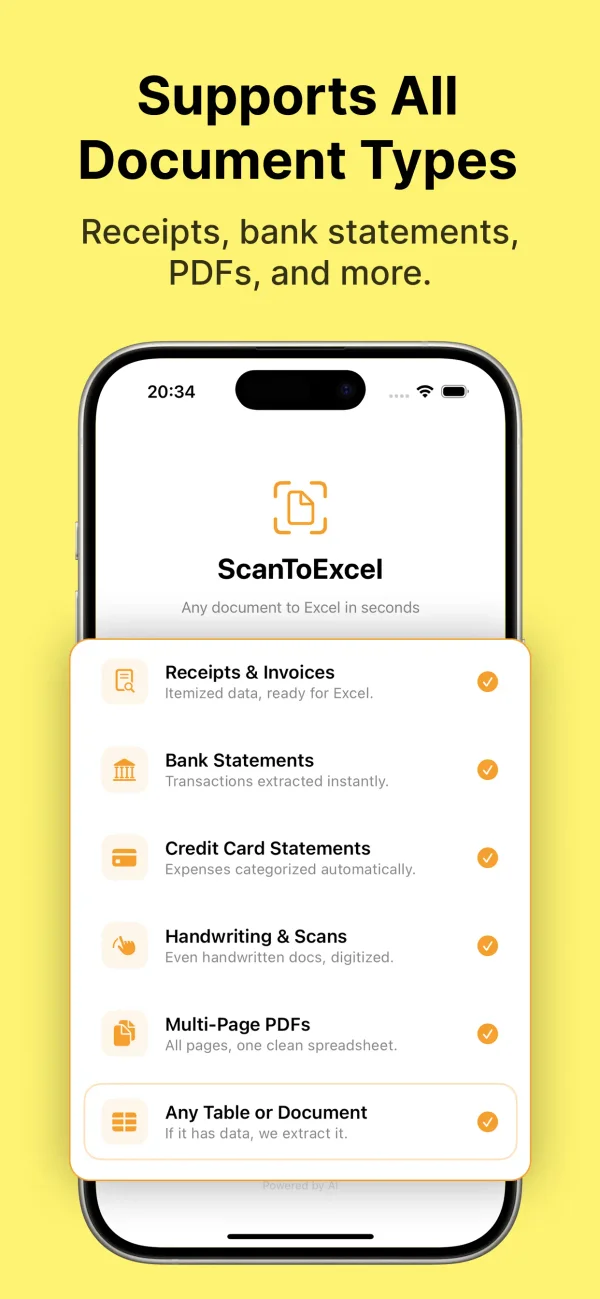
• Smart AI table extraction — accurately reads printed and handwritten tables,
invoices, receipts, reports, and lists
• Multiple input options — use your camera, choose from photo library, or
import PDF documents
• Multi-page scanning — process multiple pages in one go
• Three export formats — Excel (.xlsx), CSV (.csv), and JSON (.json)
• Instant sharing — send files via email, AirDrop, save to iCloud, Google
Drive, Dropbox, or any cloud service
• Scan history — access all your previous scans and re-export anytime
• Works offline — your data stays on your device
• Clean, fast interface — no clutter, no ads, no watermarks
WHO IS IT FOR?
• Accountants & bookkeepers — digitize receipts and financial documents
• Business professionals — convert reports and invoices to spreadsheets
• Students & researchers — extract data from printed tables
• Small business owners — organize inventory and order lists
• Anyone who needs paper data in digital format
FLEXIBLE PLANS
• Free: 10 pages per month to get started
• Page Pack 50: one-time purchase of 50 pages — never expires
• Page Pack 200: one-time purchase of 200 pages — never expires
• Weekly: 200 pages per week for regular users
• Pro: 1,000 pages per month for heavy users
SUBSCRIPTION DETAILS
• Weekly plan ($9.99/week) renews automatically every 7 days
• Pro plan ($39.99/month) renews automatically every month
• Payment is charged to your Apple ID account at confirmation of purchase
• Subscription automatically renews unless cancelled at least 24 hours before
the end of the current period
• Your account will be charged for renewal within 24 hours prior to the end of
the current period
• You can manage and cancel your subscriptions in your Apple ID account
settings after purchase
Privacy Policy: https://scantoexcel.ai/privacy
Terms of Use: https://scantoexcel.ai/terms
Yang baru
Versi 1.0.6 · 26/9/2026
Bump scanning API version
Privasi aplikasi
Yang dinyatakan REPHRASY di App Store tentang cara aplikasi ini menangani data.
-
Data tidak dikumpulkan
Pengembang tidak mengumpulkan data apa pun dari aplikasi ini.
Praktik privasi dapat bervariasi, misalnya berdasarkan fitur yang Anda gunakan atau usia Anda.
Informasi
- Penjual
- Patrick Gerard (Germany)
- Kategori
- Produktivitas
- Versi
- 1.0.6
- Diperbarui
- 26/9/2026
- Dirilis
- 23/3/2026
- Ukuran
- 1,0 MB
- Memerlukan
- iOS 17.0 atau yang lebih baru
- Batasan usia
- 4+
- Harga
- Gratis
- Pembelian dalam aplikasi
- Ya
- Bahasa
- Inggris
- Hak cipta
- © 2026 Patrick Gerard
Mungkin Anda juga suka
-
 Tablo: PDF foto ke XLSOCR tabel ke CSV
-
 Scan to Sheets: Scan & ExportScan QR/Barcode to Excel
-
 Xcelify: Scan Tables to SheetsProduktivitas
-
 Image to Excel Converter: OCRProduktivitas
-
 Image to excel converterConvert picture to text excel
-
 Gridshot: Scan to SpreadsheetProduktivitas
-
 TableScan StudioProduktivitas
-
 NoteOCR - Handwriting to TextProduktivitas
-
 Scan to ExcelProduktivitas
-
 Gambar ke Excel KonverterFoto ke Spreadsheet Excel