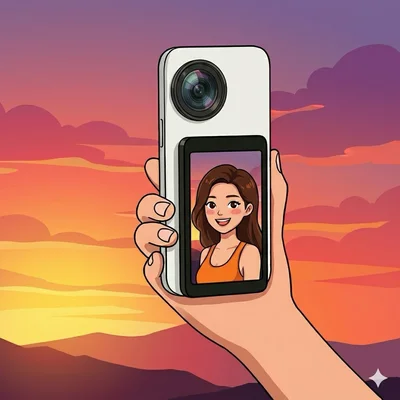
Screen_Mirroring
camera monitor and control
Dirancang untuk iPhone, iPad
Rp 19ribu
- Batasan usia4+
- KategoriKegunaan
- PengembangGilesWang
- BahasaInggris+ 21 lainnya
- Ukuran10,0 MB
Tertaut ke halaman resmi App Store
Download.org tidak menyimpan file Screen_Mirroring apa pun. Tombol ini membuka halaman aplikasi di App Store, tempat GilesWang menerbitkannya. Halaman terakhir diperiksa pada 19/11/2026.
Tangkapan layar


Tentang
Pengembang belum menyediakan teks ini dalam bahasa Anda.
Screen Mirroring helps two phones work together: one as the camera and the other as the controller. View the camera feed from the controller phone, capture photos, start recording, switch cameras, and adjust zoom remotely.
It is useful for solo travel, vlogging, group photos, product shots, and any situation where you want to frame the shot from another device.
Key Features:
Live camera monitoring between two phones
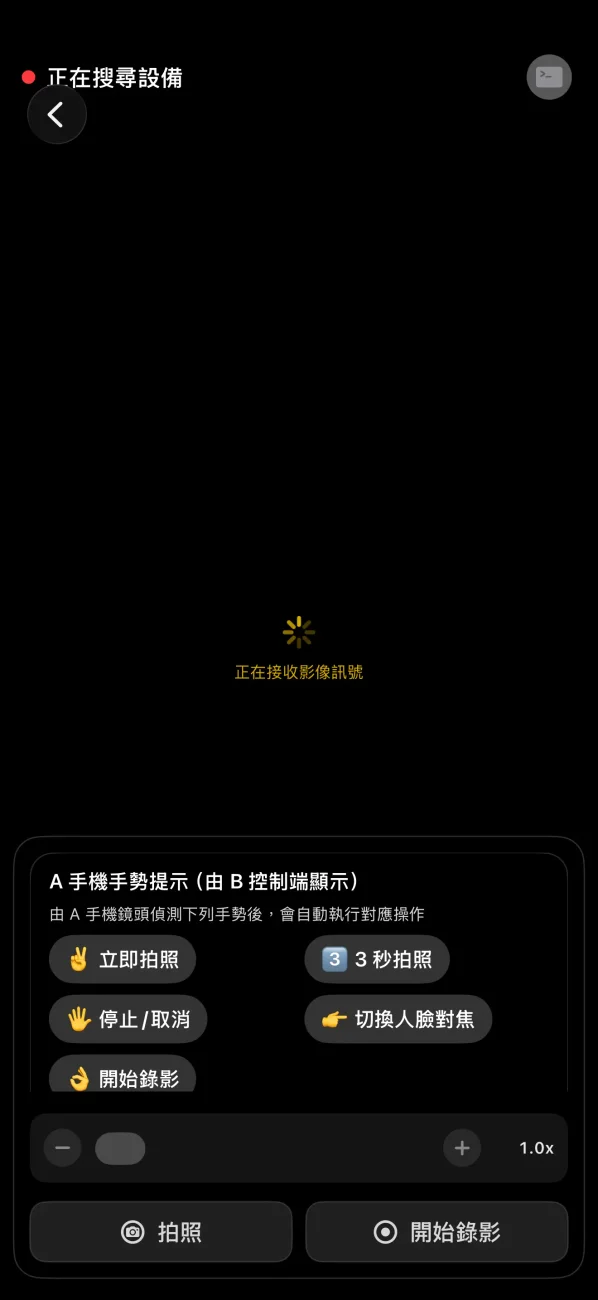
Remote photo and video controls
Zoom control and camera switching
Gesture guidance for assisted shooting
iPhone-to-iPhone connection support
Cross-platform hotspot / same-network setup
QRCode and IP-assisted cross-platform connection
Controller audio support during recording
How to Use:
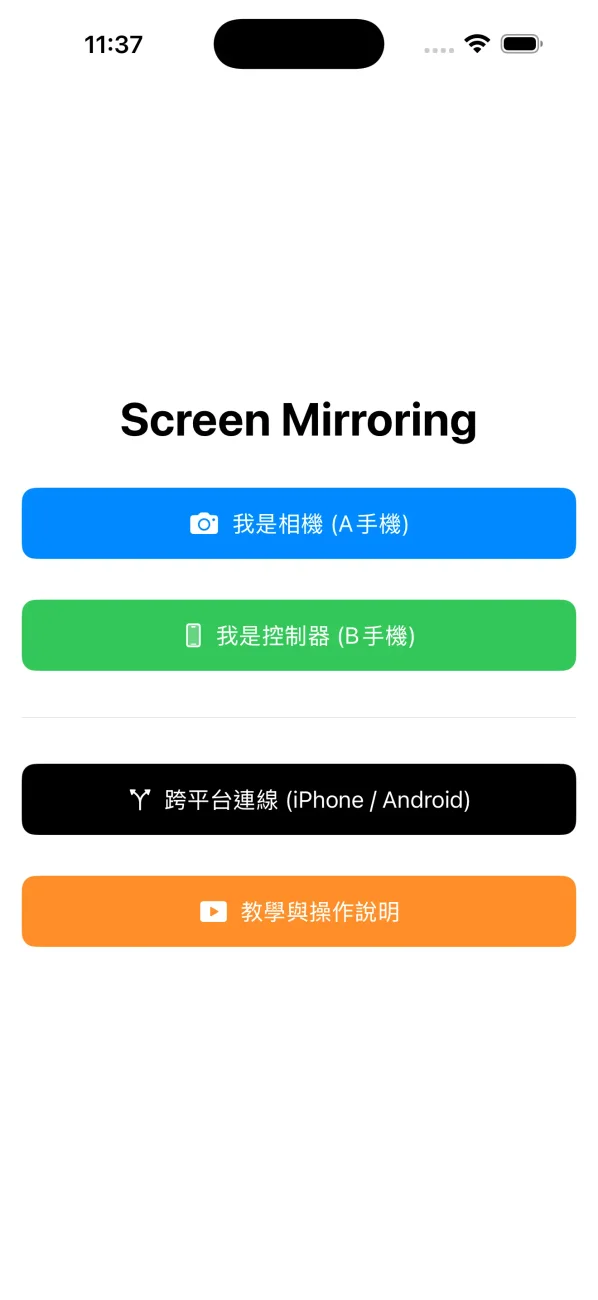
Open camera mode on one phone.
Open controller mode on the other phone.
Follow the guide to join the same hotspot or local network.
Enter the IP shown on the camera phone, or scan the camera QRCode.
Start monitoring, capturing photos, and recording remotely.
Yang baru
Versi 2.0.4 · 18/11/2026
1.Take photos while recording on supported cameras without stopping the video. Remote zoom now follows the active camera lens’s available range.
2.Pause and resume the same recording from the controller or a paired Apple Watch when supported. The live preview stays visible while recording is paused.
3.If a call or other system event interrupts recording, the app attempts to save playable footage and can notify the connected controller and paired Apple Watch.
4.Hide or show the gesture guide on the controller. Use the top-left Back button to leave the camera or controller screen without accidentally swiping back.
5.Updated in-app instructions make recording and cross-platform setup easier to follow.
Privasi aplikasi
Yang dinyatakan GilesWang di App Store tentang cara aplikasi ini menangani data.
-
Data tidak dikumpulkan
Pengembang tidak mengumpulkan data apa pun dari aplikasi ini.
Praktik privasi dapat bervariasi, misalnya berdasarkan fitur yang Anda gunakan atau usia Anda.
Informasi
- Penjual
- Peng-Shiang Wang
- Kategori
- Kegunaan
- Versi
- 2.0.4
- Diperbarui
- 18/11/2026
- Dirilis
- 1/3/2026
- Ukuran
- 10,0 MB
- Memerlukan
- iOS 18.0 atau yang lebih baru
- Batasan usia
- 4+
- Harga
- Rp 19ribu
- Bahasa
- Inggris, Arab, Cambodian, Belanda, Filipino, Prancis, Jerman, Yunani, Hindi, Bahasa Indonesia, Italia, Jepang + 10 lainnya
- Hak cipta
- Screen Mirroring © 2026 Giles
Mungkin Anda juga suka
-
 Screen Mirroring ®Kegunaan
-
 Screen Mirroring - Smart TV+Kegunaan
-
 Mencerminkan・layar ke Smart TVHD bagikan Pencerminan layar
-
 Screen Mirroring : MiracastKegunaan
-
 Screen Share for ChromecastKegunaan
-
 Screen Mirroring · Smart TVKegunaan
-
 Screen Mirroring + Cast To TVKegunaan
-
 Screen Mirroring・View Smart TVKegunaan
-
 AirDroid Cast-screen mirroringKegunaan
-
 Mirror Layar ke TV/PC/TeleponCast Layar dan bagikan file