
Seqnce
Time-lapse from photos & video
Dirancang untuk iPhone, iPad, Mac
Rp 19ribu
- Batasan usia4+
- KategoriFoto & Video
- PengembangCarlos Chaparro
- BahasaInggris+ 1 lainnya
- Ukuran3,3 MB
Tertaut ke halaman resmi App Store
Download.org tidak menyimpan file Seqnce apa pun. Tombol ini membuka halaman aplikasi di App Store, tempat Carlos Chaparro menerbitkannya. Halaman terakhir diperiksa pada 17/11/2026.
Tangkapan layar

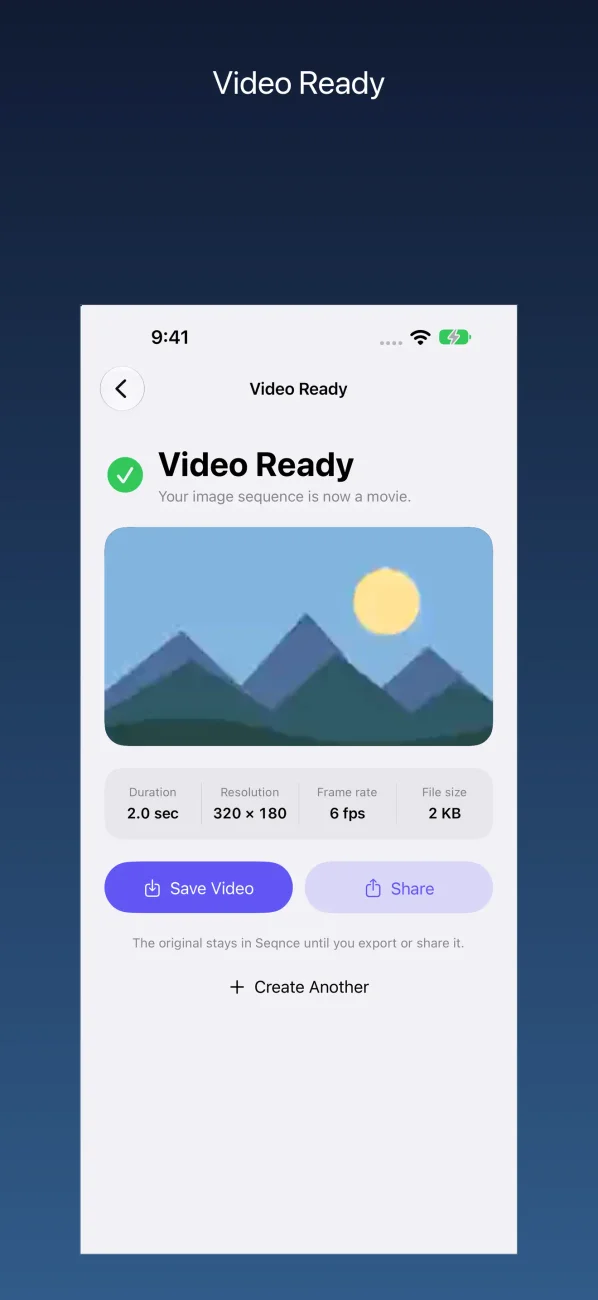
Tentang
Pengembang belum menyediakan teks ini dalam bahasa Anda.
Create silent time-lapse videos from numbered images or existing video in one focused app.
FROM IMAGES
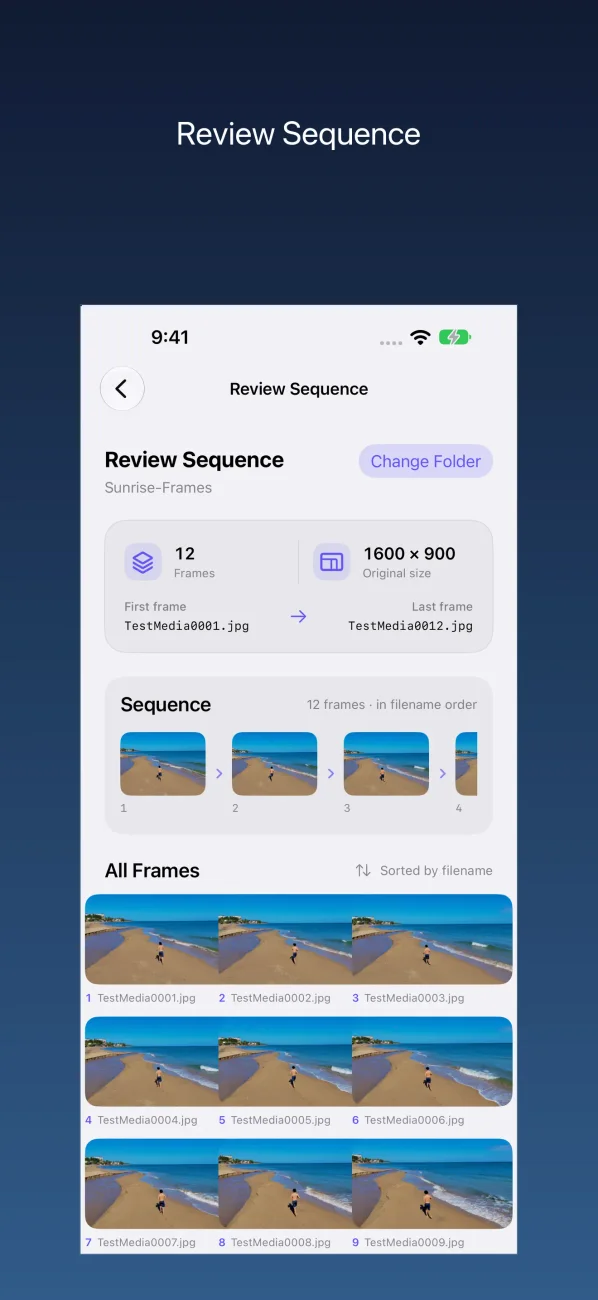
Choose a folder of JPG, JPEG, or PNG frames. Review the sequence, choose how many source images appear each second, and set the export frame rate.
FROM VIDEO
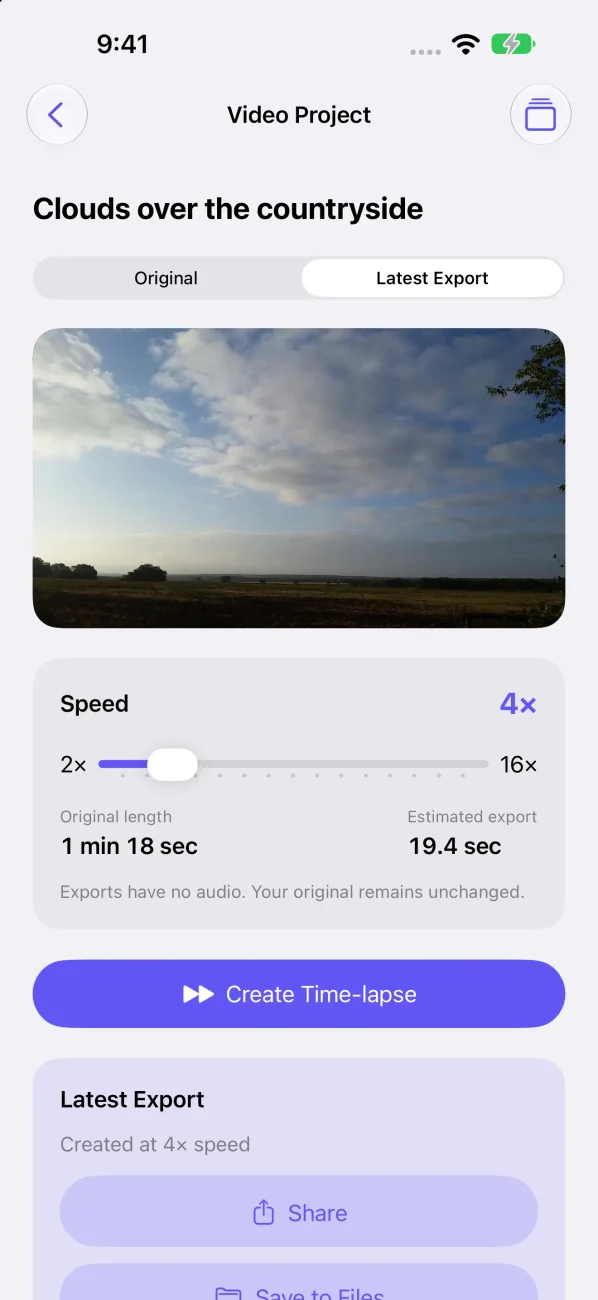
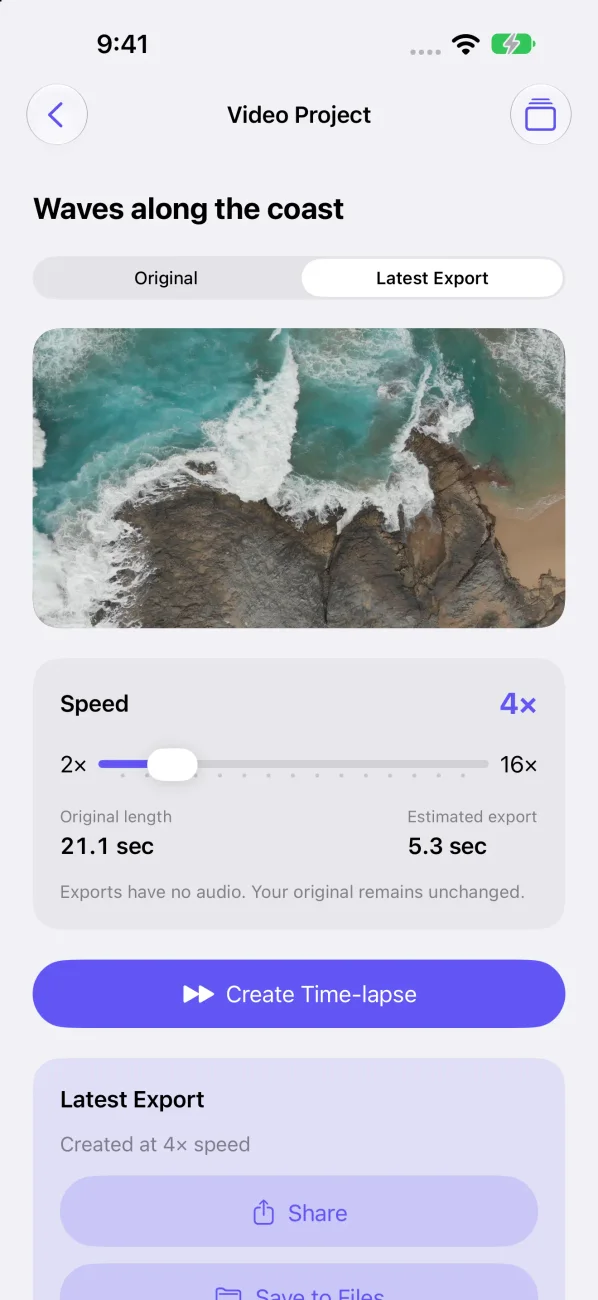
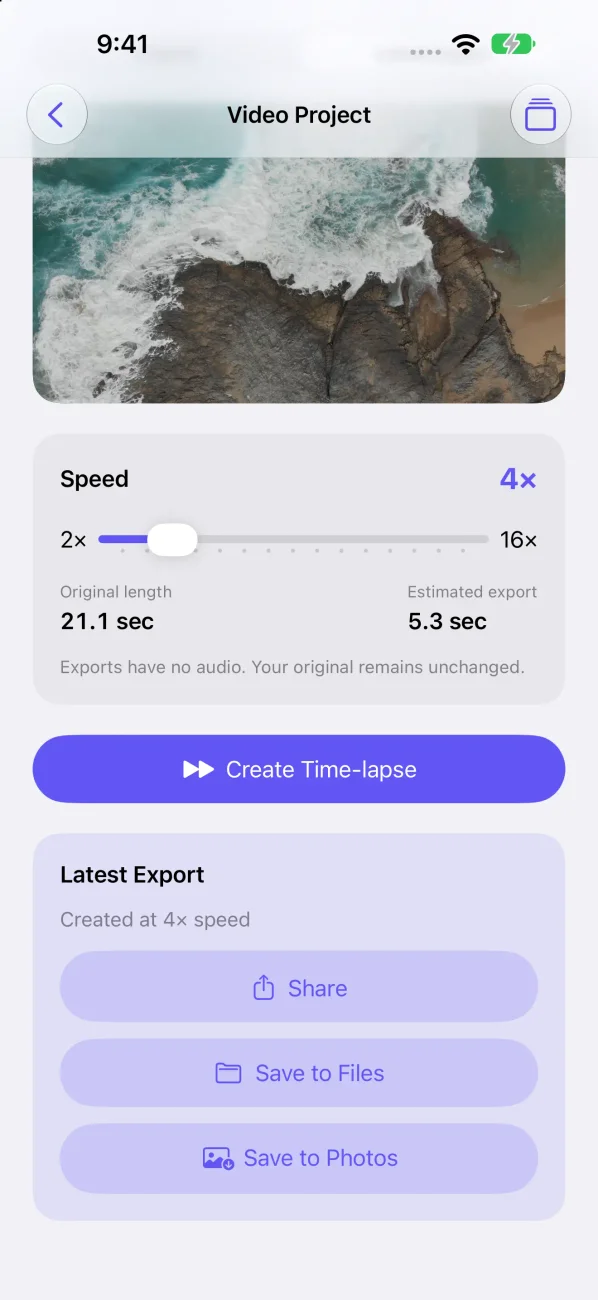
Import a video from Photos or Files, choose a speed from 2× to 16×, and create a shorter video without audio. Each video project preserves its own original and latest export. Preview either version, share the result, or save it to Photos or Files.
EDIT IN PHOTOS
Use Seqnce's video-editing extension from Photos to create a speed-up edit. Photos keeps the original available through Revert.
PRIVATE BY DESIGN
Your media is processed on your device. No account, advertising, or server upload is required.
Hyperlapse My Video's video-speed workflow is now part of Seqnce. To continue with an existing Hyperlapse export, import the saved video from Photos or Files. Separate apps' private libraries and purchases do not transfer automatically.
Already have saved projects? Copy your HyperlapseProjects folder to Files and choose Import Hyperlapse Projects in Seqnce. Originals and existing results are copied into Seqnce.
Interface languages: English and Mexican Spanish.
Yang baru
Versi 4.0 · 5/11/2026
Seqnce now combines image-sequence creation and video speed-up in one app. Import video from Photos or Files, create 2×–16× silent exports, keep originals in saved projects, and edit video from Photos. The app icon is now consistent across iPhone, iPad, and Mac. Includes separate Mexican Spanish runtime support.
Privasi aplikasi
Yang dinyatakan Carlos Chaparro di App Store tentang cara aplikasi ini menangani data.
-
Data tidak dikumpulkan
Pengembang tidak mengumpulkan data apa pun dari aplikasi ini.
Praktik privasi dapat bervariasi, misalnya berdasarkan fitur yang Anda gunakan atau usia Anda.
Informasi
- Penjual
- Carlos Chaparro
- Kategori
- Foto & Video
- Versi
- 4.0
- Diperbarui
- 5/11/2026
- Dirilis
- 1/3/2015
- Ukuran
- 3,3 MB
- Memerlukan
- iOS 18.2 atau yang lebih baru
- Batasan usia
- 4+
- Harga
- Rp 19ribu
- Bahasa
- Inggris, Spanyol
- Hak cipta
- © Carlos Chaparro
Mungkin Anda juga suka
-
 StillspliceFoto & Video
-
 Photo to GIF - Gif MakerFoto & Video
-
 Renamely: Batch RenameFoto & Video
-
 FrameShot - Photos from VideosFoto & Video
-
 SurfVault: Surf Photos & VideoFoto & Video
-
 SlideShow with TitlesFoto & Video
-
 Stop Motion MTFoto & Video
-
 Frame Extractor: Video PhotoFoto & Video
-
 PicMov - Slideshow EditorFoto & Video
-
 Burst: Photo to GIF MakerFoto & Video