
SharkTTY: SSH & Mosh
SSH/Mosh + Remote Desktop
Dirancang untuk iPhone, iPad
Gratis · Pembelian dalam aplikasi
- Batasan usia4+
- KategoriAlat Pengembang
- PengembangJingjing Li
- BahasaInggris+ 5 lainnya
- Ukuran24,1 MB
Tertaut ke halaman resmi App Store
Download.org tidak menyimpan file SharkTTY: SSH & Mosh apa pun. Tombol ini membuka halaman aplikasi di App Store, tempat Jingjing Li menerbitkannya. Halaman terakhir diperiksa pada 26/11/2026.
Tangkapan layar
Tentang
Pengembang belum menyediakan teks ini dalam bahasa Anda.
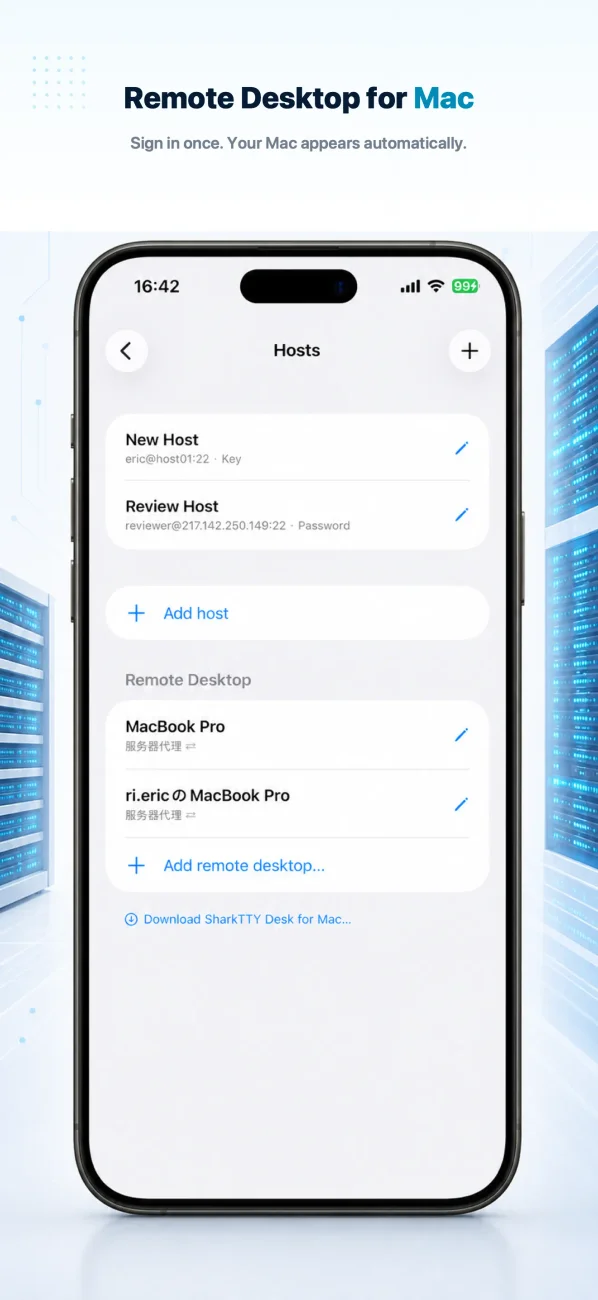
SharkTTY keeps your servers and your desktop within reach — a fast, native SSH & Mosh terminal and a full remote desktop for your Mac computer, in one app. All of it free. And now it listens — hold to talk, and AI turns your words into commands.
CONTROL YOUR DESKTOP FROM ANYWHERE
Sign in on your iPhone or iPad device and your desktop is right there. Tap to see its screen and take over — on the same Wi-Fi or from the other side of the world. SharkTTY finds the best way to connect, so you don't have to think about it.
• A smooth, low-lag screen with full keyboard and mouse
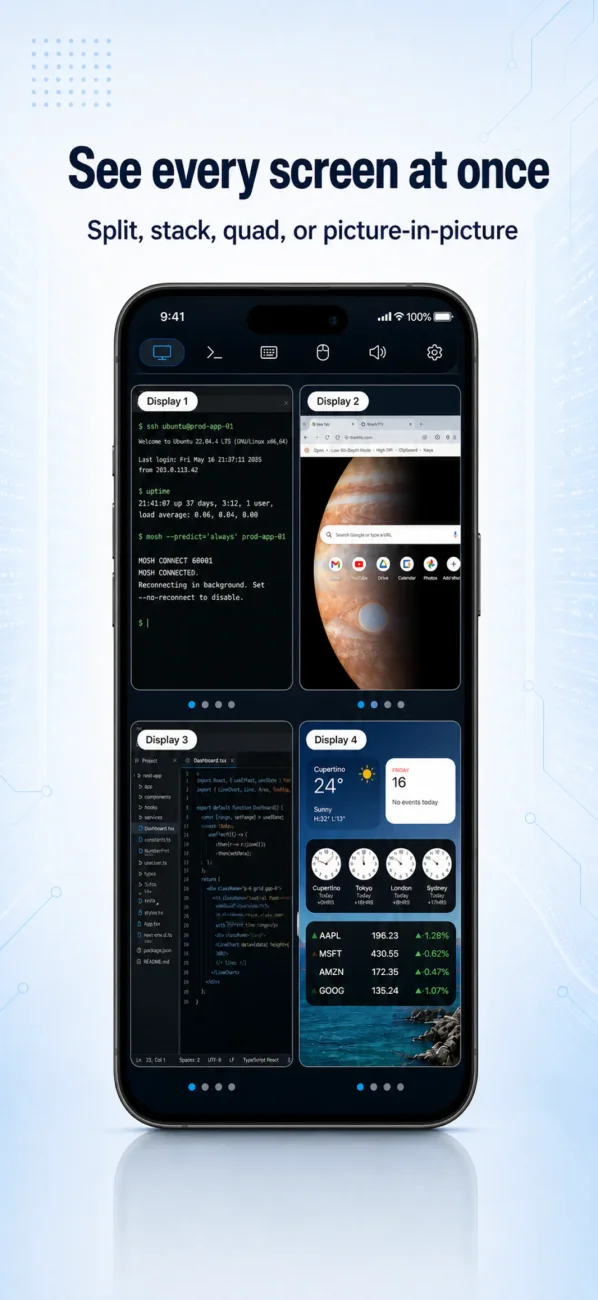
• See every display at once — side by side, stacked, quad or picture-in-picture, arranged your way
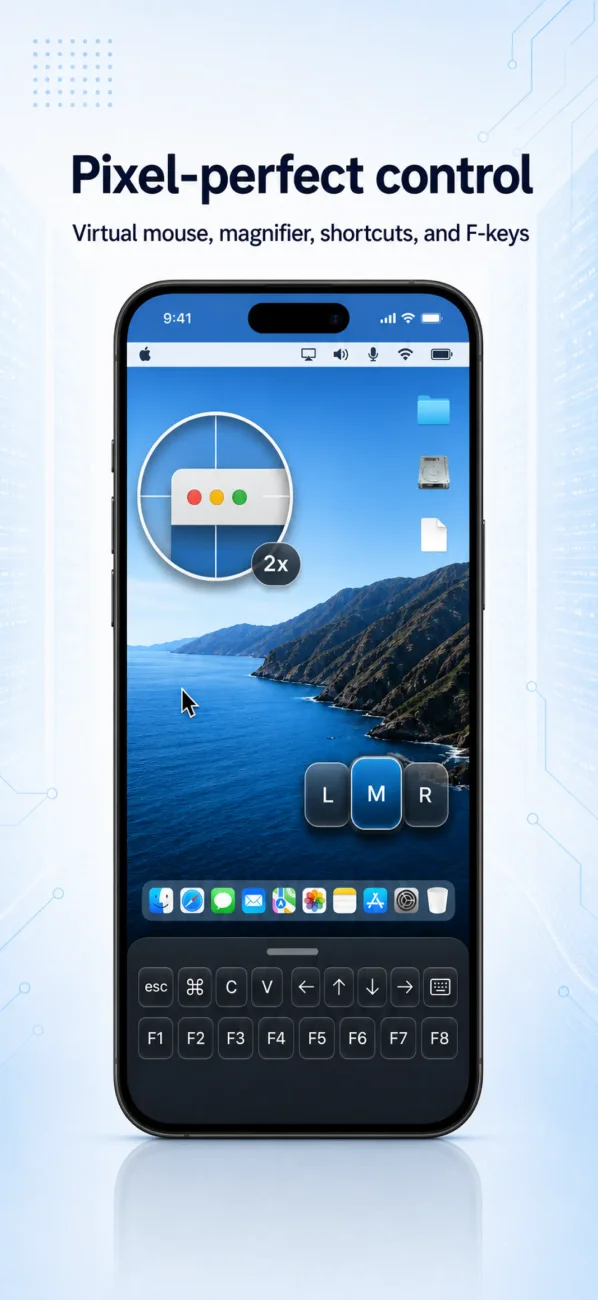
• A virtual mouse with a built-in magnifier for pixel-perfect taps
• A floating on-screen keyboard you can move, resize and dim — full symbols, ⌘⌥⌃ modifiers, F-keys, six layouts (US, UK, JIS, AZERTY, QWERTZ, Spanish) and smart command suggestions
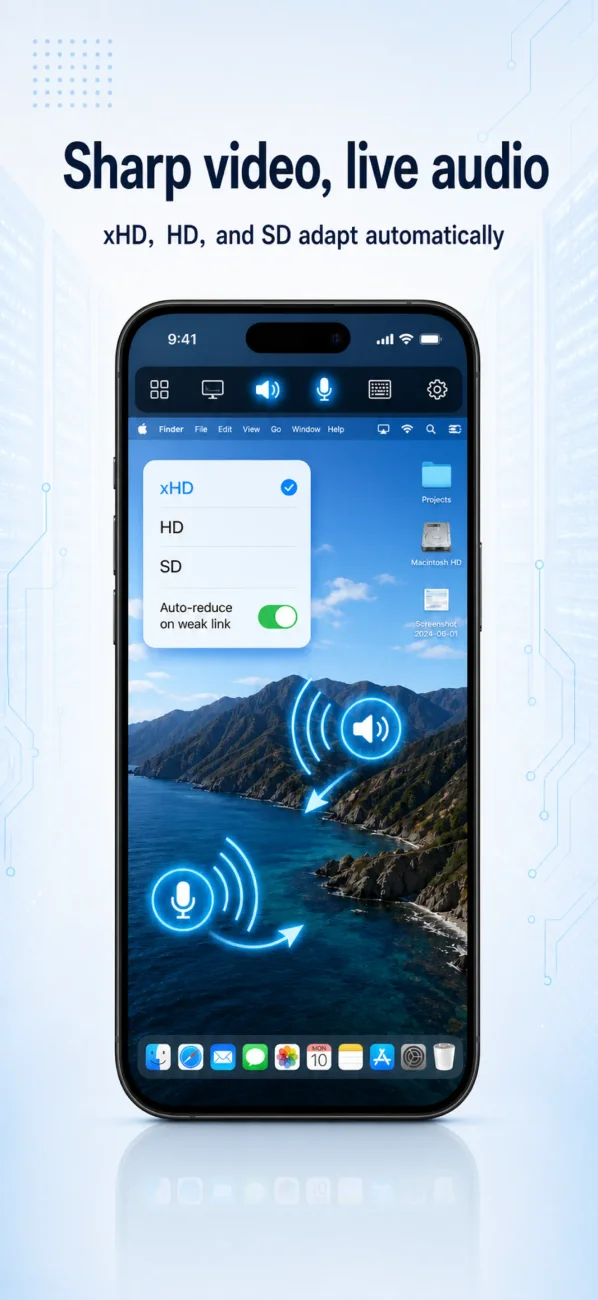
• Hear your Mac computer's sound live, and turn your device into its microphone
• Copy on one device, paste on the other
• Pick xHD, HD or SD — and let it ease off on its own when the signal drops
• End-to-end encrypted, so your screen stays yours
A TERMINAL THAT KEEPS UP
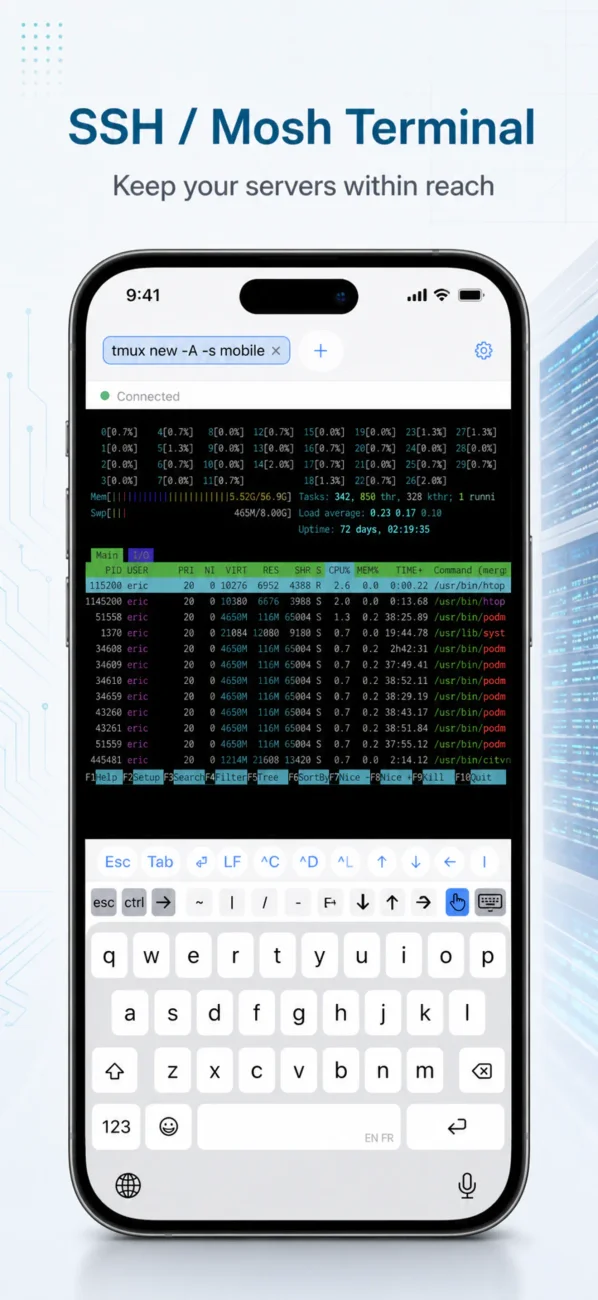
• Connect to any server over SSH — there's nothing to install on the other end
• Mosh keeps you typing through dropped Wi-Fi, network switches and lag
• Lock your device or jump to another app, come back, and your session is still there
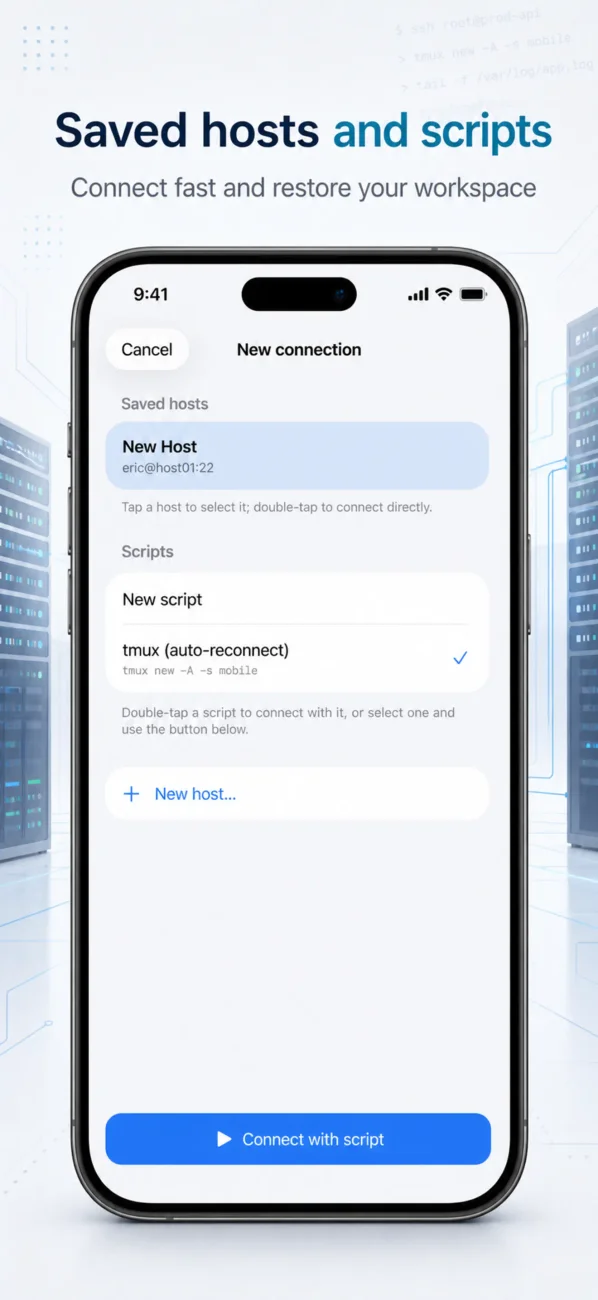
• Drop straight back into your tmux session with a saved startup command
• Experimental Eternal Terminal (ET) support — persistent sessions over TCP, for networks where Mosh's UDP is blocked
• A bell in a background tab becomes a notification — know the moment a long task finishes
SPEAK, AND IT TYPES
• Hold to talk — your words are recognized right on the device: free, private, works offline
• Trim a segment, re-recognize it, or bring back past recordings from history
• AI polishes what you said into clean text or a ready-to-run command — bring your own AI provider, or use the built-in official models
• Ask the AI anything in the built-in chat panel, without leaving your session
KEYS, FILES, AND PEACE OF MIND
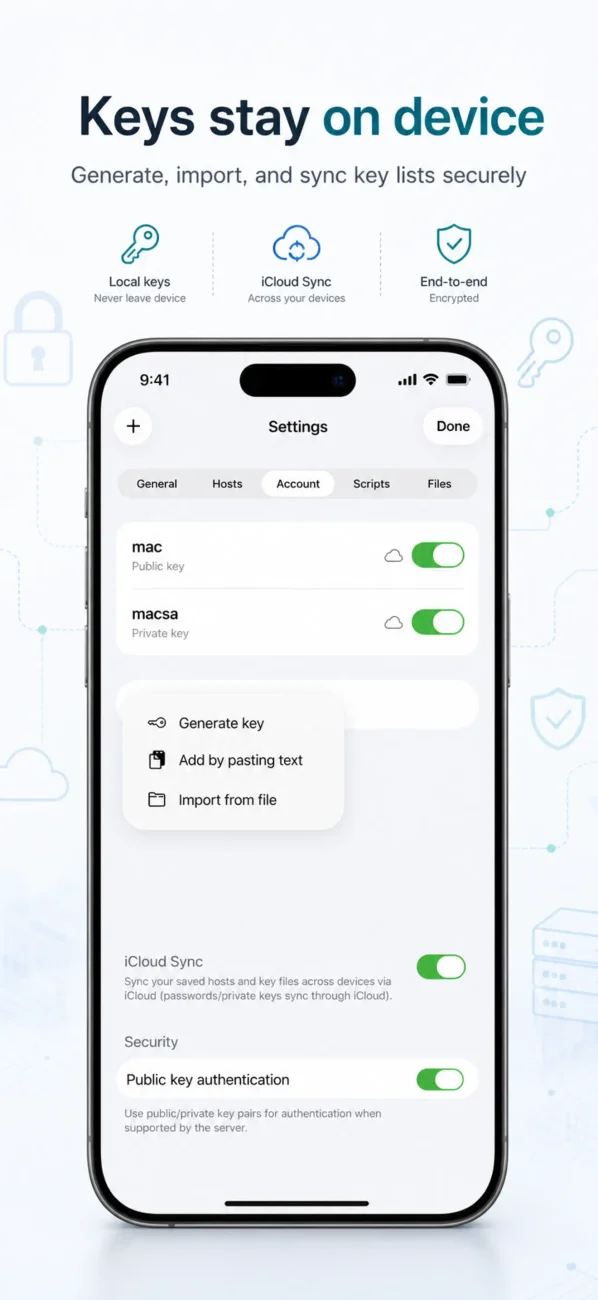
• Create or import SSH keys right on your device — private keys never leave it
• Get a clear heads-up the moment a server's identity changes
• Browse and move files over iCloud Drive, shared folders and WebDAV, without leaving the app
• Developer fonts and themes, a handy shortcut-key row, and full external keyboard and trackpad support on iPad
• Keep your hosts and keys in sync across your devices with iCloud, if you like
You never need an account to reach your own servers.
SharkTTY — your servers and your desktop, always in your pocket.
Every feature is free, including on-device voice recognition. The built-in official AI service uses AI Points; with your own API key, everything stays free. And if you'd like to leave a tip and buy me a coffee — thank you so much! Tips (one-time or monthly) unlock nothing; the monthly tip auto-renews until cancelled in your Apple Account settings.
Terms of Use (EULA): https://safafish.com/sharktty/eula.html · Privacy Policy: https://safafish.com/sharktty/privacy.html
Yang baru
Versi 2.3 · 25/11/2026
This release brings a new look and tidies up shared hosts and points.
• New "Mist Blue" look: a soft light interface with a matching dark mode. Prefer the old look? Switch to "Classic" in Settings.
• The host list shows whether the other Mac is online and whether it needs an update. Features that are unavailable explain why.
• Book a host by the hour or by the day, with the approximate price shown next to the points.
• One tap to the Mac terminal: set a default program on the Mac and you no longer choose it on the phone.
• Shared folders: mount a folder shared from your Mac onto the host you are connected to in one tap, and choose how long the access lasts.
• Deleting and disconnecting now ask first, and error messages say what went wrong and what to do next.
Requires SharkTTY Desk 1.3.0. Your existing SSH, Mosh, ET and Remote Desktop connections work as before.
Privasi aplikasi
Yang dinyatakan Jingjing Li di App Store tentang cara aplikasi ini menangani data.
-
Data tidak dikumpulkan
Pengembang tidak mengumpulkan data apa pun dari aplikasi ini.
Praktik privasi dapat bervariasi, misalnya berdasarkan fitur yang Anda gunakan atau usia Anda.
Informasi
- Penjual
- Jingjing Li
- Kategori
- Alat Pengembang
- Versi
- 2.3
- Diperbarui
- 25/11/2026
- Dirilis
- 10/6/2026
- Ukuran
- 24,1 MB
- Memerlukan
- iOS 17.0 atau yang lebih baru
- Batasan usia
- 4+
- Harga
- Gratis
- Pembelian dalam aplikasi
- Ya
- Bahasa
- Inggris, Prancis, Jerman, Jepang, Tionghoa Sederhana, Spanyol
- Hak cipta
- © 2026 Safafish Inc
Mungkin Anda juga suka
-
 YoloShell-Terminal SSH dan VNCHerdr, akses jarak jauh
-
 MT - Mosh TerminalAlat Pengembang
-
 Copy Link to PasteboardAlat Pengembang
-
 CoduxAlat Pengembang
-
 Conduit: SSH, Mosh & SFTPAlat Pengembang
-
 Deeplink Opener UtilityAlat Pengembang
-
 CFPanelAlat Pengembang
-
 Terminal File Manager AdvancedAlat Pengembang
-
 Kodo: Editor Kode dengan AIPython dan C++ offline, SSH
-
 HTTPS Capture Traffic DecryptAlat Pengembang