Smart Printer: Scan Print Docs
JPG Pic To PDF Maker & Scanner
Dirancang untuk iPhone, iPad
Gratis · Pembelian dalam aplikasi
- Batasan usia4+
- KategoriBisnis
- PengembangChan Tai
- BahasaInggris
- Ukuran8,7 MB
Tertaut ke halaman resmi App Store
Download.org tidak menyimpan file Smart Printer: Scan Print Docs apa pun. Tombol ini membuka halaman aplikasi di App Store, tempat Chan Tai menerbitkannya. Halaman terakhir diperiksa pada 16/11/2026.
Tangkapan layar
Tentang
Pengembang belum menyediakan teks ini dalam bahasa Anda.
Smart Printer: Scan Print Docs – Your Wireless Printing & Document Solution!
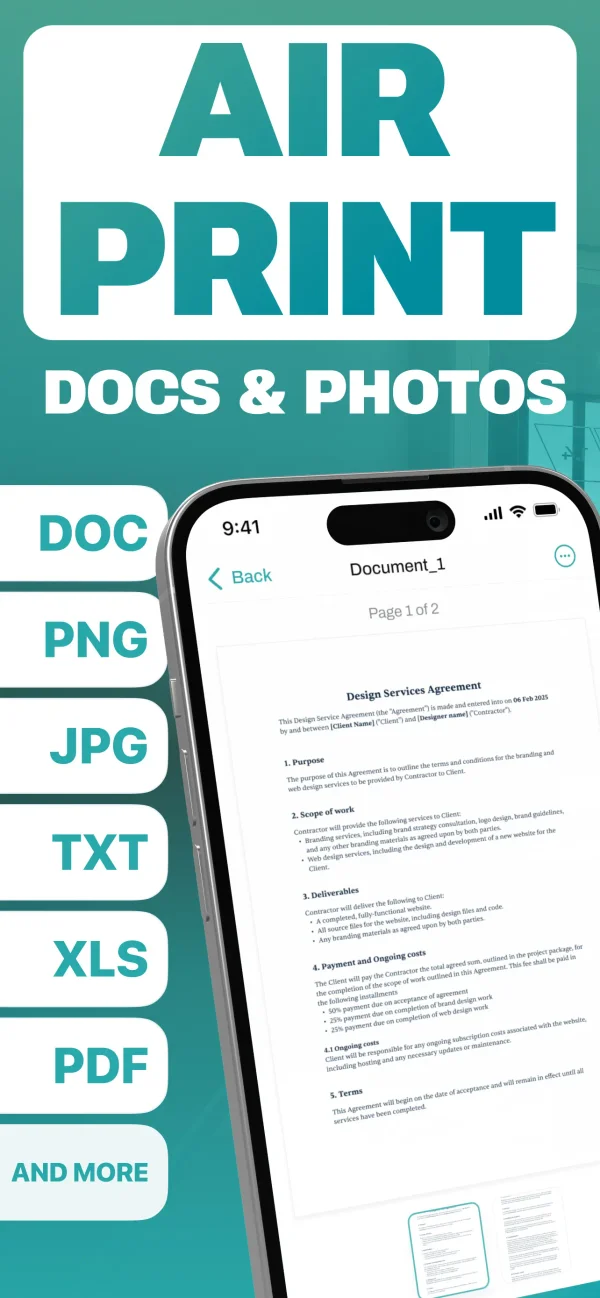
Transform your iPhone or iPad into a complete mobile printing and scanning station with Smart Printer: Scan Print Docs.
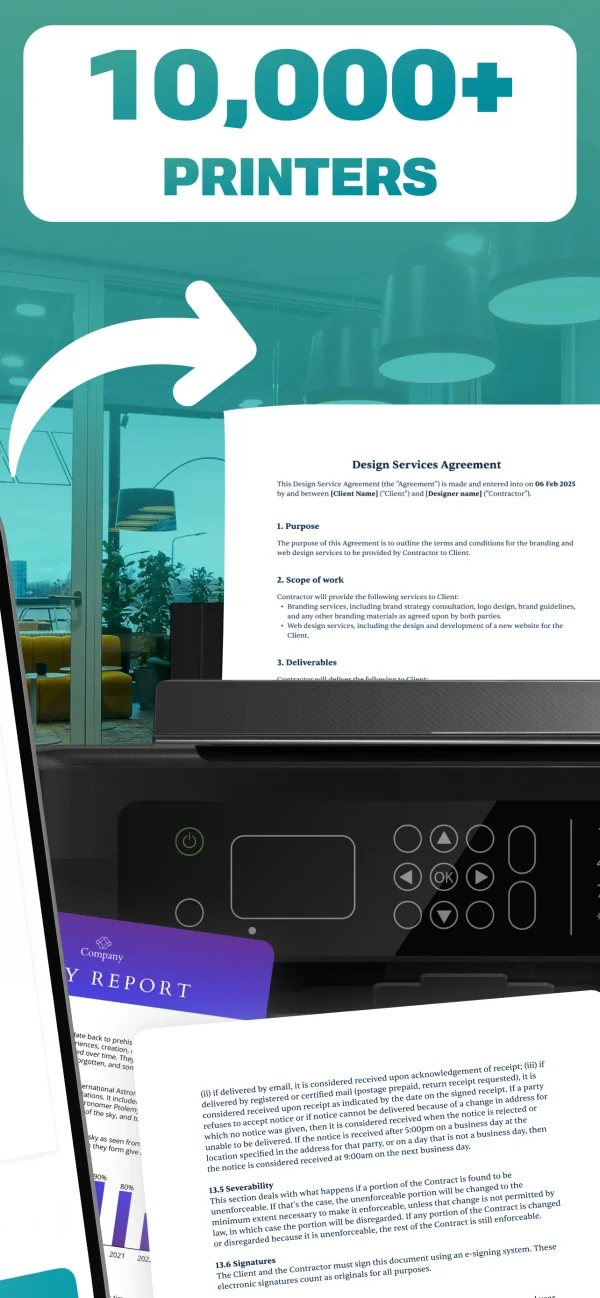
Simply connect to your WiFi printer and handle all your document needs right from your iOS device.
Key Features That Simplify Your Life:
1. Instant Wireless Printing:
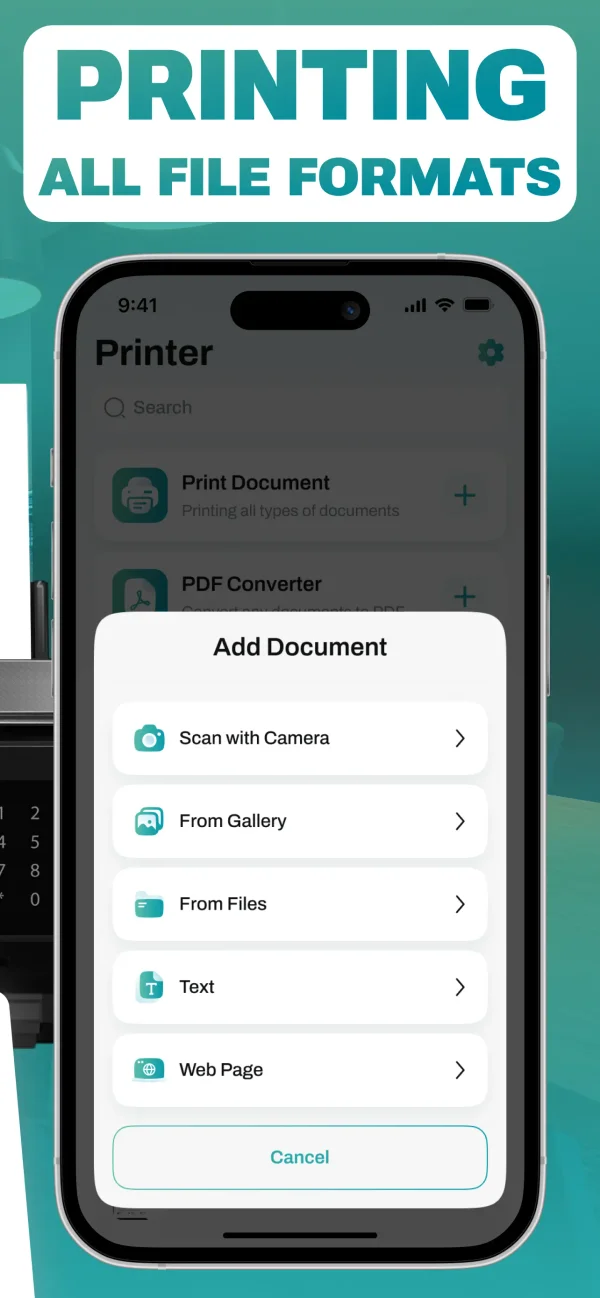
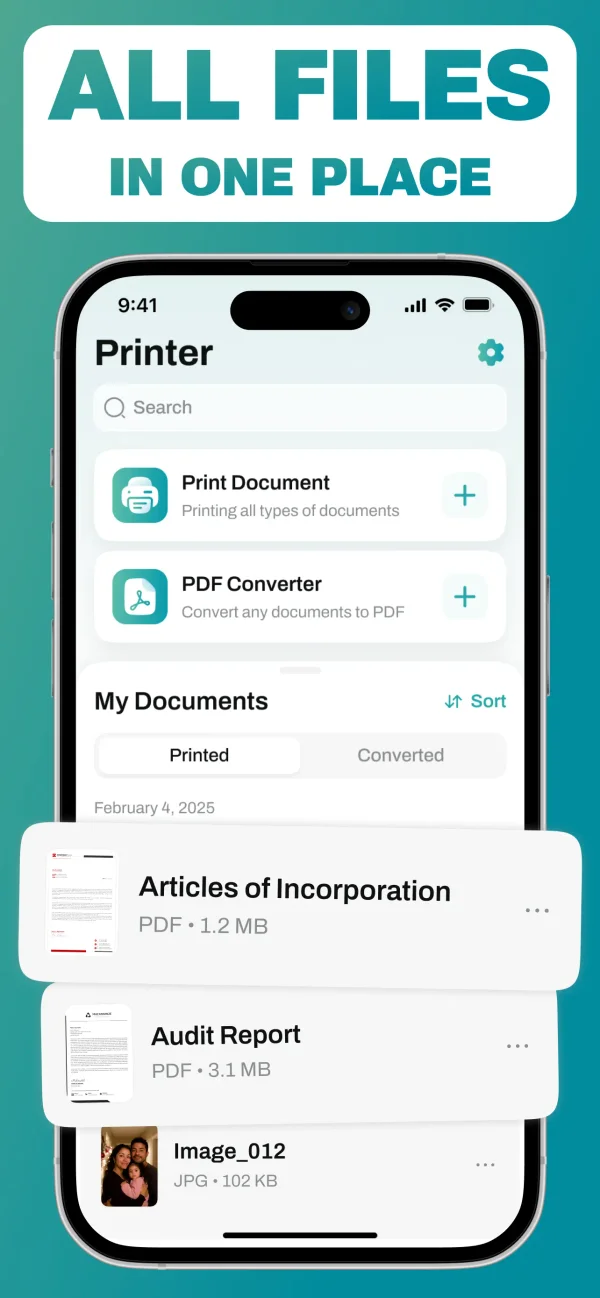
Print documents, photos, emails, and PDFs directly from your device with just a few taps.
Whether you need to print boarding passes before a flight, school assignments for your kids, or important work documents, our app makes it effortless.
Just connect to the same WiFi network as your printer and you're ready to go.
2.Professional-Quality Scanning:
Turn your iPhone camera into a powerful scanner.
Capture crisp, clear digital copies of receipts, contracts, notes, or any paper document.
3. Smart File Conversion:
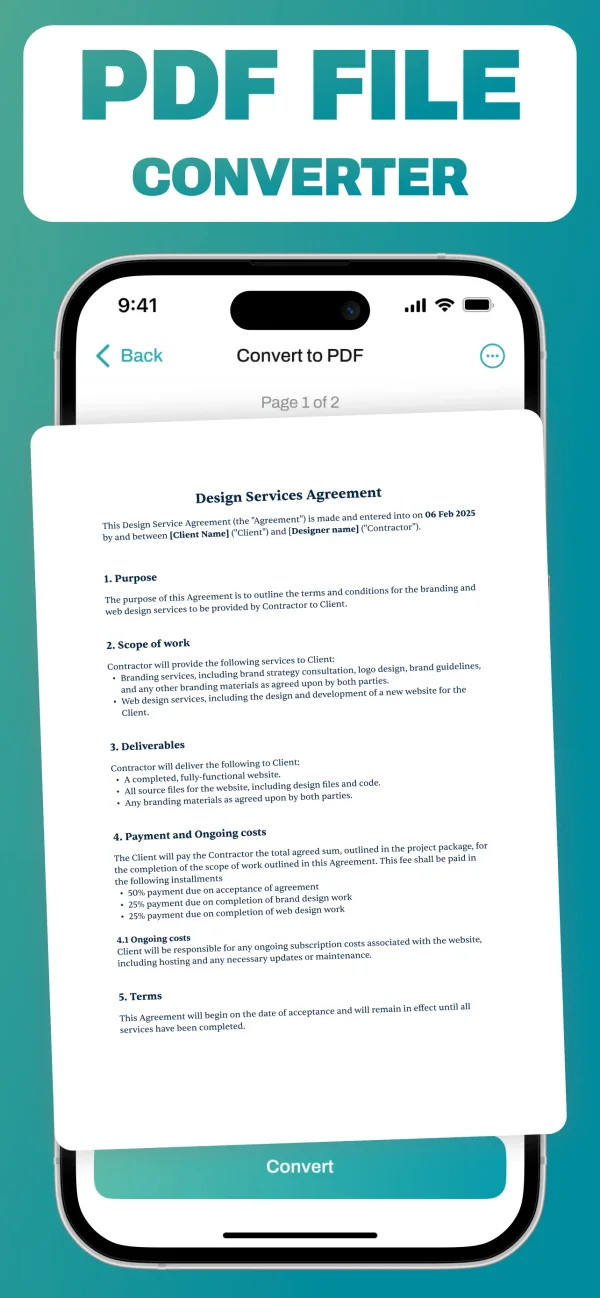
Easily convert images (JPEG, PNG) into polished PDF documents perfect for sharing or archiving.
4.Cloud Integration & File Access:
Access and print documents directly from iCloud, Google Drive, Dropbox and other cloud services without downloading files first.
Your important documents are always available when you need them.
Why Choose Smart Printer & Scanner?
• No cables or complicated setups required.
• Works with most WiFi-enabled printers.
• Intuitive interface anyone can use.
• Saves time by eliminating computer middlemen.
• Perfect for students, professionals, and home use.
Download Smart Printer: Scan Print Docs and experience the convenience of mobile printing and scanning done right.
Note: Requires WiFi connection between your iOS device and printer.
Billing & Subscription Details:
Payment will be charged to your iTunes account upon completing your purchase.
Your membership automatically renews for your convenience, but you may disable this feature at any time by adjusting your auto-renewal settings in iTunes at least one day before your current subscription period concludes.
We process renewal payments approximately 24 hours prior to the end of each billing cycle to ensure uninterrupted service.
Please note: If you're taking advantage of a free trial offer, upgrading to a paid subscription will immediately terminate any remaining trial period.
Full control is in your hands - you can review, modify, or cancel your subscription at any time through your device's iTunes account settings.
Terms and Conditions - https://www.apple.com/legal/internet-services/itunes/dev/stdeula/
Yang baru
Versi 1.0.1 · 8/10/2025
Minor bugs fixed
Privasi aplikasi
Yang dinyatakan Chan Tai di App Store tentang cara aplikasi ini menangani data.
-
Data yang tidak ditautkan dengan Anda
Dapat dikumpulkan, tetapi tidak ditautkan dengan identitas Anda.
- Data penggunaan
- Diagnostik
Praktik privasi dapat bervariasi, misalnya berdasarkan fitur yang Anda gunakan atau usia Anda.
Informasi
- Penjual
- Chan Tai
- Kategori
- Bisnis
- Versi
- 1.0.1
- Diperbarui
- 8/10/2025
- Dirilis
- 6/10/2025
- Ukuran
- 8,7 MB
- Memerlukan
- iOS 16.0 atau yang lebih baru
- Batasan usia
- 4+
- Harga
- Gratis
- Pembelian dalam aplikasi
- Ya
- Bahasa
- Inggris
- Hak cipta
- © Smart Printer: Scan Print Docs
Mungkin Anda juga suka
-
 AI Note Taker: Talk TranscribeBisnis
-
 Invoice Ready - Invoice MakerBuat faktur & kwitansi!
-
 FAX Online - Send Free of AdsBisnis
-
 Document Converter To PDF EditBisnis
-
 Sign PDF Documents & Scan JPEGBisnis
-
 PDF scanner app Documents scanBisnis
-
 Hearing Aid App: Sound BoosterProduktivitas
-
 AI Note Taker - Audio to TextProduktivitas
-
 Scanner: Cam Smart Scan to PDFBisnis
-
 Pencatat Catatan AI, RingkasanTranskrip & Notulen Rapat