Smart Printer: Scan Print Docs
JPG Pic To PDF Maker & Scanner
iPhone, iPad向けに設計
無料 · アプリ内課金
- 対象年齢4+
- カテゴリビジネス
- 開発元Chan Tai
- 言語英語
- サイズ8.7 MB
App Storeの公式ページにリンクしています
Download.orgはSmart Printer: Scan Print Docsのファイルを一切ホストしていません。ボタンを押すと、Chan Taiが公開しているApp Storeのアプリページが開きます。ページの最終確認:2026/11/16。
スクリーンショット
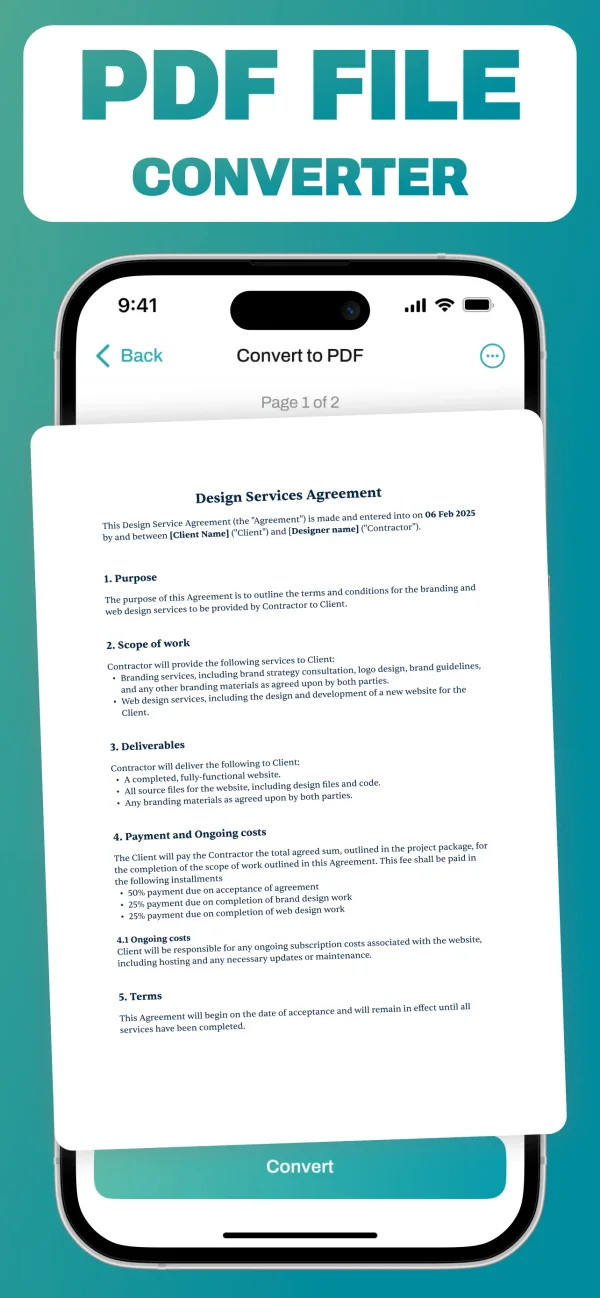
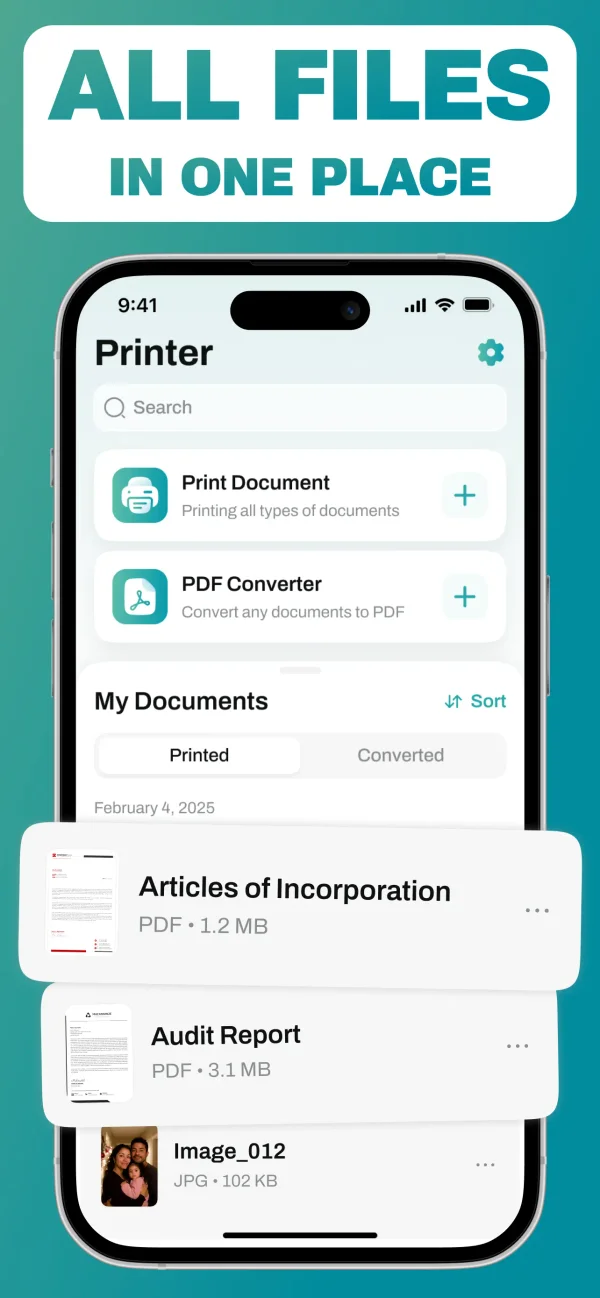
概要
開発元はこのテキストをお使いの言語で提供していません。
Smart Printer: Scan Print Docs – Your Wireless Printing & Document Solution!
Transform your iPhone or iPad into a complete mobile printing and scanning station with Smart Printer: Scan Print Docs.
Simply connect to your WiFi printer and handle all your document needs right from your iOS device.
Key Features That Simplify Your Life:
1. Instant Wireless Printing:
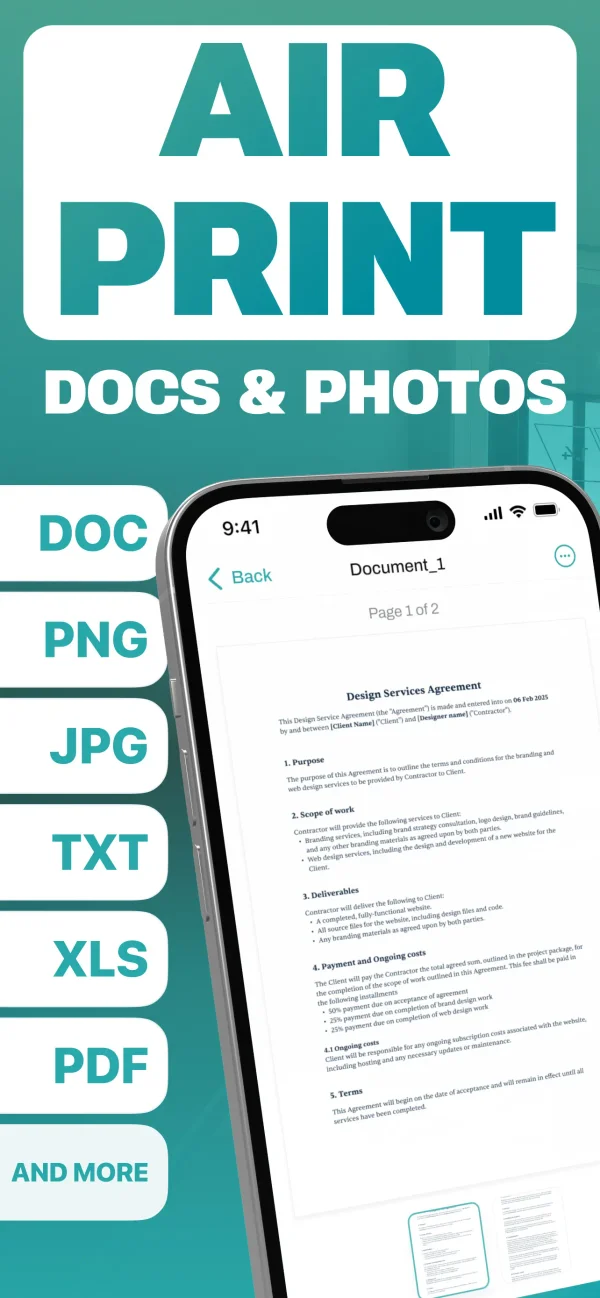
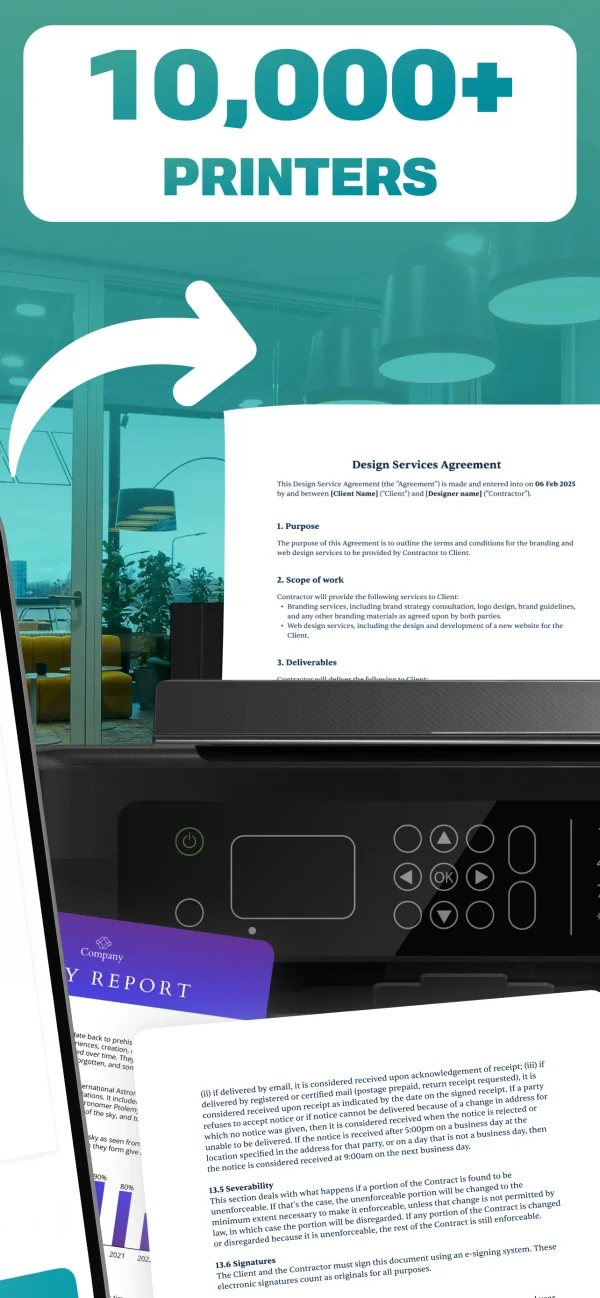
Print documents, photos, emails, and PDFs directly from your device with just a few taps.
Whether you need to print boarding passes before a flight, school assignments for your kids, or important work documents, our app makes it effortless.
Just connect to the same WiFi network as your printer and you're ready to go.
2.Professional-Quality Scanning:
Turn your iPhone camera into a powerful scanner.
Capture crisp, clear digital copies of receipts, contracts, notes, or any paper document.
3. Smart File Conversion:
Easily convert images (JPEG, PNG) into polished PDF documents perfect for sharing or archiving.
4.Cloud Integration & File Access:
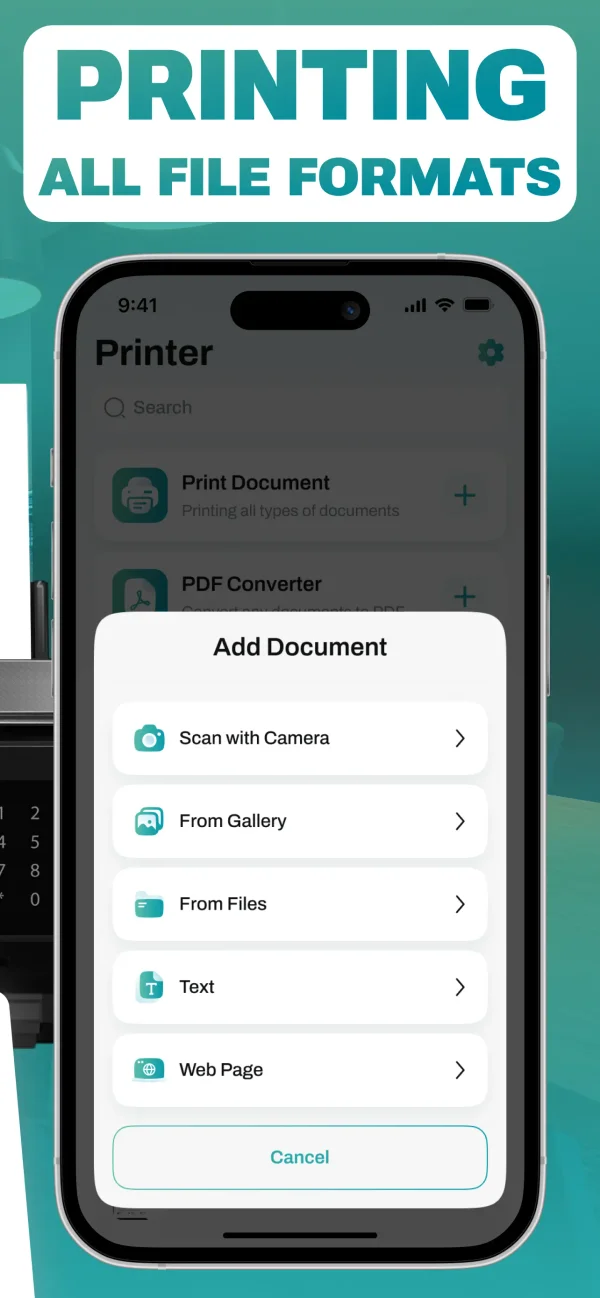
Access and print documents directly from iCloud, Google Drive, Dropbox and other cloud services without downloading files first.
Your important documents are always available when you need them.
Why Choose Smart Printer & Scanner?
• No cables or complicated setups required.
• Works with most WiFi-enabled printers.
• Intuitive interface anyone can use.
• Saves time by eliminating computer middlemen.
• Perfect for students, professionals, and home use.
Download Smart Printer: Scan Print Docs and experience the convenience of mobile printing and scanning done right.
Note: Requires WiFi connection between your iOS device and printer.
Billing & Subscription Details:
Payment will be charged to your iTunes account upon completing your purchase.
Your membership automatically renews for your convenience, but you may disable this feature at any time by adjusting your auto-renewal settings in iTunes at least one day before your current subscription period concludes.
We process renewal payments approximately 24 hours prior to the end of each billing cycle to ensure uninterrupted service.
Please note: If you're taking advantage of a free trial offer, upgrading to a paid subscription will immediately terminate any remaining trial period.
Full control is in your hands - you can review, modify, or cancel your subscription at any time through your device's iTunes account settings.
Terms and Conditions - https://www.apple.com/legal/internet-services/itunes/dev/stdeula/
新機能
バージョン 1.0.1 · 2025/10/8
Minor bugs fixed
アプリのプライバシー
このアプリのデータの取り扱いについて、Chan TaiがApp Storeで申告している内容です。
-
ユーザーに関連付けられないデータ
収集される場合がありますが、ユーザーの識別情報には関連付けられません。
- 使用状況データ
- 診断
プライバシーの取り扱いは、ご利用の機能やお客様の年齢などに応じて異なる場合があります。
情報
- 販売元
- Chan Tai
- カテゴリ
- ビジネス
- バージョン
- 1.0.1
- 更新日
- 2025/10/8
- リリース
- 2025/10/6
- サイズ
- 8.7 MB
- 必要条件
- iOS 16.0以降
- 対象年齢
- 4+
- 価格
- 無料
- アプリ内課金
- あり
- 言語
- 英語
- 著作権
- © Smart Printer: Scan Print Docs
こちらもおすすめ
-
 AI Note Taker: Talk Transcribeビジネス
-
 Invoice Ready - Invoice Makerビジネス
-
 FAX Online - Send Free of Adsビジネス
-
 Document Converter To PDF Editビジネス
-
 Sign PDF Documents & Scan JPEGビジネス
-
 PDF scanner app Documents scanビジネス
-
 Hearing Aid App: Sound Booster仕事効率化
-
 AI Note Taker - Audio to Text仕事効率化
-
 Scanner: Cam Smart Scan to PDFビジネス
-
 講義 AI ノートテイカー、サマリー文字起こし & 議事録