
SN MindMap
Organize your thoughts clearly
Dirancang untuk iPad
Gratis · Pembelian dalam aplikasi
- Batasan usia4+
- KategoriProduktivitas
- PengembangStefan Neumann
- BahasaInggris+ 1 lainnya
- Ukuran8,9 MB
Tertaut ke halaman resmi App Store
Download.org tidak menyimpan file SN MindMap apa pun. Tombol ini membuka halaman aplikasi di App Store, tempat Stefan Neumann menerbitkannya. Halaman terakhir diperiksa pada 18/11/2026.
Tangkapan layar


Tentang
Pengembang belum menyediakan teks ini dalam bahasa Anda.
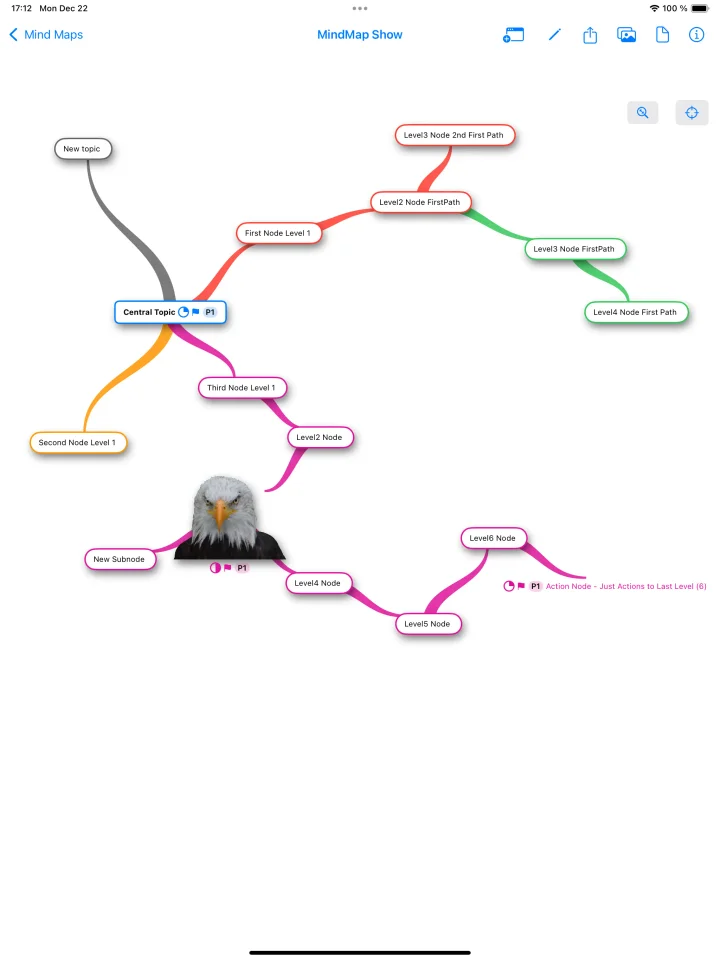
SN MindMap is a powerful yet straightforward tool for visualizing ideas, planning projects, and organizing knowledge.
With a clean, professional interface and automatic iCloud synchronization, your mind maps stay up to date across all your devices – whether on your Mac or on the go with your iPad.
Key Features
• Up to 6 hierarchy levels – Structure complex topics clearly and flexibly, including a final action level.
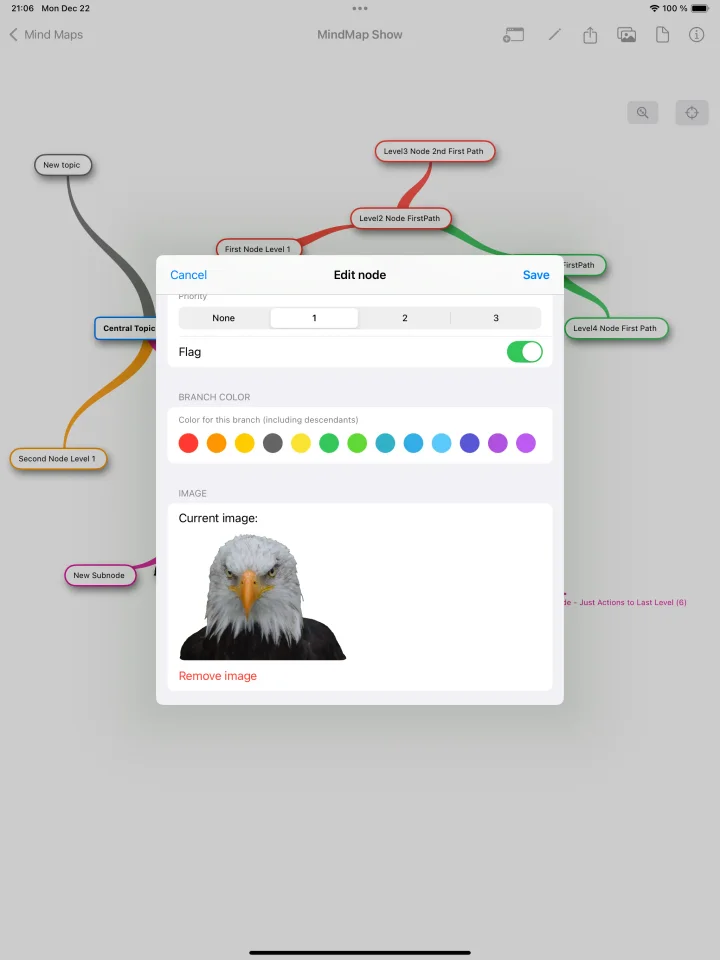
• Use an image as a node – Nodes can appear as ovals or as images (PNG / JPG).
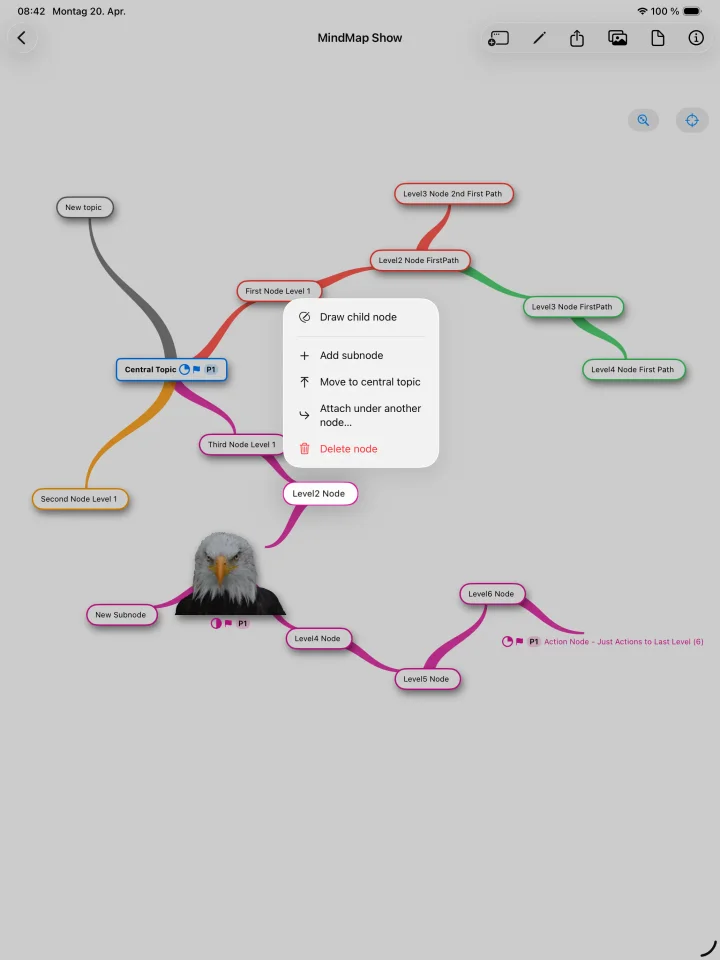
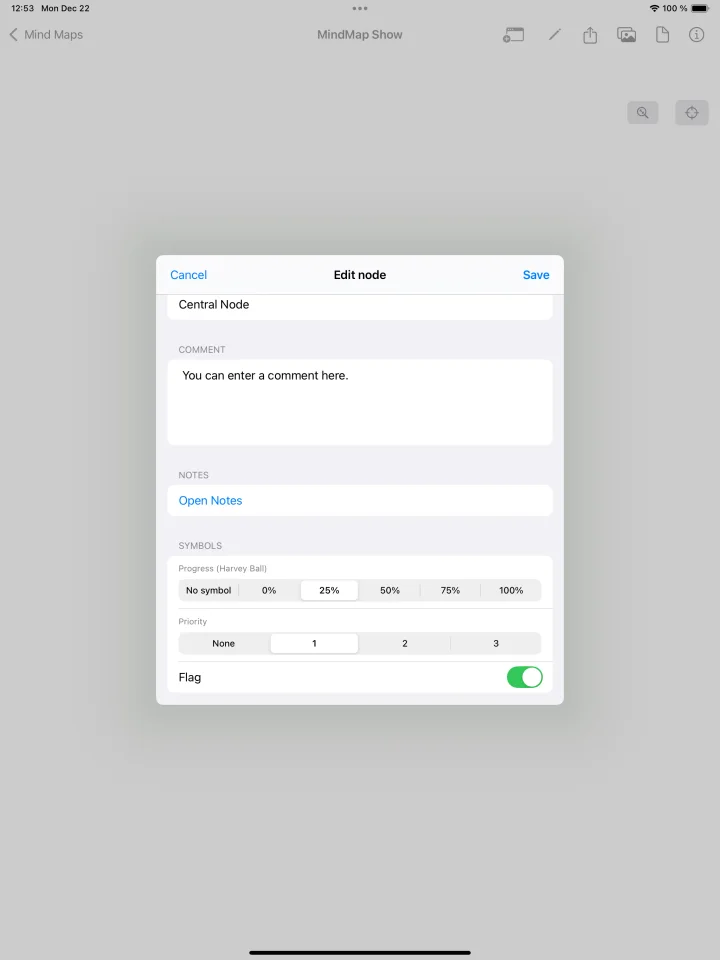
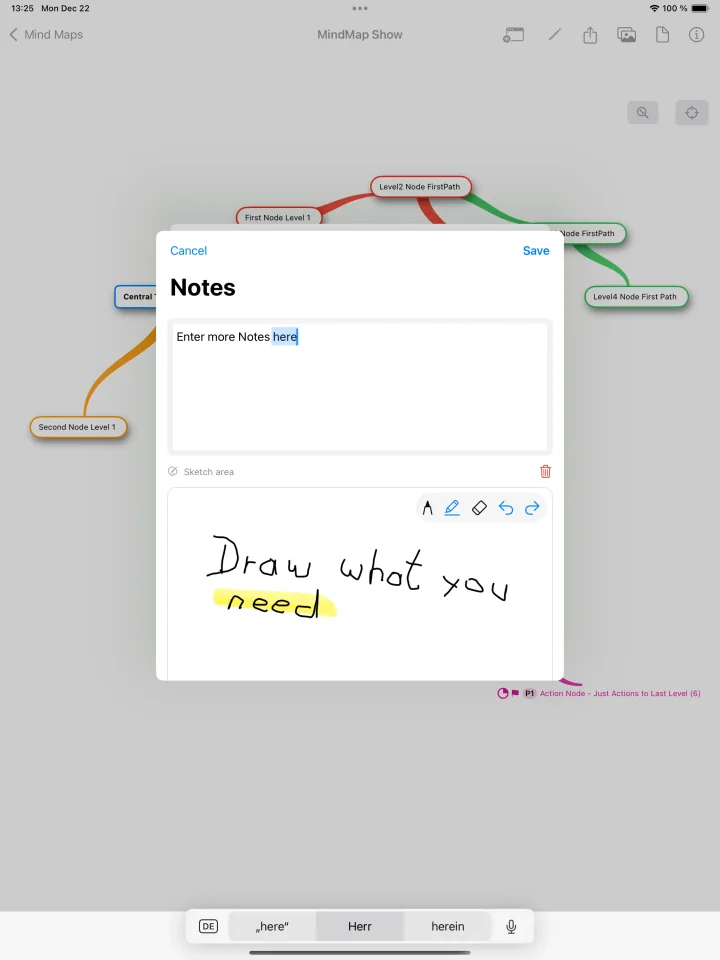
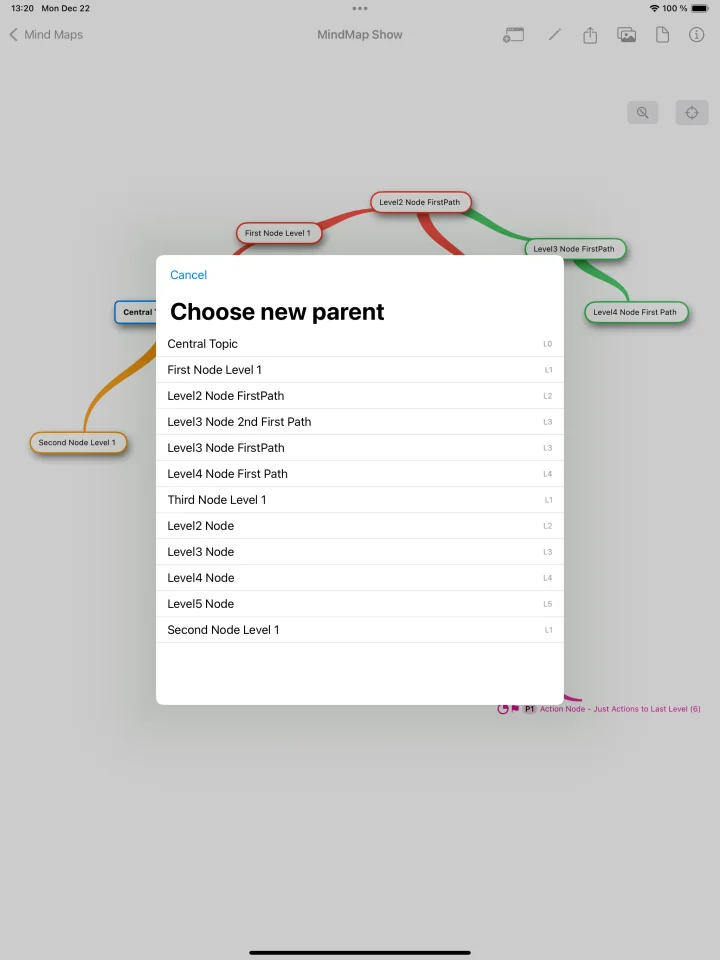
• Fast and intuitive editing – Create, reorganize, and style nodes using a dedicated node menu.
• iCloud synchronization – Work seamlessly across multiple devices.
• Import & Export – Import mind maps (JSON) or export them (JSON, PNG, PDF) for archiving or sharing.
• Customizable layout – Language (DE, EN), font family, font sizes, level limits, centering, overview mode, and more.
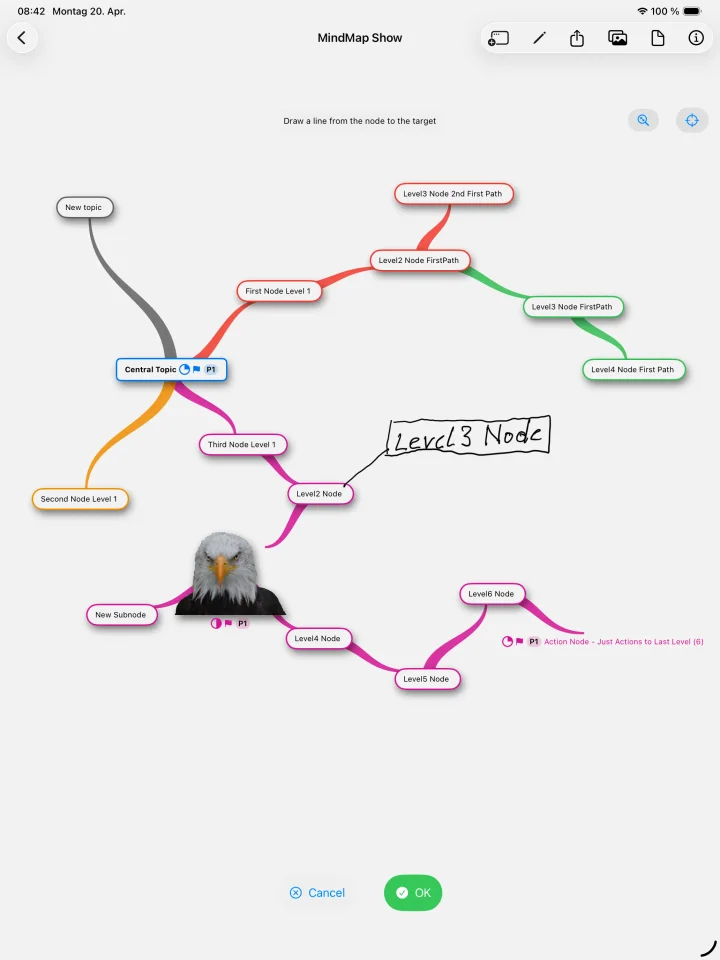
• Draw nodes with Apple Pencil and instantly convert them into native MindMap nodes.
• Text written inside a drawn node is automatically detected and used as the node title.
• Focused on productivity – No distractions, no clutter.
Recommended Device
SN MindMap also runs also on older iPads.
For the best performance – especially when working with larger mind maps – we recommend an iPad with an Apple M1 chip or newer.
Pro Version
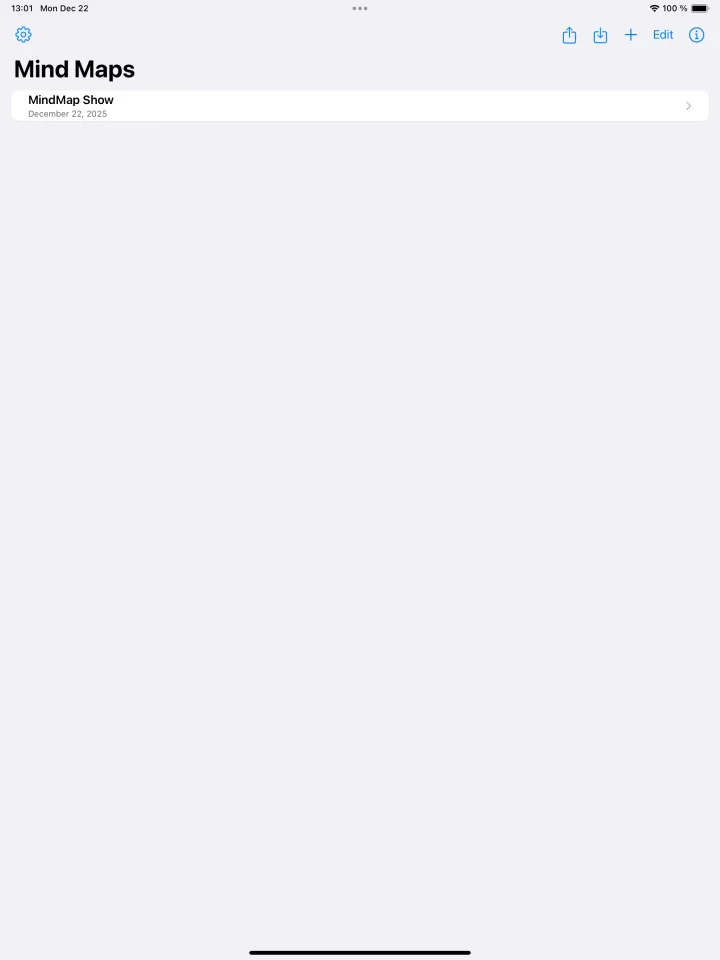
The free version allows you to create and fully use one mind map without limitations.
The Pro version unlocks the creation and use of unlimited mind maps.
Perfect for students, professionals, workshops, and personal projects.
Yang baru
Versi 1.1 · 20/4/2026
New in Version 1.1:
- New drawing feature: Create nodes using your Apple Pencil.
- Instant conversion: Hand-drawn shapes can be converted directly into native MindMap nodes.
- Smart titles: Text written inside a drawn node is automatically adopted as the node title.
- Enhanced recognition: Improved handwriting recognition for drawn node labels.
- Better layout: Optimized positioning for newly created nodes.
Privasi aplikasi
Yang dinyatakan Stefan Neumann di App Store tentang cara aplikasi ini menangani data.
-
Data tidak dikumpulkan
Pengembang tidak mengumpulkan data apa pun dari aplikasi ini.
Praktik privasi dapat bervariasi, misalnya berdasarkan fitur yang Anda gunakan atau usia Anda.
Informasi
- Penjual
- Stefan Neumann
- Kategori
- Produktivitas
- Versi
- 1.1
- Diperbarui
- 20/4/2026
- Dirilis
- 2/1/2026
- Ukuran
- 8,9 MB
- Memerlukan
- iOS 17.6 atau yang lebih baru
- Batasan usia
- 4+
- Harga
- Gratis
- Pembelian dalam aplikasi
- Ya
- Bahasa
- Inggris, Jerman
- Hak cipta
- © 2025, 2026 Stefan Neumann. Alle Rechte vorbehalten
Mungkin Anda juga suka
-
 Squirrel: Catalog CollectionsProduktivitas
-
 Taskfy AIProduktivitas
-
 Squirrel: Save & OrganizeProduktivitas
-
 ViewMindProduktivitas
-
 TimeZone ExpertProduktivitas
-
 Whizz - Task Progress ManagerProduktivitas
-
 AkiiroProduktivitas
-
 TimeTick AnalyzerProduktivitas
-
 Outline - Tasks & NotesProduktivitas
-
 MindMap AI: Peta PikiranCatatan, Ringkasan & Belajar