
SN MindMap
Organize your thoughts clearly
Designed for iPad
Free · In-app purchases
- Age rating4+
- CategoryProductivity
- DeveloperStefan Neumann
- LanguagesEnglish+ 1 more
- Size8.9 MB
Links to the official App Store page
Download.org hosts no file of SN MindMap. The button opens its official App Store page, published by Stefan Neumann. Listing last checked on Nov 18, 2026.
Screenshots


About
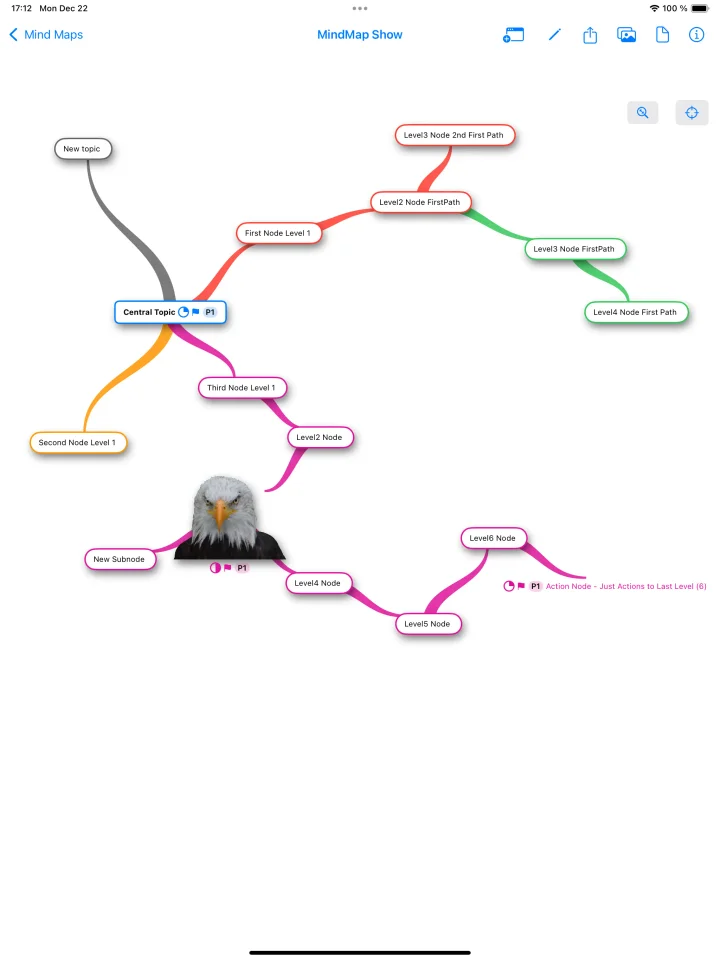
SN MindMap is a powerful yet straightforward tool for visualizing ideas, planning projects, and organizing knowledge.
With a clean, professional interface and automatic iCloud synchronization, your mind maps stay up to date across all your devices – whether on your Mac or on the go with your iPad.
Key Features
• Up to 6 hierarchy levels – Structure complex topics clearly and flexibly, including a final action level.
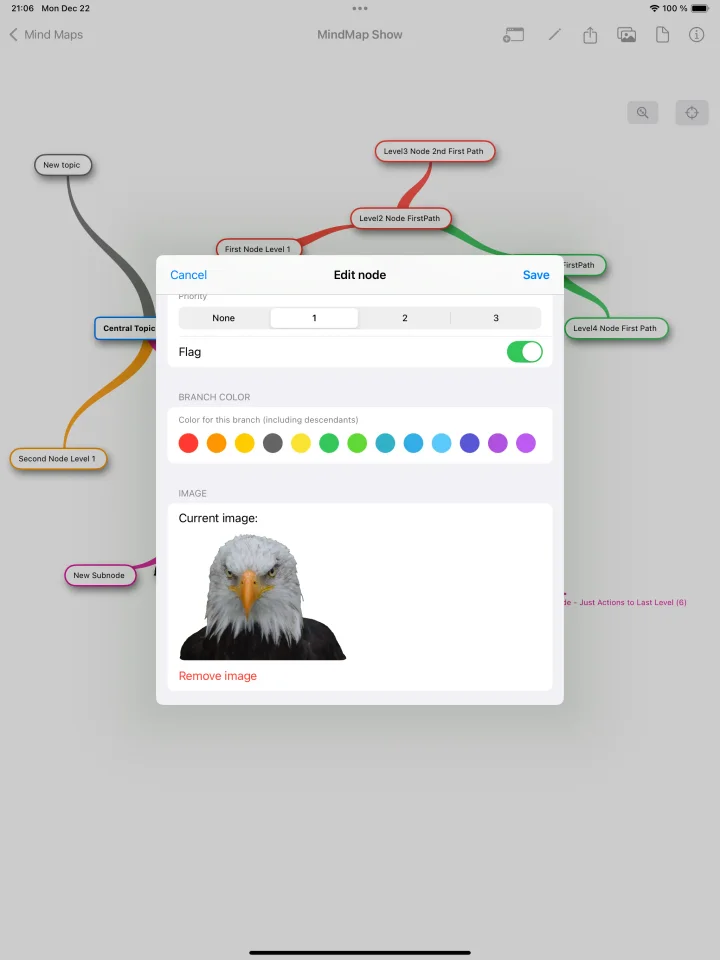
• Use an image as a node – Nodes can appear as ovals or as images (PNG / JPG).
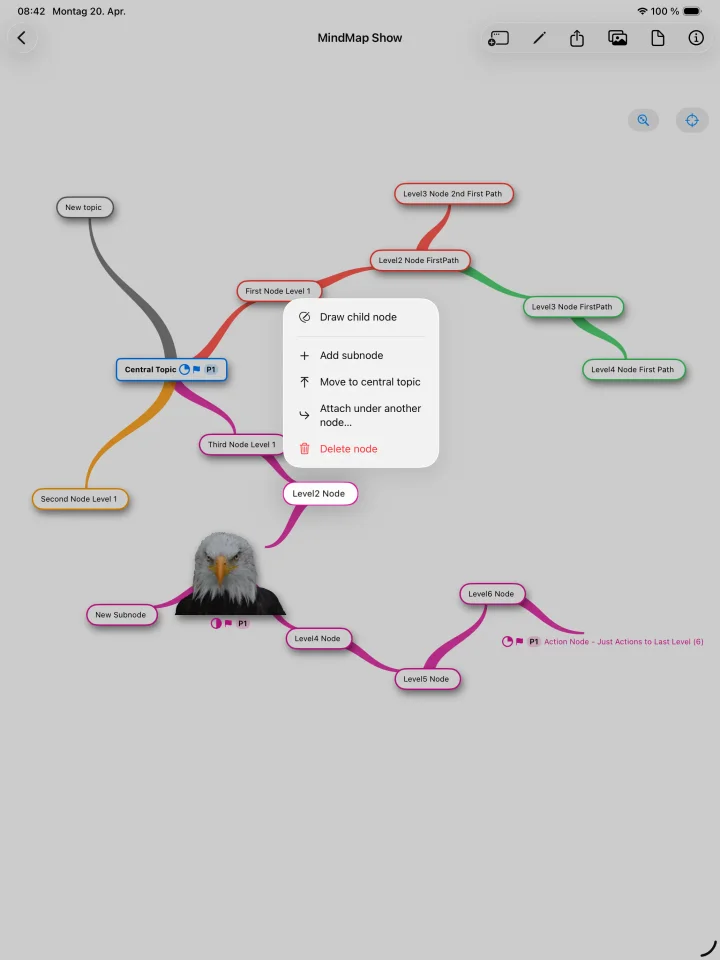
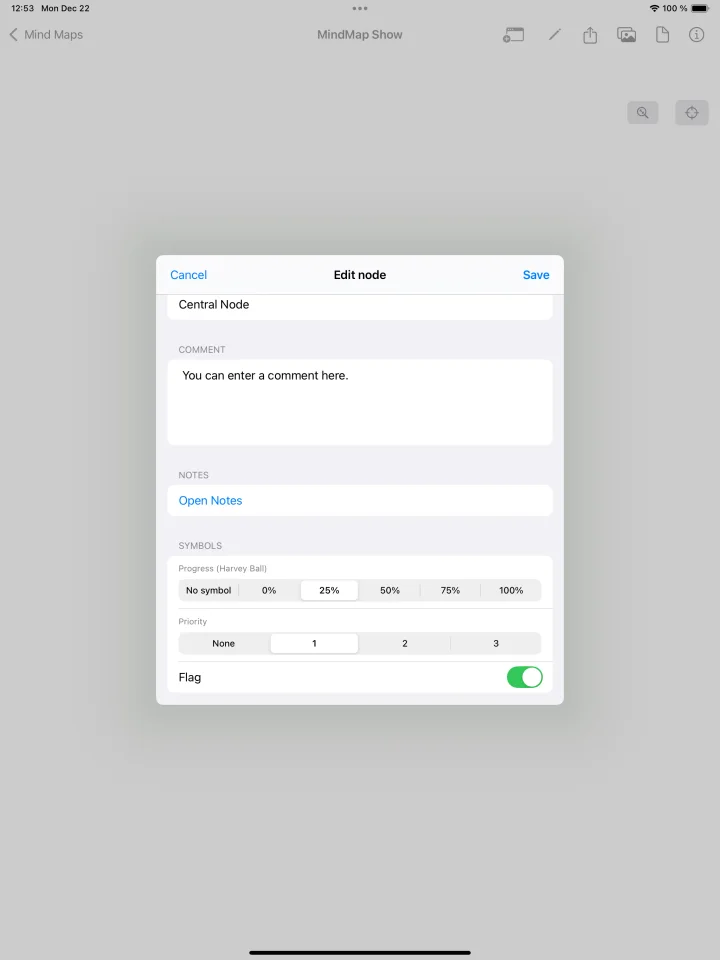
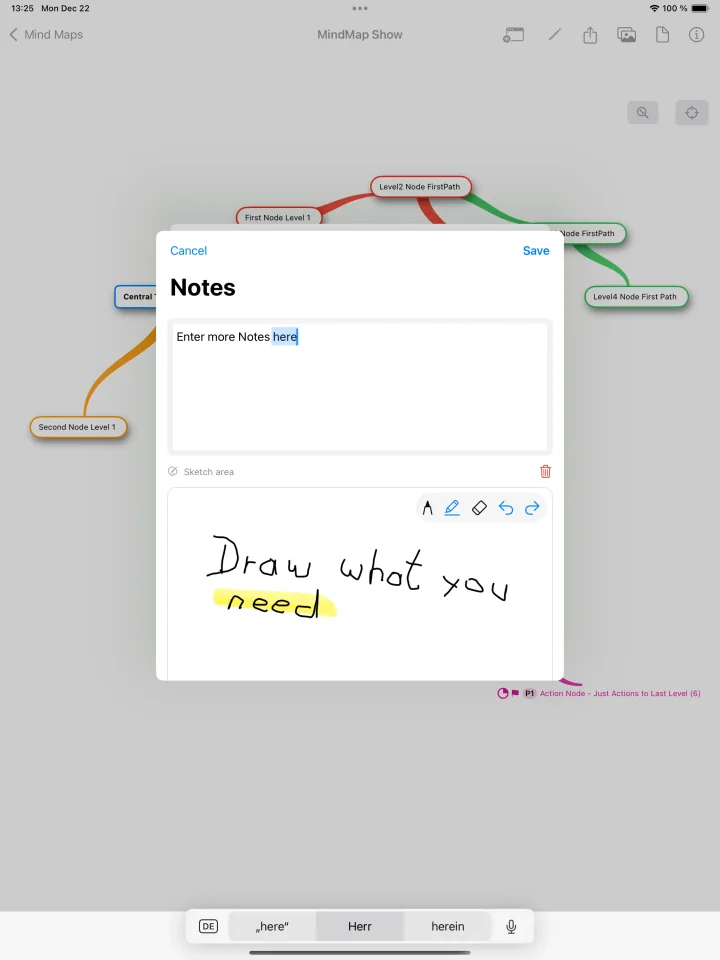
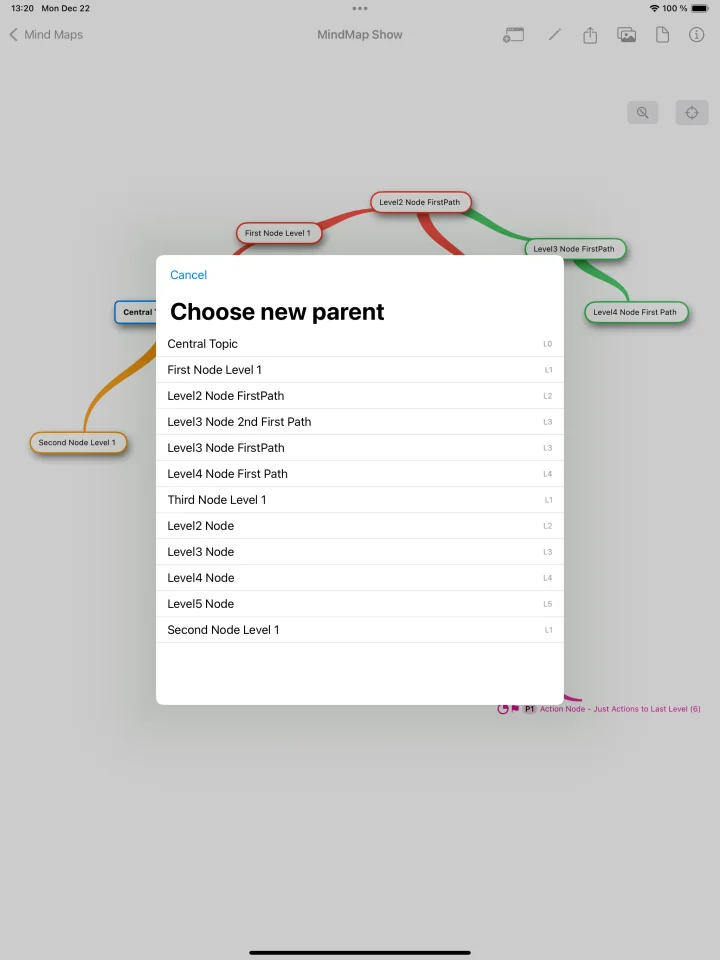
• Fast and intuitive editing – Create, reorganize, and style nodes using a dedicated node menu.
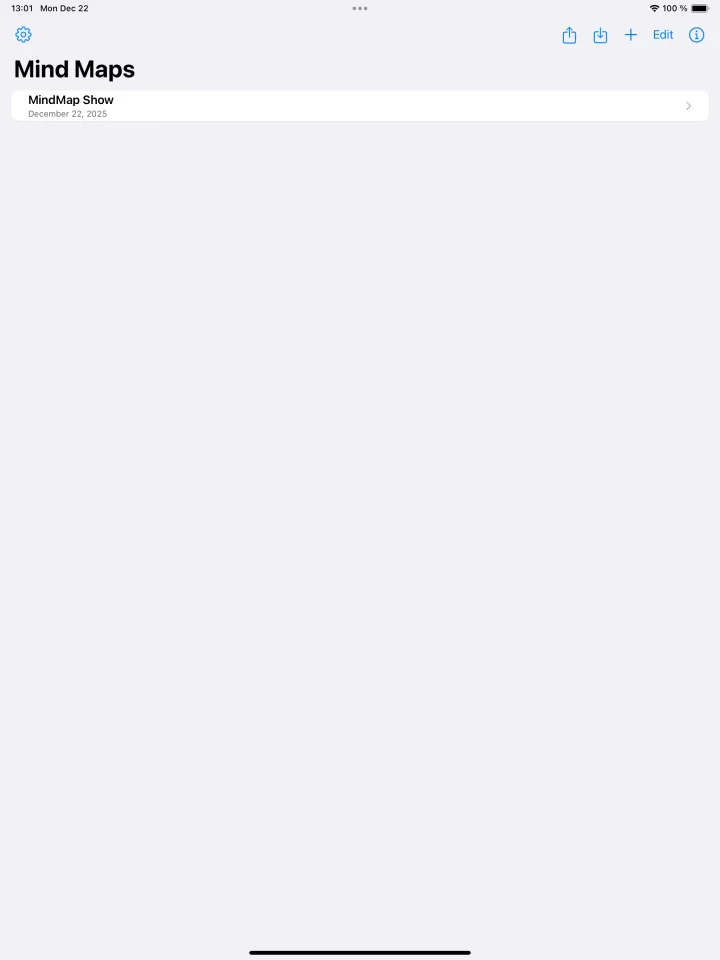
• iCloud synchronization – Work seamlessly across multiple devices.
• Import & Export – Import mind maps (JSON) or export them (JSON, PNG, PDF) for archiving or sharing.
• Customizable layout – Language (DE, EN), font family, font sizes, level limits, centering, overview mode, and more.
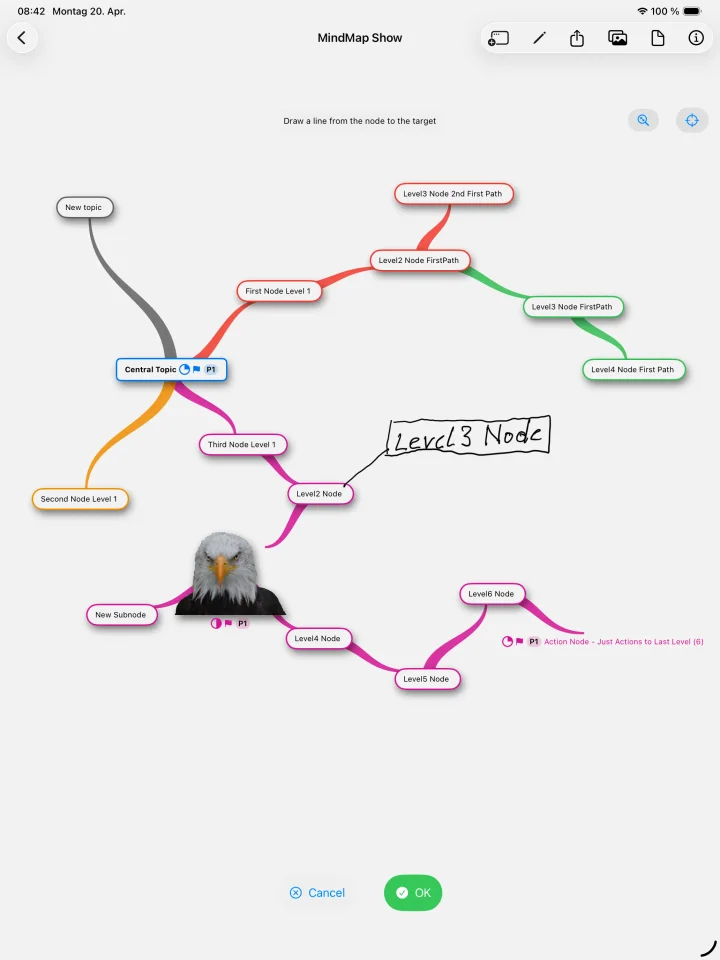
• Draw nodes with Apple Pencil and instantly convert them into native MindMap nodes.
• Text written inside a drawn node is automatically detected and used as the node title.
• Focused on productivity – No distractions, no clutter.
Recommended Device
SN MindMap also runs also on older iPads.
For the best performance – especially when working with larger mind maps – we recommend an iPad with an Apple M1 chip or newer.
Pro Version
The free version allows you to create and fully use one mind map without limitations.
The Pro version unlocks the creation and use of unlimited mind maps.
Perfect for students, professionals, workshops, and personal projects.
What’s new
Version 1.1 · Apr 20, 2026
New in Version 1.1:
- New drawing feature: Create nodes using your Apple Pencil.
- Instant conversion: Hand-drawn shapes can be converted directly into native MindMap nodes.
- Smart titles: Text written inside a drawn node is automatically adopted as the node title.
- Enhanced recognition: Improved handwriting recognition for drawn node labels.
- Better layout: Optimized positioning for newly created nodes.
App privacy
What Stefan Neumann declares on the App Store about how this app handles data.
-
Data not collected
The developer does not collect any data from this app.
Privacy practices may vary, for example with the features you use or your age.
Information
- Seller
- Stefan Neumann
- Category
- Productivity
- Version
- 1.1
- Updated
- Apr 20, 2026
- Released
- Jan 2, 2026
- Size
- 8.9 MB
- Requires
- iOS 17.6 or later
- Age rating
- 4+
- Price
- Free
- In-app purchases
- Yes
- Languages
- English, German
- Copyright
- © 2025, 2026 Stefan Neumann. Alle Rechte vorbehalten
You might also like
-
 Squirrel: Catalog CollectionsNever lose track of your stuff
-
 Taskfy AIAI Productivity & Task Manager
-
 Squirrel: Save & OrganizeScreenshots,Links,notes & PDFs
-
 ViewMindThe Ultimate Mind Map App
-
 TimeZone ExpertPlan across time zones
-
 Whizz - Task Progress ManagerSimple To-do: Track progress.
-
 AkiiroAI Mind Map & Idea Organizer
-
 TimeTick AnalyzerTrack Your Time Effectively
-
 Outline - Tasks & NotesProductivity
-
 MindMap AI: Mind Map MakerAI Notes, Outline & Brainstorm