
SOPlanning
Planning d'équipe entreprise
Dirancang untuk iPhone, iPod touch
Gratis
- Batasan usia4+
- KategoriProduktivitas
- PengembangSOADVANCE
- BahasaInggris
- Ukuran44,7 MB
Tertaut ke halaman resmi App Store
Download.org tidak menyimpan file SOPlanning apa pun. Tombol ini membuka halaman aplikasi di App Store, tempat SOADVANCE menerbitkannya. Halaman terakhir diperiksa pada 12/11/2026.
Tangkapan layar


Tentang
Pengembang belum menyediakan teks ini dalam bahasa Anda.
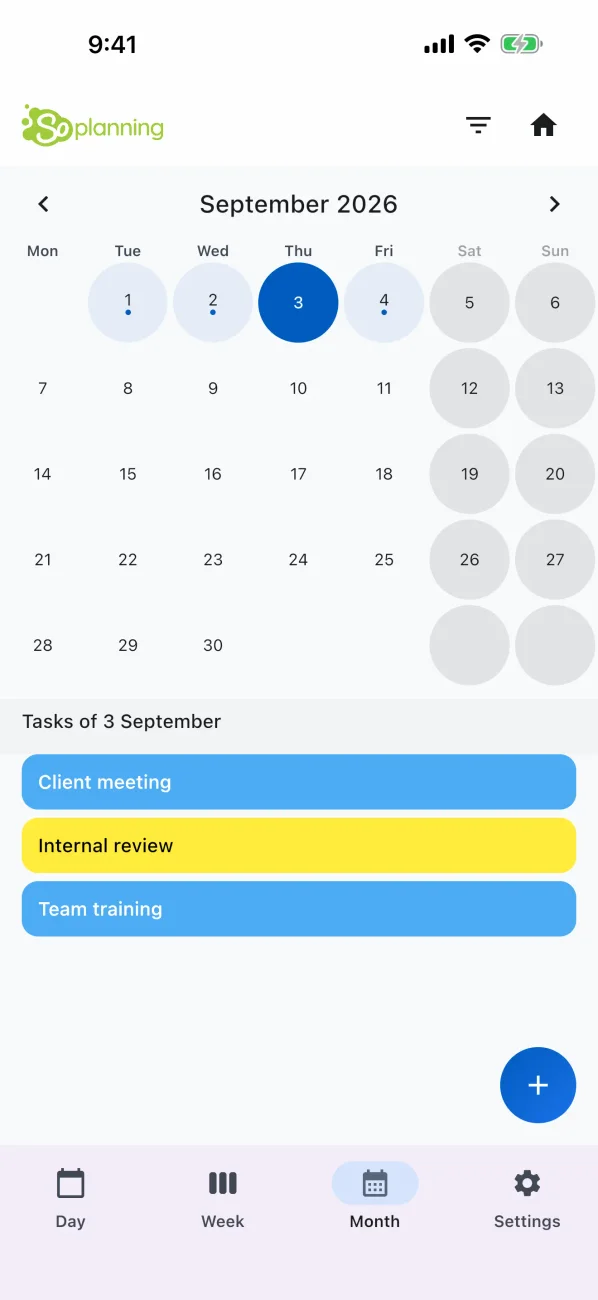
SOPlanning is the official mobile app for accessing your SOPlanning instance from your smartphone.
Designed for teams that use SOPlanning daily, the app lets you view and manage your tasks, schedules, and projects from anywhere, without needing to open a web browser.
KEY FEATURES
• Weekly, daily, and monthly schedules — view your tasks in a layout that suits your workflow
• Task details — view the title, project, resources, location, and comments for each task
• Task creation and editing — add or update tasks directly from your mobile device
• Task reminders — receive notifications before tasks start, with customizable timing
• Filters — filter by user, project, or resource to focus on what matters most
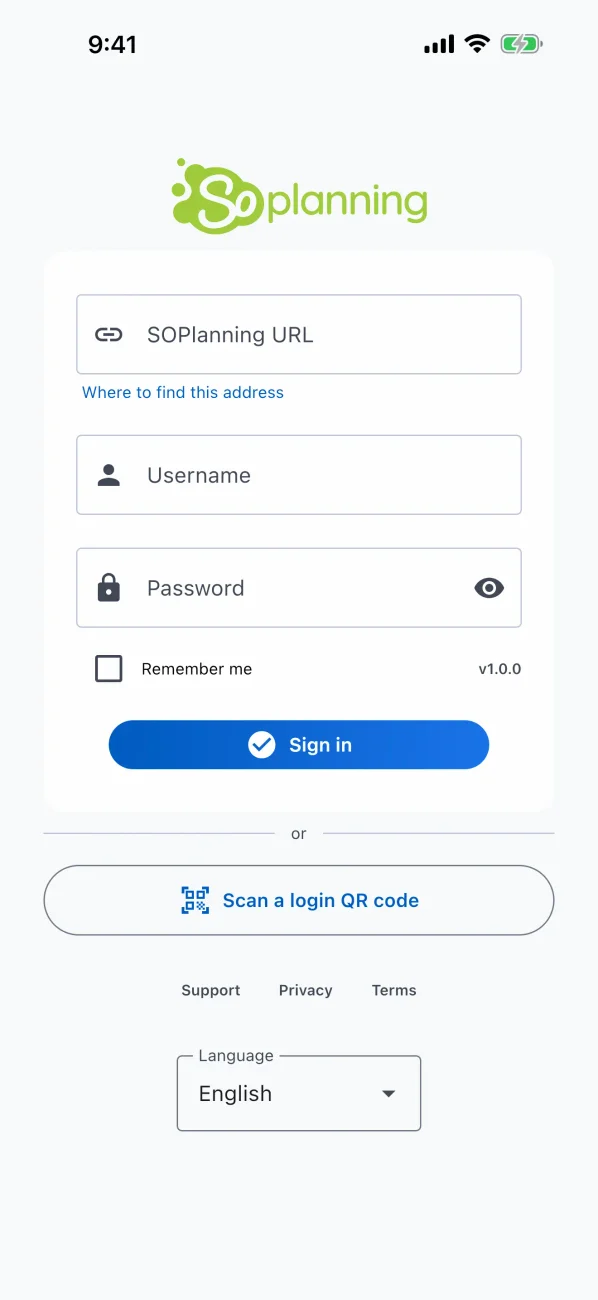
• Secure connection — HTTPS connection to your SOPlanning instance with session persistence
REQUIREMENTS
This app requires an existing SOPlanning instance accessible via HTTPS. It does not function as a standalone application. Contact your SOPlanning administrator to obtain the login URL.
SUPPORT
For any questions or issues, please contact us at support@soplanning.org
Yang baru
Versi 1.0.1 · 17/9/2026
• Reminders are now delivered reliably on iPhone, even while the app is open, and tapping one opens the task.
• Reminders cover the next 2 weeks, no matter which period or filter is displayed, and are updated whenever you open the app or change a task.
• New Settings > Notifications section: choose between "My assigned tasks" (default) and "All tasks", set how early reminders arrive, and see how many are scheduled and when the next one is due. A warning appears if notifications are turned off in the iPhone Settings.
• Task form: the Save button now stays visible at the bottom of the screen.
• Changing a task's start time or date moves its end by the same amount, even past midnight.
• Tasks that end after midnight can now be saved.
• Signing out now asks for confirmation.
• Sign-in: "https://" is pre-filled in the address field, and the help shows an example address.
Fixes
• By default, reminders no longer include colleagues' tasks shown in the schedule, and they are no longer cleared when you browse another period.
• Clearer error messages, with more checks before a task is saved; technical details are no longer shown.
• A server error is no longer shown as offline mode in the schedule and task details.
• Security improvements.
Privasi aplikasi
Yang dinyatakan SOADVANCE di App Store tentang cara aplikasi ini menangani data.
-
Data yang ditautkan dengan Anda
Dapat dikumpulkan dan ditautkan dengan identitas Anda.
- Info kontak
- Konten pengguna
- Pengenal
-
Data yang tidak ditautkan dengan Anda
Dapat dikumpulkan, tetapi tidak ditautkan dengan identitas Anda.
- Info kontak
Praktik privasi dapat bervariasi, misalnya berdasarkan fitur yang Anda gunakan atau usia Anda.
Informasi
- Penjual
- SOADVANCE
- Kategori
- Produktivitas
- Versi
- 1.0.1
- Diperbarui
- 17/9/2026
- Dirilis
- 14/9/2026
- Ukuran
- 44,7 MB
- Memerlukan
- iOS 15.0 atau yang lebih baru
- Batasan usia
- 4+
- Harga
- Gratis
- Bahasa
- Inggris
- Hak cipta
- © SOADVANCE 2026
Mungkin Anda juga suka
-
 MonRDVPro ProfessionnelsProduktivitas
-
 Novatlas LiveProduktivitas
-
 Planning CopilotProduktivitas
-
 AUDIT CONSEIL DES ENTREPRISESProduktivitas
-
 EaseShift: Staff Rota PlannerProduktivitas
-
 Klear - Construction ManagerProduktivitas
-
 Tempora PROProduktivitas
-
 VXMobility LegacyProduktivitas
-
 Le Foyer - Gestion amicaleProduktivitas
-
 Shift Helper: Work SchedulerProduktivitas