
- Age rating4+
- CategoryProductivity
- DeveloperSOADVANCE
- LanguagesEnglish
- Size44.7 MB
Links to the official App Store page
Download.org hosts no file of SOPlanning. The button opens its official App Store page, published by SOADVANCE. Listing last checked on Nov 12, 2026.
Screenshots
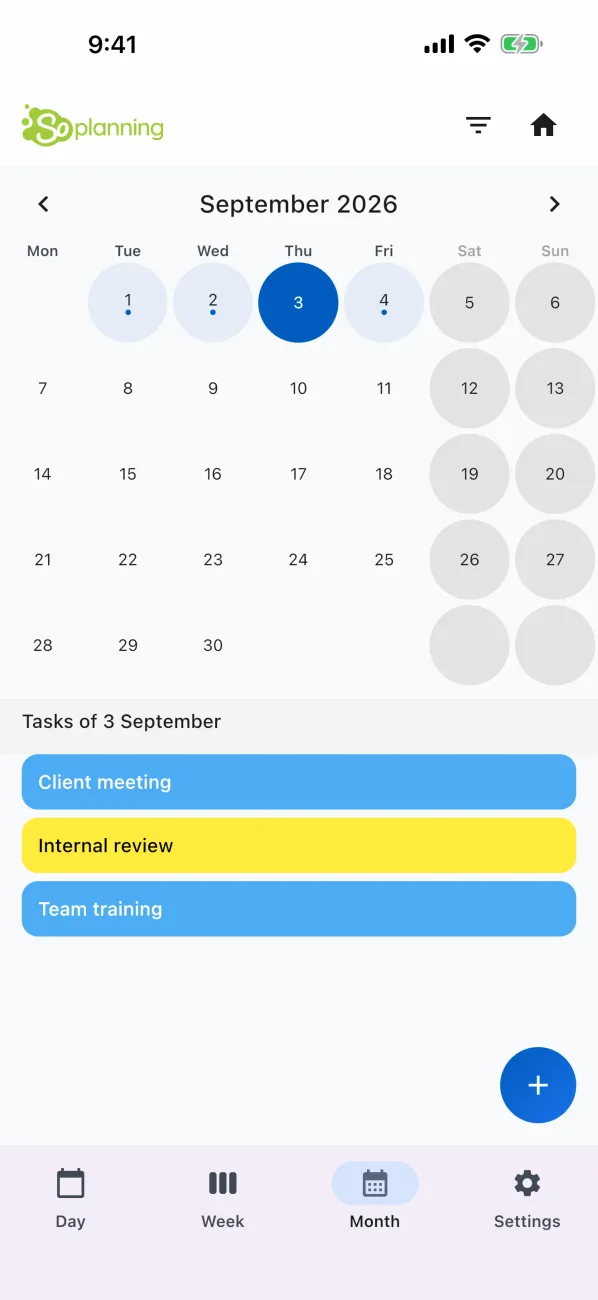
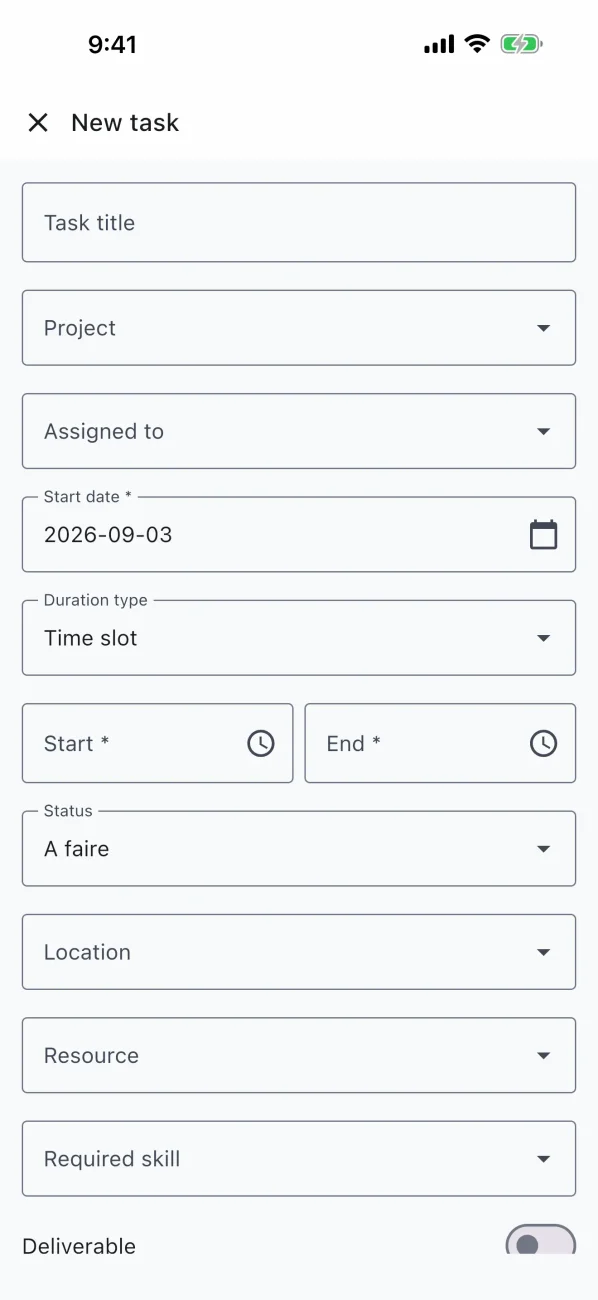
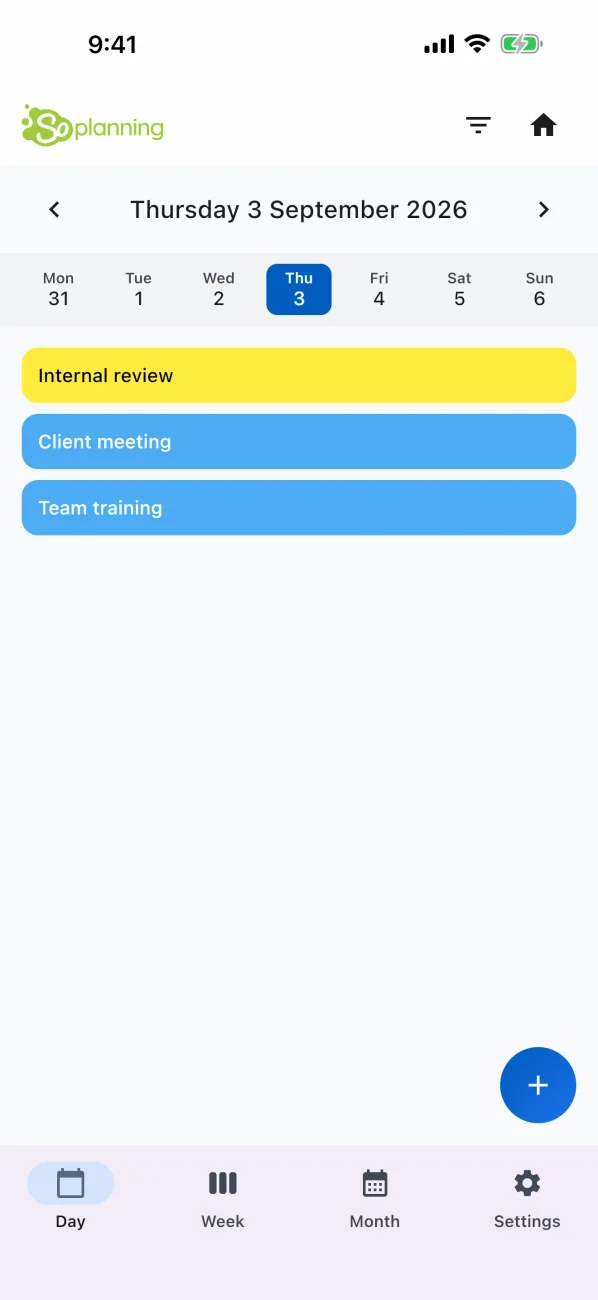
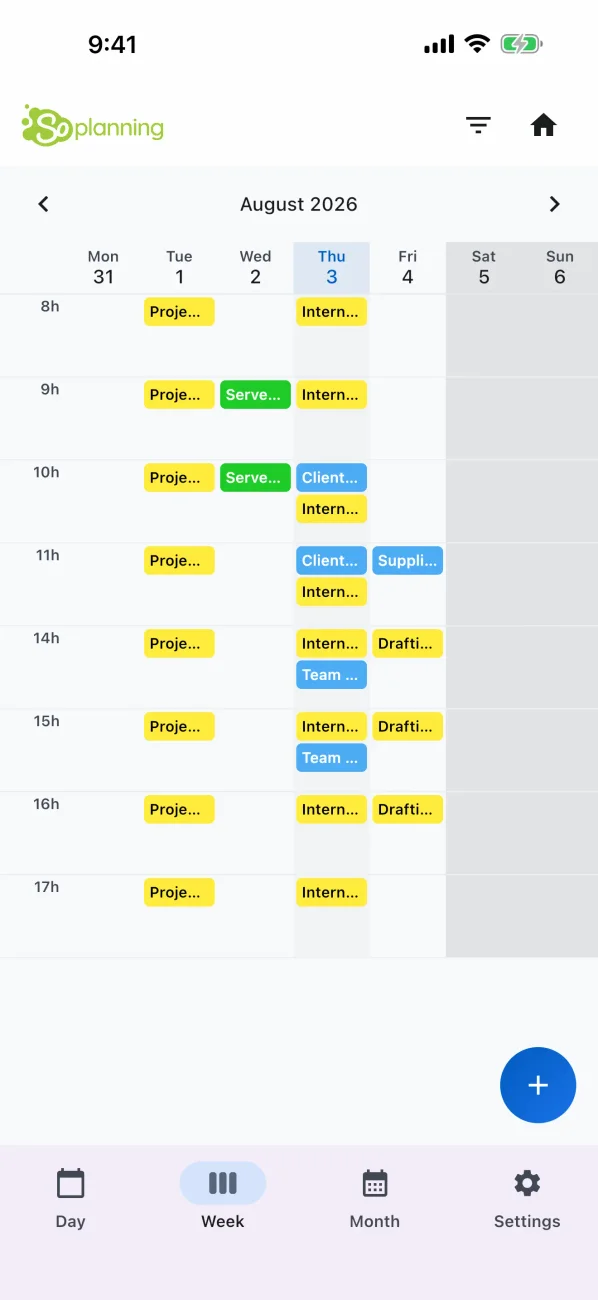

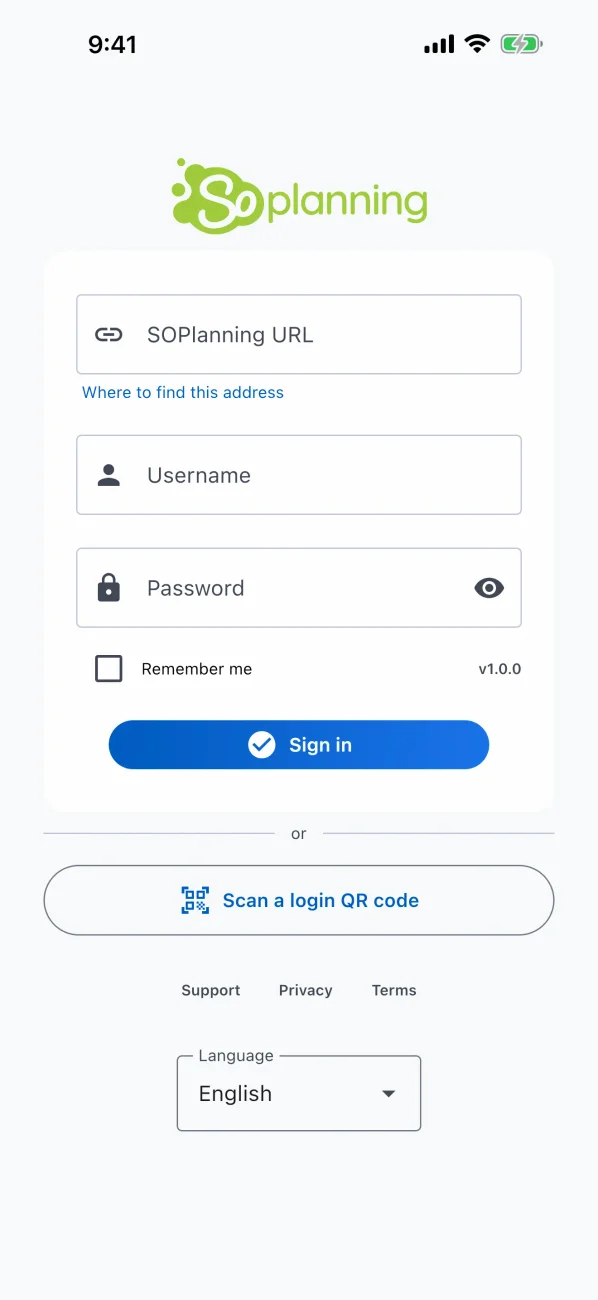
About
SOPlanning is the official mobile app for accessing your SOPlanning instance from your smartphone.
Designed for teams that use SOPlanning daily, the app lets you view and manage your tasks, schedules, and projects from anywhere, without needing to open a web browser.
KEY FEATURES
• Weekly, daily, and monthly schedules — view your tasks in a layout that suits your workflow
• Task details — view the title, project, resources, location, and comments for each task
• Task creation and editing — add or update tasks directly from your mobile device
• Task reminders — receive notifications before tasks start, with customizable timing
• Filters — filter by user, project, or resource to focus on what matters most
• Secure connection — HTTPS connection to your SOPlanning instance with session persistence
REQUIREMENTS
This app requires an existing SOPlanning instance accessible via HTTPS. It does not function as a standalone application. Contact your SOPlanning administrator to obtain the login URL.
SUPPORT
For any questions or issues, please contact us at support@soplanning.org
What’s new
Version 1.0.1 · Sep 17, 2026
• Reminders are now delivered reliably on iPhone, even while the app is open, and tapping one opens the task.
• Reminders cover the next 2 weeks, no matter which period or filter is displayed, and are updated whenever you open the app or change a task.
• New Settings > Notifications section: choose between "My assigned tasks" (default) and "All tasks", set how early reminders arrive, and see how many are scheduled and when the next one is due. A warning appears if notifications are turned off in the iPhone Settings.
• Task form: the Save button now stays visible at the bottom of the screen.
• Changing a task's start time or date moves its end by the same amount, even past midnight.
• Tasks that end after midnight can now be saved.
• Signing out now asks for confirmation.
• Sign-in: "https://" is pre-filled in the address field, and the help shows an example address.
Fixes
• By default, reminders no longer include colleagues' tasks shown in the schedule, and they are no longer cleared when you browse another period.
• Clearer error messages, with more checks before a task is saved; technical details are no longer shown.
• A server error is no longer shown as offline mode in the schedule and task details.
• Security improvements.
App privacy
What SOADVANCE declares on the App Store about how this app handles data.
-
Data linked to you
May be collected and linked to your identity.
- Contact info
- User content
- Identifiers
-
Data not linked to you
May be collected but is not linked to your identity.
- Contact info
Privacy practices may vary, for example with the features you use or your age.
Information
- Seller
- SOADVANCE
- Category
- Productivity
- Version
- 1.0.1
- Updated
- Sep 17, 2026
- Released
- Sep 14, 2026
- Size
- 44.7 MB
- Requires
- iOS 15.0 or later
- Age rating
- 4+
- Languages
- English
- Copyright
- © SOADVANCE 2026
You might also like
-
 MonRDVPro ProfessionnelsAgenda et clients simplifiés
-
 Novatlas LiveProductivity
-
 Planning CopilotProductivity
-
 AUDIT CONSEIL DES ENTREPRISESProductivity
-
 EaseShift: Staff Rota PlannerCreate & Share Work Schedules
-
 Klear - Construction ManagerReal-Time Site Management App
-
 Tempora PROProductivity
-
 VXMobility LegacyProductivity
-
 Le Foyer - Gestion amicaleProductivity
-
 Shift Helper: Work SchedulerEmployee shift schedule maker