
SplitCam Live Streaming App
Go live instantly and easily
Dirancang untuk iPhone, iPad
Gratis
- Batasan usia17+
- KategoriFoto & Video
- PengembangSplitCam Labs
- BahasaInggris
- Ukuran31,4 MB
Tertaut ke halaman resmi App Store
Download.org tidak menyimpan file SplitCam Live Streaming App apa pun. Tombol ini membuka halaman aplikasi di App Store, tempat SplitCam Labs menerbitkannya. Halaman terakhir diperiksa pada 24/11/2026.
Tangkapan layar


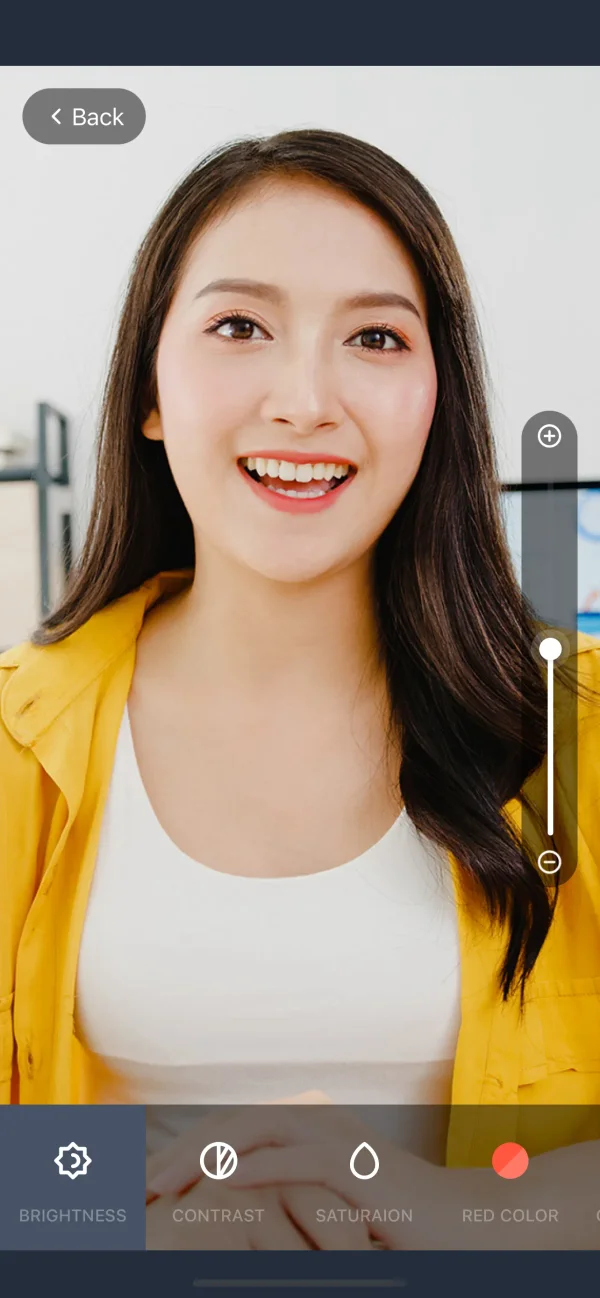
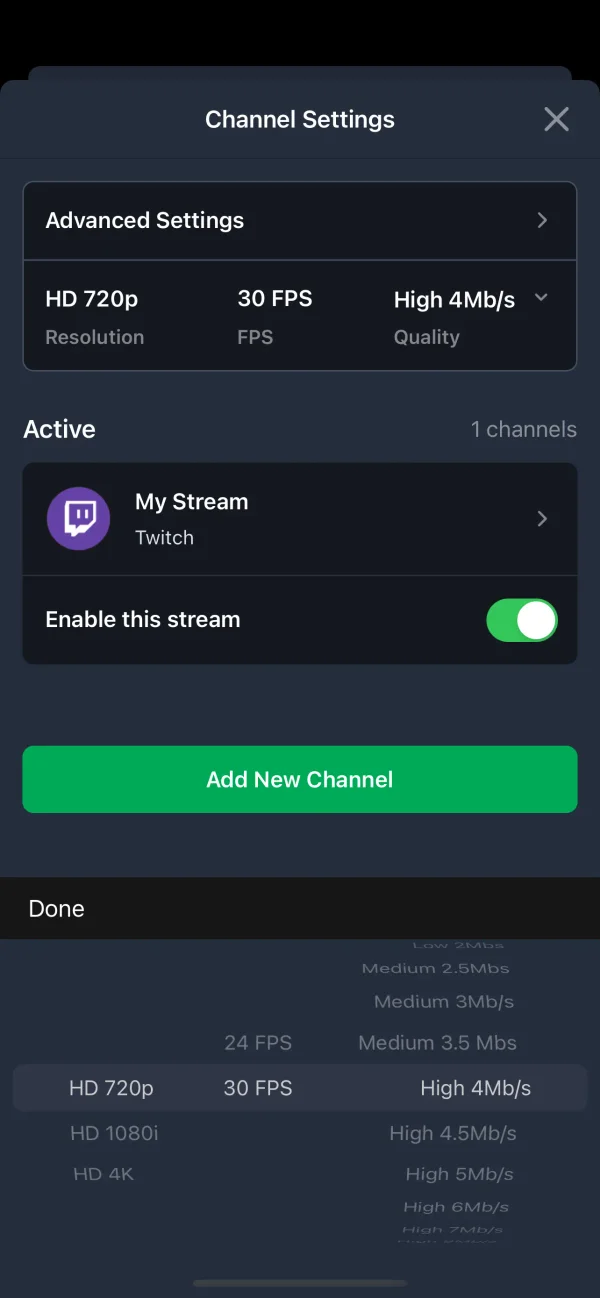
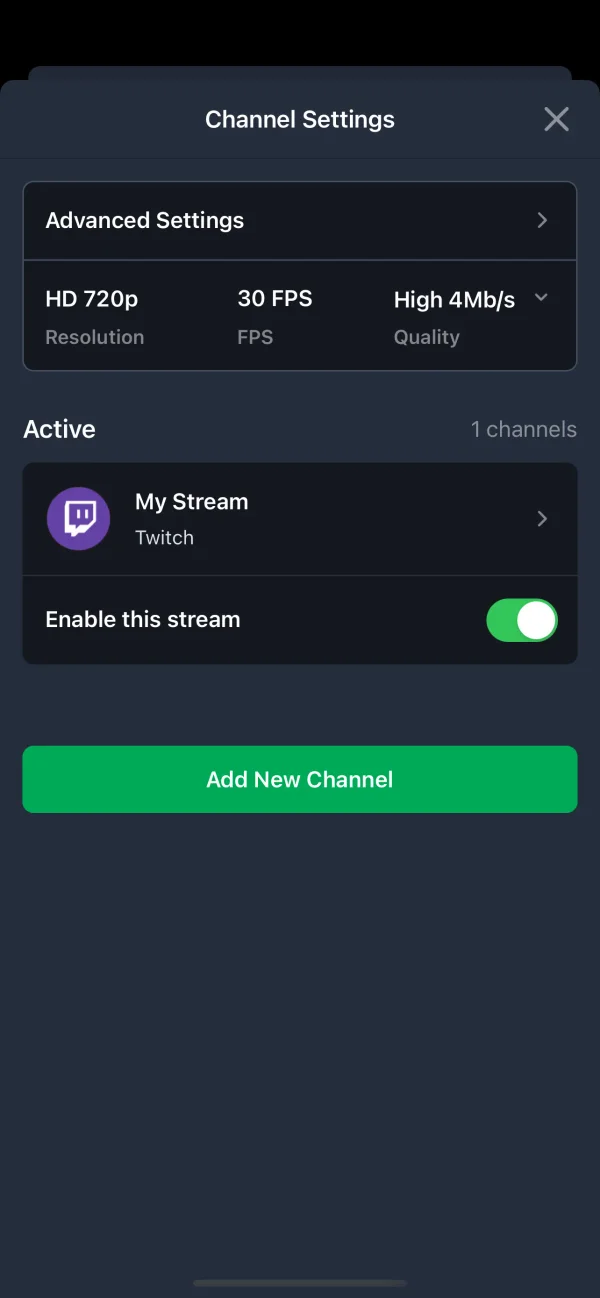
Tentang
Pengembang belum menyediakan teks ini dalam bahasa Anda.
SplitCam Live is a versatile software tool designed for live video streaming, enabling users to
broadcast video from their webcam across multiple platforms simultaneously, such as YouTube,
Twitch, and social media channels. The software offers various features, including video effects
and filters, enhancing the streaming experience. Additionally, SplitCam supports integration with
various video conferencing applications, making it ideal for gamers, content creators, and professionals
seeking to elevate their online presence with engaging visual content.
SplitCam Live offers several advantages over other streaming software, including its unique ability to
stream to multiple platforms simultaneously, which is ideal for maximizing audience reach.
Additionally, SplitCam Live provides a user-friendly interface, making it accessible for both beginners
and experienced users. The software also supports integration with various video conferencing tools,
allowing for versatile use in different contexts. Lastly, it’s free to use, which can be a significant
advantage for those on a budget.
Why our users prefer SplitCam Live over other streaming software?
1. Multi-Platform Streaming: Stream to multiple platforms simultaneously, increasing your reach
without additional effort.
2. User-Friendly Interface: Intuitive design that simplifies the streaming setup process, catering
to both beginners and pros.
3. Cost-Free: Free to use, making it an excellent option for budget-conscious streamers.
4. Supports Picture-in-Picture mode for background streaming. You can chat or browse the web while streaming.
5. Low System Requirements: Lightweight software that runs smoothly on most modern
iPhone and iPad devices without heavy resource demands.
6. Video Resolution Support: Provides options for high-quality streaming resolutions, up to 4K.
7. Built-In Recording Features: Enables users to record videos directly while streaming, providing
content for later use
Yang baru
Versi 1.8 · 29/10/2026
◆ All effects can be controlled from SplitCam for Mac in Remote Camera mode. Processing runs on your iPhone, freeing up your Mac’s resources.
◆ Color LUTs: apply cinematic color grading right on your iPhone.
◆ Skin smoothing: a natural-looking beauty filter for a cleaner picture.
◆ Camera rotation now follows your device orientation, just like the built-in Camera app.
Privasi aplikasi
Yang dinyatakan SplitCam Labs di App Store tentang cara aplikasi ini menangani data.
-
Data tidak dikumpulkan
Pengembang tidak mengumpulkan data apa pun dari aplikasi ini.
Praktik privasi dapat bervariasi, misalnya berdasarkan fitur yang Anda gunakan atau usia Anda.
Informasi
- Penjual
- OMT-LIDER, TOV
- Kategori
- Foto & Video
- Versi
- 1.8
- Diperbarui
- 29/10/2026
- Dirilis
- 27/4/2021
- Ukuran
- 31,4 MB
- Memerlukan
- iOS 16.6 atau yang lebih baru
- Batasan usia
- 17+
- Harga
- Gratis
- Bahasa
- Inggris
- Hak cipta
- © 2026 SplitCam
Mungkin Anda juga suka
-
 StreamsterFoto & Video
-
 ManyCam - Easy live streaming.Foto & Video
-
 StreamCam for OBS & StreamLabsFoto & Video
-
 TopDirector (NDI,SRT,UVC,RTSP)Foto & Video
-
 Phonecam for OBS StudioFoto & Video
-
 Larix Broadcaster: Live StreamFoto & Video
-
 Stream Studio NDI OBS CameraFoto & Video
-
 Live Publisher: RTMP SRT NDIFoto & Video
-
 LM-Cam for OBS studioFoto & Video
-
 RECnGO: Live stream like a proFoto & Video