SplitCam Live Streaming App
Go live instantly and easily
Designed for iPhone, iPad
Free
- Age rating17+
- CategoryPhoto & Video
- DeveloperSplitCam Labs
- LanguagesEnglish
- Size31.4 MB
Links to the official App Store page
Download.org hosts no file of SplitCam Live Streaming App. The button opens its official App Store page, published by SplitCam Labs. Listing last checked on Nov 24, 2026.
Screenshots

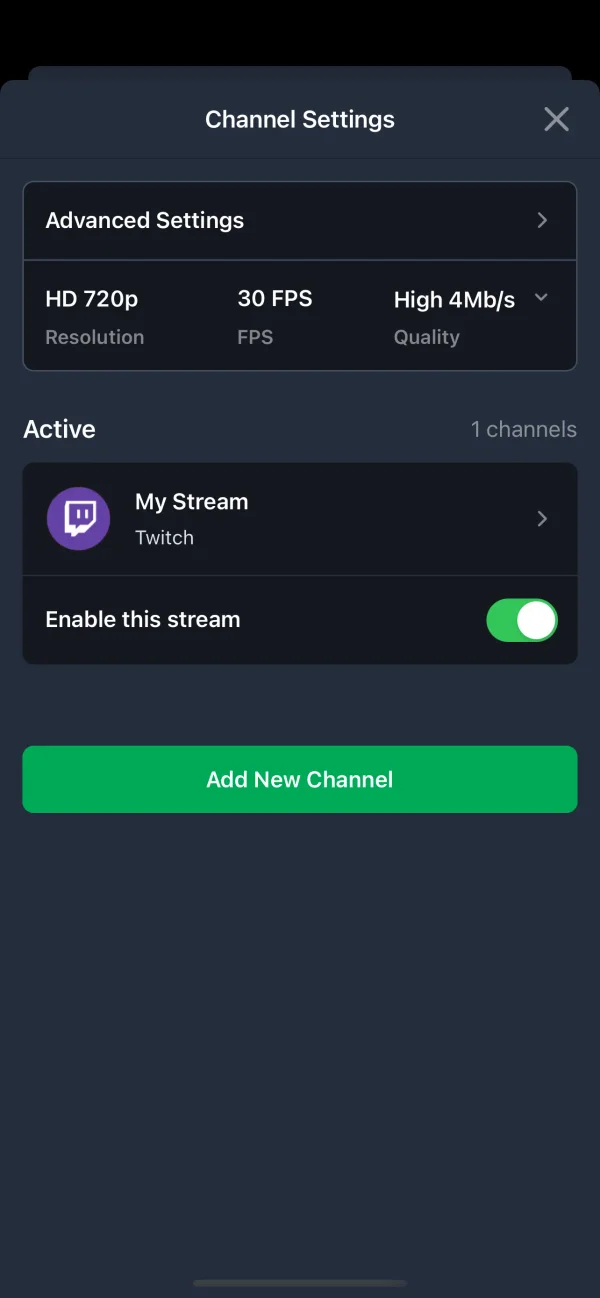
About
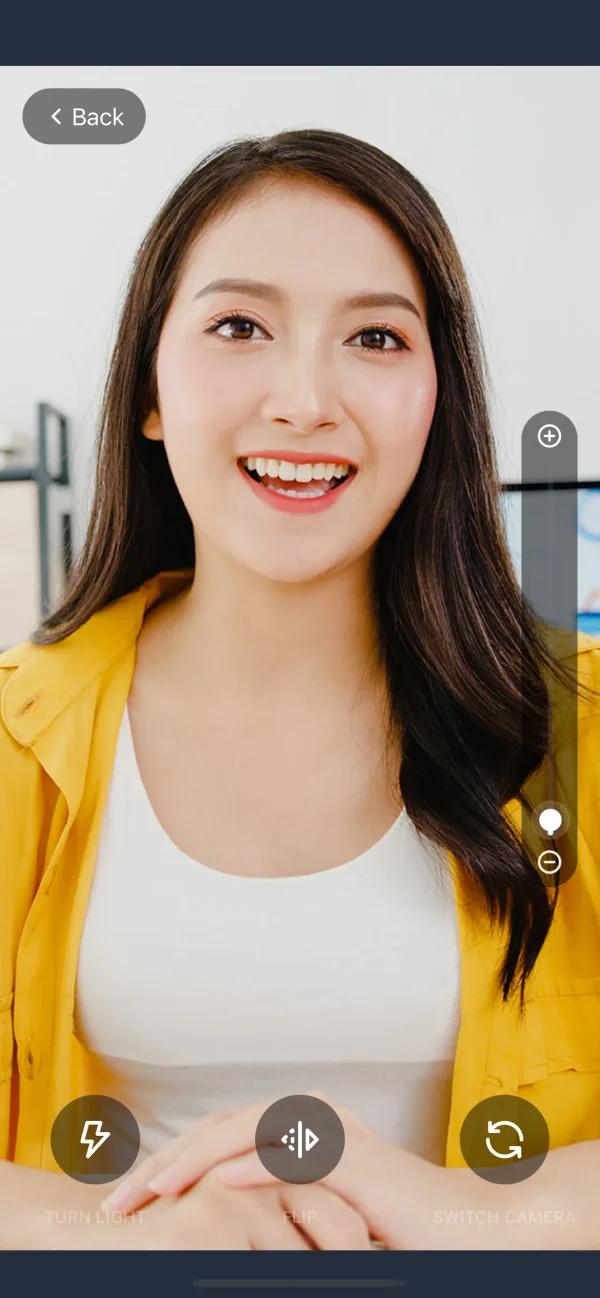
SplitCam Live is a versatile software tool designed for live video streaming, enabling users to
broadcast video from their webcam across multiple platforms simultaneously, such as YouTube,
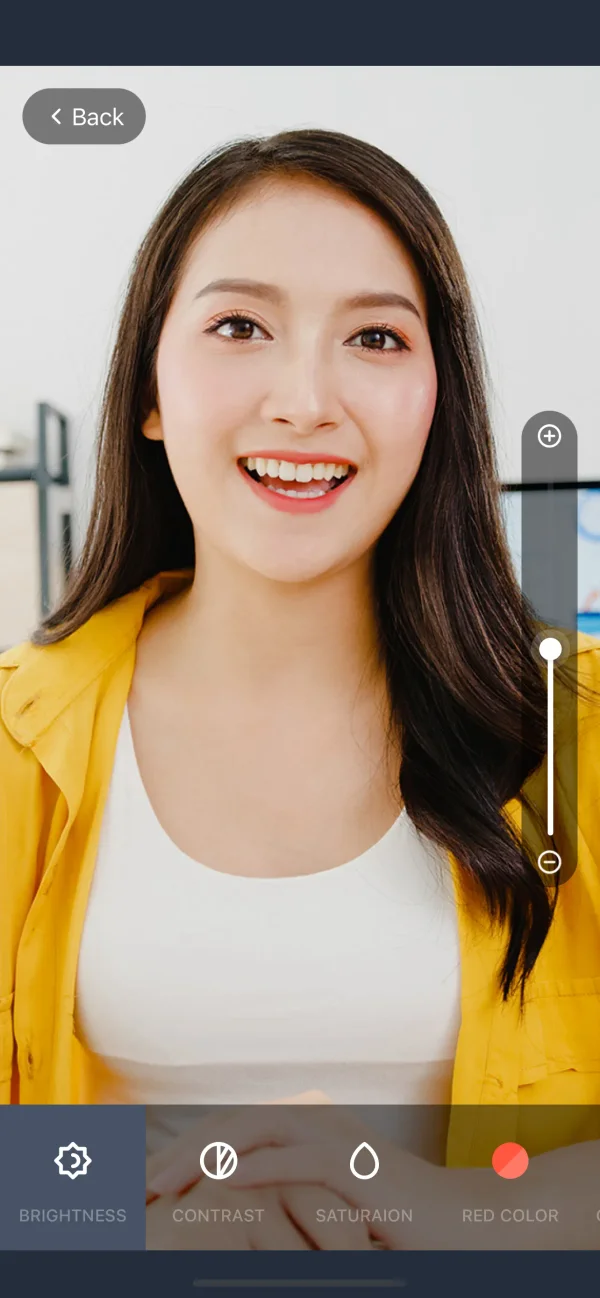
Twitch, and social media channels. The software offers various features, including video effects
and filters, enhancing the streaming experience. Additionally, SplitCam supports integration with
various video conferencing applications, making it ideal for gamers, content creators, and professionals
seeking to elevate their online presence with engaging visual content.
SplitCam Live offers several advantages over other streaming software, including its unique ability to
stream to multiple platforms simultaneously, which is ideal for maximizing audience reach.
Additionally, SplitCam Live provides a user-friendly interface, making it accessible for both beginners
and experienced users. The software also supports integration with various video conferencing tools,
allowing for versatile use in different contexts. Lastly, it’s free to use, which can be a significant
advantage for those on a budget.
Why our users prefer SplitCam Live over other streaming software?
1. Multi-Platform Streaming: Stream to multiple platforms simultaneously, increasing your reach
without additional effort.
2. User-Friendly Interface: Intuitive design that simplifies the streaming setup process, catering
to both beginners and pros.
3. Cost-Free: Free to use, making it an excellent option for budget-conscious streamers.
4. Supports Picture-in-Picture mode for background streaming. You can chat or browse the web while streaming.
5. Low System Requirements: Lightweight software that runs smoothly on most modern
iPhone and iPad devices without heavy resource demands.
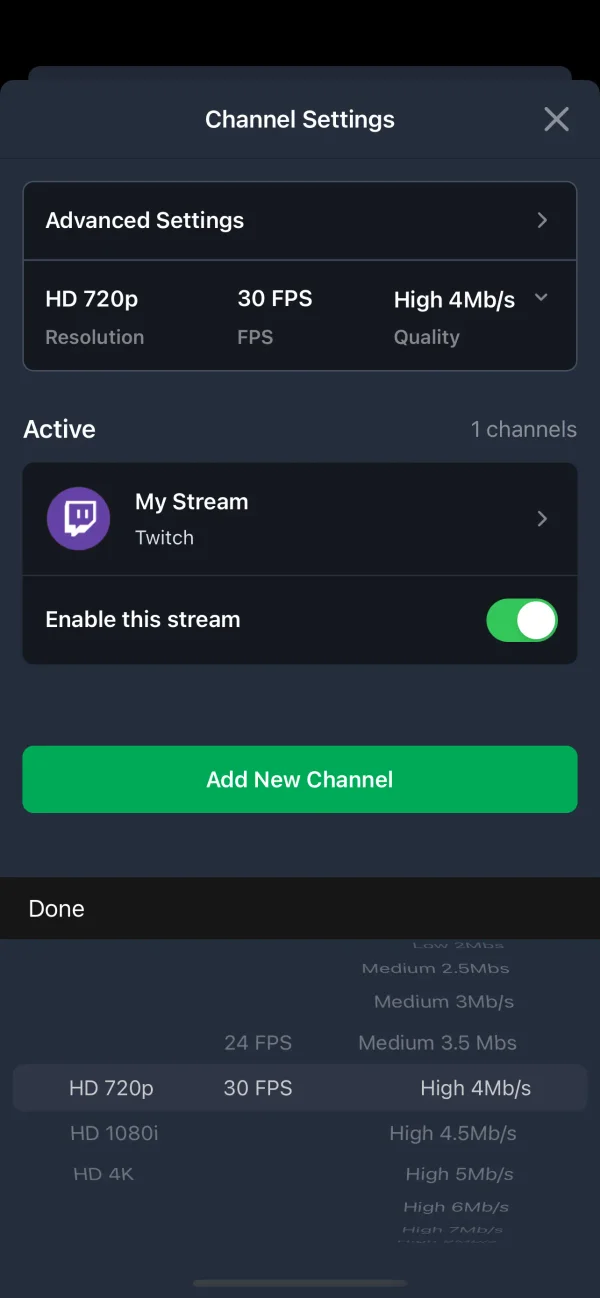
6. Video Resolution Support: Provides options for high-quality streaming resolutions, up to 4K.
7. Built-In Recording Features: Enables users to record videos directly while streaming, providing
content for later use
What’s new
Version 1.8 · Oct 29, 2026
◆ All effects can be controlled from SplitCam for Mac in Remote Camera mode. Processing runs on your iPhone, freeing up your Mac’s resources.
◆ Color LUTs: apply cinematic color grading right on your iPhone.
◆ Skin smoothing: a natural-looking beauty filter for a cleaner picture.
◆ Camera rotation now follows your device orientation, just like the built-in Camera app.
App privacy
What SplitCam Labs declares on the App Store about how this app handles data.
-
Data not collected
The developer does not collect any data from this app.
Privacy practices may vary, for example with the features you use or your age.
Information
- Seller
- OMT-LIDER, TOV
- Category
- Photo & Video
- Version
- 1.8
- Updated
- Oct 29, 2026
- Released
- Apr 27, 2021
- Size
- 31.4 MB
- Requires
- iOS 16.6 or later
- Age rating
- 17+
- Price
- Free
- Languages
- English
- Copyright
- © 2026 SplitCam
You might also like
-
 StreamsterControl your stream remotely
-
 ManyCam - Easy live streaming.Quick and easy live streaming.
-
 StreamCam for OBS & StreamLabs4K livestream webcam
-
 TopDirector (NDI,SRT,UVC,RTSP)Multicam Switcher, Live Stream
-
 Phonecam for OBS StudioWireless NDI webcam & camera
-
 Larix Broadcaster: Live StreamSRT, NDI, RTMP Live Encoder
-
 Stream Studio NDI OBS CameraYour IPhone as pro cam
-
 Live Publisher: RTMP SRT NDIStream Camera & Video Encoder
-
 LM-Cam for OBS studioNDI(R),SRT,RTMP Camera Client
-
 RECnGO: Live stream like a proPro streaming & videos