
- Batasan usia9+
- KategoriPendidikan
- PengembangVixen Co.,Ltd.
- BahasaInggris+ 5 lainnya
- Ukuran21,5 MB
Tertaut ke halaman resmi App Store
Download.org tidak menyimpan file StarBook Wireless apa pun. Tombol ini membuka halaman aplikasi di App Store, tempat Vixen Co.,Ltd. menerbitkannya. Halaman terakhir diperiksa pada 23/11/2026.
Tangkapan layar
Tentang
Pengembang belum menyediakan teks ini dalam bahasa Anda.
STAR BOOK Wireless is an app for a smartphone that allows for radio controls of the equatorial mount with a Wireless Unit attached.
The wireless LAN connection between the smartphone and the Wireless Unit makes you operate the equatorial mount with no cables and enables you to use celestial navigation functions, including automatic GO-TO navigation.
Applicable equatorial mounts:SX2、SXD2、SXD2-PFL、SXP、SXP-PFL、SXP2、AXJ (Encoder cannot be used together)、AXD2、AXD、AP
Functions Available with the App
Moving the Telescope in X-Y Directions
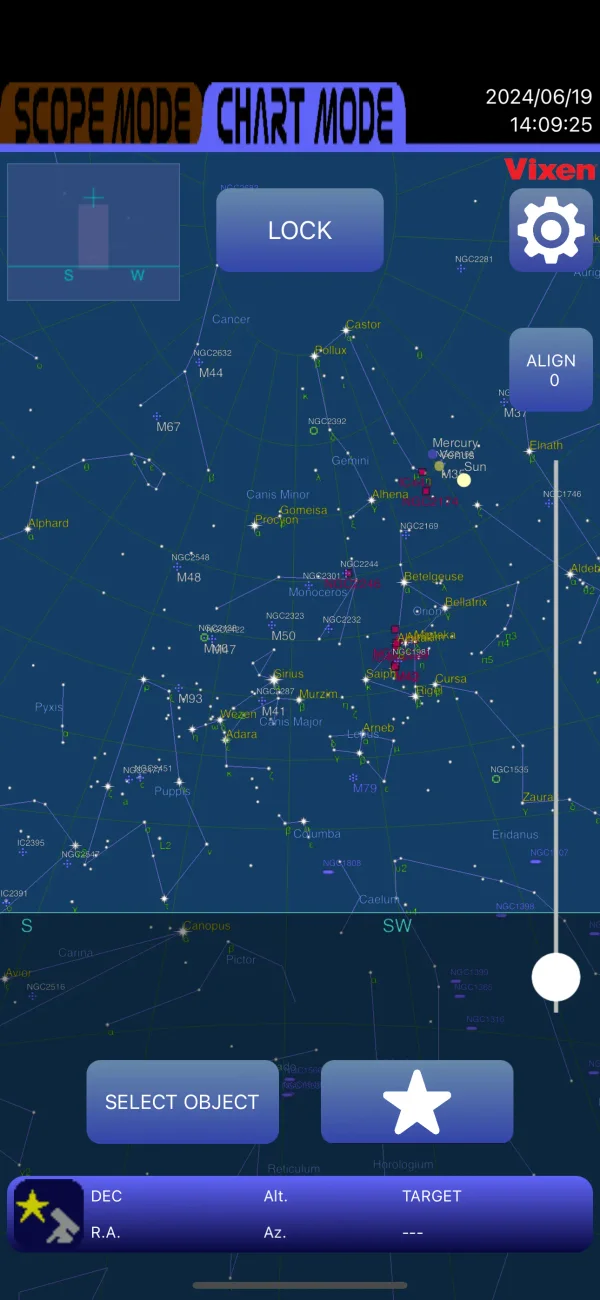
Swiping on the screen of star charts with your fingers will move the telescope in the corresponding direction. Also, fine movements are available by enlarging the screen. Zooming in or out of the screen is ready with the zoom slider.
Celestial Navigations
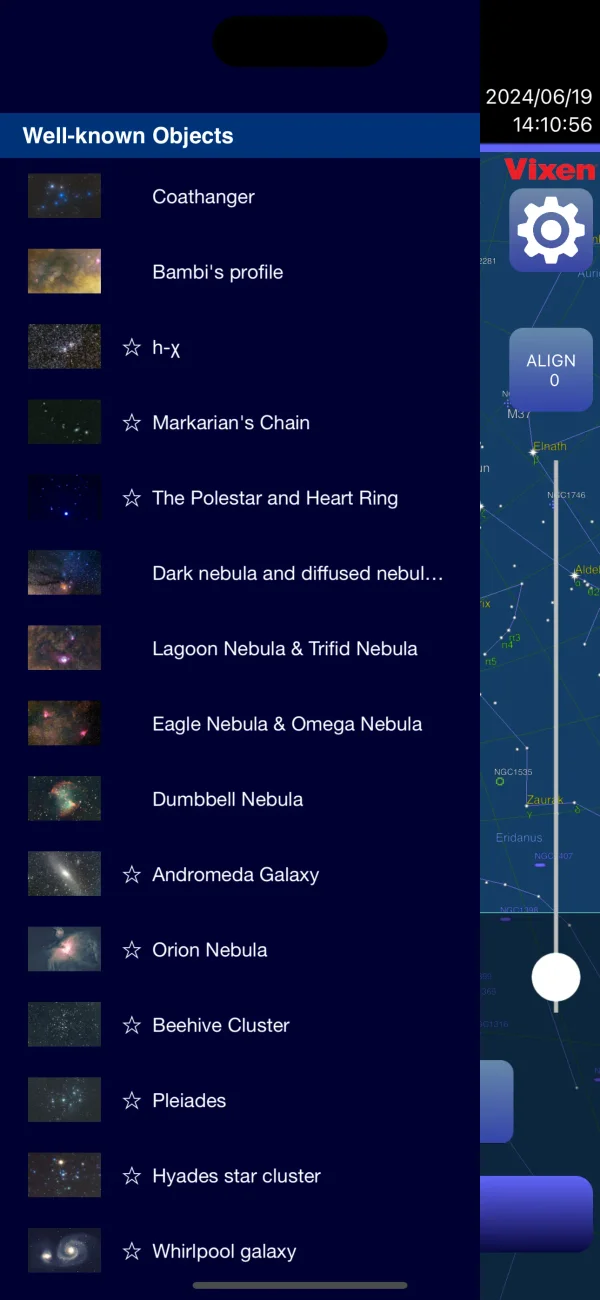
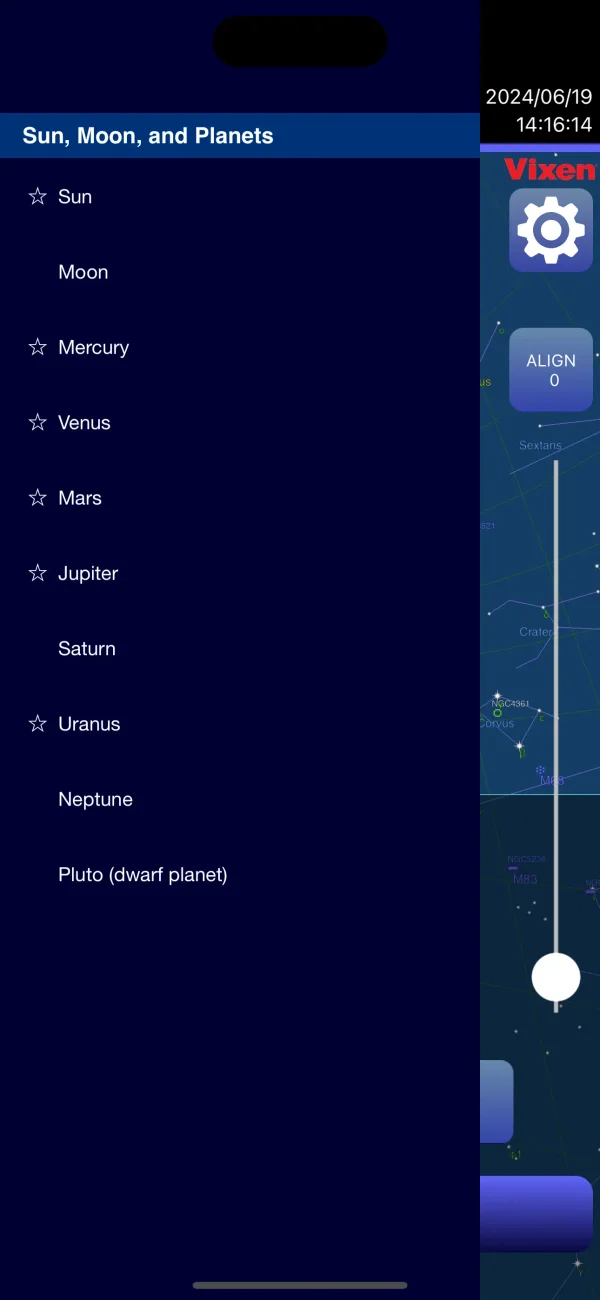
You can select celestial objects you desire to see from the lists of different celestial objects (Stars / Planets / Messier objects, NGC objects, IC objects / Comets, and so on) and introduce them into your telescope automatically.
(SCOPE MODE)
In this mode, swiping motions on the star chart are linked to a movement of the telescope. The telescope can be slewed in any direction freely.
(CHART MODE)
In this mode, you can select the celestial objects you want to introduce into your telescope from the star charts on the screen. You can choose a named celestial object seen inner the center green circle or bring a field of view of the telescope to the center of the star chart.
Alignment*
After introducing the target celestial object in the center, you can match the direction of the telescope's field of view to that celestial object by tapping "ALIGN" for alignment. You can view and delete alignment logs by pressing "ALIGN" a little longer.
*The alignment is the work of matching the position information from the celestial coordinates stored in the app with the location of stars visible in the sky.
Firmware Update
You can update the firmware on your Wireless Unit with the application.
Nighttime Visibility
You can secure the visibility on the screen during nighttime use by changing the screen illumination to red
Yang baru
Versi 1.16.1 · 20/11/2026
■ Comet selection in MPC data
• Fixed an app crash when using the keyboard.
■ Wireless Unit
• Tracking can now be started from the home position (Firmware v2.72).
Privasi aplikasi
Yang dinyatakan Vixen Co.,Ltd. di App Store tentang cara aplikasi ini menangani data.
-
Data tidak dikumpulkan
Pengembang tidak mengumpulkan data apa pun dari aplikasi ini.
Praktik privasi dapat bervariasi, misalnya berdasarkan fitur yang Anda gunakan atau usia Anda.
Informasi
- Penjual
- Vixen Co., Ltd.
- Kategori
- Pendidikan
- Versi
- 1.16.1
- Diperbarui
- 20/11/2026
- Dirilis
- 5/9/2023
- Ukuran
- 21,5 MB
- Memerlukan
- iOS 13.0 atau yang lebih baru
- Batasan usia
- 9+
- Harga
- Gratis
- Bahasa
- Inggris, Prancis, Jerman, Italia, Jepang, Spanyol
- Hak cipta
- © 株式会社ビクセン
Mungkin Anda juga suka
-
 archive - Preprint PDF e-PrintPendidikan
-
 ASGuidePendidikan
-
 SkySafari 8 ProAstronomy Guide To Night Sky
-
 Starry MapPendidikan
-
 SkySafari 7 PlusAstronomy Guide To Night Sky
-
 Singularity by VaonisPendidikan
-
 xSkyPendidikan
-
 The Sky by RedshiftReferensi
-
 SkySafari 7 ProAstronomy Guide To Night Sky
-
 UnistellarPendidikan