- Độ tuổi9+
- Danh mụcGiáo Dục
- Nhà phát triểnVixen Co.,Ltd.
- Ngôn ngữTiếng Anh+ 5 ngôn ngữ khác
- Kích thước21,5 MB
Liên kết đến trang App Store chính thức
Download.org không lưu trữ tệp nào của StarBook Wireless. Nút này mở trang ứng dụng trên App Store, nơi Vixen Co.,Ltd. phát hành ứng dụng. Trang được kiểm tra lần cuối: 23/11/2026.
Ảnh chụp màn hình
Giới thiệu
Nhà phát triển chưa cung cấp nội dung này bằng ngôn ngữ của bạn.
STAR BOOK Wireless is an app for a smartphone that allows for radio controls of the equatorial mount with a Wireless Unit attached.
The wireless LAN connection between the smartphone and the Wireless Unit makes you operate the equatorial mount with no cables and enables you to use celestial navigation functions, including automatic GO-TO navigation.
Applicable equatorial mounts:SX2、SXD2、SXD2-PFL、SXP、SXP-PFL、SXP2、AXJ (Encoder cannot be used together)、AXD2、AXD、AP
Functions Available with the App
Moving the Telescope in X-Y Directions
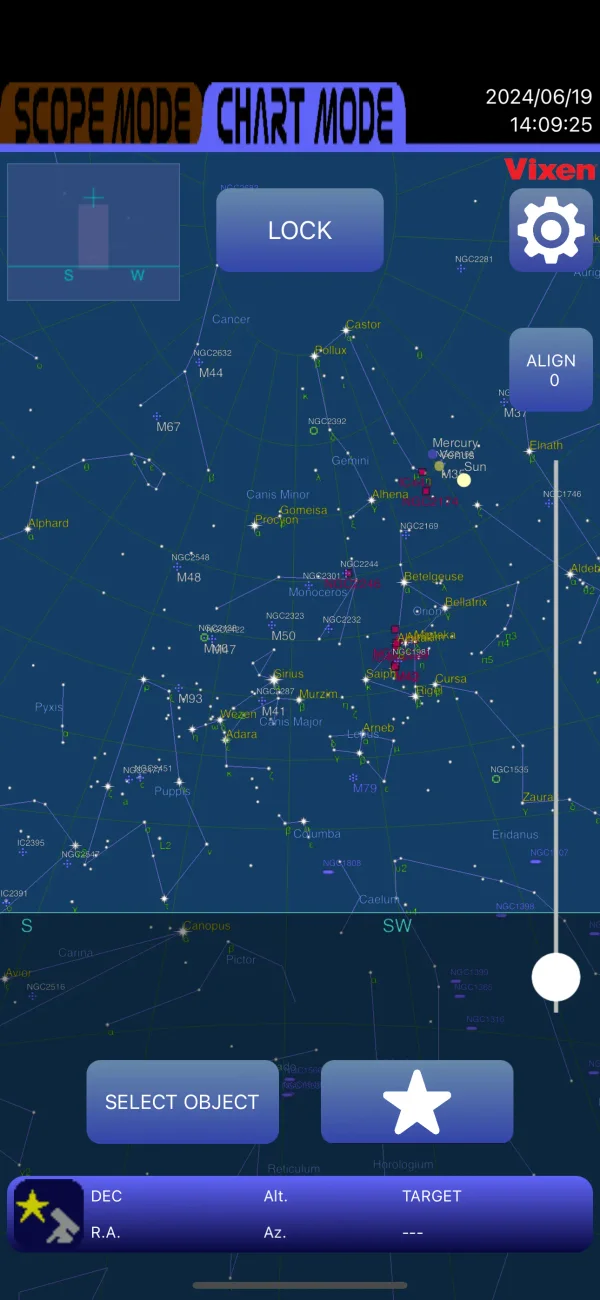
Swiping on the screen of star charts with your fingers will move the telescope in the corresponding direction. Also, fine movements are available by enlarging the screen. Zooming in or out of the screen is ready with the zoom slider.
Celestial Navigations
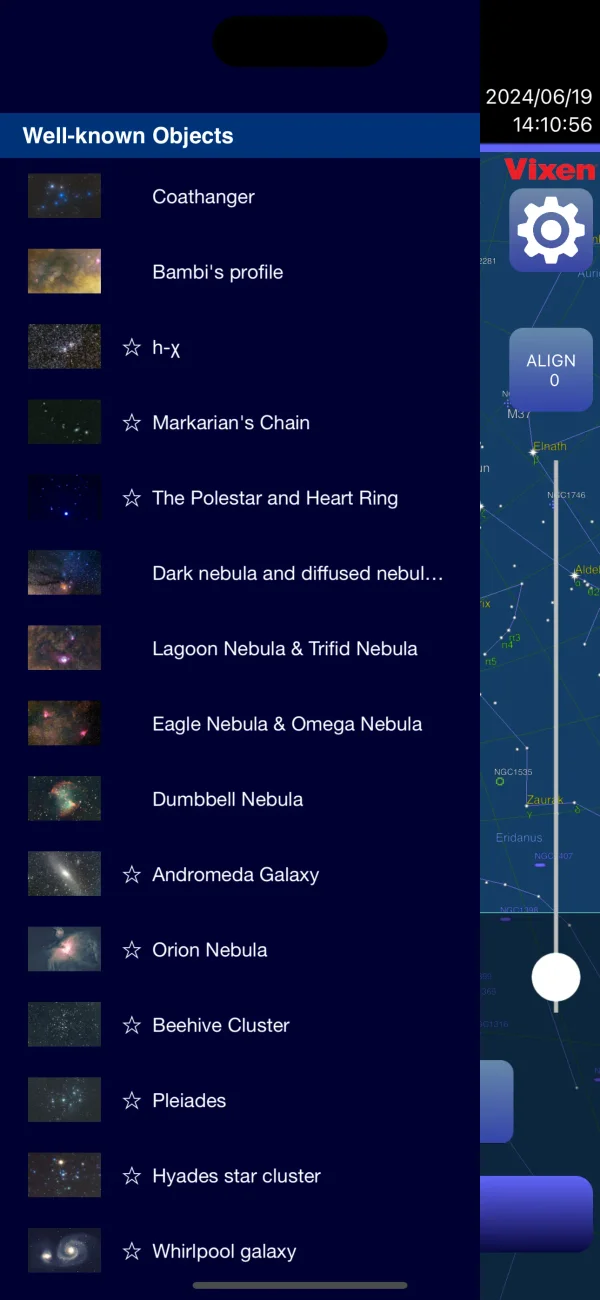
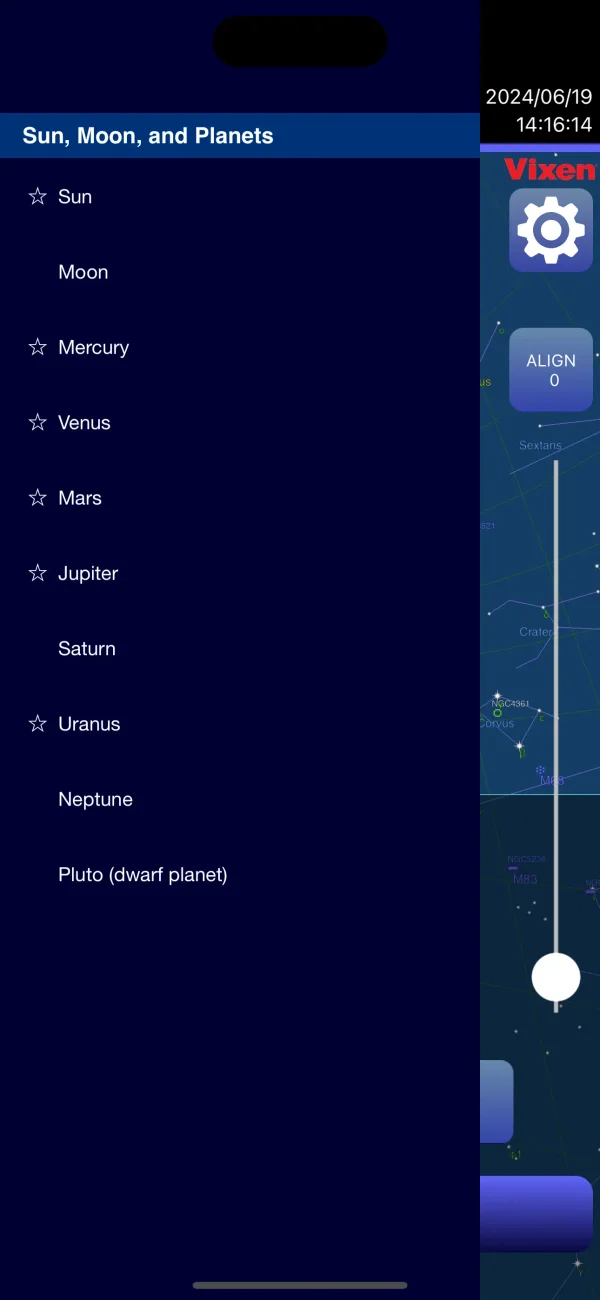
You can select celestial objects you desire to see from the lists of different celestial objects (Stars / Planets / Messier objects, NGC objects, IC objects / Comets, and so on) and introduce them into your telescope automatically.
(SCOPE MODE)
In this mode, swiping motions on the star chart are linked to a movement of the telescope. The telescope can be slewed in any direction freely.
(CHART MODE)
In this mode, you can select the celestial objects you want to introduce into your telescope from the star charts on the screen. You can choose a named celestial object seen inner the center green circle or bring a field of view of the telescope to the center of the star chart.
Alignment*
After introducing the target celestial object in the center, you can match the direction of the telescope's field of view to that celestial object by tapping "ALIGN" for alignment. You can view and delete alignment logs by pressing "ALIGN" a little longer.
*The alignment is the work of matching the position information from the celestial coordinates stored in the app with the location of stars visible in the sky.
Firmware Update
You can update the firmware on your Wireless Unit with the application.
Nighttime Visibility
You can secure the visibility on the screen during nighttime use by changing the screen illumination to red
Có gì mới
Phiên bản 1.16.1 · 20/11/2026
■ Comet selection in MPC data
• Fixed an app crash when using the keyboard.
■ Wireless Unit
• Tracking can now be started from the home position (Firmware v2.72).
Quyền riêng tư của ứng dụng
Những gì Vixen Co.,Ltd. khai báo trên App Store về cách ứng dụng này xử lý dữ liệu.
-
Dữ liệu không được thu thập
Nhà phát triển không thu thập bất kỳ dữ liệu nào từ ứng dụng này.
Phương thức đảm bảo quyền riêng tư có thể khác nhau, chẳng hạn như tuỳ theo các tính năng bạn sử dụng hoặc độ tuổi của bạn.
Thông tin
- Người bán
- Vixen Co., Ltd.
- Danh mục
- Giáo Dục
- Phiên bản
- 1.16.1
- Cập nhật
- 20/11/2026
- Phát hành
- 05/09/2023
- Kích thước
- 21,5 MB
- Yêu cầu
- iOS 13.0 trở lên
- Độ tuổi
- 9+
- Giá
- Miễn phí
- Ngôn ngữ
- Tiếng Anh, Tiếng Pháp, Tiếng Đức, Tiếng Ý, Tiếng Nhật, Tiếng Tây Ban Nha
- Bản quyền
- © 株式会社ビクセン