
Sync with Files
Backup photos to Files
Dirancang untuk iPhone
Gratis · Pembelian dalam aplikasi
- Batasan usia4+
- KategoriProduktivitas
- PengembangPixegram, LLC
- BahasaInggris
- Ukuran16,7 MB
Tertaut ke halaman resmi App Store
Download.org tidak menyimpan file Sync with Files apa pun. Tombol ini membuka halaman aplikasi di App Store, tempat Pixegram, LLC menerbitkannya. Halaman terakhir diperiksa pada 22/11/2026.
Tangkapan layar



Tentang
Pengembang belum menyediakan teks ini dalam bahasa Anda.
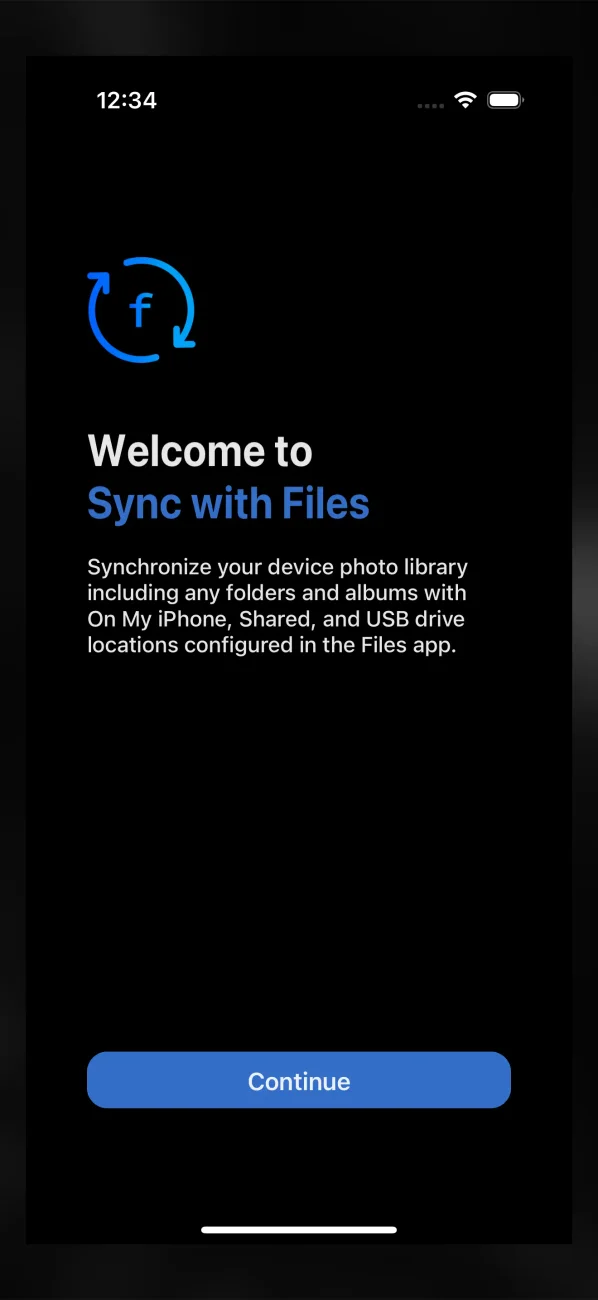
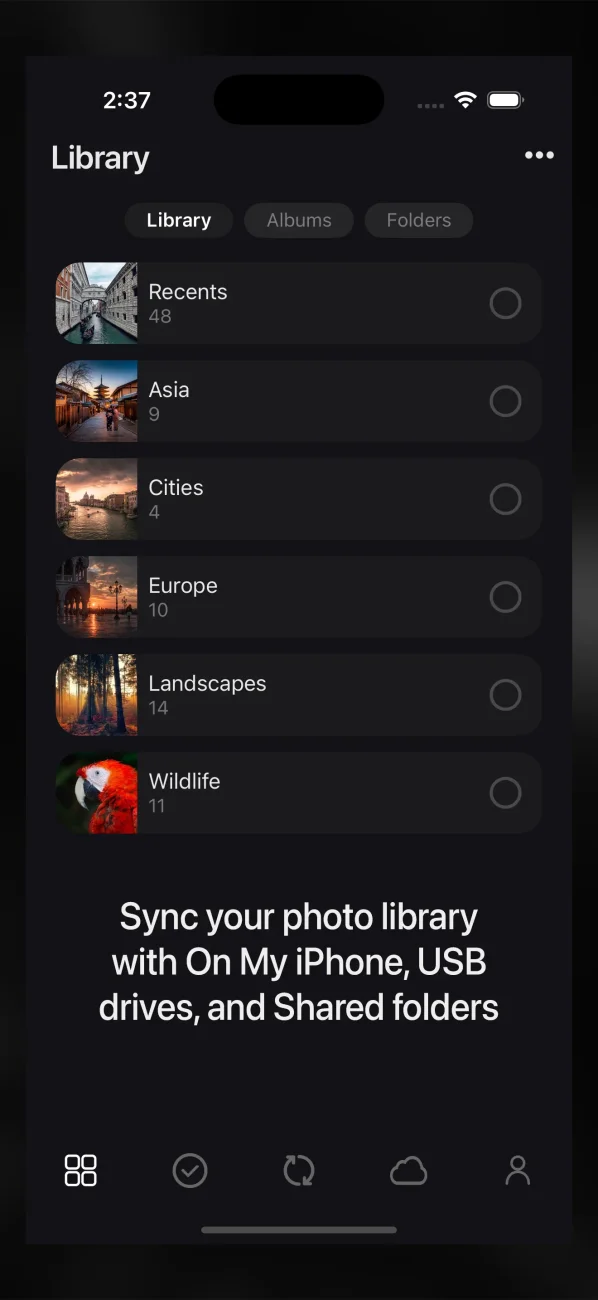
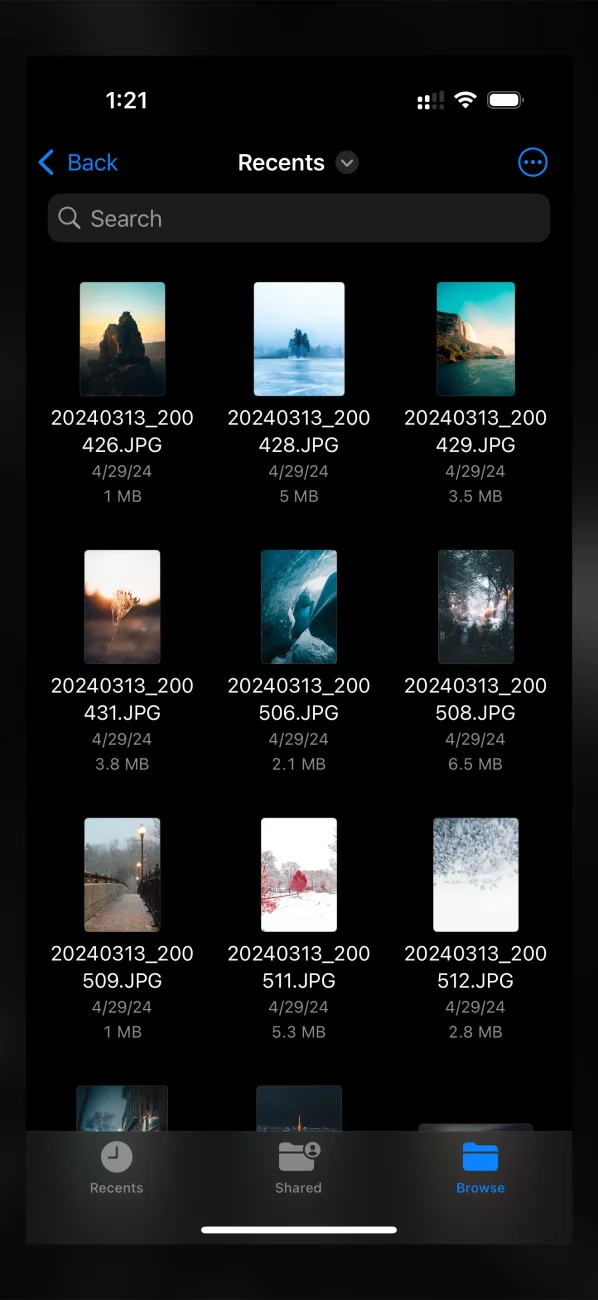
Sync for Files synchronizes your phone’s photo library, including the albums and folder hierarchy, to the Files app (On My iPhone, USB drives, NAS devices, and Shared folders).
For users who like to organize their photos into folders and albums, Sync offers many advantages over saving your photos and videos to the Files app and manually recreating your folder structure within the Files app.
- Sync automatically creates folders and albums you have created in your phone’s photo library in the Files app.
- Saves the video component of Live Photos.
- Saves the edited versions of photos and videos.
- Mirror or back up your photo library.
- Synchronize your entire photo library or only certain folders and albums.
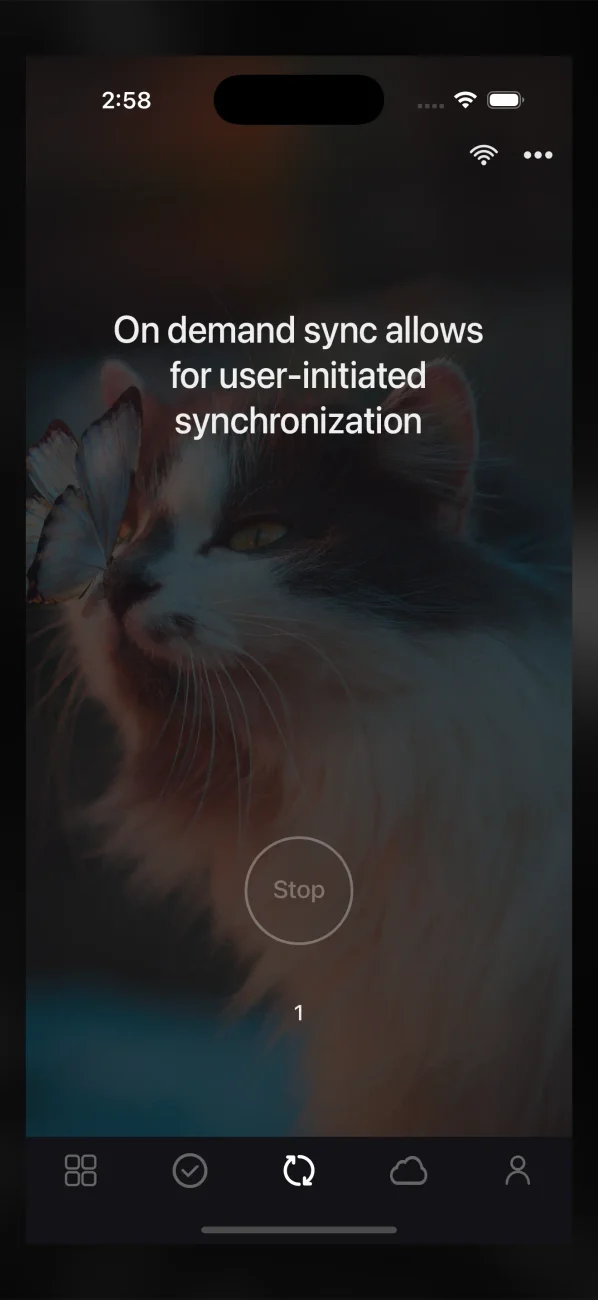
In summary, each time you run Sync, it will make sure any changes to your phone’s photo library are updated in the Files app, overwriting, renaming, saving, and deleting items from the Files app if needed.
Sync will also NEVER delete any photos from your phone. Sync performs a ONE-WAY sync only, making a folder in the Files app match your photo library. Any changes made in the Files app will not be synced to your phone, rather, the changes made in the Files will simply be overwritten the next time you run Sync.
Free Plan
The free plan is limited to syncing up to 3 top-level folders and albums and up to 200 photos.
Premium Plan
Our affordable premium plan removes all restrictions and unlocks access to all future features.
Subscription Pricing and Terms
- Annual or monthly subscription billing will start immediately after you subscribe and will auto-renew each year or month.
- Subscriptions will automatically renew unless canceled at least one day before the renewal date within 24 hours before the end of the current period. Payment will be charged to your Apple ID account at the confirmation of purchase. You can manage and cancel your subscription by going to your account settings in the App Store.
- Subscriptions are non-refundable, so please choose this option carefully.
- Please refer to the In-App Purchases section for pricing.
Terms of Use —
https://www.apple.com/legal/internet-services/itunes/dev/stdeula
Privacy Policy —
https://sync.photosplus.app/privacy.php
Yang baru
Versi 1.1 · 13/12/2025
This version includes bug fixes and performance upgrades.
Privasi aplikasi
Yang dinyatakan Pixegram, LLC di App Store tentang cara aplikasi ini menangani data.
-
Data tidak dikumpulkan
Pengembang tidak mengumpulkan data apa pun dari aplikasi ini.
Praktik privasi dapat bervariasi, misalnya berdasarkan fitur yang Anda gunakan atau usia Anda.
Informasi
- Penjual
- Pixegram, LLC
- Kategori
- Produktivitas
- Versi
- 1.1
- Diperbarui
- 13/12/2025
- Dirilis
- 28/10/2025
- Ukuran
- 16,7 MB
- Memerlukan
- iOS 16.6 atau yang lebih baru
- Batasan usia
- 4+
- Harga
- Gratis
- Pembelian dalam aplikasi
- Ya
- Bahasa
- Inggris
- Hak cipta
- © Pixegram, LLC
Mungkin Anda juga suka
-
 TotalSync - sync without cloudProduktivitas
-
 Sync: Cadangkan File & CloudCadangkan & pulihkan file
-
 MobiDrive Cloud Storage & SyncProduktivitas
-
 Sync2 Outlook Google & iCloudProduktivitas
-
 Cloud Storage: Data BackupProduktivitas
-
 Cloudgate - Cloud Storage AppProduktivitas
-
 Phone Drive: File ManagerProduktivitas
-
 SingleFile for SafariProduktivitas
-
 Resilio SyncProduktivitas
-
 Dropbox DashProduktivitas