- 対象年齢4+
- カテゴリ仕事効率化
- 開発元Pixegram, LLC
- 言語英語
- サイズ16.7 MB
App Storeの公式ページにリンクしています
Download.orgはSync with Filesのファイルを一切ホストしていません。ボタンを押すと、Pixegram, LLCが公開しているApp Storeのアプリページが開きます。ページの最終確認:2026/11/22。
スクリーンショット



概要
開発元はこのテキストをお使いの言語で提供していません。
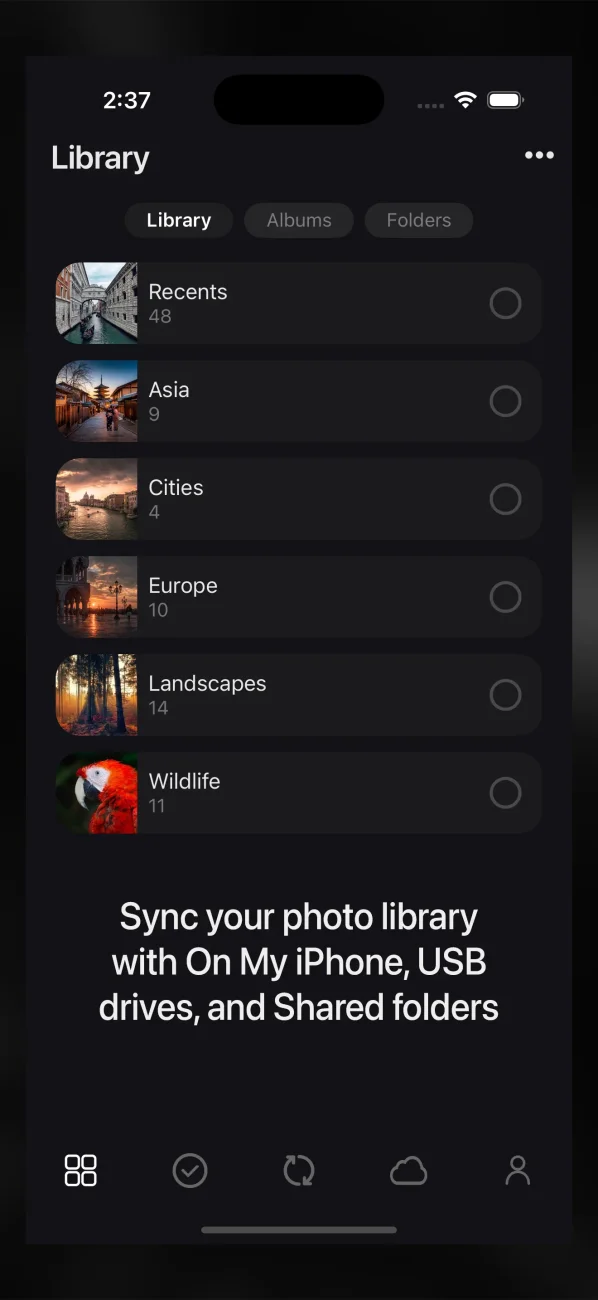
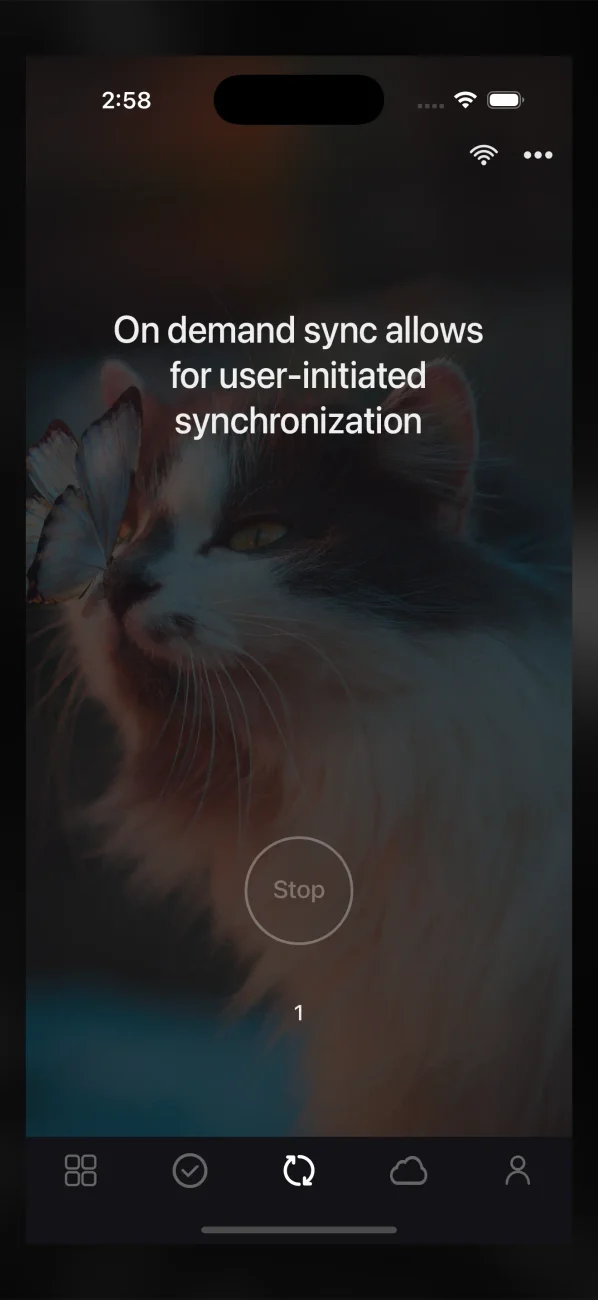
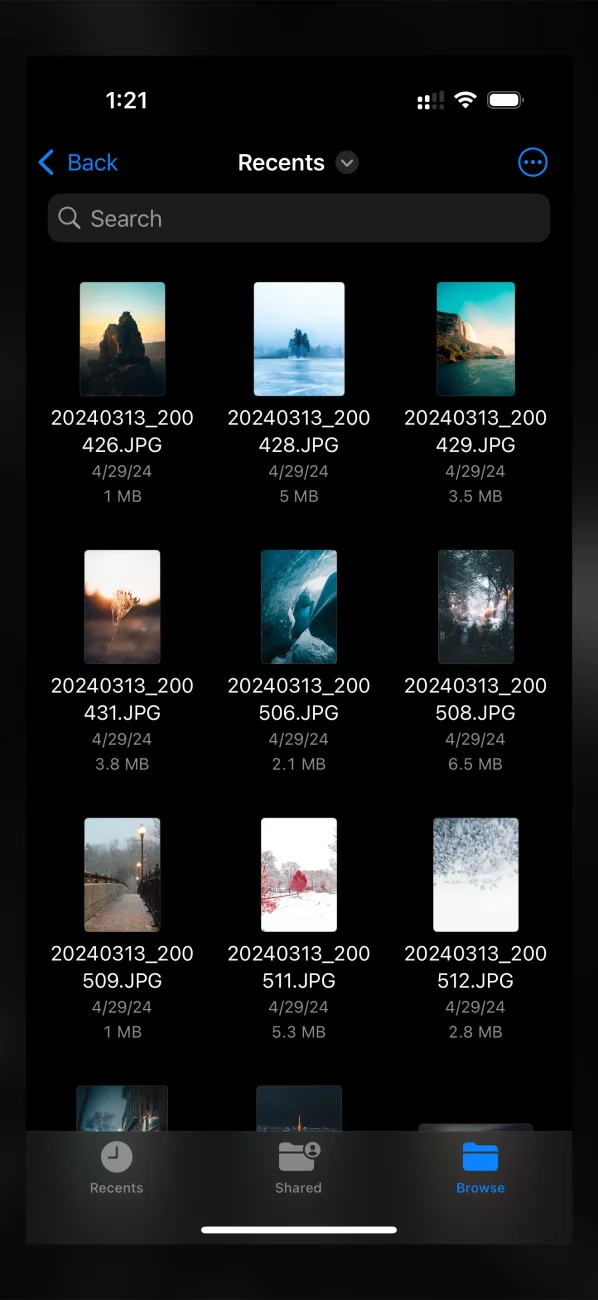
Sync for Files synchronizes your phone’s photo library, including the albums and folder hierarchy, to the Files app (On My iPhone, USB drives, NAS devices, and Shared folders).
For users who like to organize their photos into folders and albums, Sync offers many advantages over saving your photos and videos to the Files app and manually recreating your folder structure within the Files app.
- Sync automatically creates folders and albums you have created in your phone’s photo library in the Files app.
- Saves the video component of Live Photos.
- Saves the edited versions of photos and videos.
- Mirror or back up your photo library.
- Synchronize your entire photo library or only certain folders and albums.
In summary, each time you run Sync, it will make sure any changes to your phone’s photo library are updated in the Files app, overwriting, renaming, saving, and deleting items from the Files app if needed.
Sync will also NEVER delete any photos from your phone. Sync performs a ONE-WAY sync only, making a folder in the Files app match your photo library. Any changes made in the Files app will not be synced to your phone, rather, the changes made in the Files will simply be overwritten the next time you run Sync.
Free Plan
The free plan is limited to syncing up to 3 top-level folders and albums and up to 200 photos.
Premium Plan
Our affordable premium plan removes all restrictions and unlocks access to all future features.
Subscription Pricing and Terms
- Annual or monthly subscription billing will start immediately after you subscribe and will auto-renew each year or month.
- Subscriptions will automatically renew unless canceled at least one day before the renewal date within 24 hours before the end of the current period. Payment will be charged to your Apple ID account at the confirmation of purchase. You can manage and cancel your subscription by going to your account settings in the App Store.
- Subscriptions are non-refundable, so please choose this option carefully.
- Please refer to the In-App Purchases section for pricing.
Terms of Use —
https://www.apple.com/legal/internet-services/itunes/dev/stdeula
Privacy Policy —
https://sync.photosplus.app/privacy.php
新機能
バージョン 1.1 · 2025/12/13
This version includes bug fixes and performance upgrades.
アプリのプライバシー
このアプリのデータの取り扱いについて、Pixegram, LLCがApp Storeで申告している内容です。
-
データの収集なし
開発元はこのアプリからデータを収集しません。
プライバシーの取り扱いは、ご利用の機能やお客様の年齢などに応じて異なる場合があります。
情報
- 販売元
- Pixegram, LLC
- カテゴリ
- 仕事効率化
- バージョン
- 1.1
- 更新日
- 2025/12/13
- リリース
- 2025/10/28
- サイズ
- 16.7 MB
- 必要条件
- iOS 16.6以降
- 対象年齢
- 4+
- 価格
- 無料
- アプリ内課金
- あり
- 言語
- 英語
- 著作権
- © Pixegram, LLC