
Tabbly - Notes & PDF Markup
Write, plan, make it your own
Dirancang untuk iPhone, iPad
Gratis · Pembelian dalam aplikasi
- Batasan usia4+
- KategoriProduktivitas
- PengembangWeekend(KR)
- BahasaInggris+ 8 lainnya
- Ukuran10,8 MB
Tertaut ke halaman resmi App Store
Download.org tidak menyimpan file Tabbly - Notes & PDF Markup apa pun. Tombol ini membuka halaman aplikasi di App Store, tempat Weekend(KR) menerbitkannya. Halaman terakhir diperiksa pada 24/11/2026.
Tangkapan layar

Tentang
Pengembang belum menyediakan teks ini dalam bahasa Anda.
A comfortable place for your thoughts.
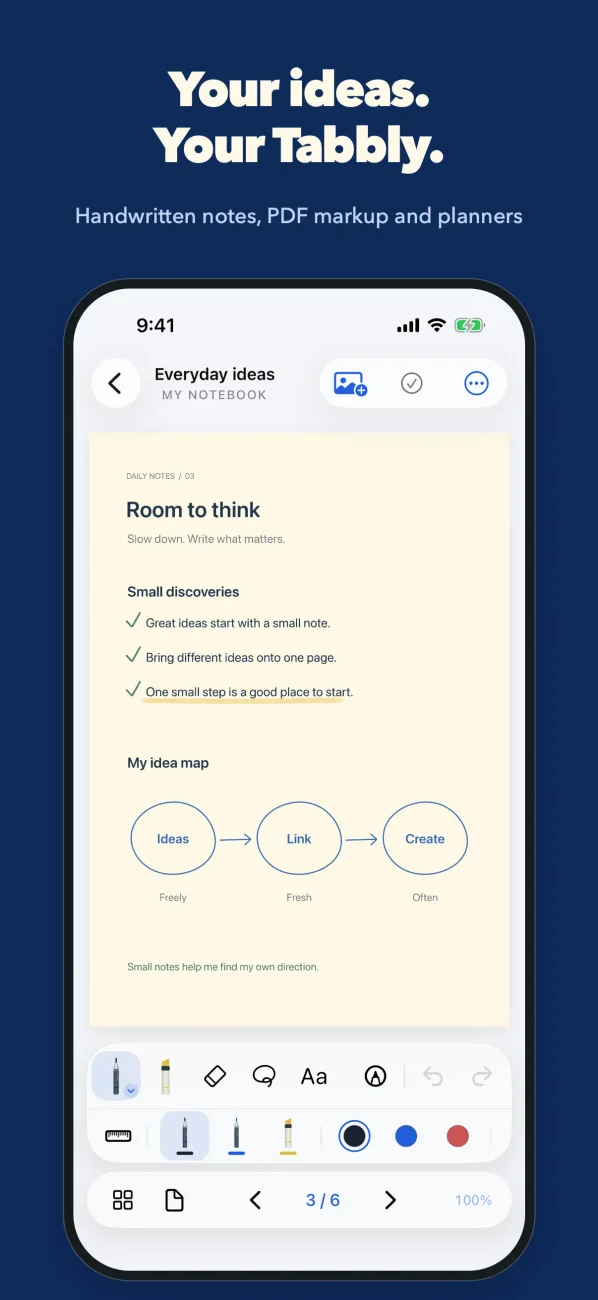
Write by hand, mark up PDFs, and make a planner of your own. Tabbly works offline on iPhone and iPad, with no sign-in.
Find your favorite pen
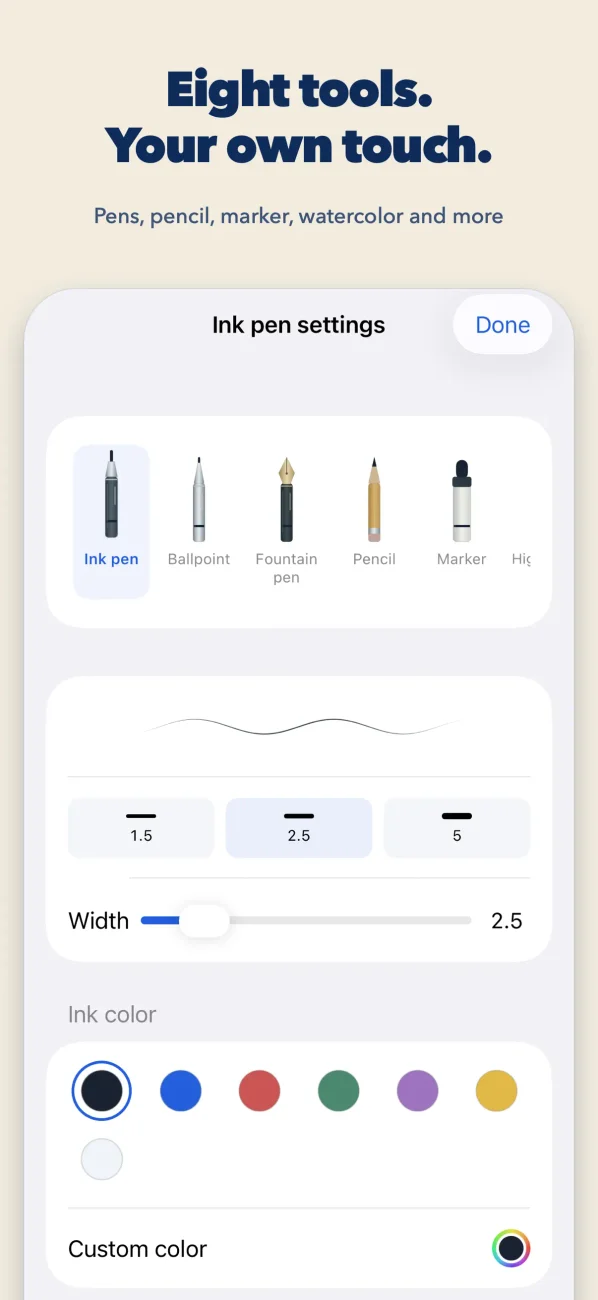
Choose from an ink pen, ballpoint, fountain pen, pencil, marker, highlighter, watercolor brush, and crayon. Each remembers its color and width, and you can save frequently used styles. Some ink types require iOS 17 or later. Use Apple Pencil on iPad or write with a finger on iPhone.
Treat a PDF like a notebook
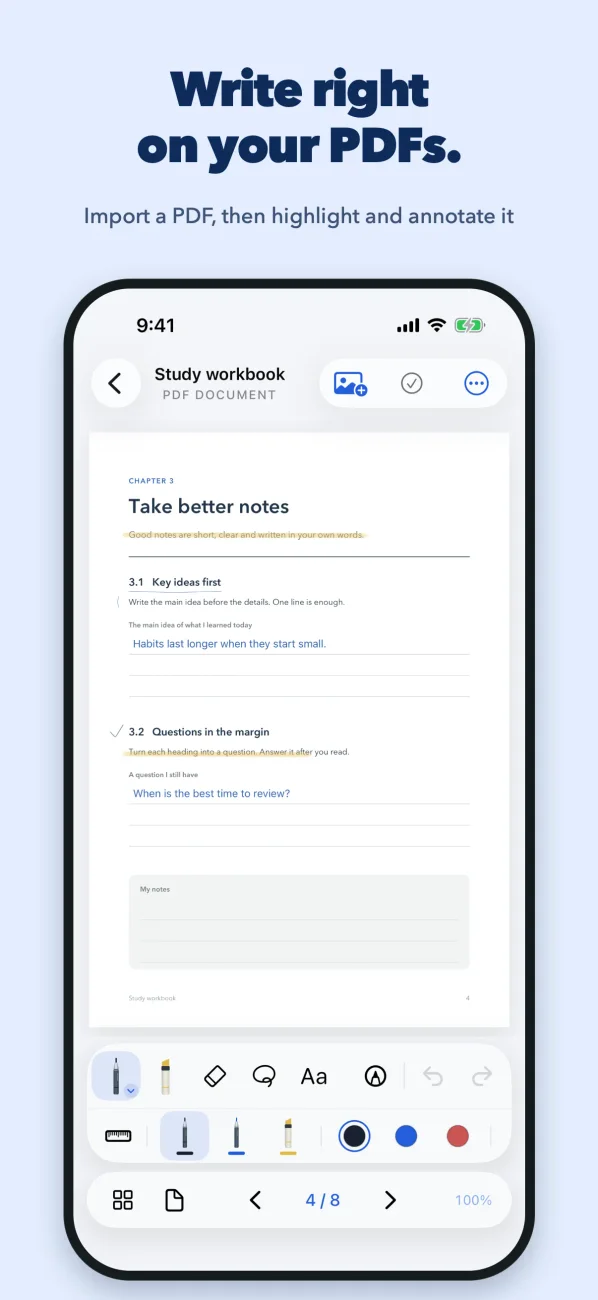
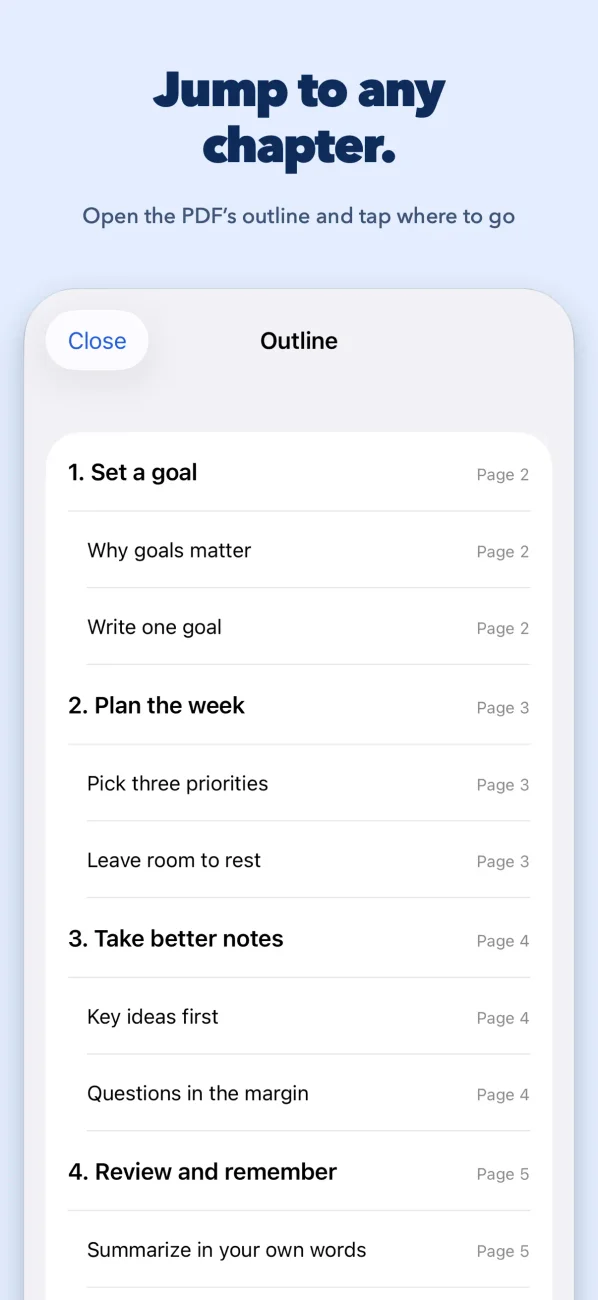
Import PDFs from Files and write on the original pages. Search PDF text and text boxes, follow document links, and share an annotated PDF or an image of the current page. Scan paper documents with the camera and keep them as PDF notes.
Plan with linked pages
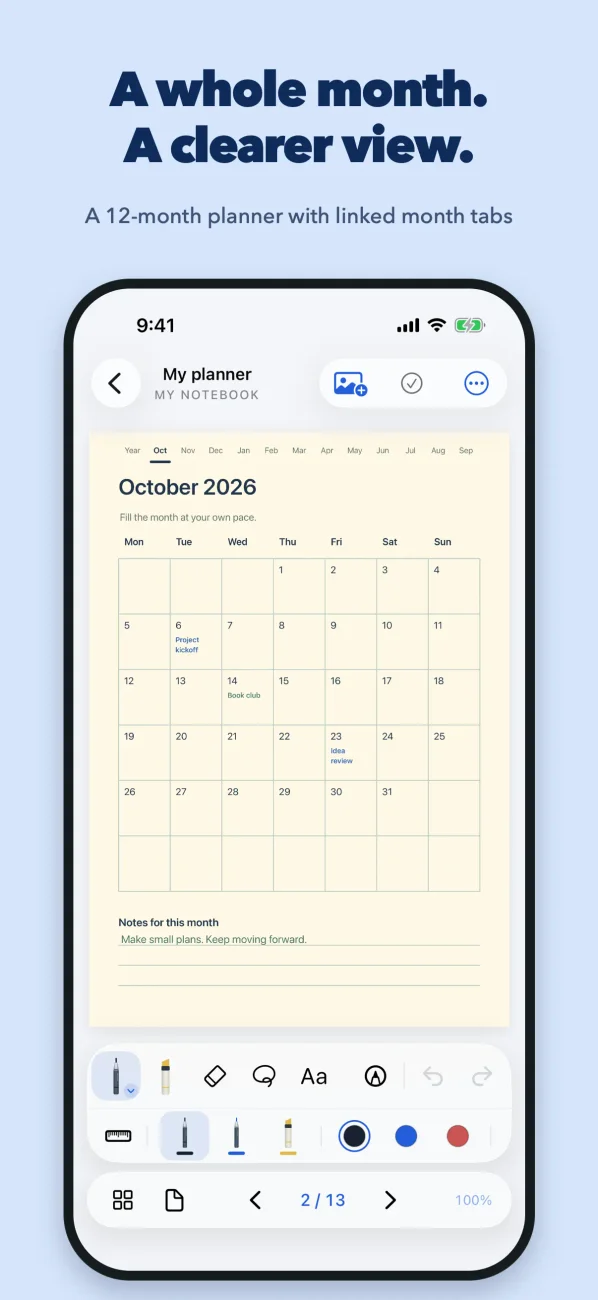
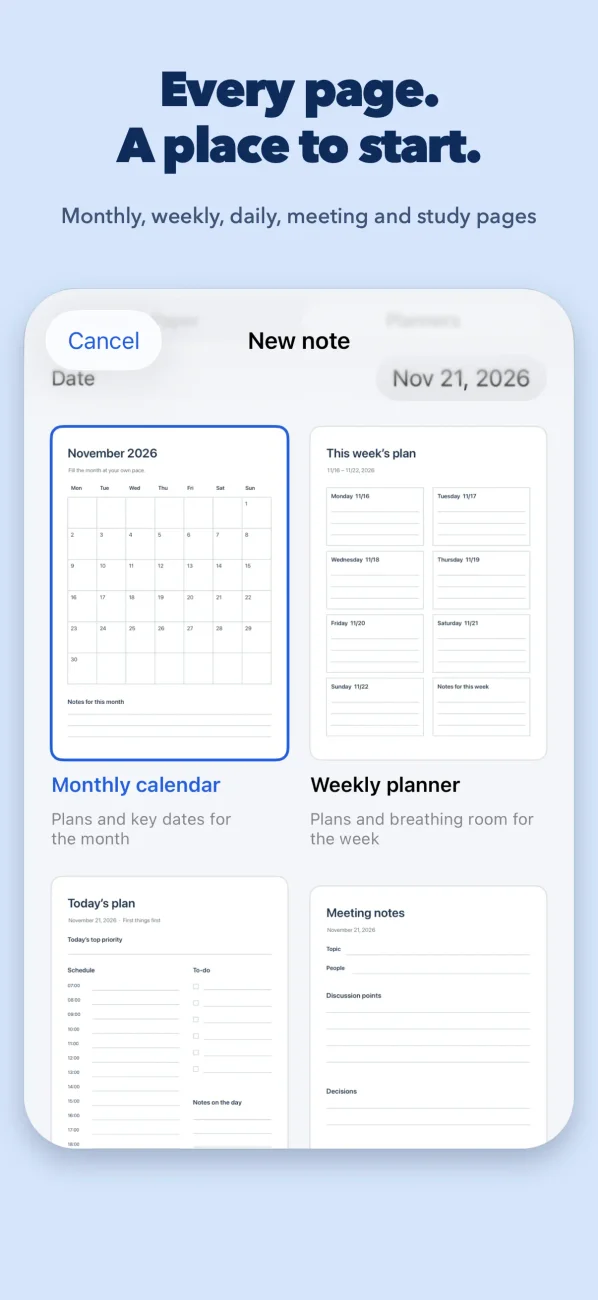
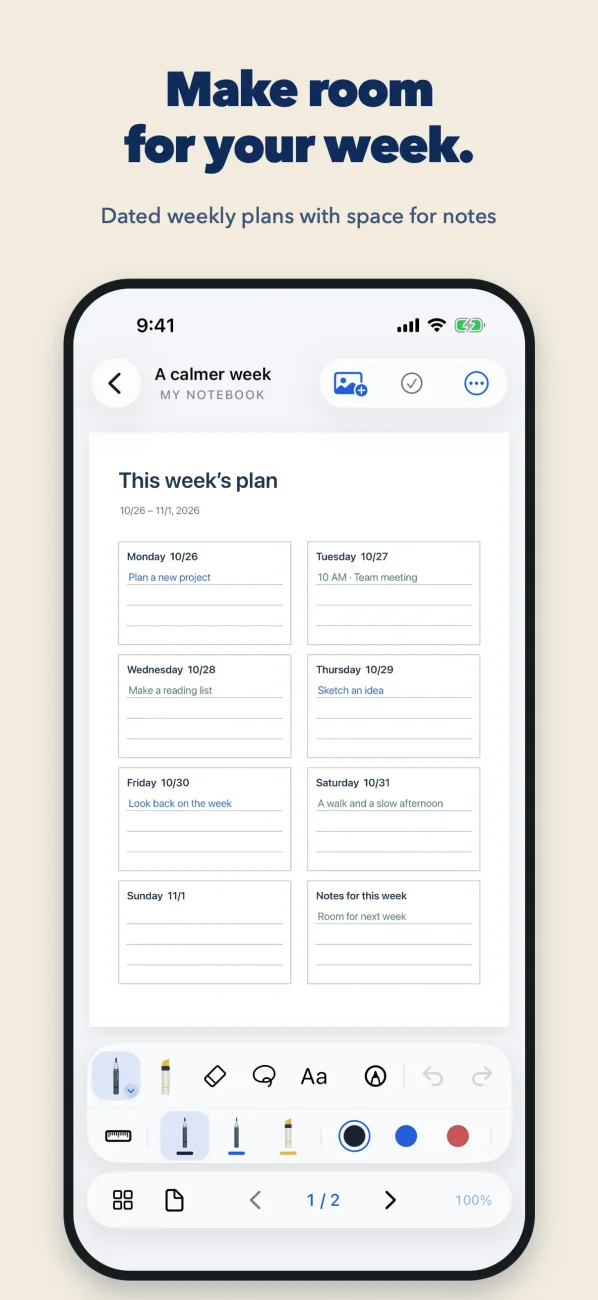
Choose monthly, weekly, daily, meeting, or study templates. Create twelve months at once with a linked year overview and month tabs. Page links are preserved when you export your planner as a PDF.
Move ideas around
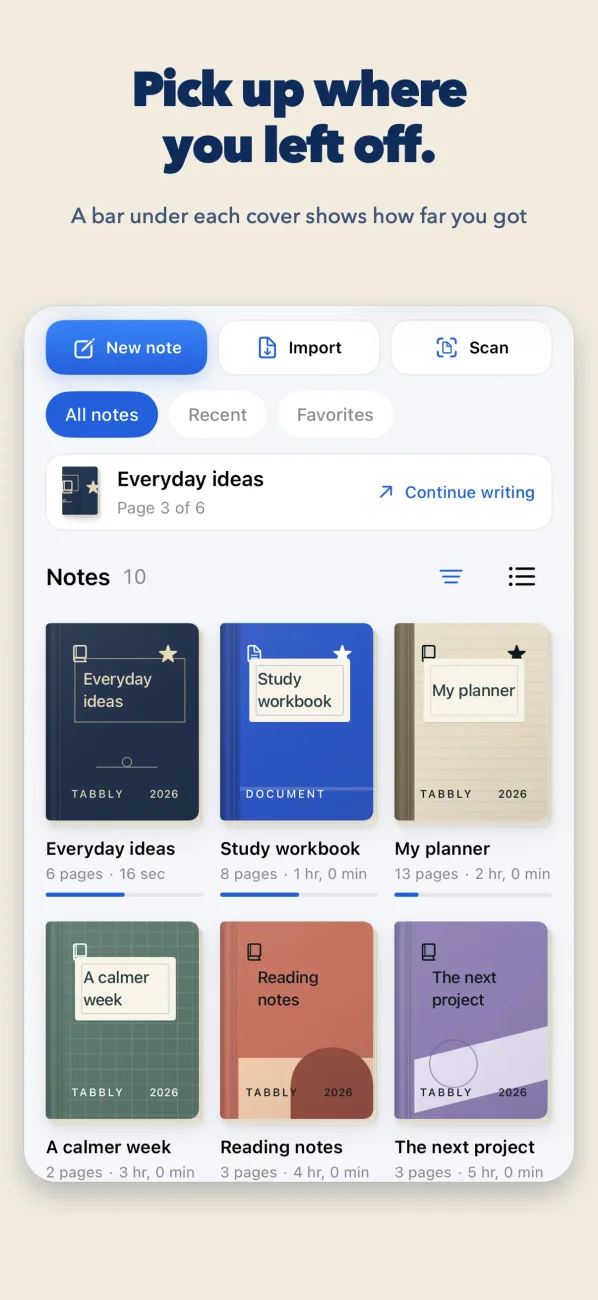
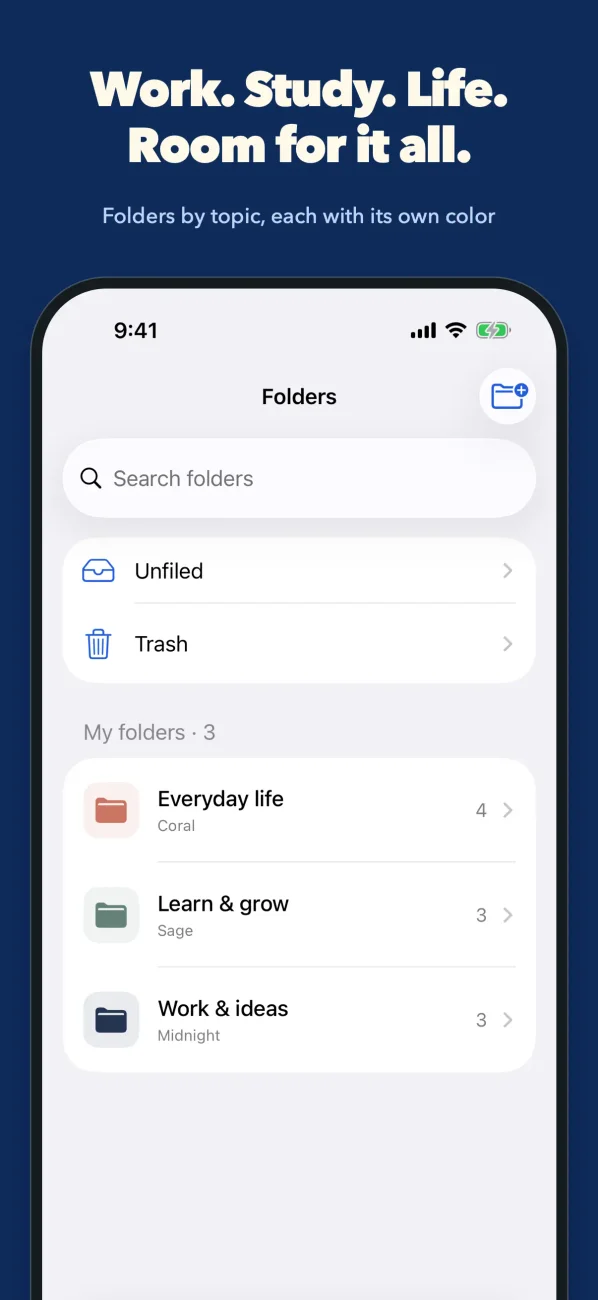
Select handwriting, text, and photos to move or resize them. Add and reorder pages, then mark important ones with bookmarks or folded corners. Organize your library with cover colors, folders, and favorites.
Keep a reference beside you
In a wide iPad window, pin a reference page beside the page you are writing on. Work across multiple windows and use keyboard shortcuts. On iPhone, open the reference in a separate sheet.
Your records stay on your device
Notes save automatically on your device. To keep them safe, use backup: save your iOS library as a single .tabplebackup file and bring it back on a new device whenever you need it. Back up important records before deleting the app. Automatic sync between devices is not supported.
In-app purchase · Tabbly Lifetime Pass (one-time, not a subscription): removes ads for good and opens library backup and importing a backup. Everything else, including PDF import, stays free.
Available in Korean, English, Japanese, Chinese (Simplified and Traditional), Spanish, French, German and Portuguese. Requires iOS or iPadOS 16 or later.
Yang baru
Versi 0.1.4 · 24/11/2026
• Select several notes in the library and move, favorite or trash them at once.
• The library shows more notes on one screen.
• Turn your iPad sideways to see the whole page.
• Settings now let you choose the appearance (light or dark), text size, haptics, paper color, and the library's view and sort order.
Privasi aplikasi
Yang dinyatakan Weekend(KR) di App Store tentang cara aplikasi ini menangani data.
-
Data yang ditautkan dengan Anda
Dapat dikumpulkan dan ditautkan dengan identitas Anda.
- Lokasi
- Pengenal
- Data penggunaan
-
Data yang tidak ditautkan dengan Anda
Dapat dikumpulkan, tetapi tidak ditautkan dengan identitas Anda.
- Diagnostik
Praktik privasi dapat bervariasi, misalnya berdasarkan fitur yang Anda gunakan atau usia Anda.
Informasi
- Penjual
- Weekend(KR)
- Kategori
- Produktivitas
- Versi
- 0.1.4
- Diperbarui
- 24/11/2026
- Dirilis
- 5/11/2026
- Ukuran
- 10,8 MB
- Memerlukan
- iOS 16.0 atau yang lebih baru
- Batasan usia
- 4+
- Harga
- Gratis
- Pembelian dalam aplikasi
- Ya
- Bahasa
- Inggris, Prancis, Jerman, Jepang, Korea, Portugis, Tionghoa Sederhana, Spanyol, Tionghoa Tradisional
- Hak cipta
- © 2026 위크엔드
Mungkin Anda juga suka
-
 슥슥 - 스터디 플래너 공부 계획Produktivitas
-
 UnivNote: Catatan PDF Anti LagTulis, rekam kuliah, belajar
-
 Essential: CalendarProduktivitas
-
 SpiraldayProduktivitas
-
 todo planner - plan managerProduktivitas
-
 리뷰플로우 - AI 체험단·협찬 일정 관리 앱Produktivitas
-
 딸깍 - 링크, 스크린샷, 메모 한 곳에 저장Produktivitas
-
 AI Meeting Notes - TabloProduktivitas
-
 MyTurn - One turn a dayProduktivitas
-
 Kalender Layar Kunci: CoreTaskDaftar Tugas, ToDo, pengingat