
Tabbly - Notes & PDF Markup
Write, plan, make it your own
Designed for iPhone, iPad
Free · In-app purchases
- Age rating4+
- CategoryProductivity
- DeveloperWeekend(KR)
- LanguagesEnglish+ 8 more
- Size10.8 MB
Links to the official App Store page
Download.org hosts no file of Tabbly - Notes & PDF Markup. The button opens its official App Store page, published by Weekend(KR). Listing last checked on Nov 24, 2026.
Screenshots

About
A comfortable place for your thoughts.
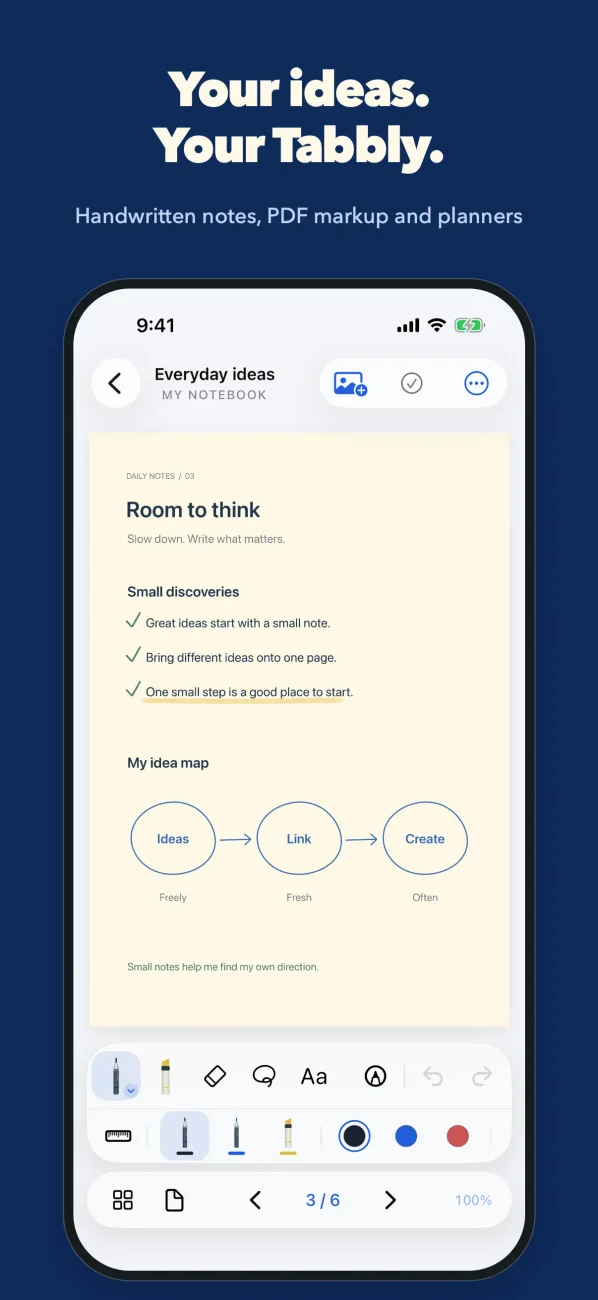
Write by hand, mark up PDFs, and make a planner of your own. Tabbly works offline on iPhone and iPad, with no sign-in.
Find your favorite pen
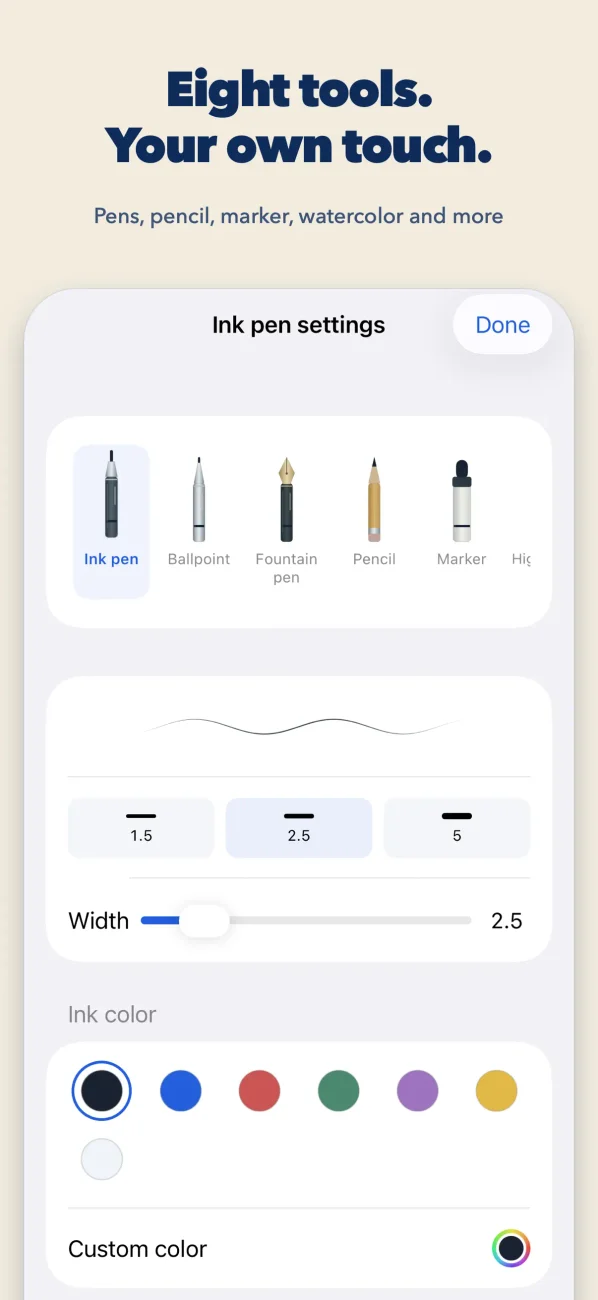
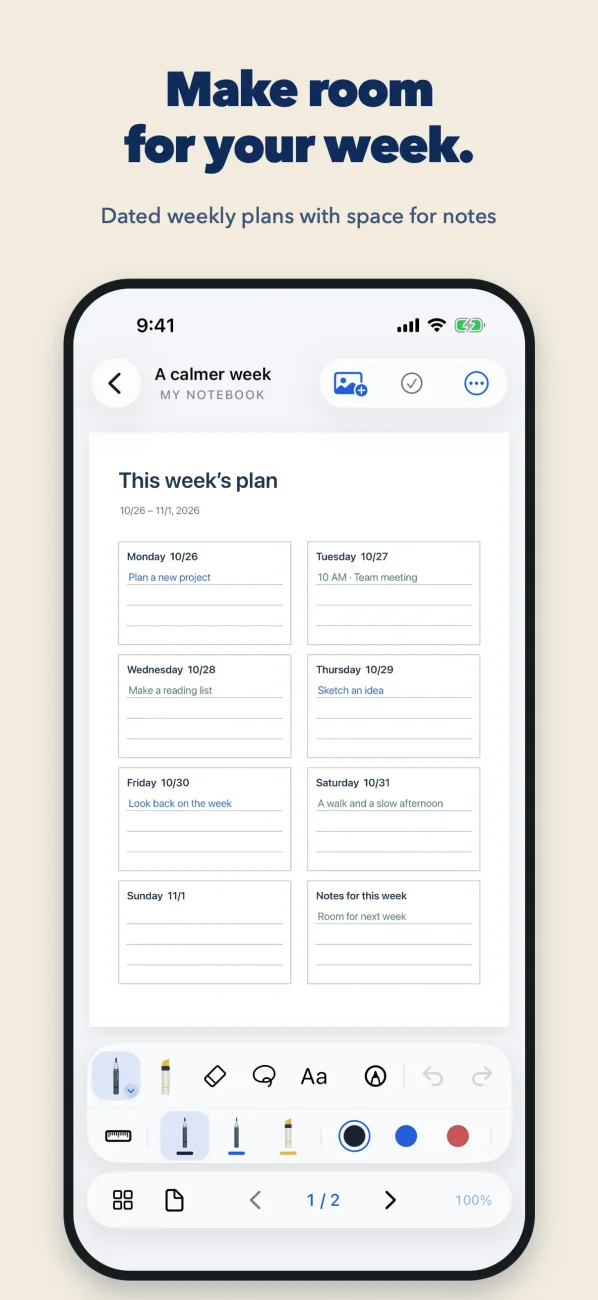
Choose from an ink pen, ballpoint, fountain pen, pencil, marker, highlighter, watercolor brush, and crayon. Each remembers its color and width, and you can save frequently used styles. Some ink types require iOS 17 or later. Use Apple Pencil on iPad or write with a finger on iPhone.
Treat a PDF like a notebook
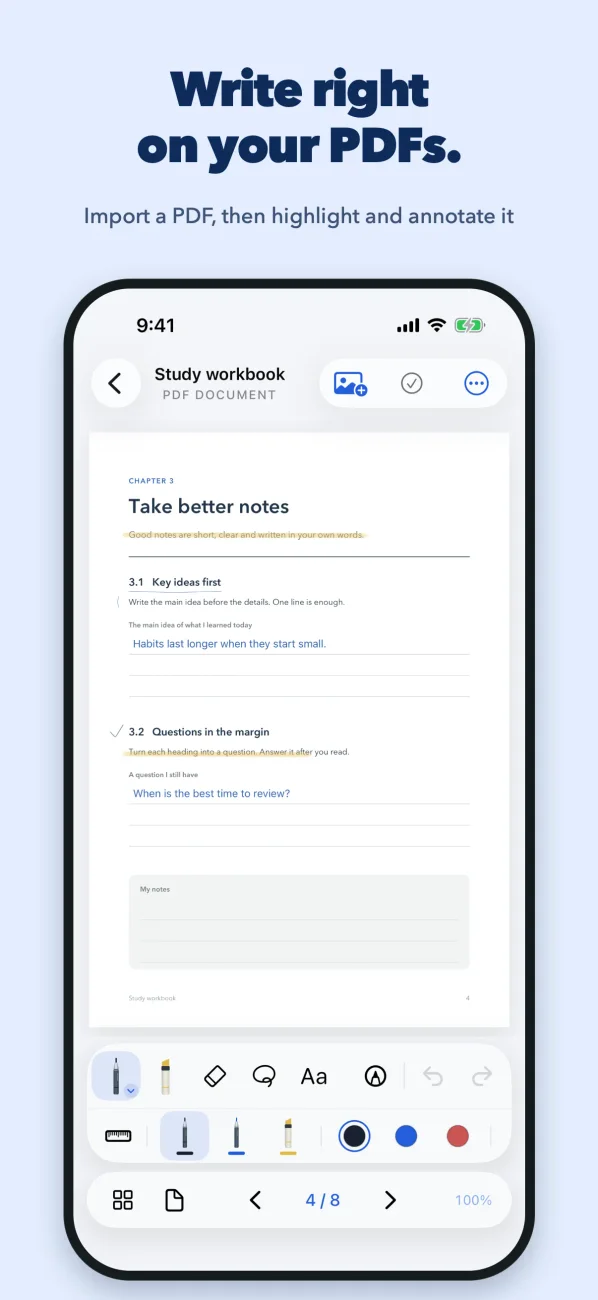
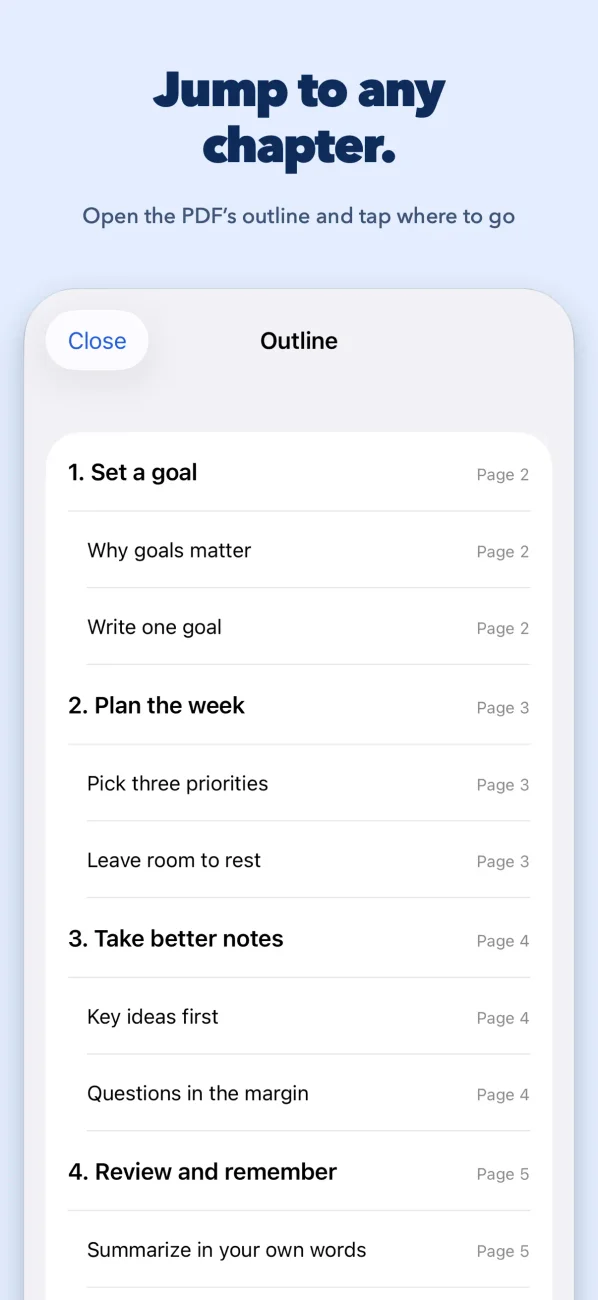
Import PDFs from Files and write on the original pages. Search PDF text and text boxes, follow document links, and share an annotated PDF or an image of the current page. Scan paper documents with the camera and keep them as PDF notes.
Plan with linked pages
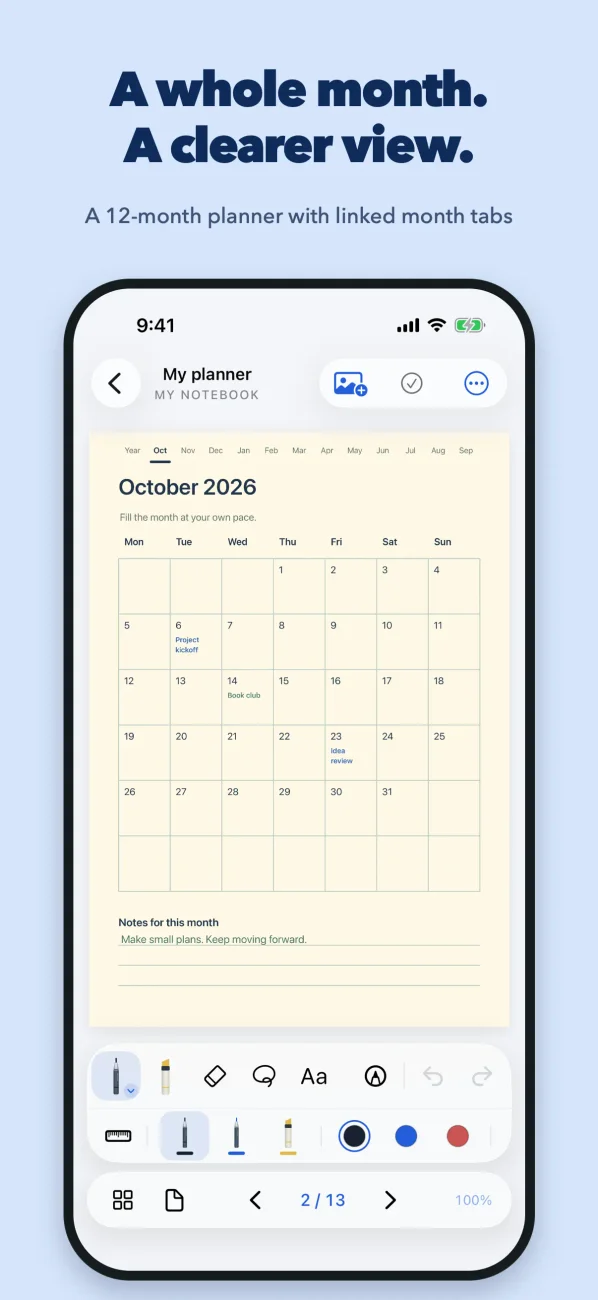
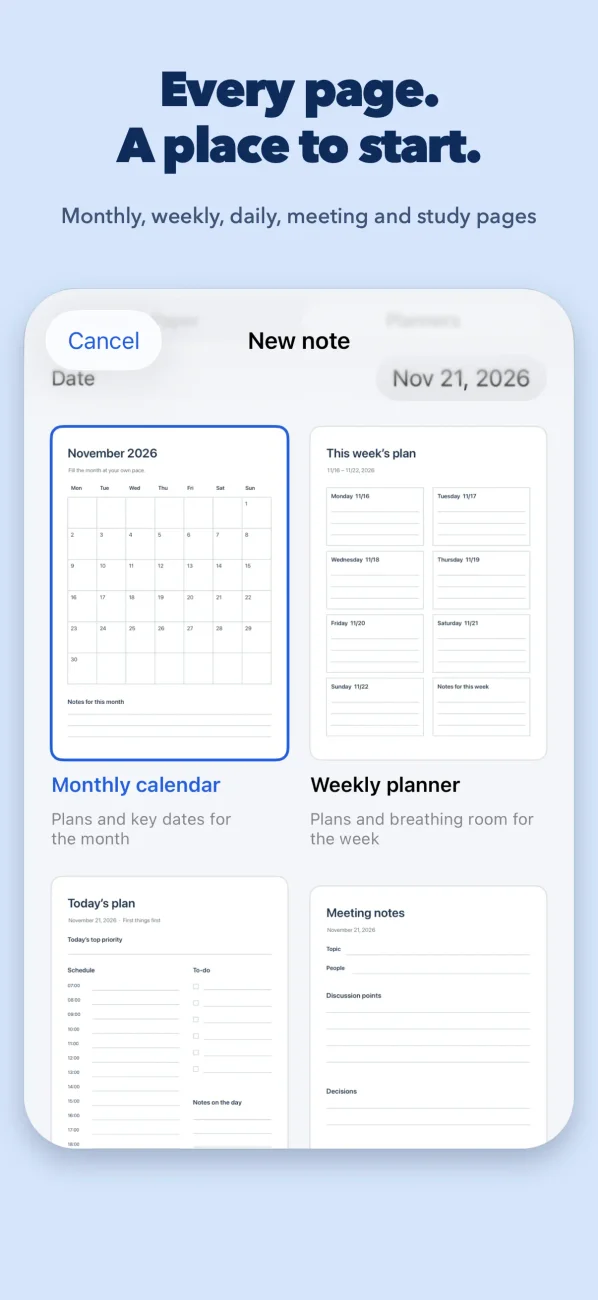
Choose monthly, weekly, daily, meeting, or study templates. Create twelve months at once with a linked year overview and month tabs. Page links are preserved when you export your planner as a PDF.
Move ideas around
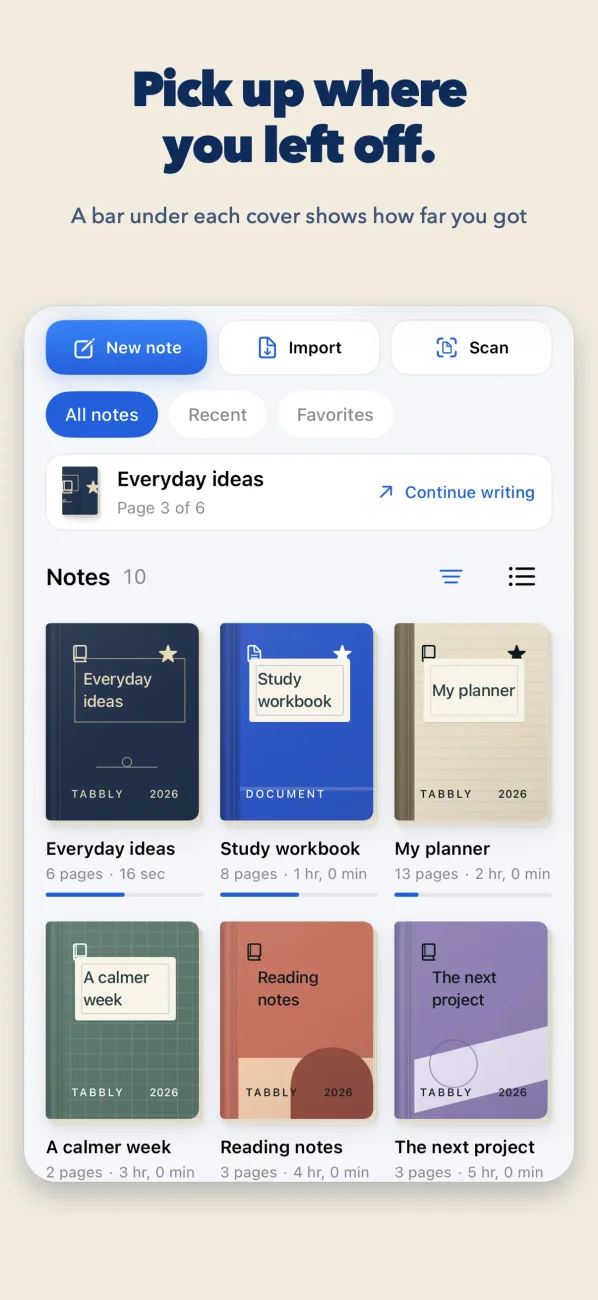
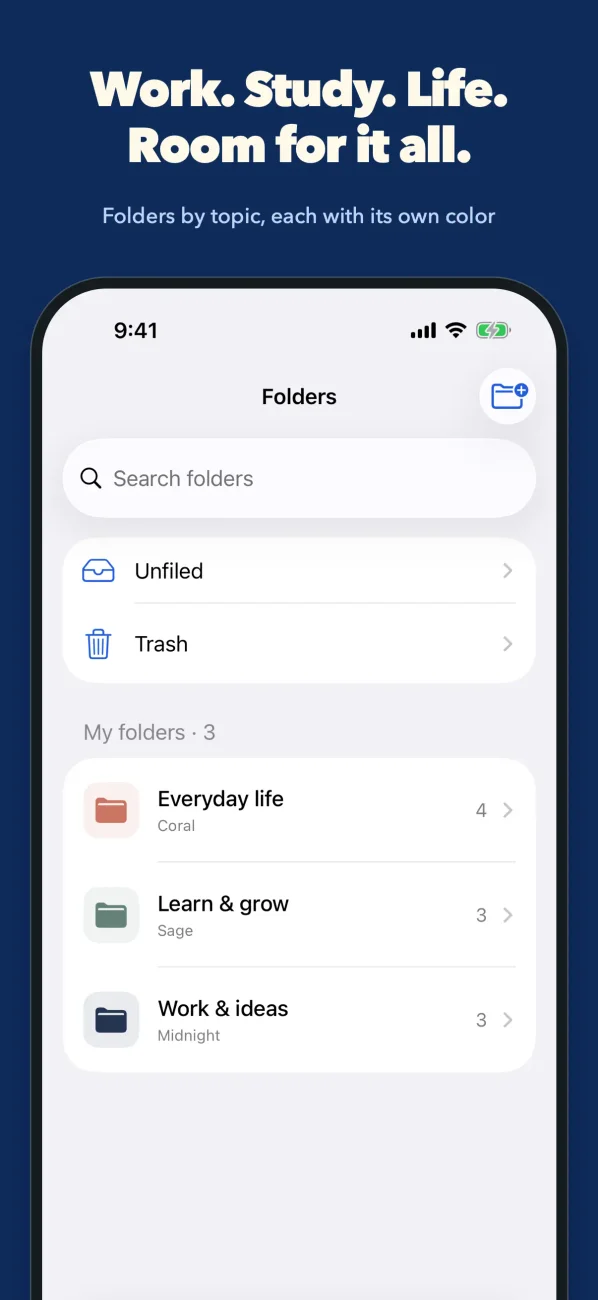
Select handwriting, text, and photos to move or resize them. Add and reorder pages, then mark important ones with bookmarks or folded corners. Organize your library with cover colors, folders, and favorites.
Keep a reference beside you
In a wide iPad window, pin a reference page beside the page you are writing on. Work across multiple windows and use keyboard shortcuts. On iPhone, open the reference in a separate sheet.
Your records stay on your device
Notes save automatically on your device. To keep them safe, use backup: save your iOS library as a single .tabplebackup file and bring it back on a new device whenever you need it. Back up important records before deleting the app. Automatic sync between devices is not supported.
In-app purchase · Tabbly Lifetime Pass (one-time, not a subscription): removes ads for good and opens library backup and importing a backup. Everything else, including PDF import, stays free.
Available in Korean, English, Japanese, Chinese (Simplified and Traditional), Spanish, French, German and Portuguese. Requires iOS or iPadOS 16 or later.
What’s new
Version 0.1.4 · Nov 24, 2026
• Select several notes in the library and move, favorite or trash them at once.
• The library shows more notes on one screen.
• Turn your iPad sideways to see the whole page.
• Settings now let you choose the appearance (light or dark), text size, haptics, paper color, and the library's view and sort order.
App privacy
What Weekend(KR) declares on the App Store about how this app handles data.
-
Data linked to you
May be collected and linked to your identity.
- Location
- Identifiers
- Usage data
-
Data not linked to you
May be collected but is not linked to your identity.
- Diagnostics
Privacy practices may vary, for example with the features you use or your age.
Information
- Seller
- Weekend(KR)
- Category
- Productivity
- Version
- 0.1.4
- Updated
- Nov 24, 2026
- Released
- Nov 5, 2026
- Size
- 10.8 MB
- Requires
- iOS 16.0 or later
- Age rating
- 4+
- Price
- Free
- In-app purchases
- Yes
- Languages
- English, French, German, Japanese, Korean, Portuguese, Simplified Chinese, Spanish, Traditional Chinese
- Copyright
- © 2026 위크엔드
You might also like
-
 슥슥 - 스터디 플래너 공부 계획Productivity
-
 UnivNote: Lag-Free Note TakingPDF notebook, handwriting
-
 Essential: CalendarScheduling, Reimagined
-
 SpiraldayProductivity
-
 todo planner - plan managerschedule, calendar, task, note
-
 리뷰플로우 - AI 체험단·협찬 일정 관리 앱Productivity
-
 딸깍 - 링크, 스크린샷, 메모 한 곳에 저장Productivity
-
 AI Meeting Notes - TabloTranscribe, Summarize, ToDos
-
 MyTurn - One turn a dayOne turn a day
-
 Lock Screen Calendar: CoreTaskEisenhower Matrix, To Do List