Tact: Control Deck
Your PC, at your fingertips
Dirancang untuk iPhone, iPad, iPod touch
Gratis
- Batasan usia4+
- KategoriProduktivitas
- PengembangAbhinav Ranjan Jha
- BahasaInggris
- Ukuran19,8 MB
Tertaut ke halaman resmi App Store
Download.org tidak menyimpan file Tact: Control Deck apa pun. Tombol ini membuka halaman aplikasi di App Store, tempat Abhinav Ranjan Jha menerbitkannya. Halaman terakhir diperiksa pada 18/11/2026.
Tangkapan layar

Tentang
Pengembang belum menyediakan teks ini dalam bahasa Anda.
Your PC controls, alive on your iPhone.
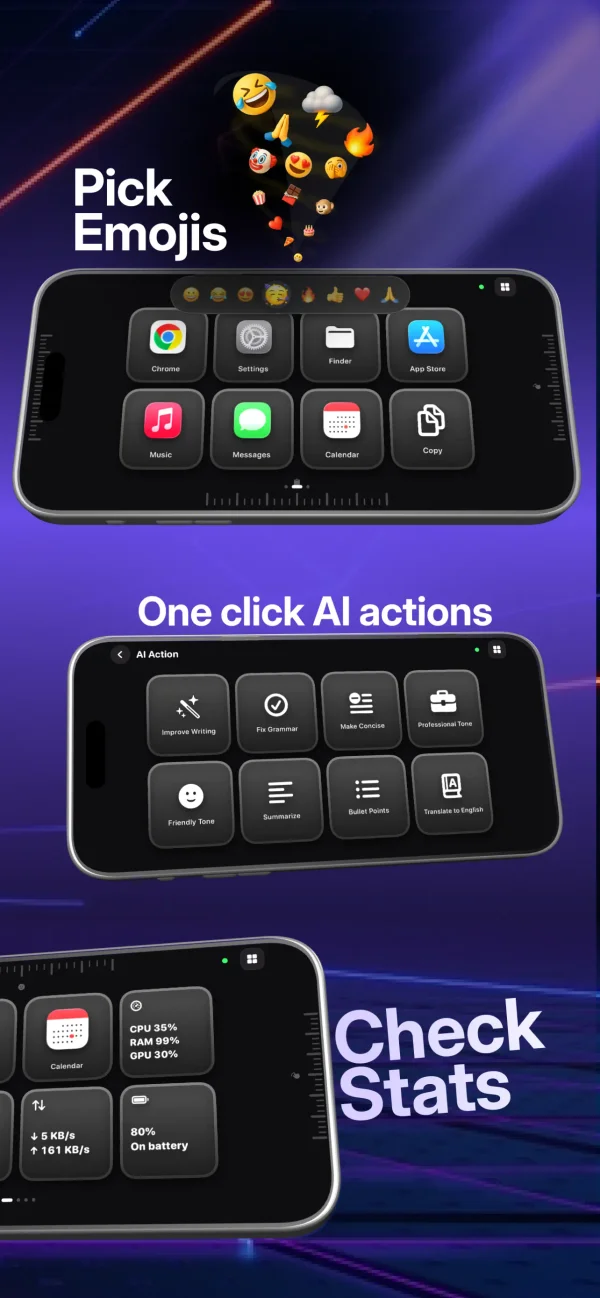
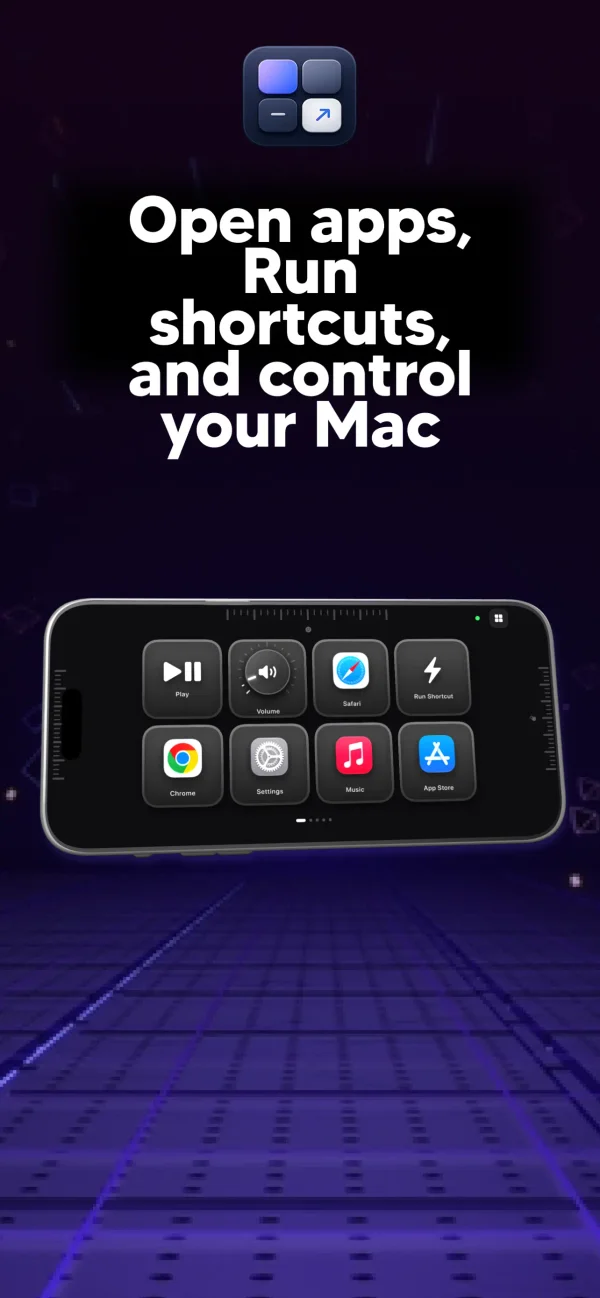
Tact turns your iPhone into a flexible, tactile control deck for your PC. Launch apps, run shortcuts, open websites, control media, switch profiles, and build workflows that match the way you work.
A CONTROL DECK THAT ADAPTS
Tact can switch decks as you move between supported PC apps and browser experiences. Keep a universal Home deck, use app-specific decks, or customize every page yourself.
MORE THAN BUTTONS
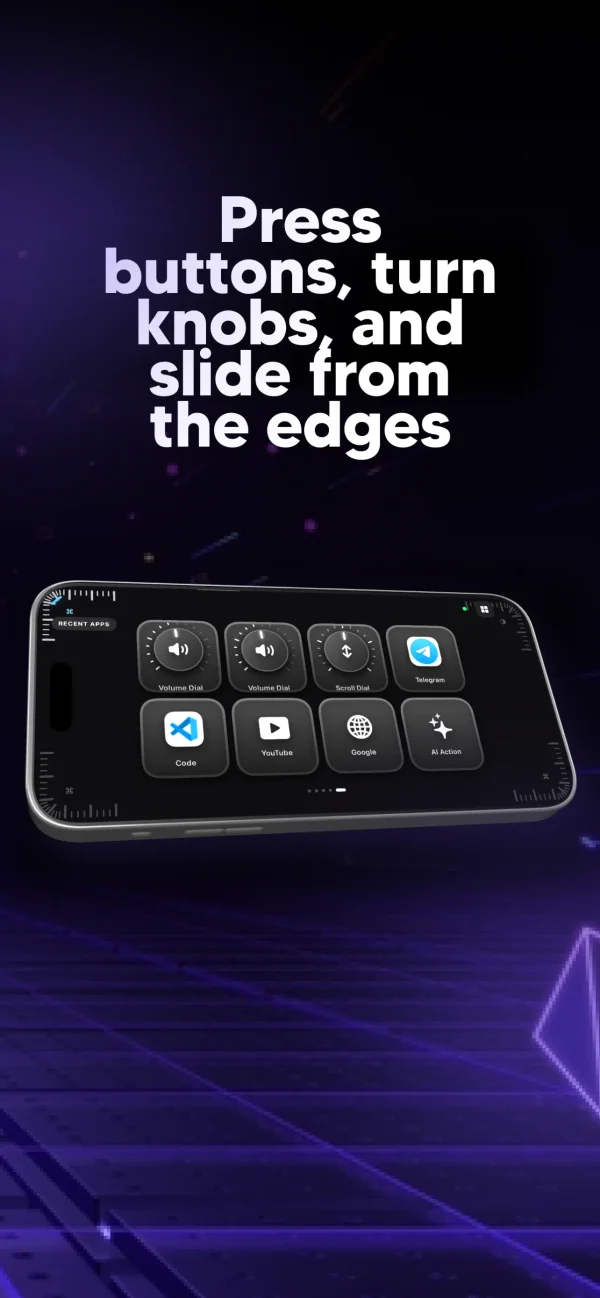
• Tactile buttons with multiple gestures
• Smooth dials and infinite scroll controls
• Edge and corner controls with live feedback
• Trackpad controls for cursor, clicks, and dragging
• Clipboard history and quick paste
• Live PC system stats
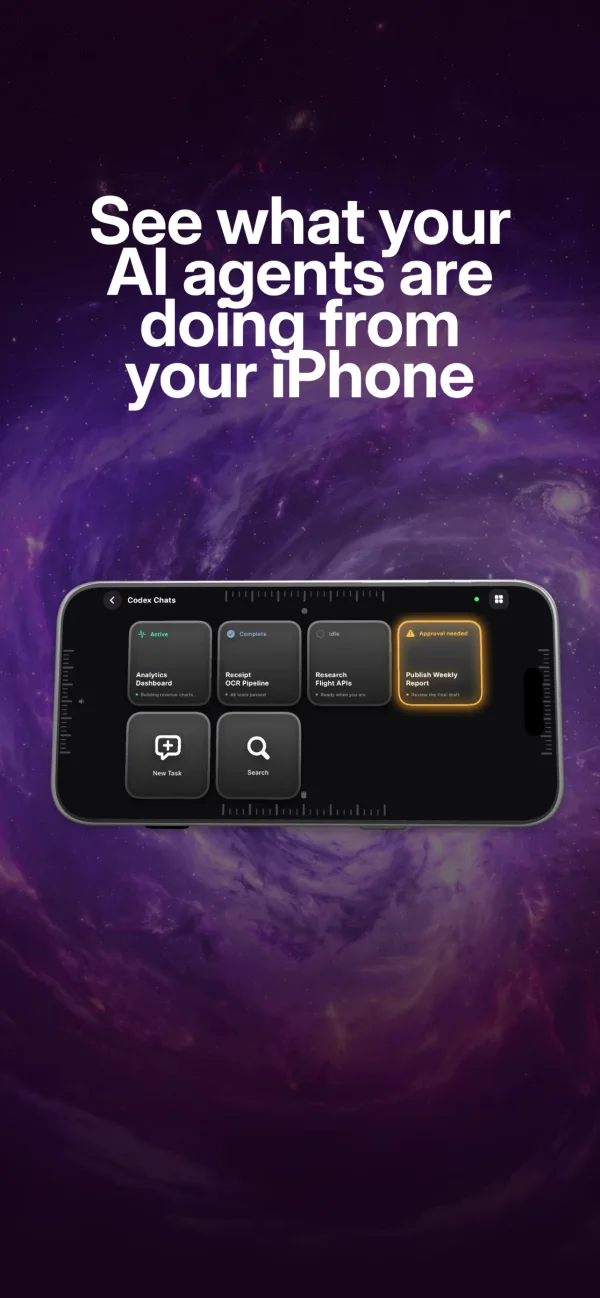
• AI Actions for selected text using your own provider key
• App, website, shortcut, file, media, and automation controls
MADE FOR YOUR WORKFLOW
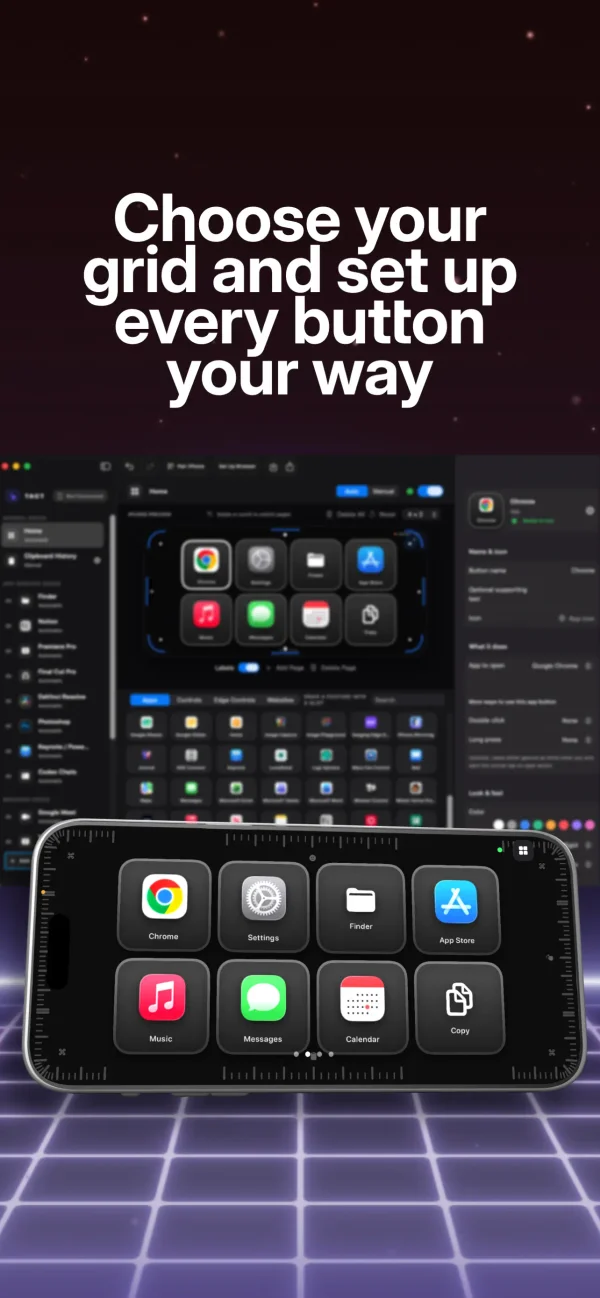
Use ready-made controls or customize pages, grids, labels, icons, actions, and profiles from the PC companion. Create multiple pages, organize app decks, and export or import your setup.
SMART APP PROFILES
Build focused decks for creative apps, browsers, meetings, media, Finder, Notion, and everyday PC tasks. Automatic profile switching can be turned off whenever you prefer manual control.
DIRECT DEVICE CONNECTION
Pair your iPhone with your own PC using a QR code or four-digit code. Tact is designed to communicate directly between your devices on your local network, with remembered devices and reconnect support.
MAC COMPANION REQUIRED
Tact requires the free Tact companion for PC. The companion provides deck setup and performs actions on your PC. Some controls require PC Accessibility permission.
Tact does not require a Tact account, does not sell your personal information, and does not track you across apps or websites.
Yang baru
Versi 1.2 · 28/9/2026
Tact 1.2 improves reliability and control customisation.
• Faster, more reliable device pairing and reconnects
• Improved AI Action editing and custom prompt saving
• More compact desktop editor and better live control feedback
• Login, activation, and cross-platform stability fixes
Privasi aplikasi
Yang dinyatakan Abhinav Ranjan Jha di App Store tentang cara aplikasi ini menangani data.
-
Data tidak dikumpulkan
Pengembang tidak mengumpulkan data apa pun dari aplikasi ini.
Praktik privasi dapat bervariasi, misalnya berdasarkan fitur yang Anda gunakan atau usia Anda.
Informasi
- Penjual
- Abhinav Ranjan Jha
- Kategori
- Produktivitas
- Versi
- 1.2
- Diperbarui
- 28/9/2026
- Dirilis
- 18/8/2026
- Ukuran
- 19,8 MB
- Memerlukan
- iOS 15.0 atau yang lebih baru
- Batasan usia
- 4+
- Harga
- Gratis
- Bahasa
- Inggris
- Hak cipta
- © CtrlOne