Tact: Control Deck
Your PC, at your fingertips
Designed for iPhone, iPad, iPod touch
Free
- Age rating4+
- CategoryProductivity
- DeveloperAbhinav Ranjan Jha
- LanguagesEnglish
- Size19.8 MB
Links to the official App Store page
Download.org hosts no file of Tact: Control Deck. The button opens its official App Store page, published by Abhinav Ranjan Jha. Listing last checked on Nov 18, 2026.
Screenshots


About
Your PC controls, alive on your iPhone.
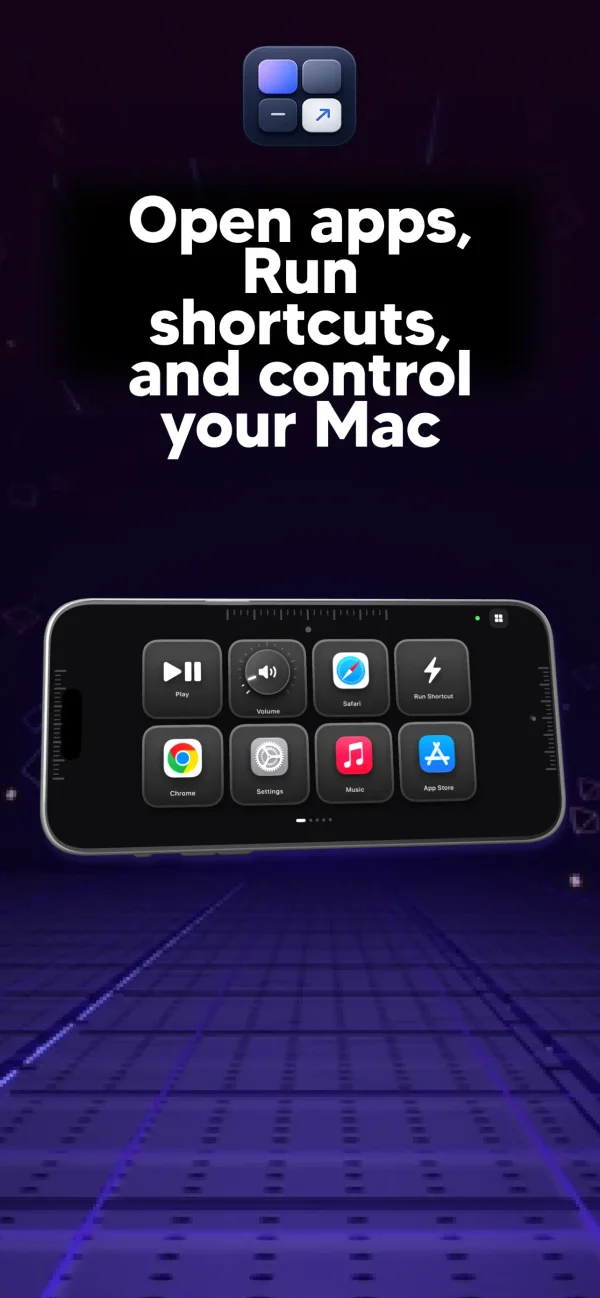
Tact turns your iPhone into a flexible, tactile control deck for your PC. Launch apps, run shortcuts, open websites, control media, switch profiles, and build workflows that match the way you work.
A CONTROL DECK THAT ADAPTS
Tact can switch decks as you move between supported PC apps and browser experiences. Keep a universal Home deck, use app-specific decks, or customize every page yourself.
MORE THAN BUTTONS
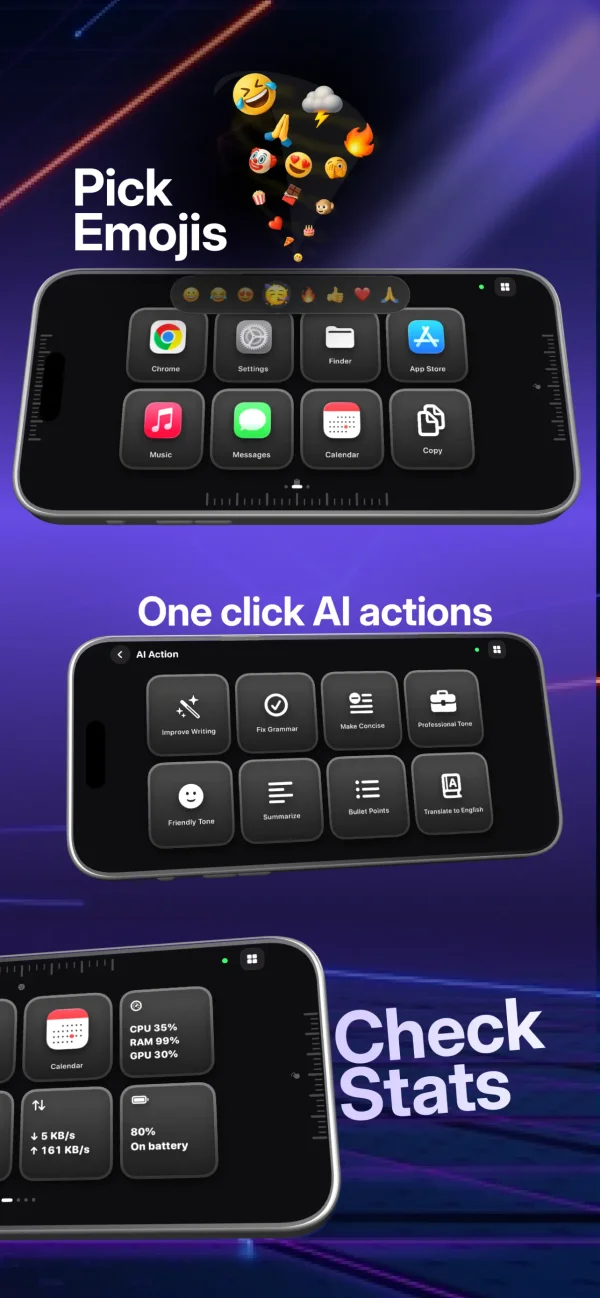
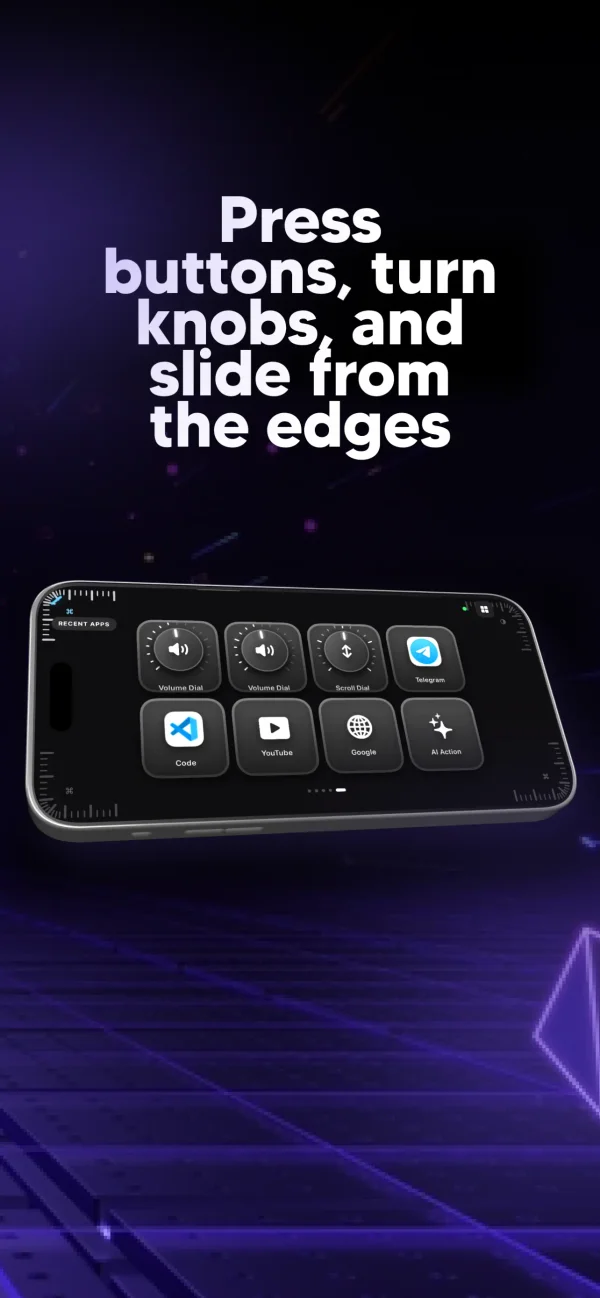
• Tactile buttons with multiple gestures
• Smooth dials and infinite scroll controls
• Edge and corner controls with live feedback
• Trackpad controls for cursor, clicks, and dragging
• Clipboard history and quick paste
• Live PC system stats
• AI Actions for selected text using your own provider key
• App, website, shortcut, file, media, and automation controls
MADE FOR YOUR WORKFLOW
Use ready-made controls or customize pages, grids, labels, icons, actions, and profiles from the PC companion. Create multiple pages, organize app decks, and export or import your setup.
SMART APP PROFILES
Build focused decks for creative apps, browsers, meetings, media, Finder, Notion, and everyday PC tasks. Automatic profile switching can be turned off whenever you prefer manual control.
DIRECT DEVICE CONNECTION
Pair your iPhone with your own PC using a QR code or four-digit code. Tact is designed to communicate directly between your devices on your local network, with remembered devices and reconnect support.
MAC COMPANION REQUIRED
Tact requires the free Tact companion for PC. The companion provides deck setup and performs actions on your PC. Some controls require PC Accessibility permission.
Tact does not require a Tact account, does not sell your personal information, and does not track you across apps or websites.
What’s new
Version 1.2 · Sep 28, 2026
Tact 1.2 improves reliability and control customisation.
• Faster, more reliable device pairing and reconnects
• Improved AI Action editing and custom prompt saving
• More compact desktop editor and better live control feedback
• Login, activation, and cross-platform stability fixes
App privacy
What Abhinav Ranjan Jha declares on the App Store about how this app handles data.
-
Data not collected
The developer does not collect any data from this app.
Privacy practices may vary, for example with the features you use or your age.
Information
- Seller
- Abhinav Ranjan Jha
- Category
- Productivity
- Version
- 1.2
- Updated
- Sep 28, 2026
- Released
- Aug 18, 2026
- Size
- 19.8 MB
- Requires
- iOS 15.0 or later
- Age rating
- 4+
- Price
- Free
- Languages
- English
- Copyright
- © CtrlOne
You might also like
-
 tact - say it betterProductivity
-
 Wallas StreamAudio to hearing device
-
 JaneLinkConnect the World, Simply
-
 Docket: Inbox for What MattersOnly who you invite gets in
-
 Samay: Time TranslatorPlan across time zones
-
 StageNoteMemos Perfectly Organized
-
 Keymate: PC Apps from PhoneRun PC tasks in one tap
-
 OverdeckMobile streaming controller
-
 VibepadCustom Macro Pad & Touchpad
-
 OneAi BDAll Your AI, One Place