- Batasan usia4+
- KategoriProduktivitas
- PengembangSaw Daniel
- BahasaInggris
- Ukuran56,8 MB
Tertaut ke halaman resmi App Store
Download.org tidak menyimpan file Task Connect - Todo List apa pun. Tombol ini membuka halaman aplikasi di App Store, tempat Saw Daniel menerbitkannya. Halaman terakhir diperiksa pada 13/11/2026.
Tangkapan layar

Tentang
Pengembang belum menyediakan teks ini dalam bahasa Anda.
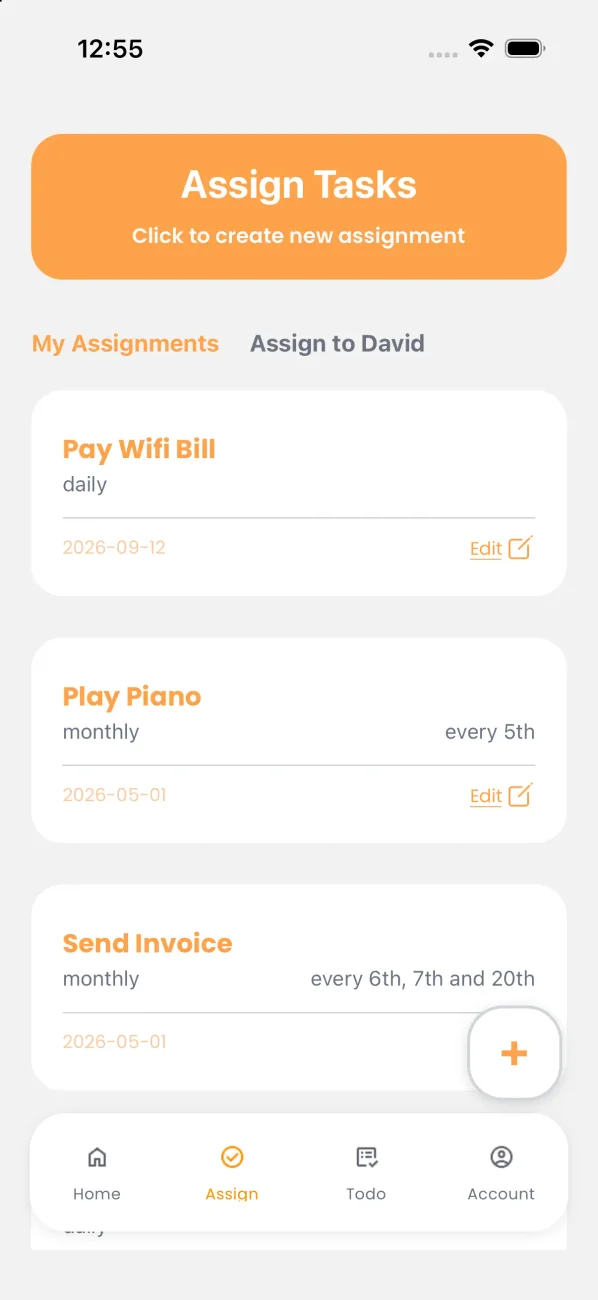
Task Connect is a simple family to-do app. Create a task once, schedule it for yourself or a child, and check it off when the day comes.
It is for parents and guardians who want a clearer chore routine — and for anyone who just wants a personal daily, weekly, or monthly list. You can use it on your own. Child accounts are optional.
HOW IT WORKS
1. Create a Todo
Give it a name, such as “Make the bed”, “Pack the school bag”, or “Read for 20 minutes”. You can add a short note if you like. Save it once and reuse it whenever you need.
2. Assign it
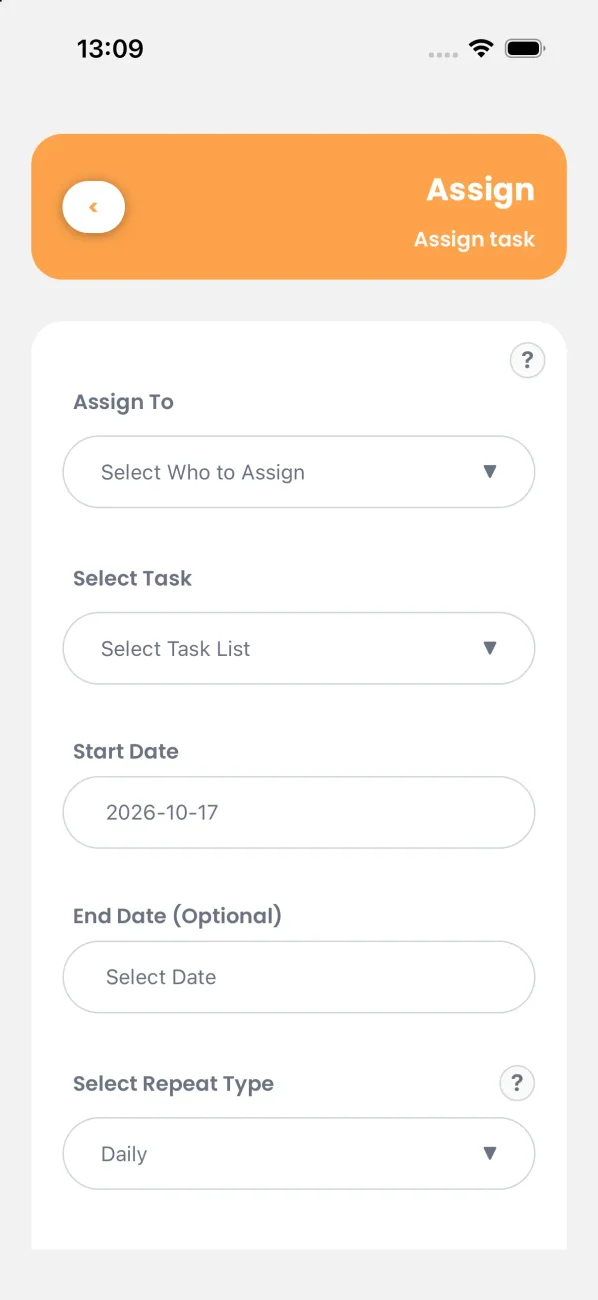
Choose who it is for — yourself, or a child, if you have added a child account. Pick a start date. Add an end date if the routine should stop, or leave the end date empty so it keeps going. Then choose how often it repeats.
3. Check it off
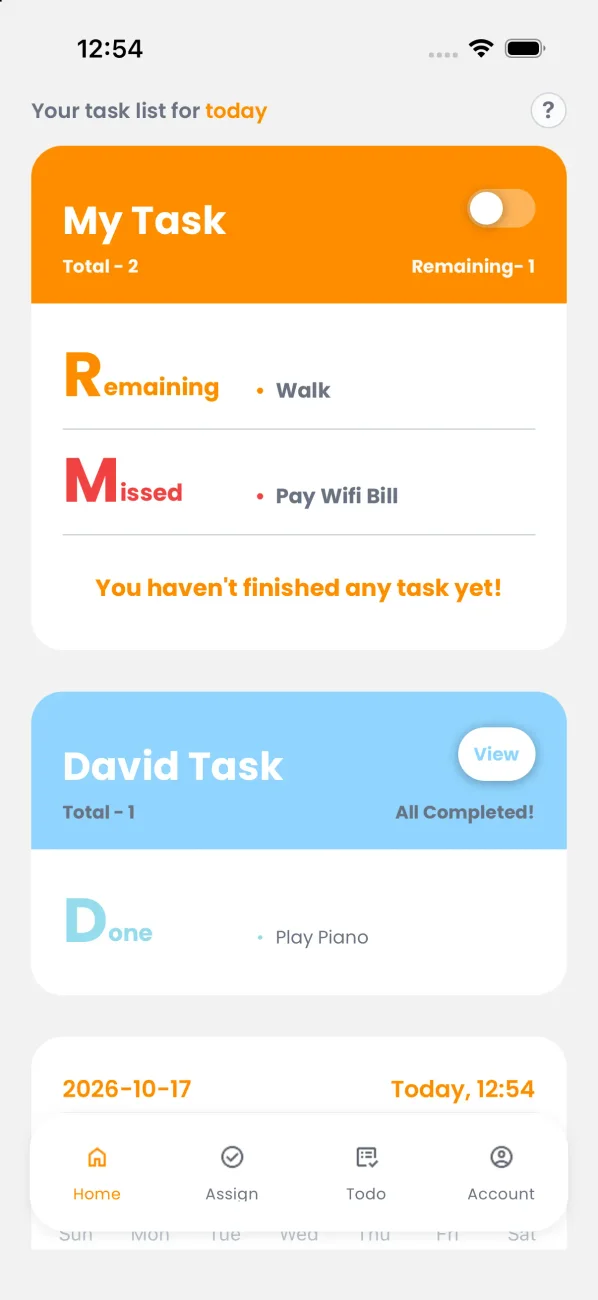
On Home, pick a day on the calendar and open that day’s list. Tap a task when it is done. Tap again if you need to undo. That only marks that one day — the original Todo and the schedule stay as they are.
SCHEDULES THAT MATCH REAL LIFE
• Daily — the task appears every day.
• Weekly, chosen weekdays — for example every Monday, Wednesday, and Friday.
• Weekly, any days this week — for example “do this 3 days this week”, on whichever days actually work.
• Monthly, chosen dates — for example the 5th and the 12th every month.
• Monthly, chosen weekdays — the same weekdays each month.
• Monthly, any days this month — for example “do this 4 days this month”, on any days you choose.
When a week or month quota is finished, leftover “still to do” items for that period go away. Finished items stay visible. A new week starts on Sunday. A new month follows the calendar month.
If you do not set an end date, upcoming days continue to appear over time, so you do not have to recreate the same routine every week.
HOME AND THE CALENDAR
Parents see their own tasks and a card for each child who has something that day. Each card shows how many are done and how many are still remaining. Tap a card to open the full list for that day.
On the calendar:
• Orange — the day you selected
• Light orange — every task that day is done
• Grey — some tasks are still remaining
• No colour — nothing scheduled that day
Upcoming future tasks are not shown on the calendar. Tap a date to see that day’s list.
CHILD ACCOUNTS
From Account, you can add a child with a name, a login username, and a password. Email and date of birth are optional.
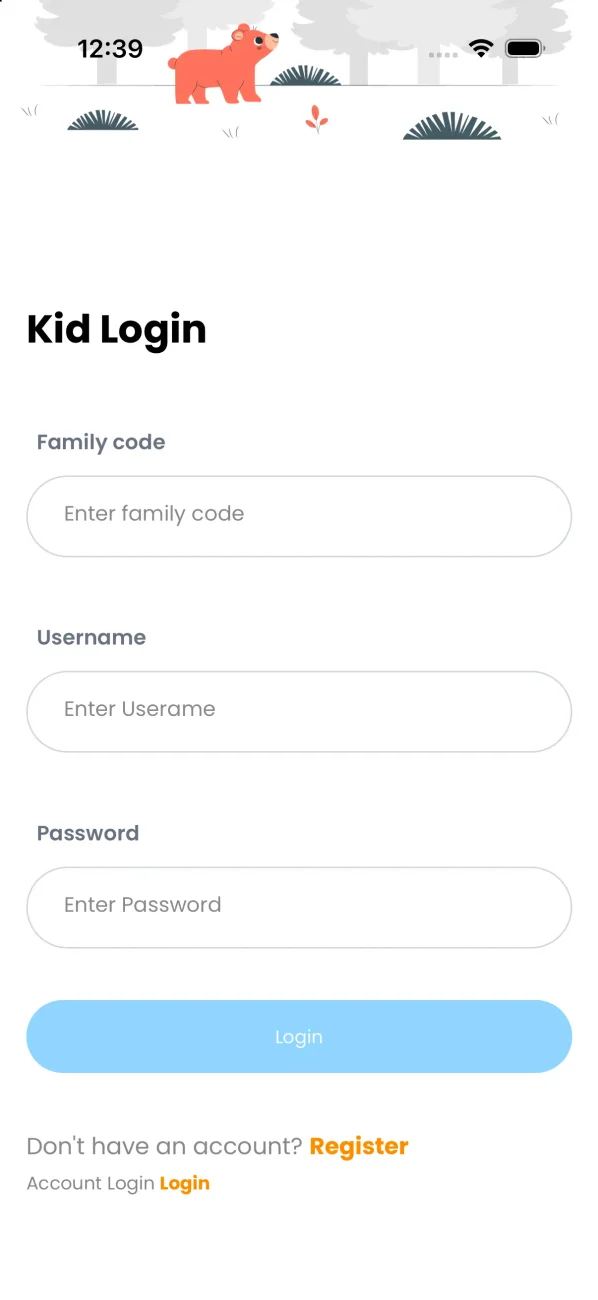
Children log in on a separate Kid Login screen with that username and password — not with the parent email. They only see their own tasks. They can mark today’s items done, see their schedule, and update their profile. They cannot create or change the family routine.
When a child finishes every task for today, a congratulations message appears.
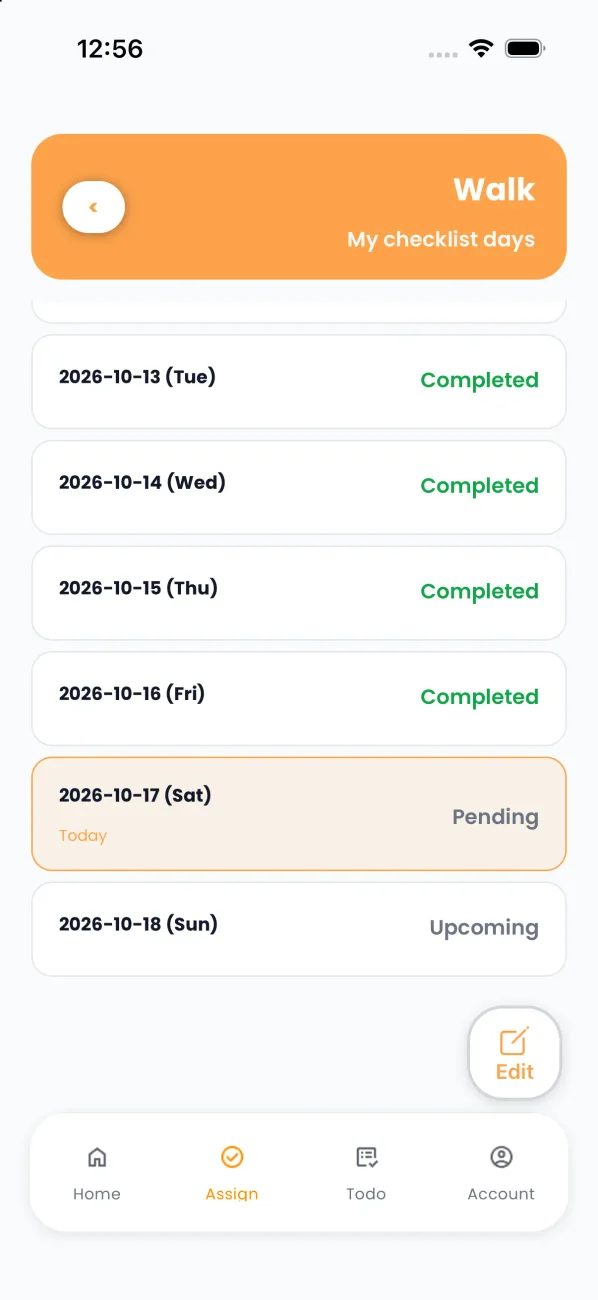
You can pause a schedule when life gets busy, or end it when it is no longer needed. Opening an assignment shows a timeline of past, today, and upcoming days.
REMINDERS AND HELP
If tasks are still remaining, Task Connect can remind you at 12:00, 20:00, and 23:00. You can turn notifications on in System Settings.
Need a walkthrough? On Home, tap the "?" button. While you are assigning a task, help is there for Repeat Type and Repeat Mode too.
If the internet drops, you can still view recently saved lists. Marking a task done needs a connection.
SIGN IN
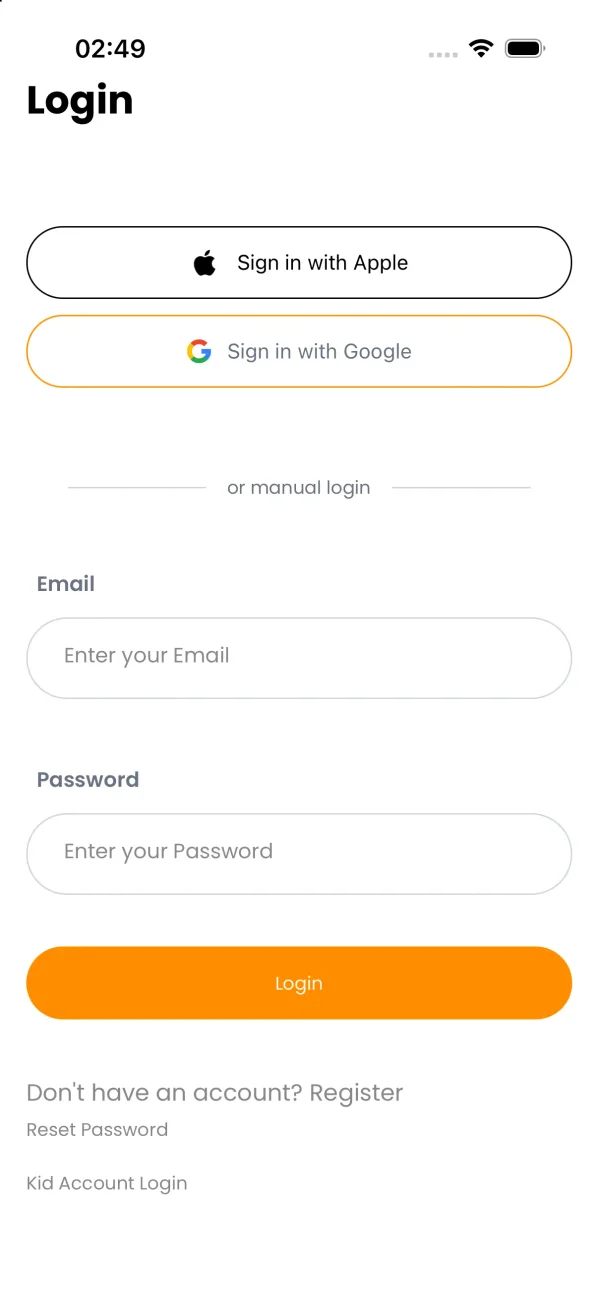
• Parent: email and password, or Google. New accounts are confirmed by email.
• Child: username and password created by the parent.
Storyset designs illustrations used in this app.
Privasi aplikasi
Yang dinyatakan Saw Daniel di App Store tentang cara aplikasi ini menangani data.
-
Data yang ditautkan dengan Anda
Dapat dikumpulkan dan ditautkan dengan identitas Anda.
- Info kontak
- Konten pengguna
- Pengenal
- Diagnostik
Praktik privasi dapat bervariasi, misalnya berdasarkan fitur yang Anda gunakan atau usia Anda.
Informasi
- Penjual
- Saw Daniel
- Kategori
- Produktivitas
- Versi
- 1.0
- Diperbarui
- 6/11/2026
- Dirilis
- 6/11/2026
- Ukuran
- 56,8 MB
- Memerlukan
- iOS 16.4 atau yang lebih baru
- Batasan usia
- 4+
- Harga
- Gratis
- Bahasa
- Inggris
- Hak cipta
- © 2026 STUDIOnine5. All rights reserved.