
Thermal State
Know when your phone throttles
Dirancang untuk iPhone, iPad
Gratis · Pembelian dalam aplikasi
- Batasan usia4+
- KategoriKegunaan
- PengembangJonathan David Mayfield
- BahasaInggris+ 8 lainnya
- Ukuran5,5 MB
Tertaut ke halaman resmi App Store
Download.org tidak menyimpan file Thermal State apa pun. Tombol ini membuka halaman aplikasi di App Store, tempat Jonathan David Mayfield menerbitkannya. Halaman terakhir diperiksa pada 23/11/2026.
Tangkapan layar
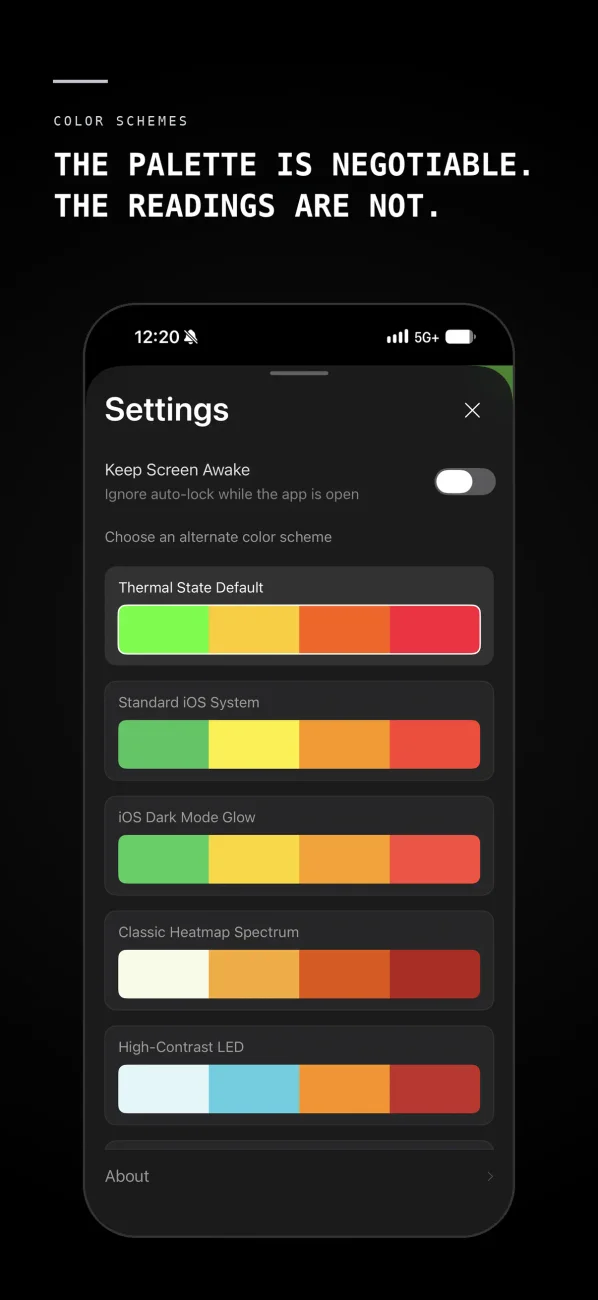

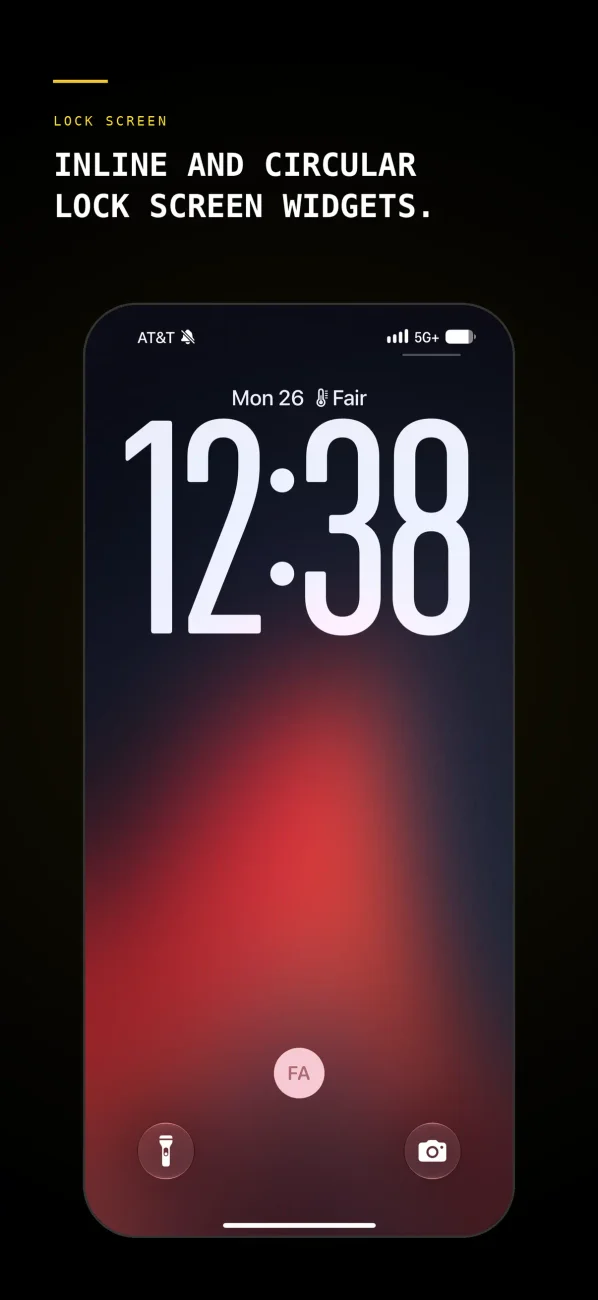
Tentang
Pengembang belum menyediakan teks ini dalam bahasa Anda.
Your iPhone manages heat quietly. It slows the processor, dims the screen, pauses background work, and never mentions it.
Thermal State mentions it.
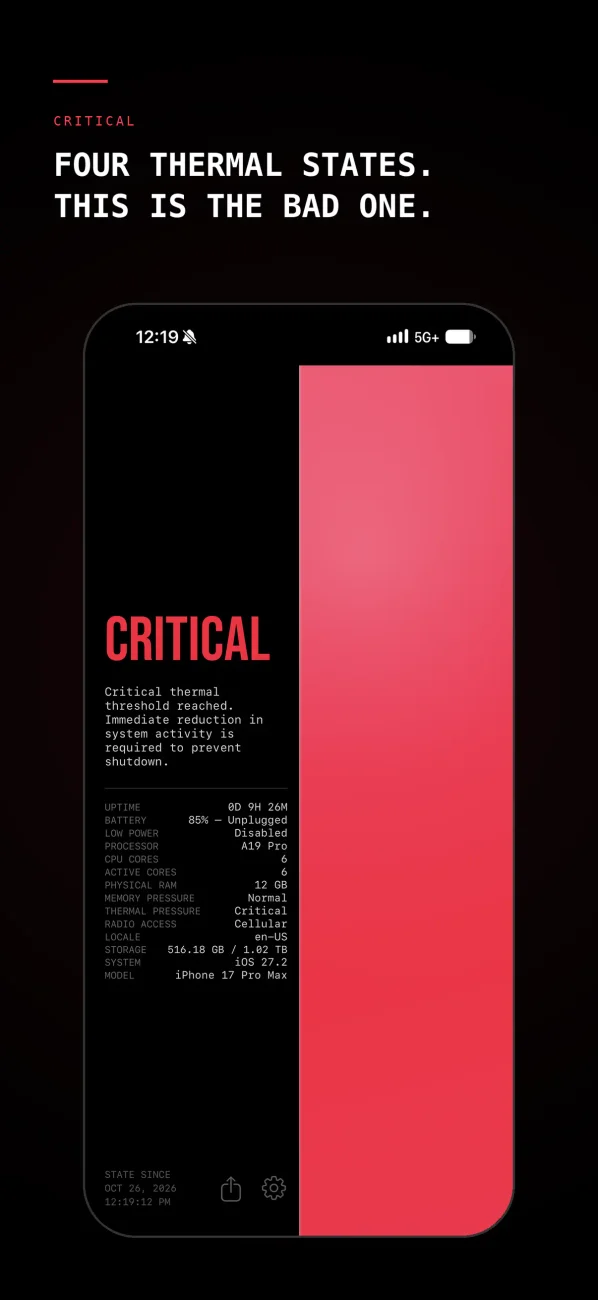
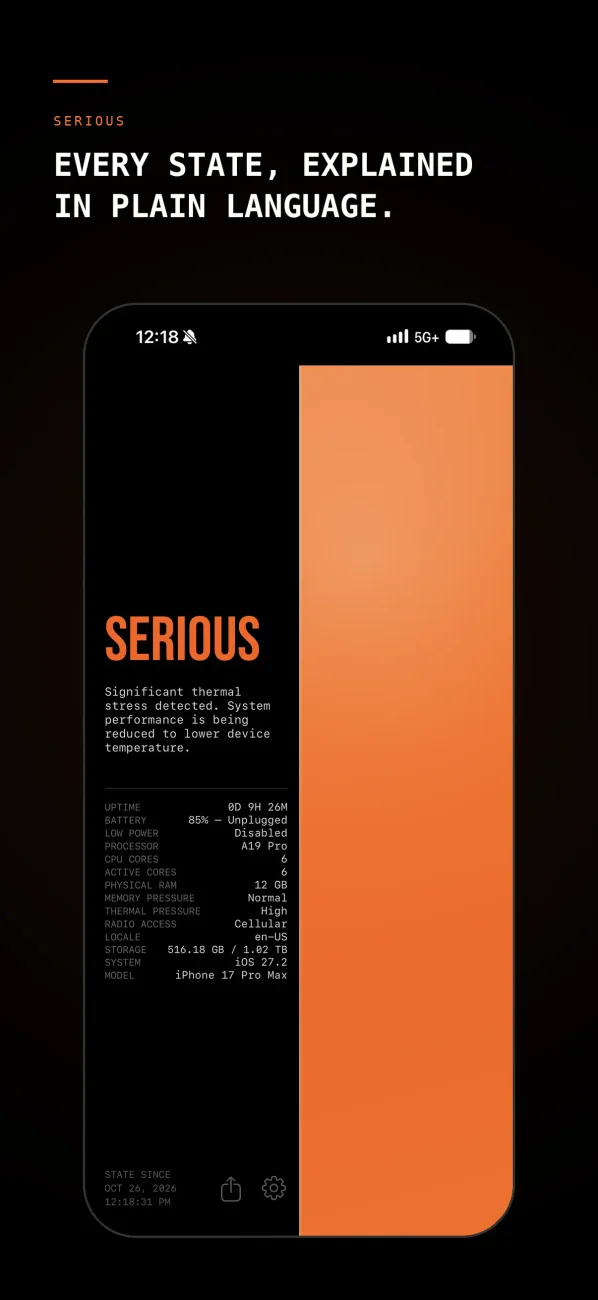
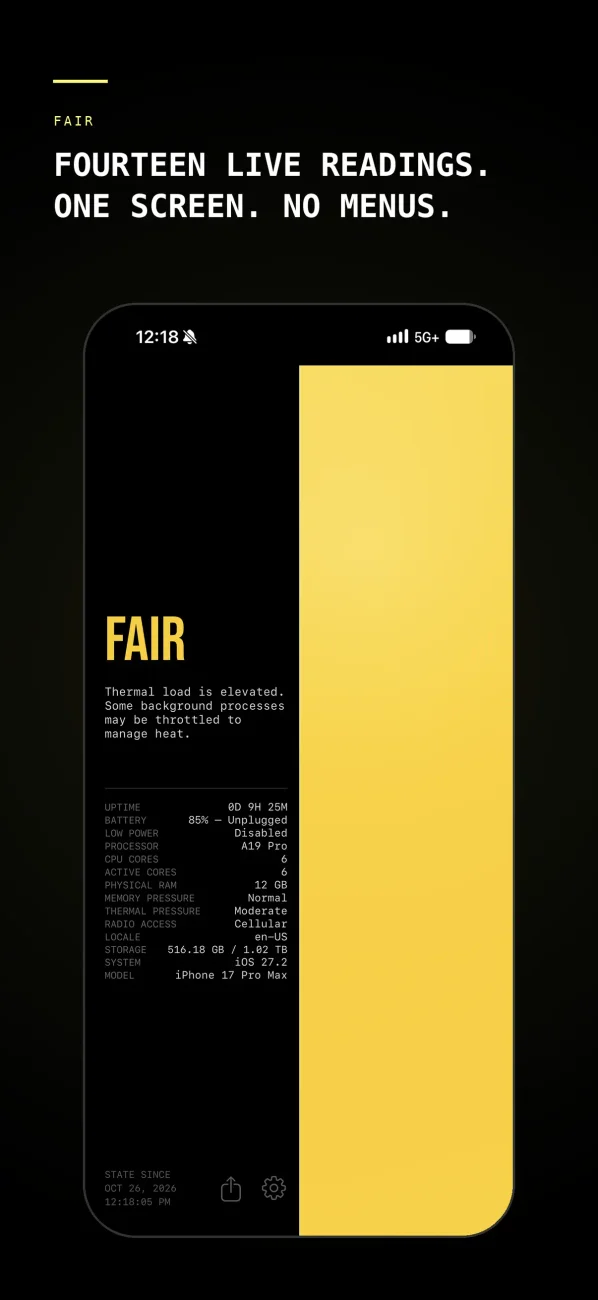
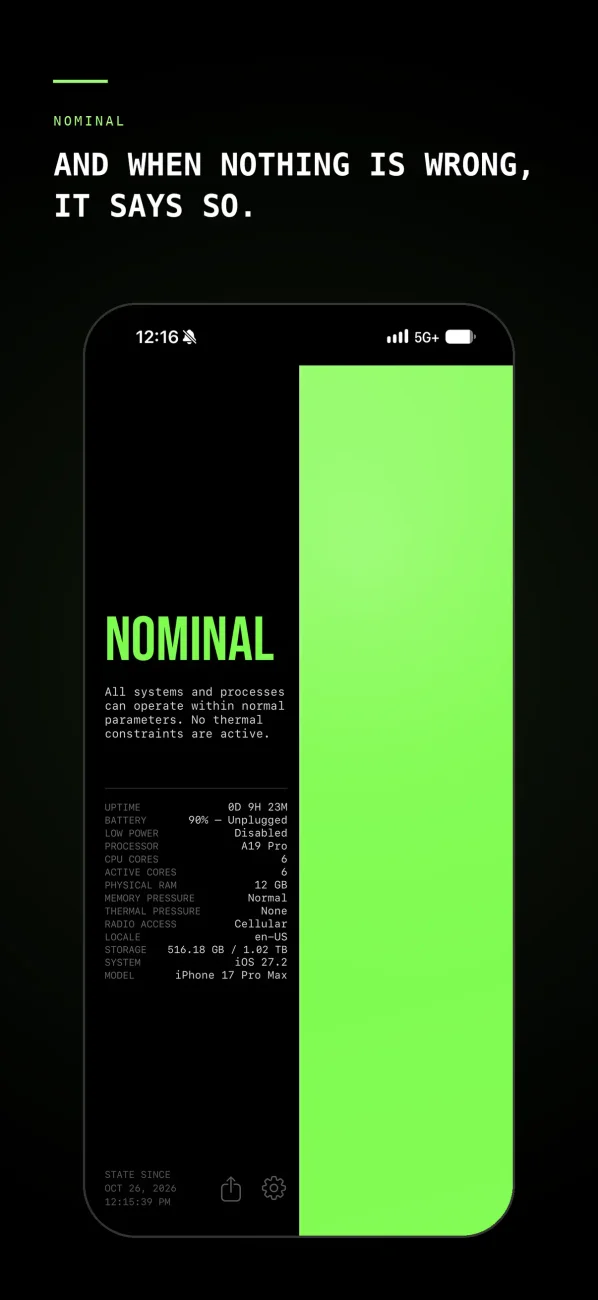
The app reads the thermal state iOS itself uses to make those decisions — Nominal, Fair, Serious, Critical — and puts it on one screen, in one color, with a plain-language explanation of what the system is doing and what you are likely to notice.
ON THE SCREEN
- The current thermal state, in full color
- What that state means and what it affects
- Thermal pressure and memory pressure
- Uptime
- Battery level and charging status
- Low Power Mode
- Processor, CPU core count, and active cores
- Physical RAM
- Radio access type
- Available storage and total capacity
- System version, device model, and locale
- The time the current state began
- An option to keep the screen awake while the app is open
COLOR SCHEMES
The four state colors are a default, not a requirement. Swap them for another palette — including one that trades green and yellow for white and cyan, for anyone who doesn't read green as calm.
WIDGETS
Home Screen: a Medium widget showing the state, its color, battery level, Low Power Mode, and uptime.
Home Screen and CarPlay: a Small widget that fills with the current state's color.
Lock Screen: inline and circular widgets, so the state is there before you unlock.
WHAT IT DOES NOT DO
It does not report degrees. iOS does not make a temperature reading available to apps. What it does make available is the four-state assessment the system acts on — which is the reading that actually predicts what your phone will do next.
It does not cool your phone down. No app can. It tells you when your phone is cooling itself, and how hard it is working at it.
PRIVACY
No account. No sign-in. Anonymous analytics only: a device identifier, interaction events, and coarse device state such as orientation and charging, not linked to your identity and never used for tracking.
Free. No subscription, no ads, nothing to unlock.
Yang baru
Versi 1.2 · 23/11/2026
Two more languages, and one new shape.
Thermal State now speaks German and Brazilian Portuguese, in the app and in its widgets.
On iPhone Duo, the fold becomes the dividing line: readings on one page, color on the other, whichever way you turn it. Stand it half folded on a desk and the upright half shows the state large enough to read from across the room, with the readings on the half lying flat.
Closed, it looks the way it always has.
Privasi aplikasi
Yang dinyatakan Jonathan David Mayfield di App Store tentang cara aplikasi ini menangani data.
-
Data yang tidak ditautkan dengan Anda
Dapat dikumpulkan, tetapi tidak ditautkan dengan identitas Anda.
- Pembelian
- Data penggunaan
- Diagnostik
Praktik privasi dapat bervariasi, misalnya berdasarkan fitur yang Anda gunakan atau usia Anda.
Informasi
- Penjual
- Jonathan David Mayfield
- Kategori
- Kegunaan
- Versi
- 1.2
- Diperbarui
- 23/11/2026
- Dirilis
- 16/10/2026
- Ukuran
- 5,5 MB
- Memerlukan
- iOS 17.0 atau yang lebih baru
- Batasan usia
- 4+
- Harga
- Gratis
- Pembelian dalam aplikasi
- Ya
- Bahasa
- Inggris, Arab, Jerman, Portugis, Rusia, Tionghoa Sederhana, Spanyol, Tionghoa Tradisional, Ukraina
- Hak cipta
- © 2026 Quiet Apps
Mungkin Anda juga suka
-
 Countdowns AI Plus: Hari LagiWidget Hitung Mundur & Timer
-
 Core Pulse - CPUKegunaan
-
 Truegauge: Phone TemperatureKegunaan
-
 SignalScout Cell Tower LocatorKegunaan
-
 Foldometer: Fold Angle GaugeKegunaan
-
 Is It Hot? – Thermal CheckKegunaan
-
 Phone Doctor Pro - CleanerKegunaan
-
 BitMeter: Data Usage WidgetKegunaan
-
 Eluna Media: konverter videoOffline, tanpa iklan
-
 Thermomator: Heat MonitorKegunaan