TimeBlocks - Mobile Planner
Schedule Smarter,Fewer Touches
Dirancang untuk iPhone, iPad
Gratis · Pembelian dalam aplikasi
- Batasan usia17+
- KategoriProduktivitas
- PengembangTimeBlocks, inc.
- BahasaInggris+ 3 lainnya
- Ukuran141,9 MB
Tertaut ke halaman resmi App Store
Download.org tidak menyimpan file TimeBlocks - Mobile Planner apa pun. Tombol ini membuka halaman aplikasi di App Store, tempat TimeBlocks, inc. menerbitkannya. Halaman terakhir diperiksa pada 14/11/2026.
Tangkapan layar
Tentang
Pengembang belum menyediakan teks ini dalam bahasa Anda.
Organize your time, Simply in one place
TimeBlocks is a mobile planner that enables smart time management through simple and easy interface.
[Detailed functions]
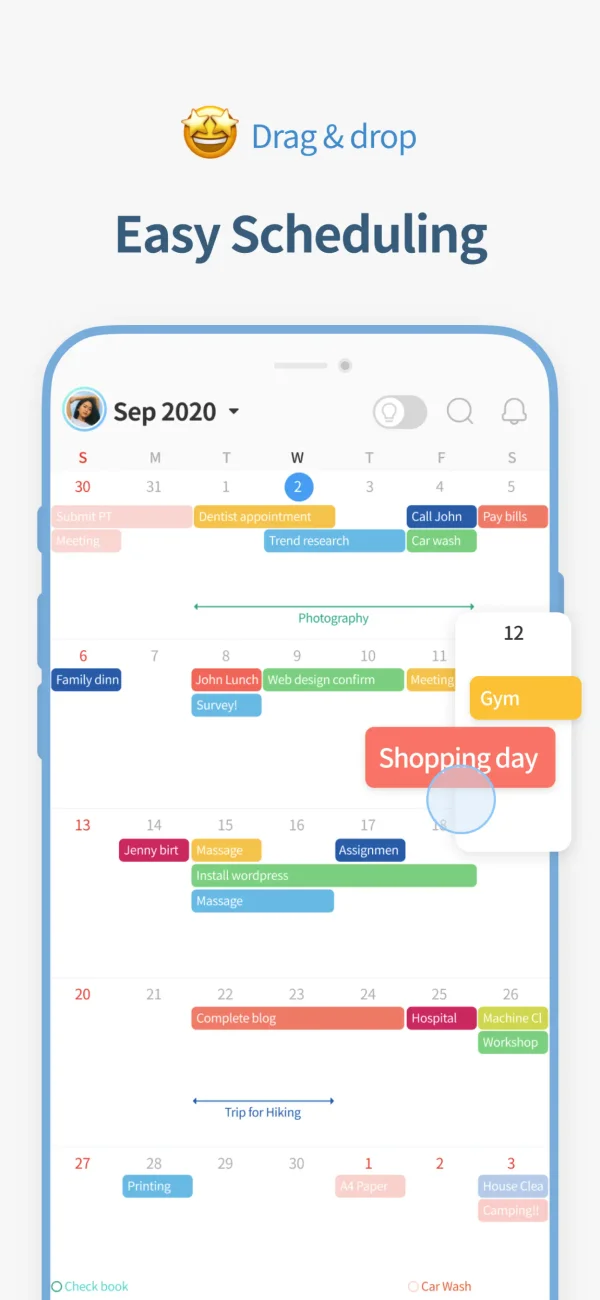
● Intuitive schedule management, Calendar
• Use it easily just like a paper diary through intuitive drag & drop action.
• Screen enlarges according to number of schedules, so you can view the schedules at a glance like a calendar.
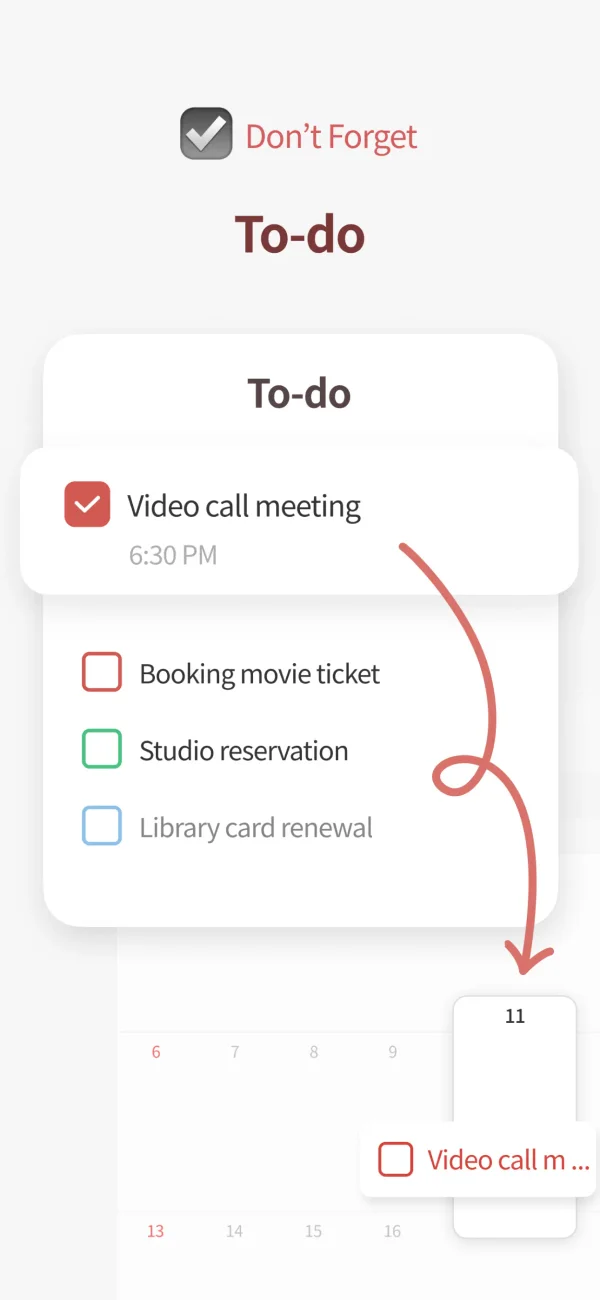
● Don’t forget, To-do
• Manage your trivial tasks on To-do list.
• Incomplete tasks are moved to the next day to help you remember.
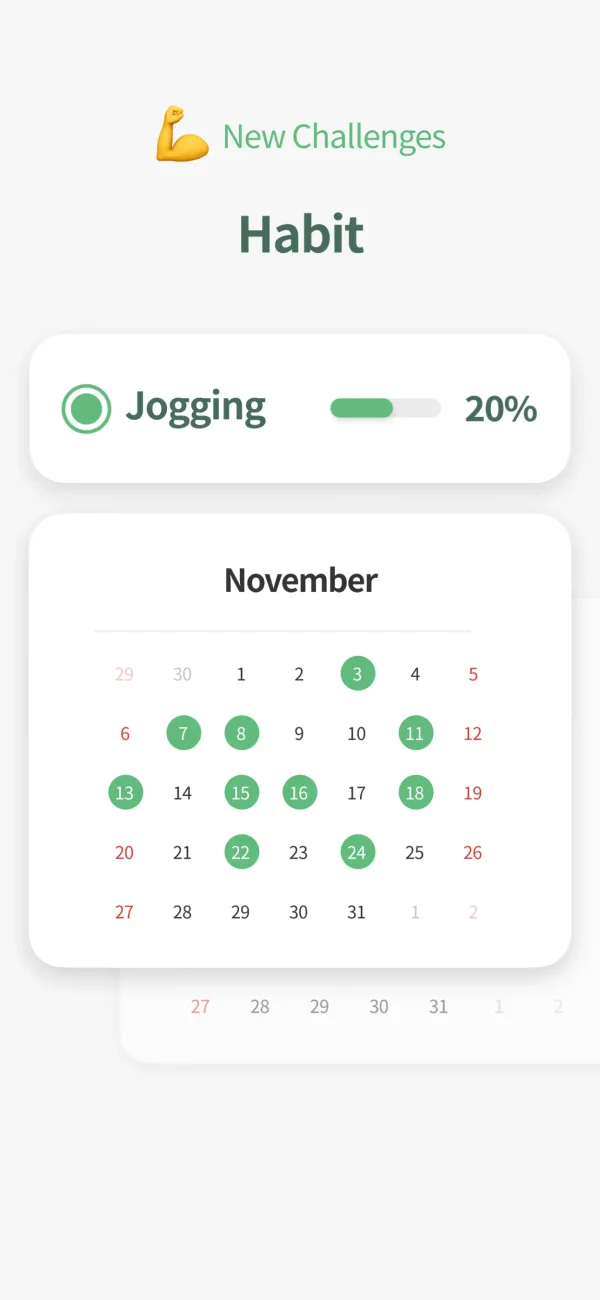
● New challenges, Habit
• Manage new habits in Habit list.
• You can find your habit records in Habit Mini Calendar.
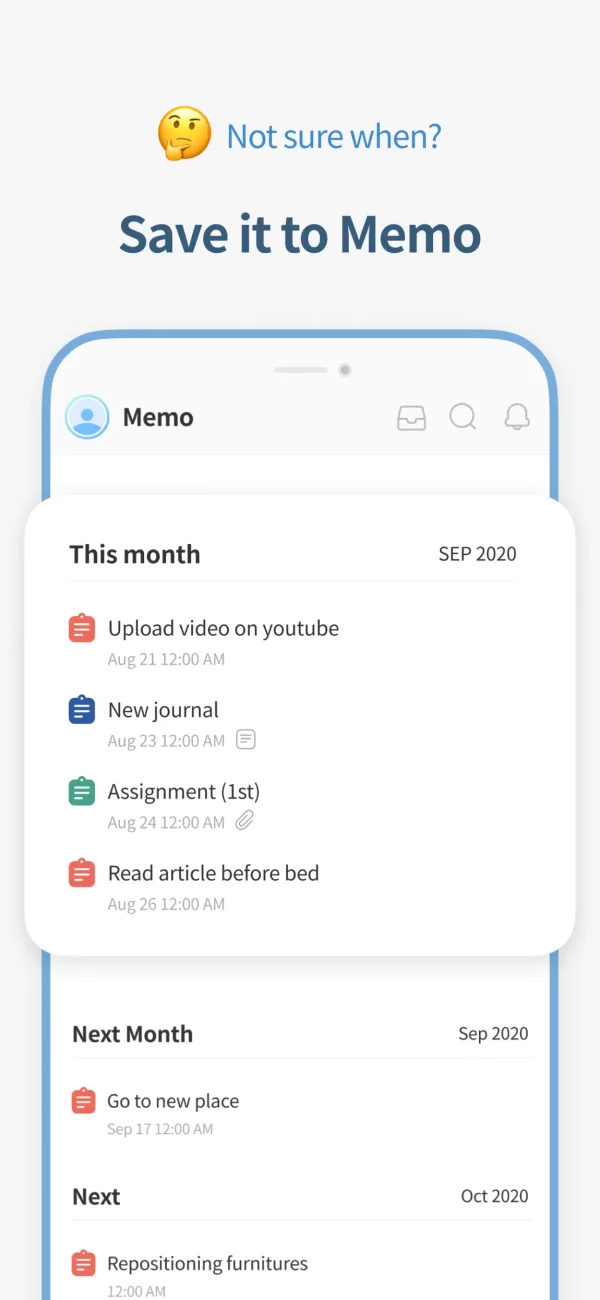
● Whenever it may be, Memo
• If there are plans that you can’t fix the time right now, keep it in Memo and plan it later.
• You can organize memos by month to set up general plans.
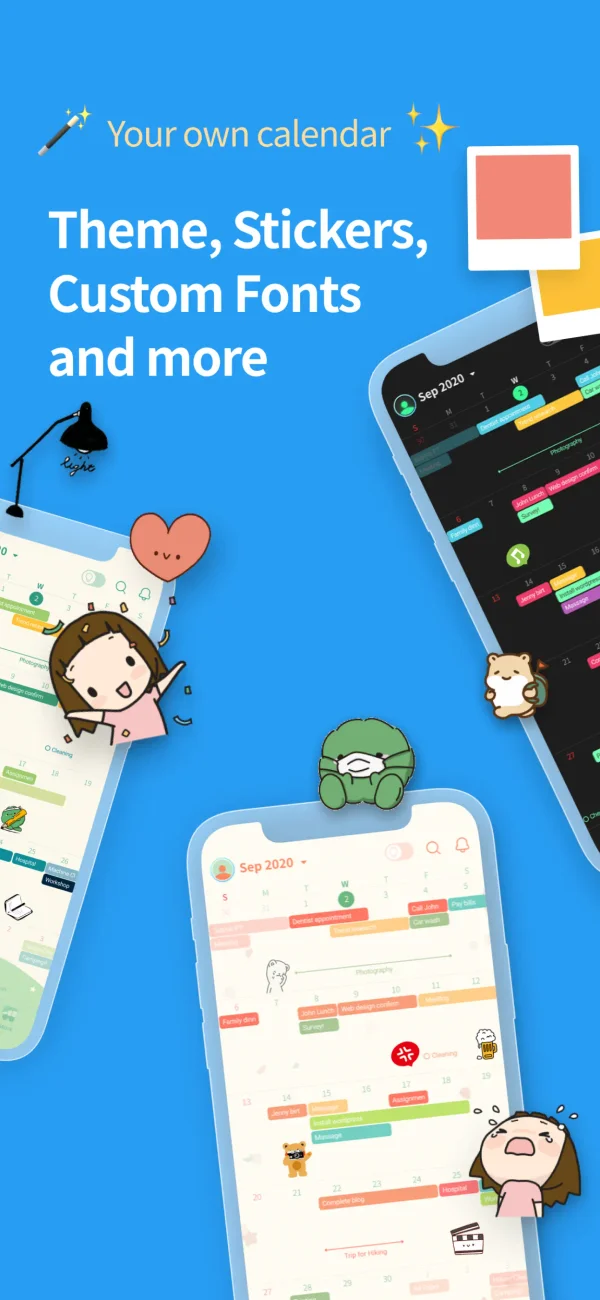
● Themes, stickers, and wallpapers for decoration
• You can decorate the diary on the app. TimeBlocks in-app store provides colors, stickers, masking tapes (date background), themes, and fonts for you to decorate your own calendar.
• You can find decoration items by unique artists and design companies that are working with TimeBlocks.
● Anniversary
• You manage birthdays, holidays, and anniversaries, etc.
• It supports both solar and lunar calendars.
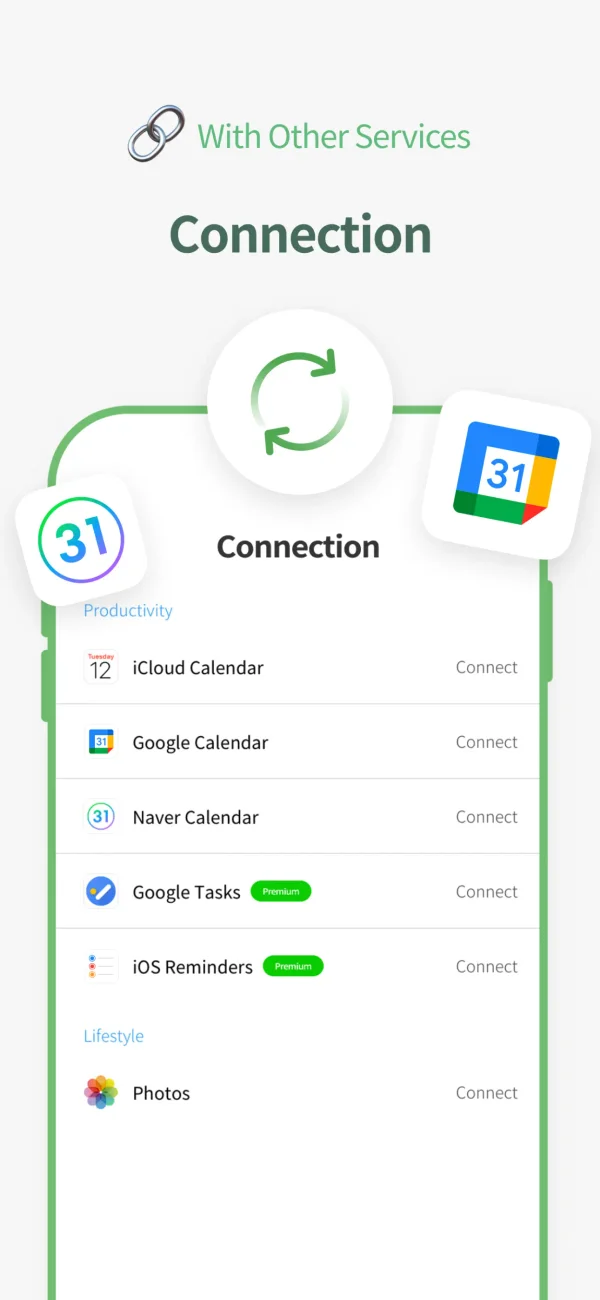
● Together with other services, Connection
• Did you use another calendar before? You can easily connect it through Connection service.
• It can link to Google, Apple, Naver calendars, Google Keep, and Apple Reminders.
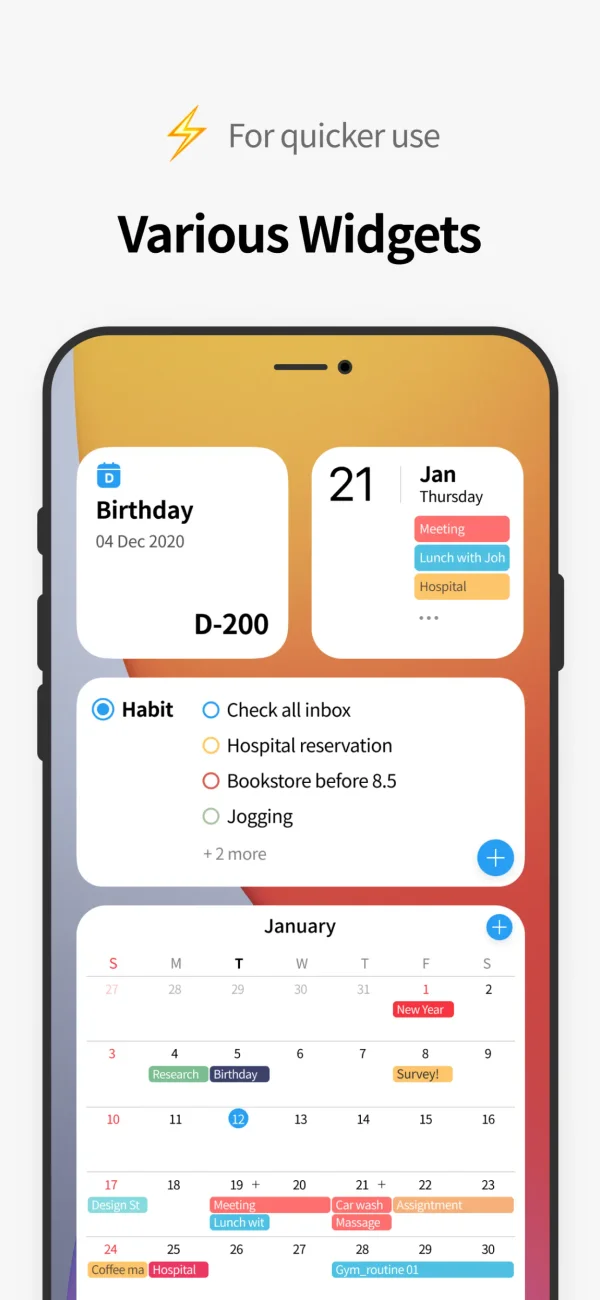
● For faster use, various widgets
• You can access various functions in TimeBlocks through widgets.
• It provides various widgets including monthly calendar, weekly calendar, today’s list, habit list, to-do list, etc.
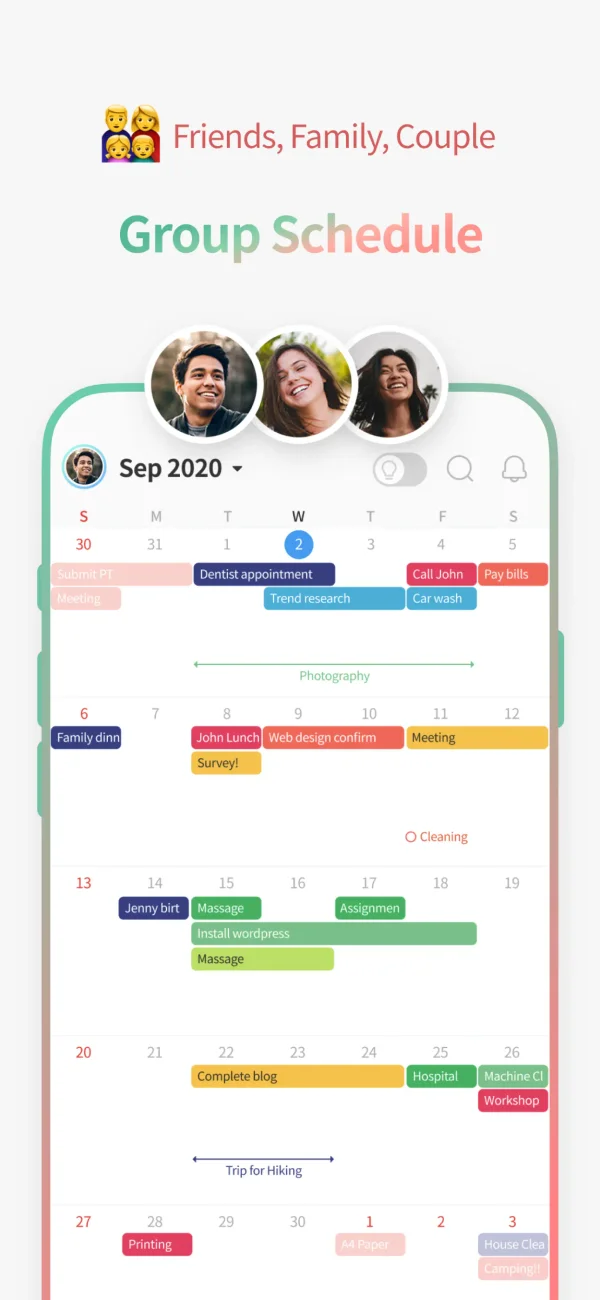
● Group schedule for friends, family, loved ones
• You can share your group schedule with friends, family, and loved ones.
• You can designate different access level by participants, and receive real-time alarms in case of changes.
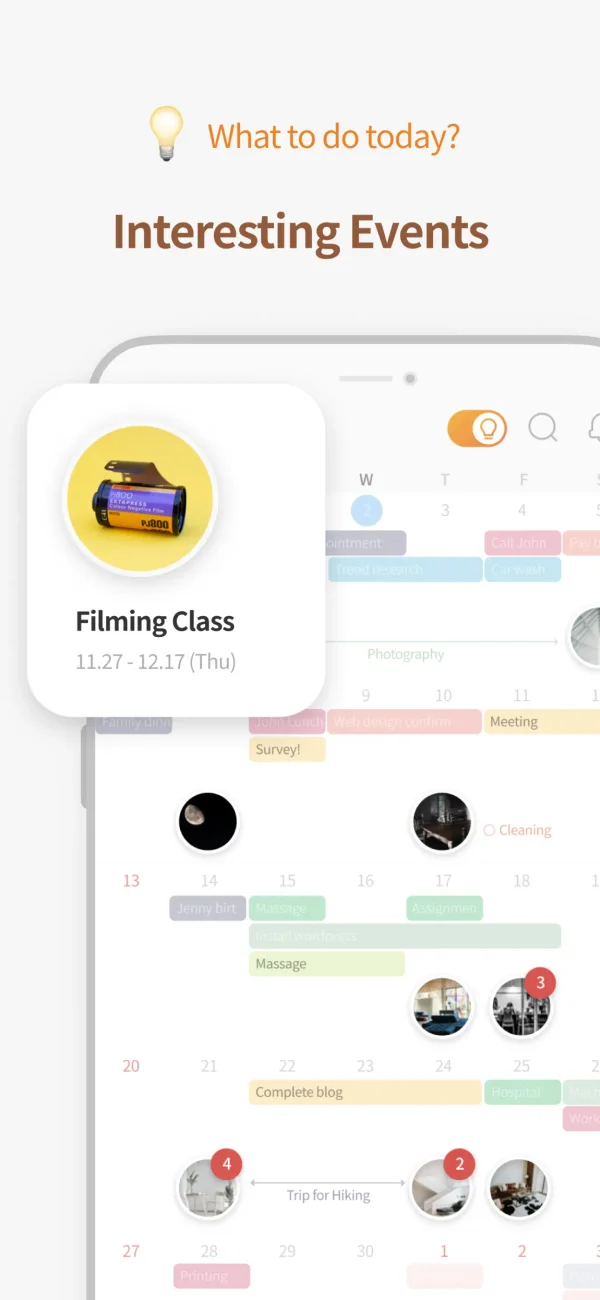
● What to do today? Event recommendations
• Weekends, after work, after school… what do you do after your busy schedule?
• TimeBlocks recommends various events based on user’s interest to spend time well.
• You can add recommended events to the Calendar or save in Memo.
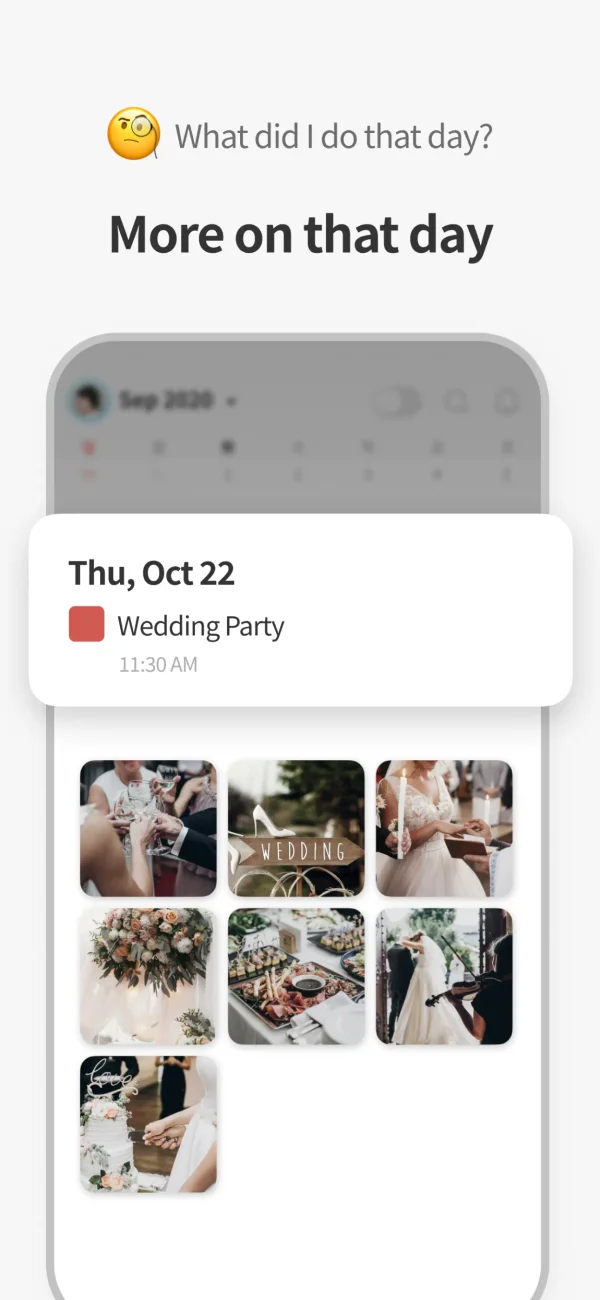
● What did I do today? Other information of the day
• You can check various activity logs in the past along with the schedule.
• You can link to the current photo app to find photos taken on that day along with the schedule.
● World’s first contact-free 1:1 Time management coaching (to be released)
• Time management coach understands user’s time management tyle and helps 1:1 to find an appropriate time management method.
• It is recorded in calendar-based time log screen, and provides feedbacks, 1:1 coaching, community, and report.
● Better time management with TimeBlocks Premium
TimeBlocks Premium provides powerful functions for better time management.
Improve your productivity through 1-month free trial.
• Interval Marker
• To-do in Calendar
• Habit in Calendar
• Date Countdown
• Remove Ads
• Auto Sync
• Alert Setting
• Search All Period
• To-do’s % Complete
• File Attachment
• Color Label
• Memo Scheduling
• Memo Alert
• Support for All Connections
• Bonus Coins
• Coaching Price Discount
● Authorization for app use and purpose
• Alarm: Schedule alarm and push alarm
• Calendar: Used to import schedules from iOS calendar.
• Contact: Used for attendees in the schedule.
• Location: Location information in schedule, or weather information of current location in calendar.
• Reminder: Synchronize with iOS Reminder.
• Photo: Photos in Other information of the day.
• Biometrics: Used for biometrics login.
• Camera: Profile photo for the account.
● Terms of use
• https://timeblocks.com/legal/terms
● Privacy policy
• https://timeblocks.com/legal/privacy
● Customer support
• Developer: TimeBlocks, Inc.
• E-mail: support@timeblocks.com
Yang baru
Versi 6.4.7 · 10/11/2026
• Minor performance improvements
Privasi aplikasi
Yang dinyatakan TimeBlocks, inc. di App Store tentang cara aplikasi ini menangani data.
-
Data yang digunakan untuk melacak Anda
Dapat digunakan untuk melacak Anda di aplikasi dan situs web milik perusahaan lain.
- Info kontak
- Konten pengguna
- Pengenal
- Data penggunaan
-
Data yang tidak ditautkan dengan Anda
Dapat dikumpulkan, tetapi tidak ditautkan dengan identitas Anda.
- Pembelian
- Lokasi
- Info kontak
- Kontak
- Konten pengguna
- Pengenal
- Data penggunaan
- Diagnostik
- Data lainnya
Praktik privasi dapat bervariasi, misalnya berdasarkan fitur yang Anda gunakan atau usia Anda.
Informasi
- Penjual
- TimeBlocks, inc.
- Kategori
- Produktivitas
- Versi
- 6.4.7
- Diperbarui
- 10/11/2026
- Dirilis
- 13/11/2014
- Ukuran
- 141,9 MB
- Memerlukan
- iOS 16.0 atau yang lebih baru
- Batasan usia
- 17+
- Harga
- Gratis
- Pembelian dalam aplikasi
- Ya
- Bahasa
- Inggris, Jepang, Korea, Tionghoa Sederhana
- Hak cipta
- © TimeBlocks, inc.
Mungkin Anda juga suka
-
 Naver CalendarProduktivitas
-
 Planit: Calendar & To-Do ListProduktivitas
-
 Across: Calendar, Your WayProduktivitas
-
 todo mate: To-Do List, RoutineProduktivitas
-
 BlockyTime Lite - Time TrackerProduktivitas
-
 TimeBloc - Daily PlannerProduktivitas
-
 타임스프레드: 구독캘린더, 최애 일정, 시간표, 캘린더Produktivitas
-
 Eisenhower Matrix: Todo & TaskProduktivitas
-
 Sorted³ - Calendar Notes TasksProduktivitas
-
 Time Blocking Planner — ArcushProduktivitas