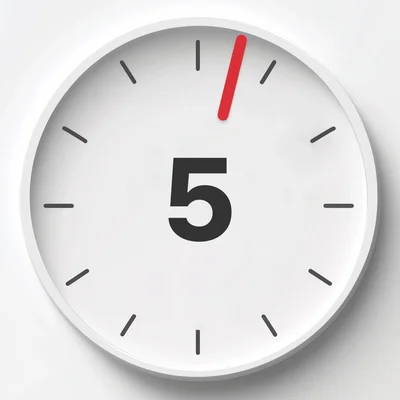
Timer - Dial & Stopwatch
Drag to set. Let go to start.
Dirancang untuk iPhone
Gratis · Pembelian dalam aplikasi
- Batasan usia4+
- KategoriKegunaan
- PengembangHumberto Prado Ballesteros
- BahasaInggris
- Ukuran2,9 MB
Tertaut ke halaman resmi App Store
Download.org tidak menyimpan file Timer - Dial & Stopwatch apa pun. Tombol ini membuka halaman aplikasi di App Store, tempat Humberto Prado Ballesteros menerbitkannya. Halaman terakhir diperiksa pada 22/11/2026.
Tangkapan layar
Tentang
Pengembang belum menyediakan teks ini dalam bahasa Anda.
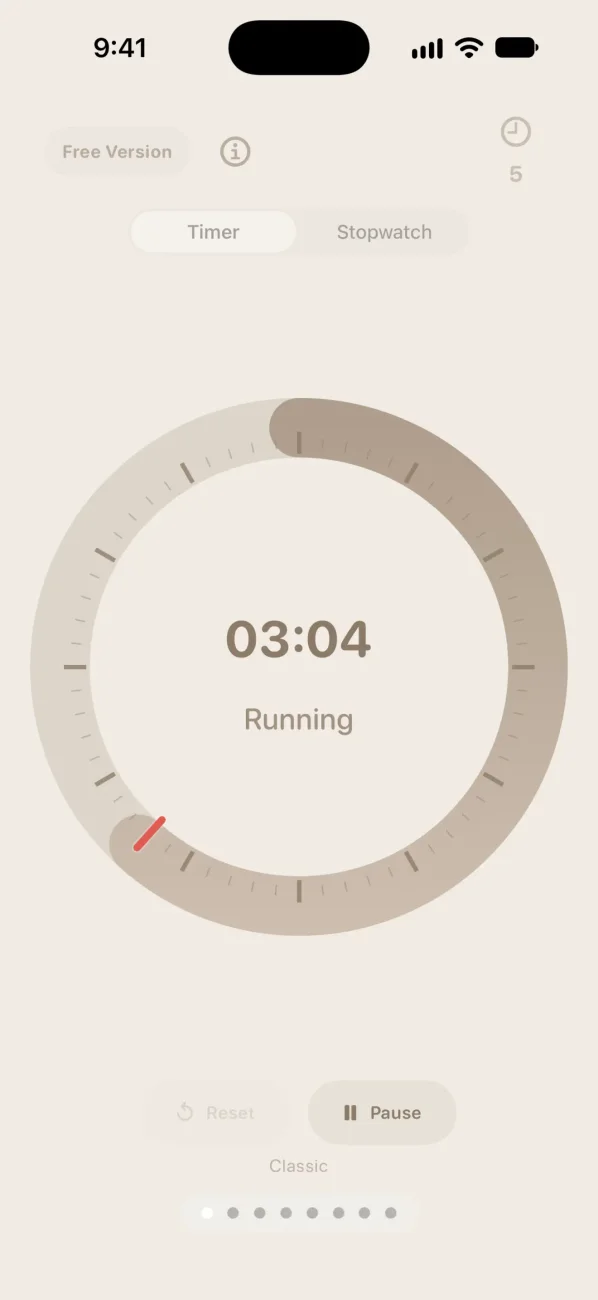
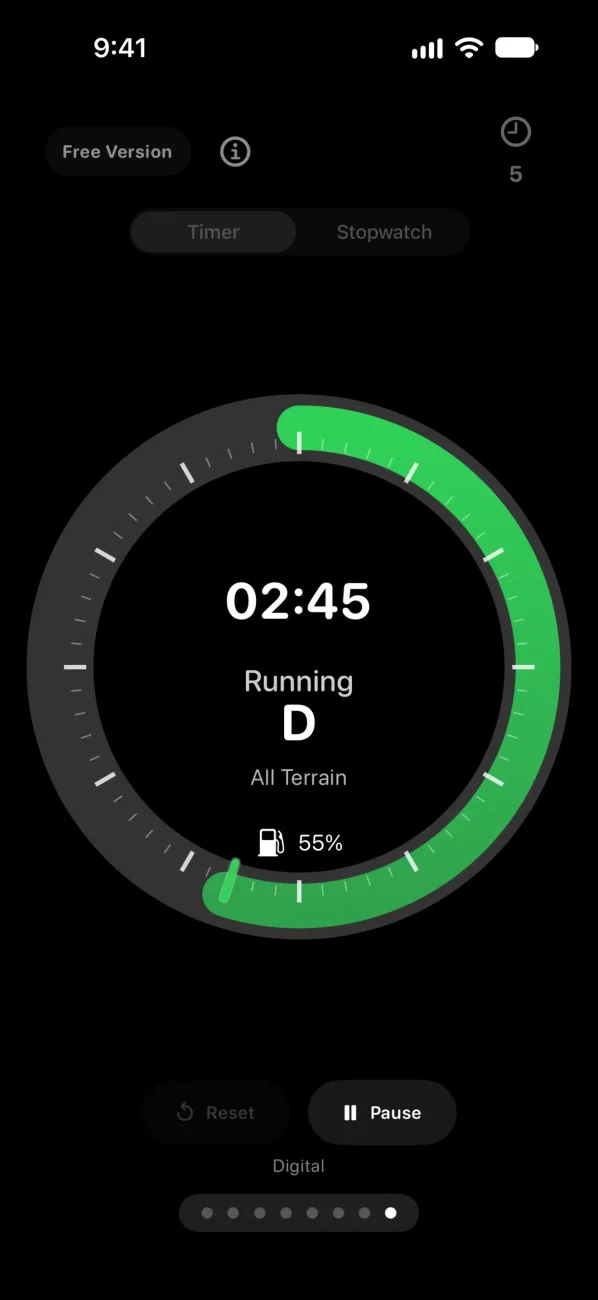
Timer turns a countdown into a dial. Drag around the dial to set the time, let go, and it starts.
No ads. No subscriptions. No account.
WHAT SETS IT APART:
• Drag to set, release to start
• 8 dial faces: Classic, Monochrome, Speedometer, Pink Minimal, Dark Mode, Metallic, Geometric and Digital
• 5 ways to read a timer: minutes and seconds, seconds, tenths, percent, or hidden
• Dial ranges of 5, 15, 30 and 60 minutes
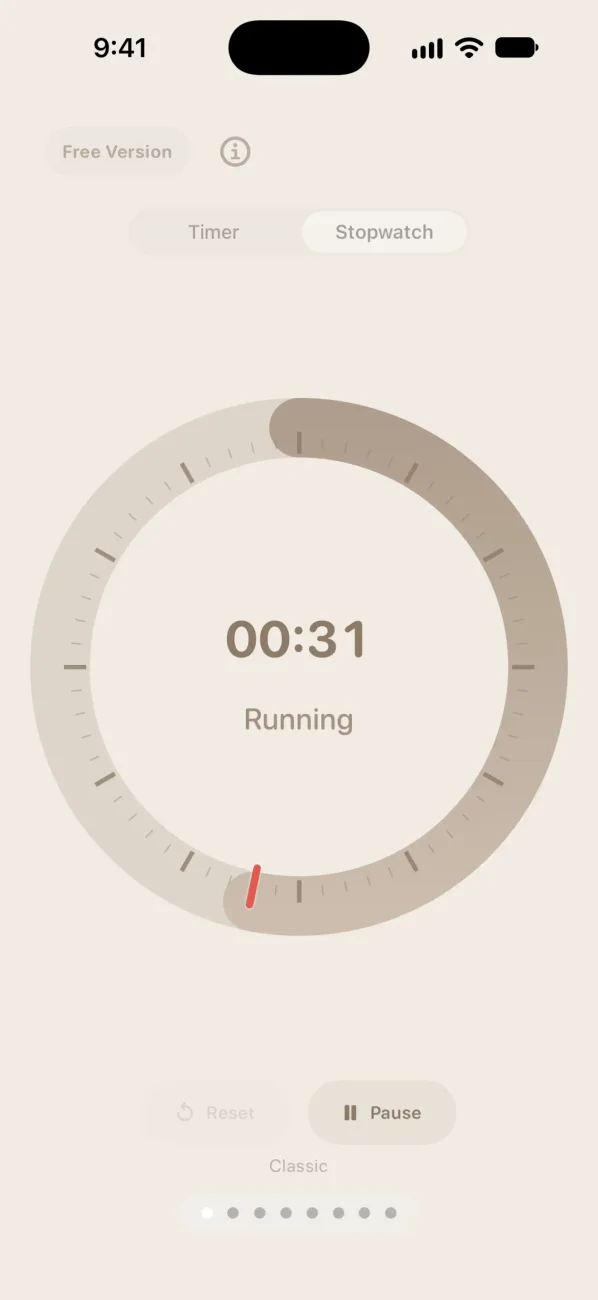
• Stopwatch on the same dial, one turn per minute
• Home Screen and Lock Screen widgets: tap one to start your saved timer without opening the app
• Live Activity on the Lock Screen and in the Dynamic Island
• Split layout for iPhone Duo, with the dial and the controls on either side of the fold
HOW TO USE:
• Drag around the dial to set the time; let go to start
• Double-tap the dial to start or pause
• Tap the time to change its format
• Swipe left or right to change the dial face
• Tap Reset to clear the timer
Get a notification when your timer ends, if you allow notifications. No internet connection needed.
EVERY FEATURE IS FREE:
An optional one-time in-app purchase supports the app and hides the Free Version label. It adds no features.
For cooking, workouts, meditation, study, focus sessions, power naps and more.
Yang baru
Versi 1.4 · 2/11/2026
New About screen with links to the privacy policy and support.
The optional purchase is now described plainly: every feature is free, and it supports the app and hides the Free Version label.
Prices now come straight from the App Store in your currency, and you can try again if the purchase can't load.
The app and its widgets now use one name: Timer.
On iPhone Duo, the inner display now turns: tall, the dial sits above the fold and the controls below it.
Privasi aplikasi
Yang dinyatakan Humberto Prado Ballesteros di App Store tentang cara aplikasi ini menangani data.
-
Data tidak dikumpulkan
Pengembang tidak mengumpulkan data apa pun dari aplikasi ini.
Praktik privasi dapat bervariasi, misalnya berdasarkan fitur yang Anda gunakan atau usia Anda.
Informasi
- Penjual
- Humberto Prado Ballesteros
- Kategori
- Kegunaan
- Versi
- 1.4
- Diperbarui
- 2/11/2026
- Dirilis
- 18/3/2025
- Ukuran
- 2,9 MB
- Memerlukan
- iOS 18.0 atau yang lebih baru
- Batasan usia
- 4+
- Harga
- Gratis
- Pembelian dalam aplikasi
- Ya
- Bahasa
- Inggris
- Hak cipta
- © 2024 Humberto Prado. All rights reserved.
Mungkin Anda juga suka
-
 Minimalistic Visual TimerKegunaan
-
 Countdown Timer - Visual TimerKegunaan
-
 clock4allKegunaan
-
 Nasu: Private TranscriptionKegunaan
-
 Timer of TimeKegunaan
-
 Simple Loop TimerKegunaan
-
 Multiple Timer Countdown AlarmKegunaan
-
 Timer For Workouts - IntervalsKegunaan
-
 Visual Timer - Fokus SimpelInput mudah. Lihat sisa waktu.
-
 Contacts To PDF File ConverterKegunaan