timer & stopwatch
Timers and stopwatches.
Dirancang untuk iPhone, iPad, Mac
Rp 59ribu
- Batasan usia4+
- KategoriKegunaan
- PengembangPedro Ferreira
- BahasaInggris+ 7 lainnya
- Ukuran6,6 MB
Tertaut ke halaman resmi App Store
Download.org tidak menyimpan file timer & stopwatch apa pun. Tombol ini membuka halaman aplikasi di App Store, tempat Pedro Ferreira menerbitkannya. Halaman terakhir diperiksa pada 20/11/2026.
Tangkapan layar


Tentang
Pengembang belum menyediakan teks ini dalam bahasa Anda.
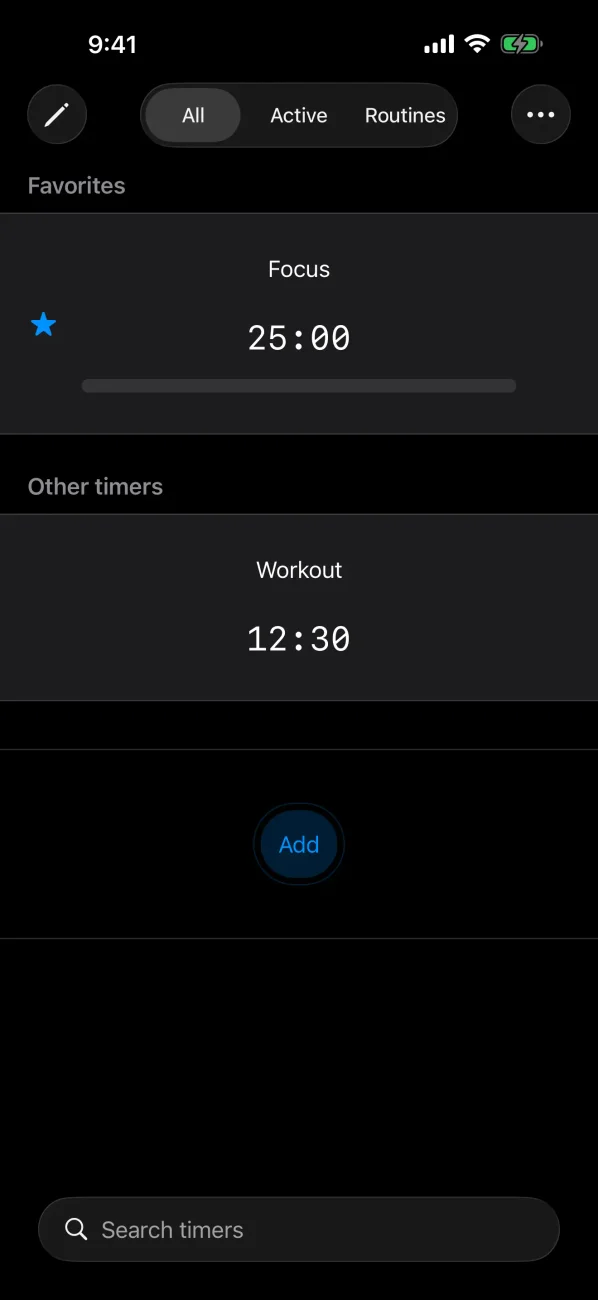
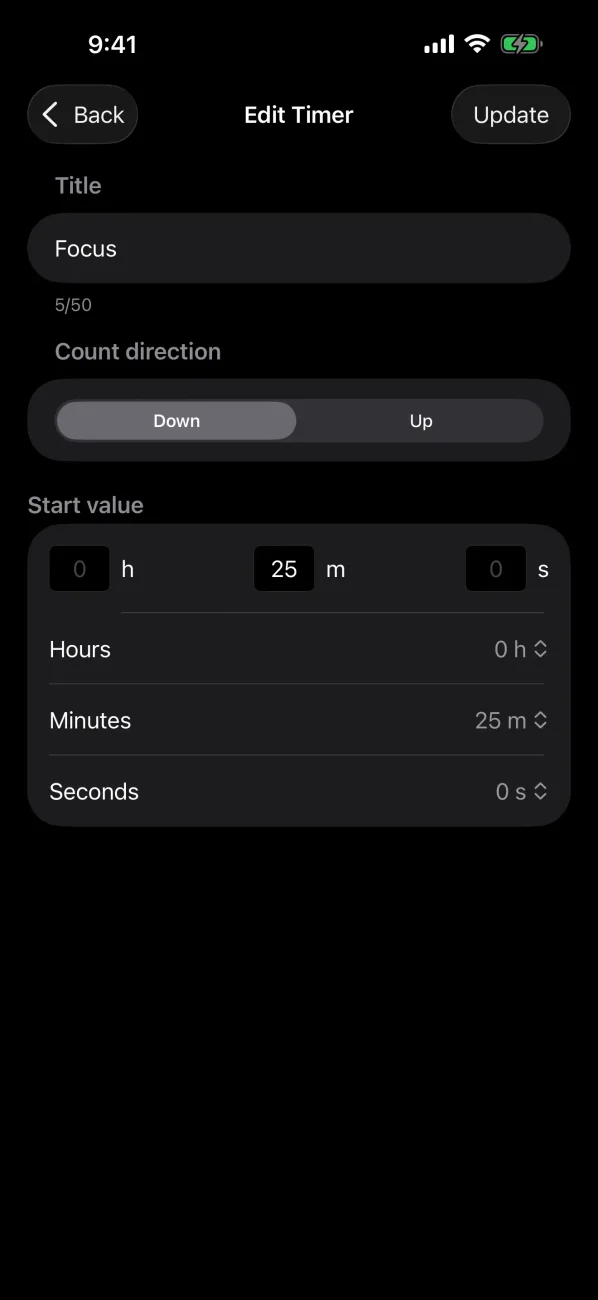
Set multiple timers and stopwatches at the same time. Give each a name and let it run independently.
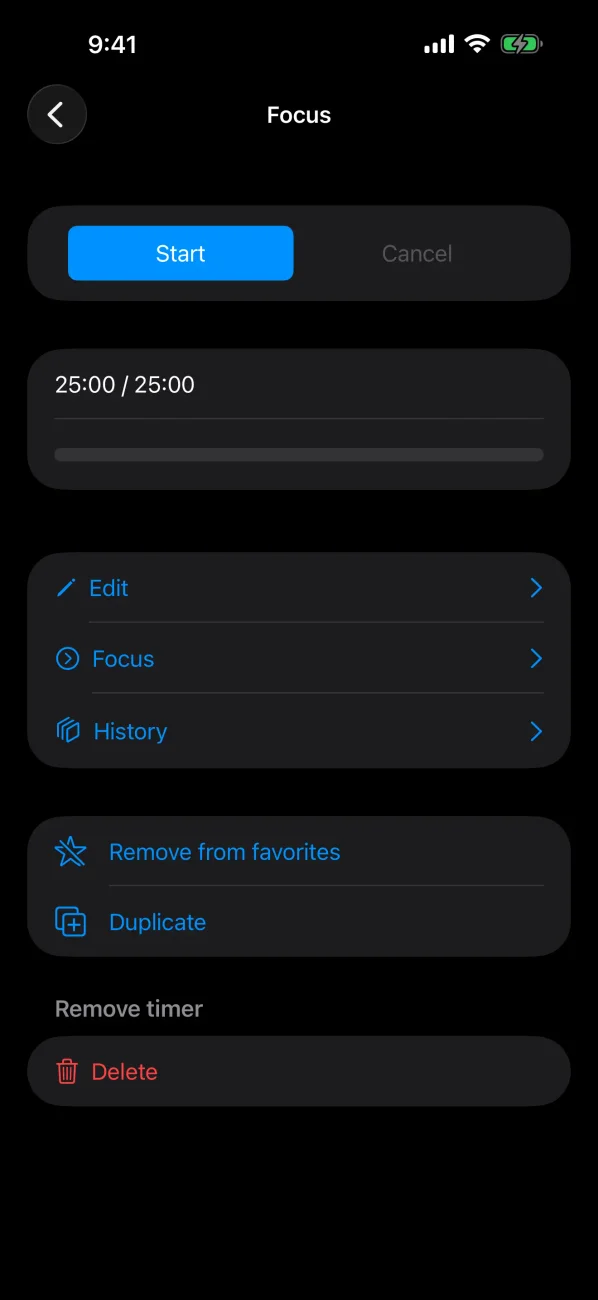
Mark timers and routines as favorites to keep them at the top of your library, and search by name. Duplicate a timer, a whole routine, or an individual stage to create your next setup. Favorites sync through iCloud.
Start or resume saved timers and routines by name with Siri and Shortcuts. Add a small Home Screen widget for a favorite: tap Start to open Timer and start or resume that item. Starting an already-running item leaves its progress intact.
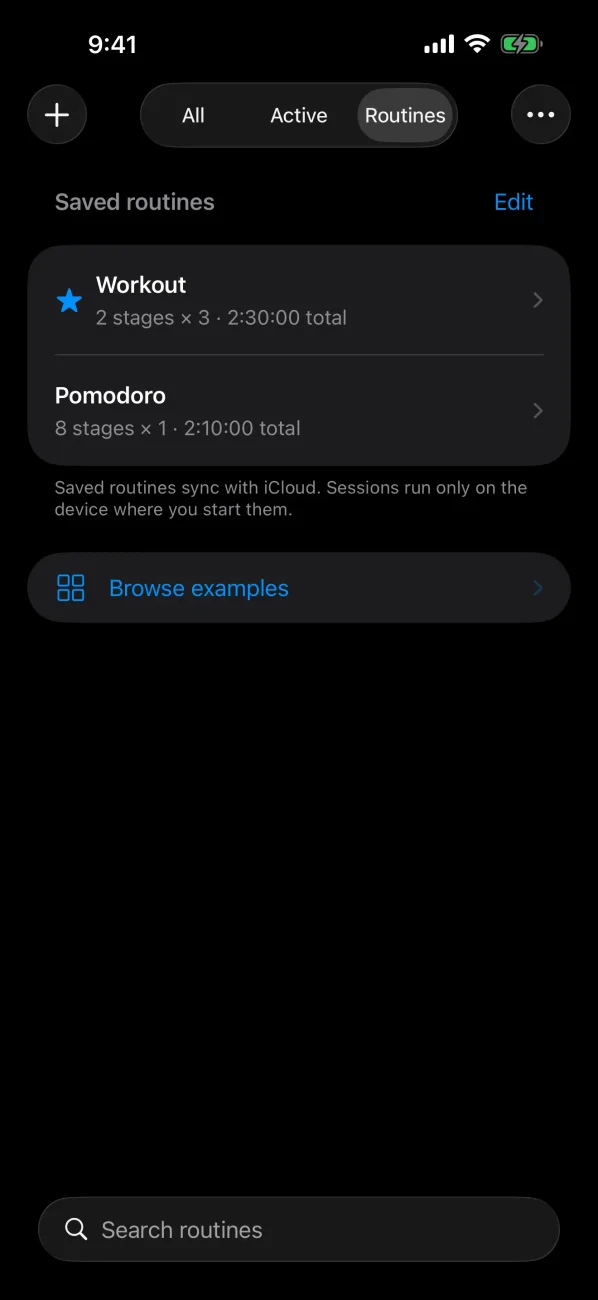
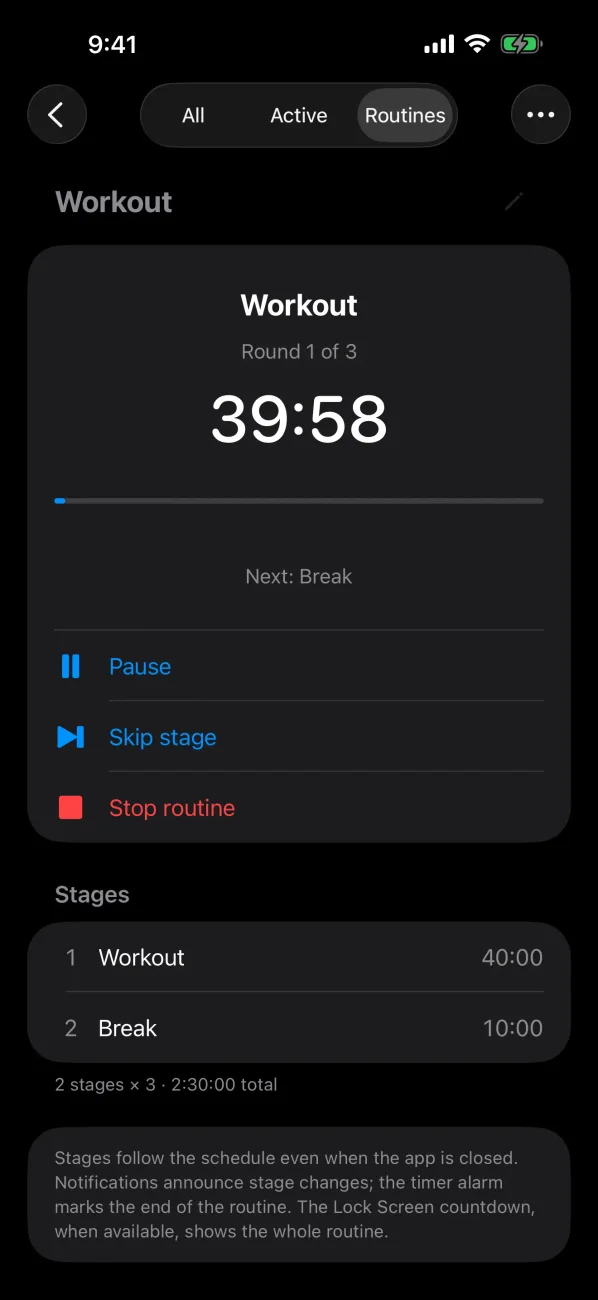
Build routines for focus, workouts, and breaks. Combine named stages with their own durations, repeat rounds, and choose automatic transitions or start each stage yourself. Try the Pomodoro example or a 40-minute workout followed by a 10-minute break, then make it your own. One routine runs at a time on each device, alongside your ordinary timers.
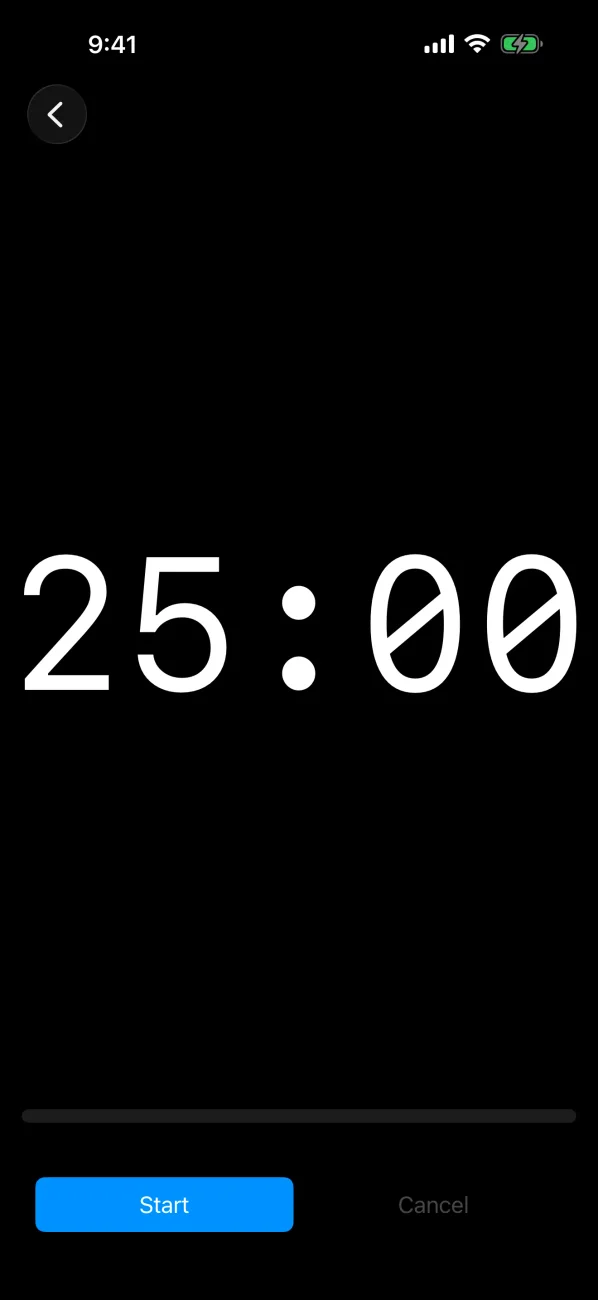
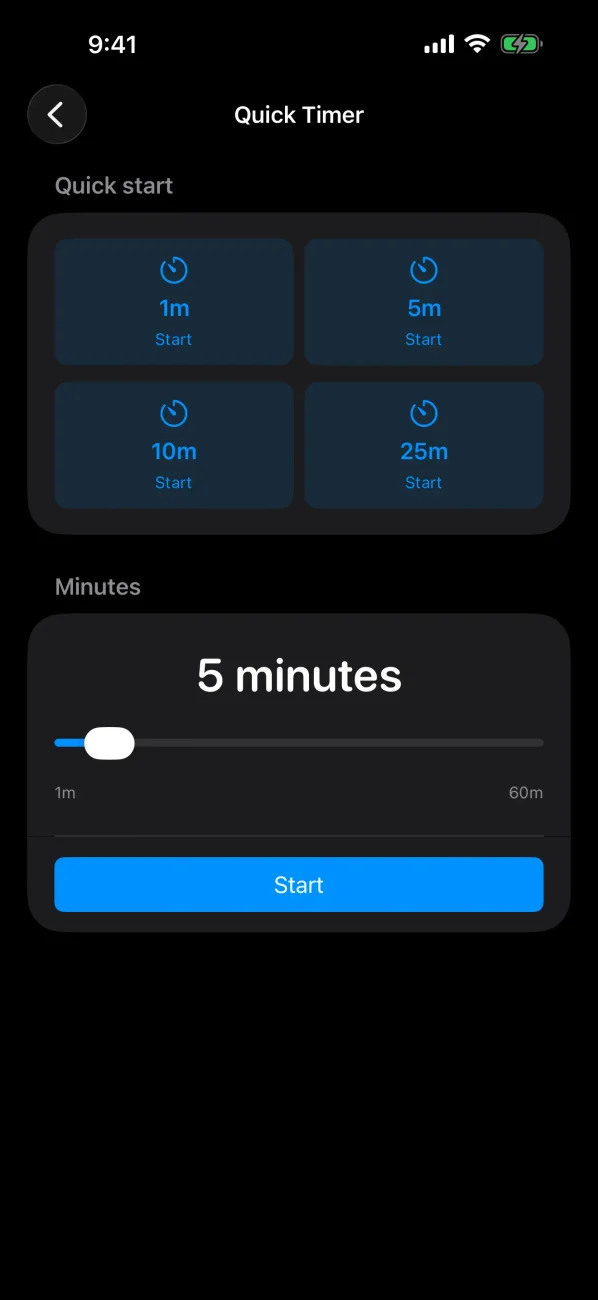
Start a Quick Timer with a preset or minutes slider. Personalize all four presets and choose whether completed Quick Timers are removed automatically. Start timers with Siri and Shortcuts, or use configurable controls on supported systems.
On iOS and iPadOS 26 or later, grant alarm permission to use AlarmKit alerts with system countdown and Lock Screen controls. Notification alerts remain available on earlier supported systems or when alarm permission is not granted. Automatic routines use notifications for intermediate stage cues.
Keep timers, settings, history, and saved routines on your device and sync them with your other devices through iCloud. A routine's running session stays on the device where you started it.
Yang baru
Versi 2.3.0 · 15/10/2026
• Search countdown history by timer name.
• Start or resume saved timers and routines by name with Siri and Shortcuts.
• Keep favorites at the top of your libraries and find timers and routines with search.
• Duplicate timers, routines, and individual stages without changing the originals.
• Add a configurable Home Screen widget to launch a favorite timer or routine.
• Favorite, search, and duplicate timers on Apple Watch, too.
• Added Italian, Arabic, and Simplified Chinese, for eight supported languages.
Privasi aplikasi
Yang dinyatakan Pedro Ferreira di App Store tentang cara aplikasi ini menangani data.
-
Data tidak dikumpulkan
Pengembang tidak mengumpulkan data apa pun dari aplikasi ini.
Praktik privasi dapat bervariasi, misalnya berdasarkan fitur yang Anda gunakan atau usia Anda.
Informasi
- Penjual
- Pedro Ferreira
- Kategori
- Kegunaan
- Versi
- 2.3.0
- Diperbarui
- 15/10/2026
- Dirilis
- 4/5/2021
- Ukuran
- 6,6 MB
- Memerlukan
- iOS 17.0 atau yang lebih baru
- Batasan usia
- 4+
- Harga
- Rp 59ribu
- Bahasa
- Inggris, Arab, Prancis, Jerman, Italia, Portugis, Tionghoa Sederhana, Spanyol
- Hak cipta
- © 2024 Pedro Ferreira