- 対象年齢4+
- カテゴリユーティリティ
- 開発元Pedro Ferreira
- 言語英語ほか7言語
- サイズ6.6 MB
App Storeの公式ページにリンクしています
Download.orgはtimer & stopwatchのファイルを一切ホストしていません。ボタンを押すと、Pedro Ferreiraが公開しているApp Storeのアプリページが開きます。ページの最終確認:2026/11/20。
スクリーンショット


概要
開発元はこのテキストをお使いの言語で提供していません。
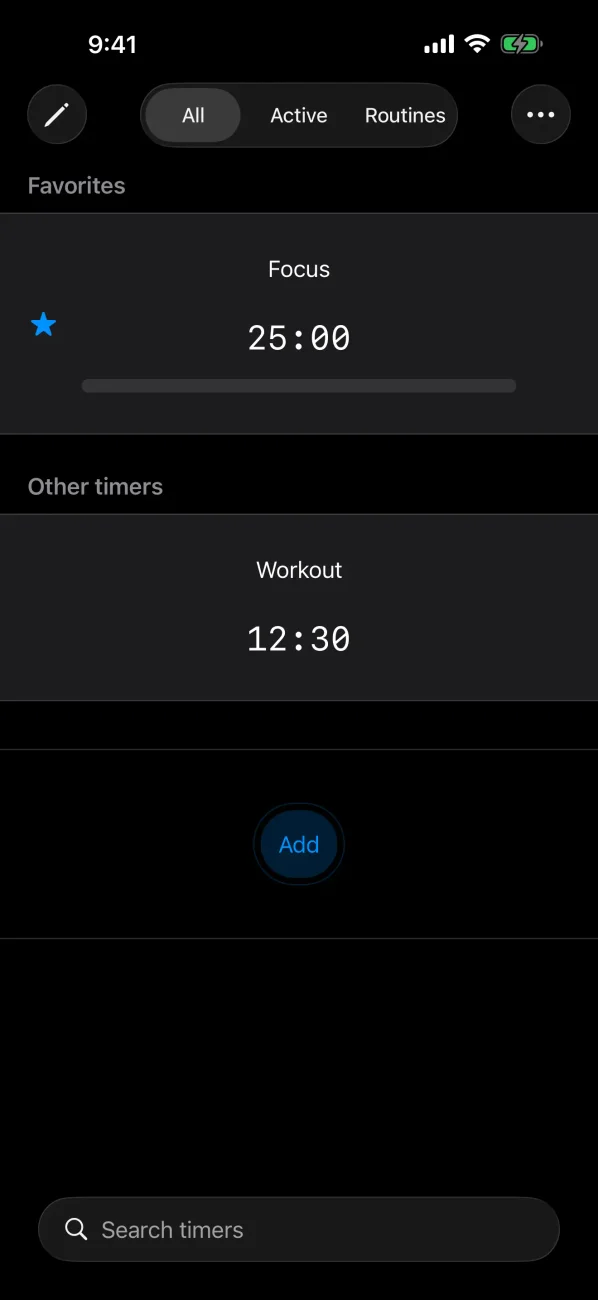
Set multiple timers and stopwatches at the same time. Give each a name and let it run independently.
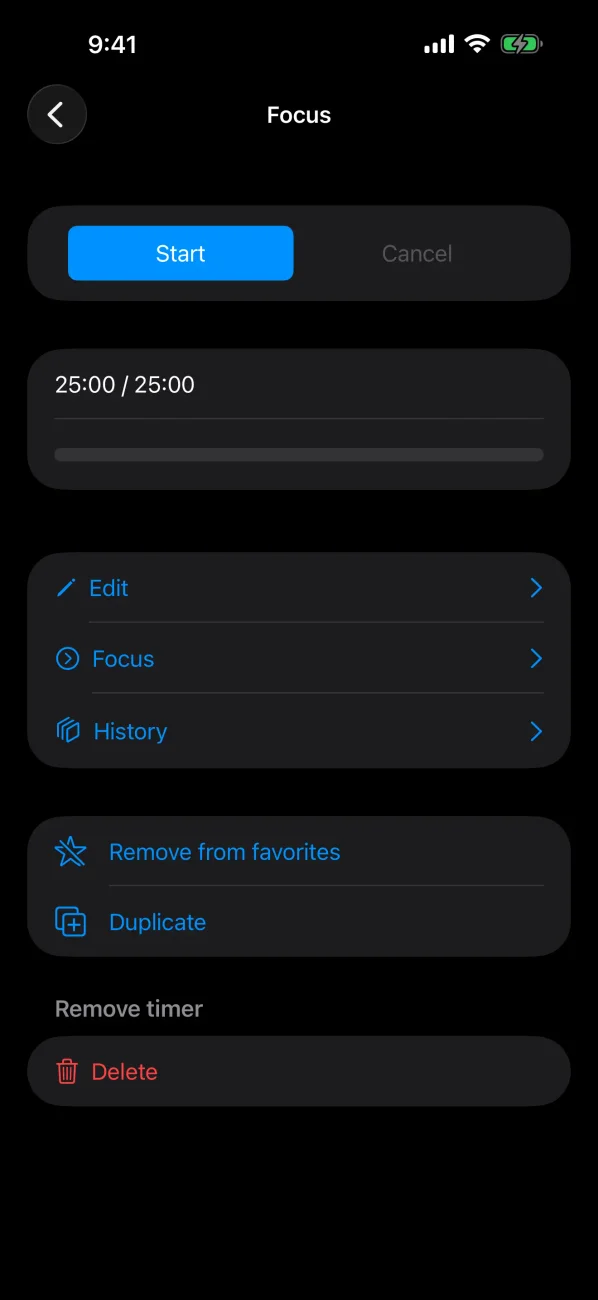
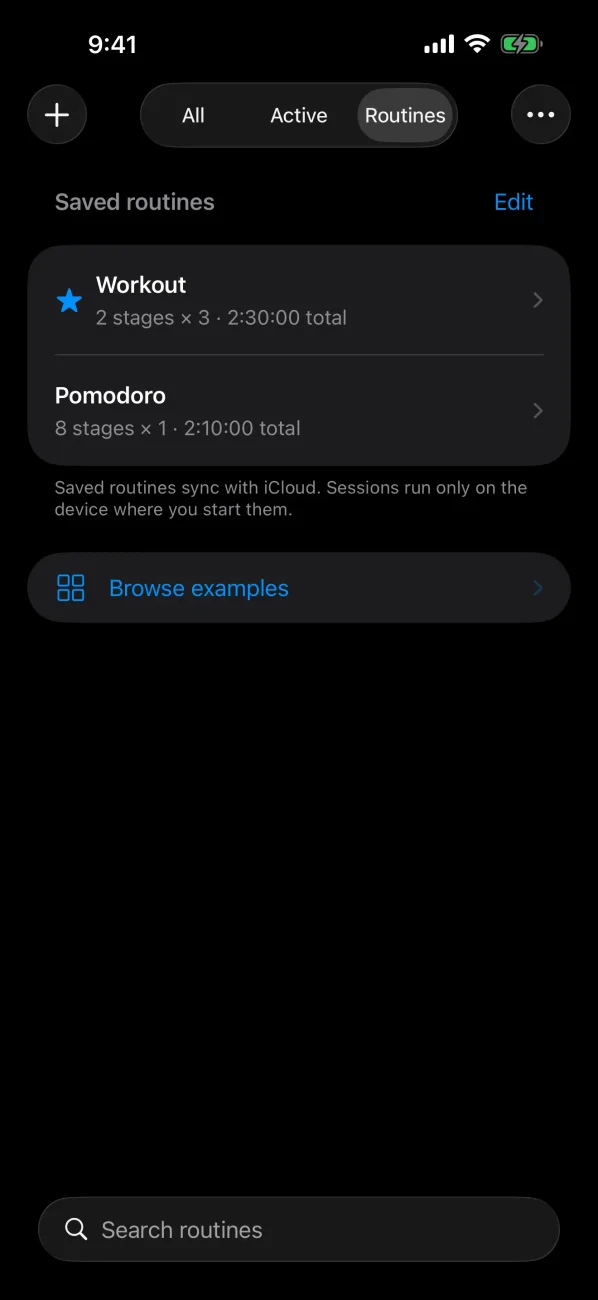
Mark timers and routines as favorites to keep them at the top of your library, and search by name. Duplicate a timer, a whole routine, or an individual stage to create your next setup. Favorites sync through iCloud.
Start or resume saved timers and routines by name with Siri and Shortcuts. Add a small Home Screen widget for a favorite: tap Start to open Timer and start or resume that item. Starting an already-running item leaves its progress intact.
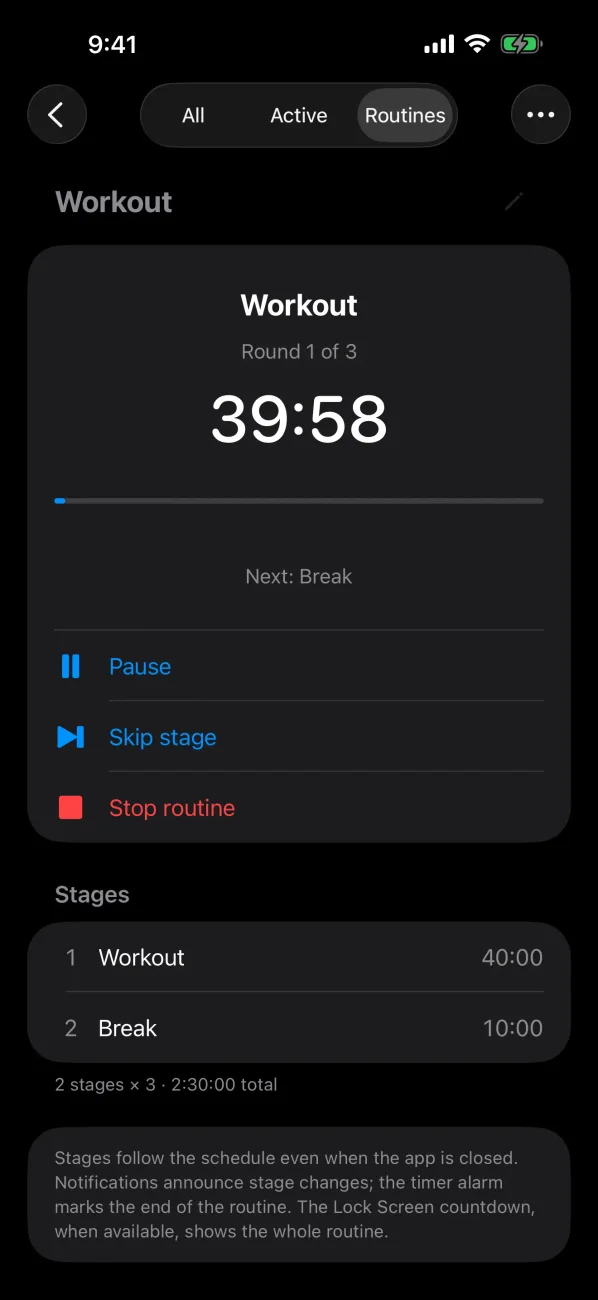
Build routines for focus, workouts, and breaks. Combine named stages with their own durations, repeat rounds, and choose automatic transitions or start each stage yourself. Try the Pomodoro example or a 40-minute workout followed by a 10-minute break, then make it your own. One routine runs at a time on each device, alongside your ordinary timers.
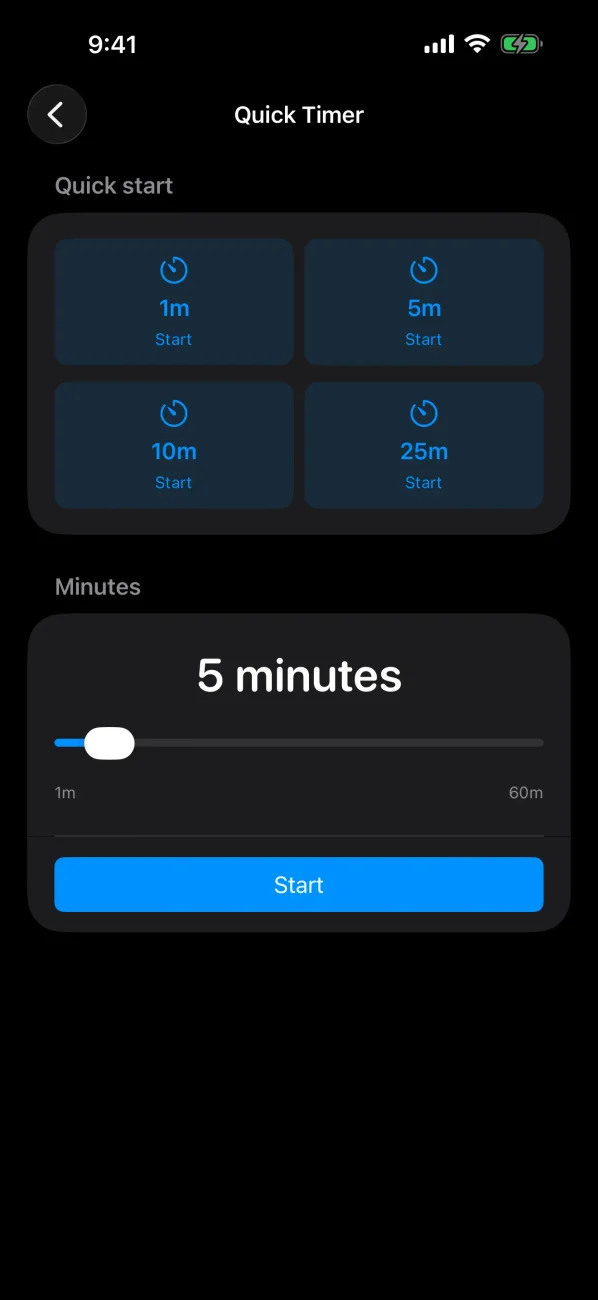
Start a Quick Timer with a preset or minutes slider. Personalize all four presets and choose whether completed Quick Timers are removed automatically. Start timers with Siri and Shortcuts, or use configurable controls on supported systems.
On iOS and iPadOS 26 or later, grant alarm permission to use AlarmKit alerts with system countdown and Lock Screen controls. Notification alerts remain available on earlier supported systems or when alarm permission is not granted. Automatic routines use notifications for intermediate stage cues.
Keep timers, settings, history, and saved routines on your device and sync them with your other devices through iCloud. A routine's running session stays on the device where you started it.
新機能
バージョン 2.3.0 · 2026/10/15
• Search countdown history by timer name.
• Start or resume saved timers and routines by name with Siri and Shortcuts.
• Keep favorites at the top of your libraries and find timers and routines with search.
• Duplicate timers, routines, and individual stages without changing the originals.
• Add a configurable Home Screen widget to launch a favorite timer or routine.
• Favorite, search, and duplicate timers on Apple Watch, too.
• Added Italian, Arabic, and Simplified Chinese, for eight supported languages.
アプリのプライバシー
このアプリのデータの取り扱いについて、Pedro FerreiraがApp Storeで申告している内容です。
-
データの収集なし
開発元はこのアプリからデータを収集しません。
プライバシーの取り扱いは、ご利用の機能やお客様の年齢などに応じて異なる場合があります。
情報
- 販売元
- Pedro Ferreira
- カテゴリ
- ユーティリティ
- バージョン
- 2.3.0
- 更新日
- 2026/10/15
- リリース
- 2021/5/4
- サイズ
- 6.6 MB
- 必要条件
- iOS 17.0以降
- 対象年齢
- 4+
- 価格
- ¥500
- 言語
- 英語, アラビア語, フランス語, ドイツ語, イタリア語, ポルトガル語, 簡体字中国語, スペイン語
- 著作権
- © 2024 Pedro Ferreira