
Timer4 - Gravity Timer
Fullscreen Digital Countdown
Dirancang untuk iPhone, iPad
Gratis · Pembelian dalam aplikasi
- Batasan usia4+
- KategoriKegunaan
- PengembangGoateraction
- BahasaInggris+ 12 lainnya
- Ukuran2,6 MB
Tertaut ke halaman resmi App Store
Download.org tidak menyimpan file Timer4 - Gravity Timer apa pun. Tombol ini membuka halaman aplikasi di App Store, tempat Goateraction menerbitkannya. Halaman terakhir diperiksa pada 15/11/2026.
Tangkapan layar

Tentang
Pengembang belum menyediakan teks ini dalam bahasa Anda.
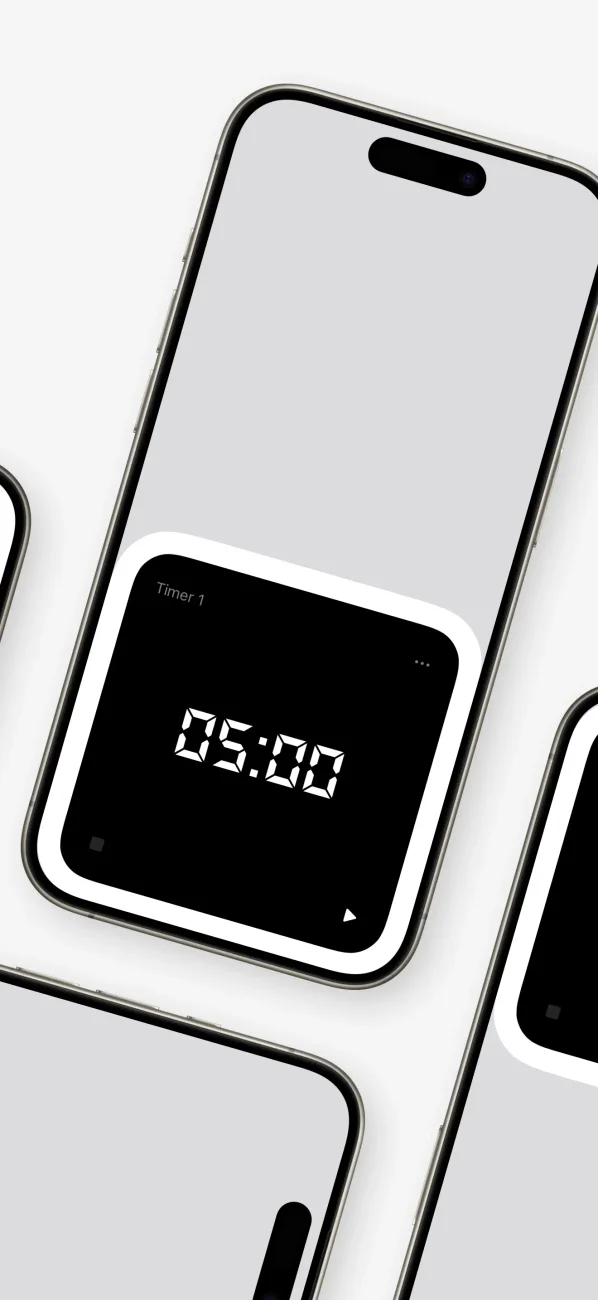
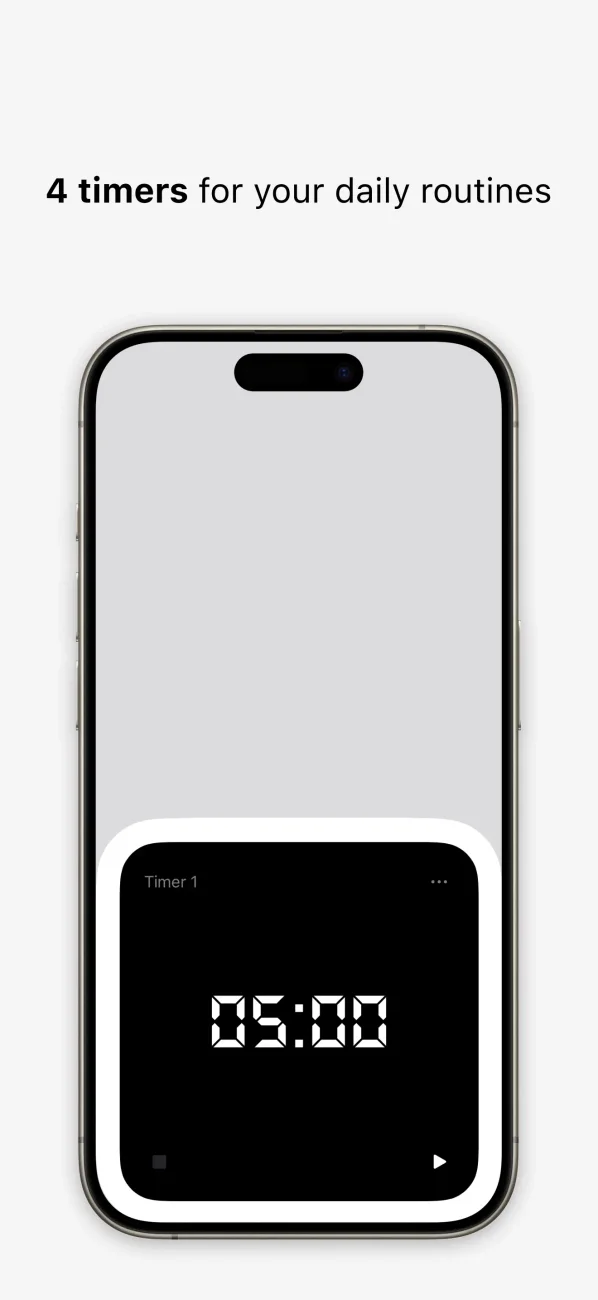
Keep your four go-to timers just a turn away.
Study and breaks, cooking and workouts: with Timer4, you don’t have to set the same times over and over.
◆ Turn to switch timers
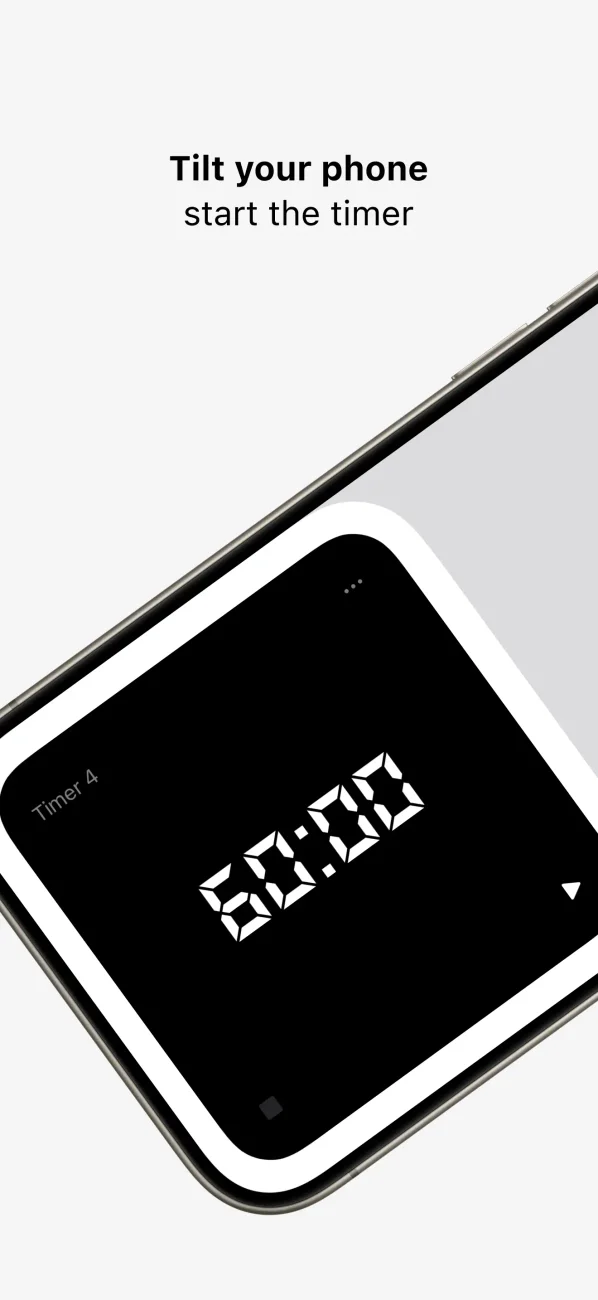
Each side of your iPhone holds a timer: 5 minutes, 10 minutes, 30 minutes, or 1 hour. Turn to the one you need and tap Start.
In Rotate view, the cards move with gravity. If you’d rather not turn your phone, switch Timer View to List and pick from all four timers on one screen.
◆ Timer sets for every routine
Save up to 10 sets for studying, cooking, workouts, and more.
Each set holds four timers. Swipe left or right to jump to the set you need.
◆ All four at a glance on big screens
On wider screens, such as iPad, all four timers appear on one screen.
No turning needed. Just tap Start on the timer you want.
◆ Start right from your Home Screen
Tap a timer in the widget to open the app and start the countdown.
Each widget can show its own timer set.
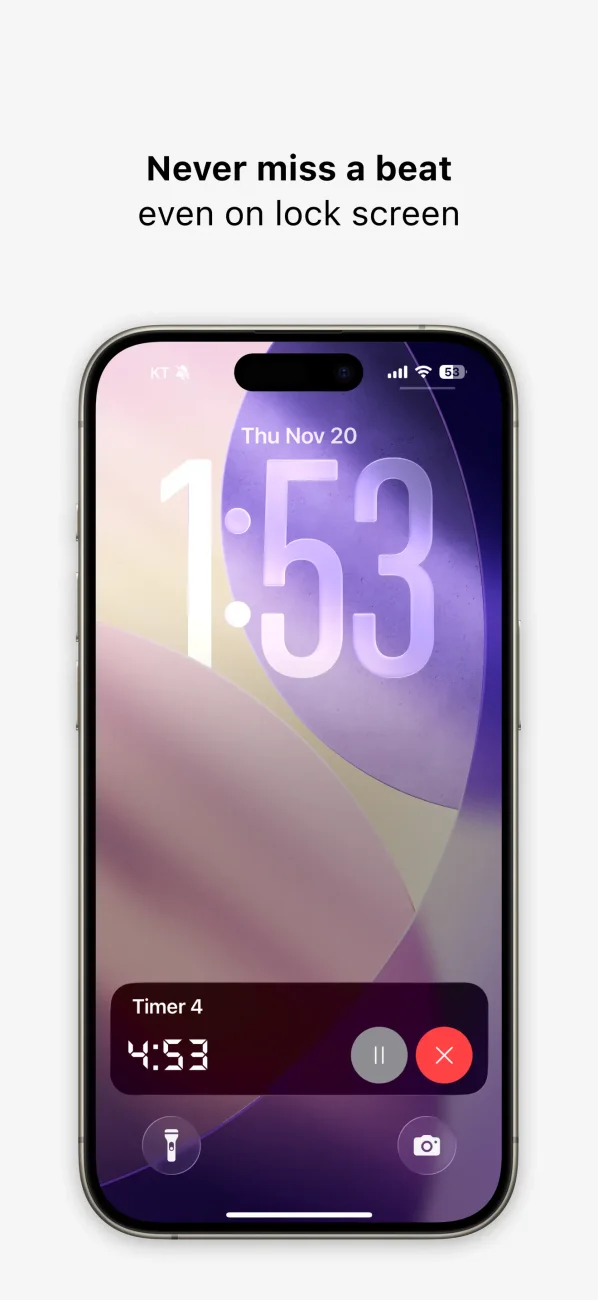
◆ Check and control it from the Lock Screen
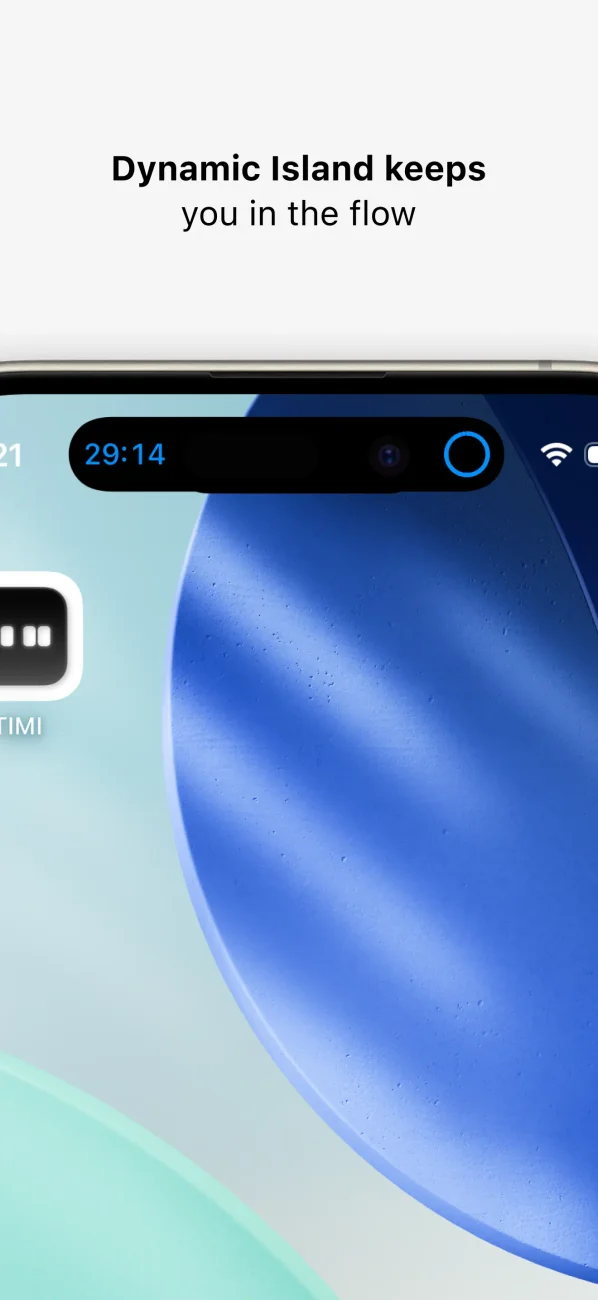
See the time left on the Lock Screen, and pause, resume, or stop without opening the app.
On iPhone models with the Dynamic Island, you can check and control the timer there too.
◆ Make every timer your own
Name each timer, set its length, and change the screen and border colors.
Show the numbers in the font you like.
Only one timer runs at a time.
Whether you’re settling in to focus or taking a quick break, keep the times you need ready in Timer4.
Terms of Use: https://www.apple.com/legal/internet-services/itunes/dev/stdeula/
Yang baru
Versi 7 · 31/10/2026
- Stability and usability improvements
Privasi aplikasi
Yang dinyatakan Goateraction di App Store tentang cara aplikasi ini menangani data.
-
Data tidak dikumpulkan
Pengembang tidak mengumpulkan data apa pun dari aplikasi ini.
Praktik privasi dapat bervariasi, misalnya berdasarkan fitur yang Anda gunakan atau usia Anda.
Informasi
- Penjual
- Goateraction
- Kategori
- Kegunaan
- Versi
- 7
- Diperbarui
- 31/10/2026
- Dirilis
- 26/11/2025
- Ukuran
- 2,6 MB
- Memerlukan
- iOS 26.1 atau yang lebih baru
- Batasan usia
- 4+
- Harga
- Gratis
- Pembelian dalam aplikasi
- Ya
- Bahasa
- Inggris, Prancis, Jerman, Hindi, Italia, Jepang, Korea, Rusia, Tionghoa Sederhana, Spanyol, Tionghoa Tradisional, Turki + 1 lainnya
- Hak cipta
- © Goateraction
Mungkin Anda juga suka
-
 TimePulseKegunaan
-
 Drop That DueKegunaan
-
 AchromatorKegunaan
-
 Inventory Scanner: OrganizerKegunaan
-
 ThreadSplit: Tweet SplitterKegunaan
-
 BarcodeClipKegunaan
-
 Hitung Mundur & Timer DiskonJam akurat milidetik & widget
-
 XYZMoney-玲珑记账Kegunaan
-
 Aliya Jurnal Tafsir MimpiJurnal, Gambar & Video AI
-
 Cove: Focus App BlockerKegunaan