
Timer4 - Gravity Timer
Fullscreen Digital Countdown
Designed for iPhone, iPad
Free · In-app purchases
- Age rating4+
- CategoryUtilities
- DeveloperGoateraction
- LanguagesEnglish+ 12 more
- Size2.6 MB
Links to the official App Store page
Download.org hosts no file of Timer4 - Gravity Timer. The button opens its official App Store page, published by Goateraction. Listing last checked on Nov 15, 2026.
Screenshots

About
Keep your four go-to timers just a turn away.
Study and breaks, cooking and workouts: with Timer4, you don’t have to set the same times over and over.
◆ Turn to switch timers
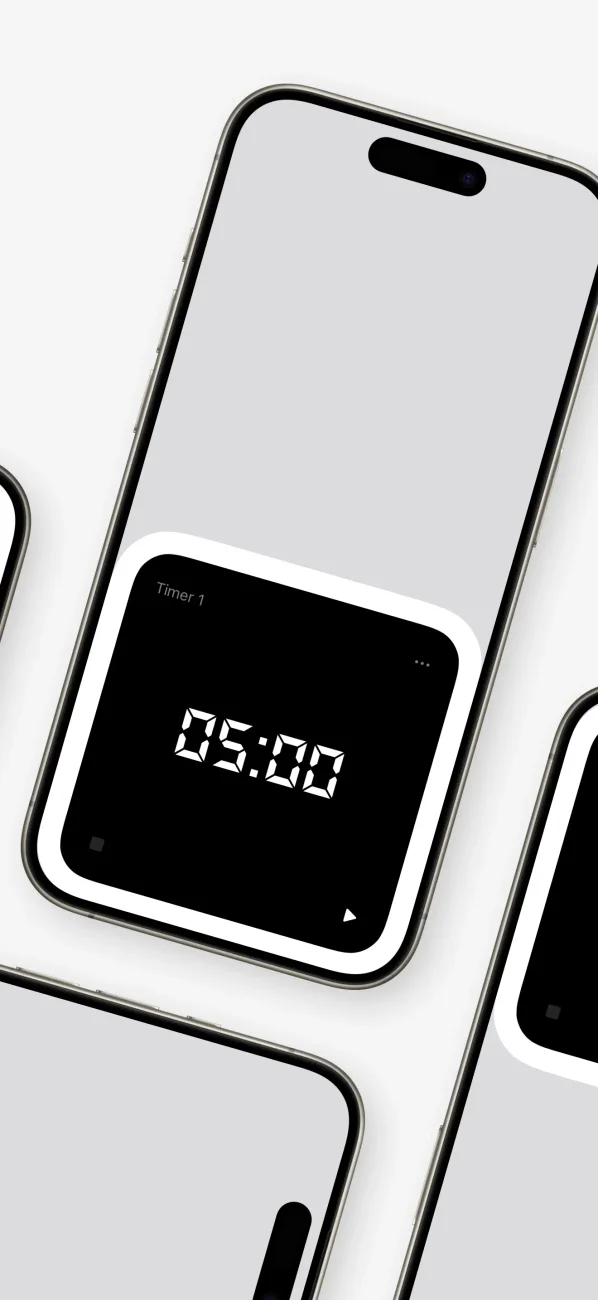
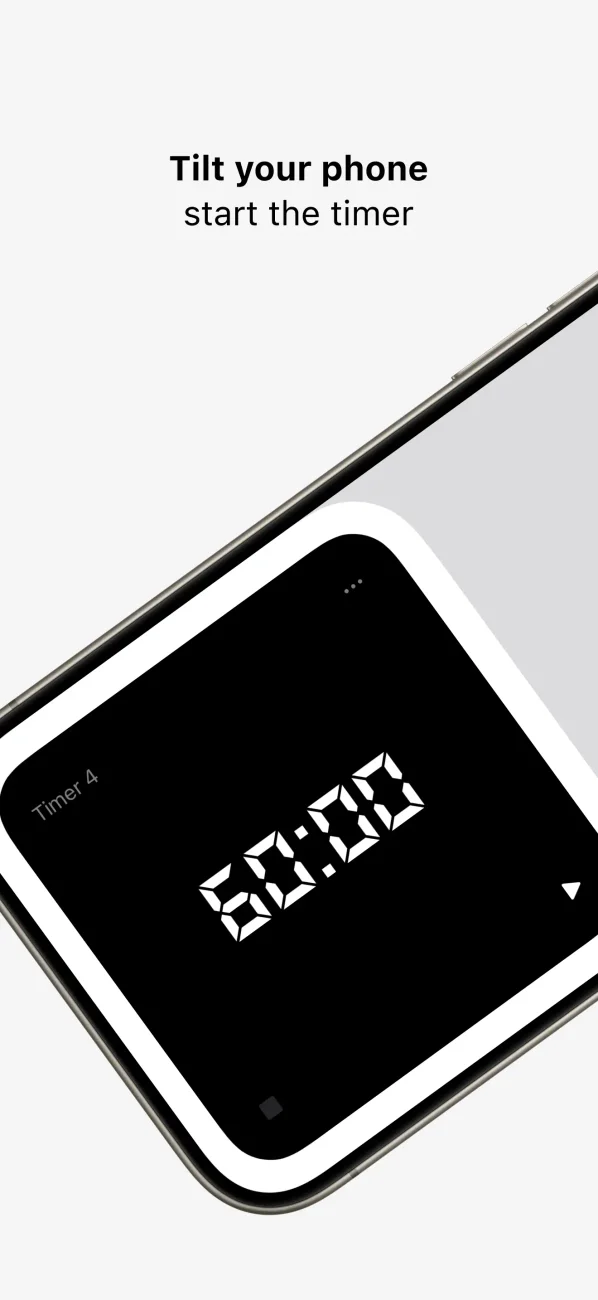
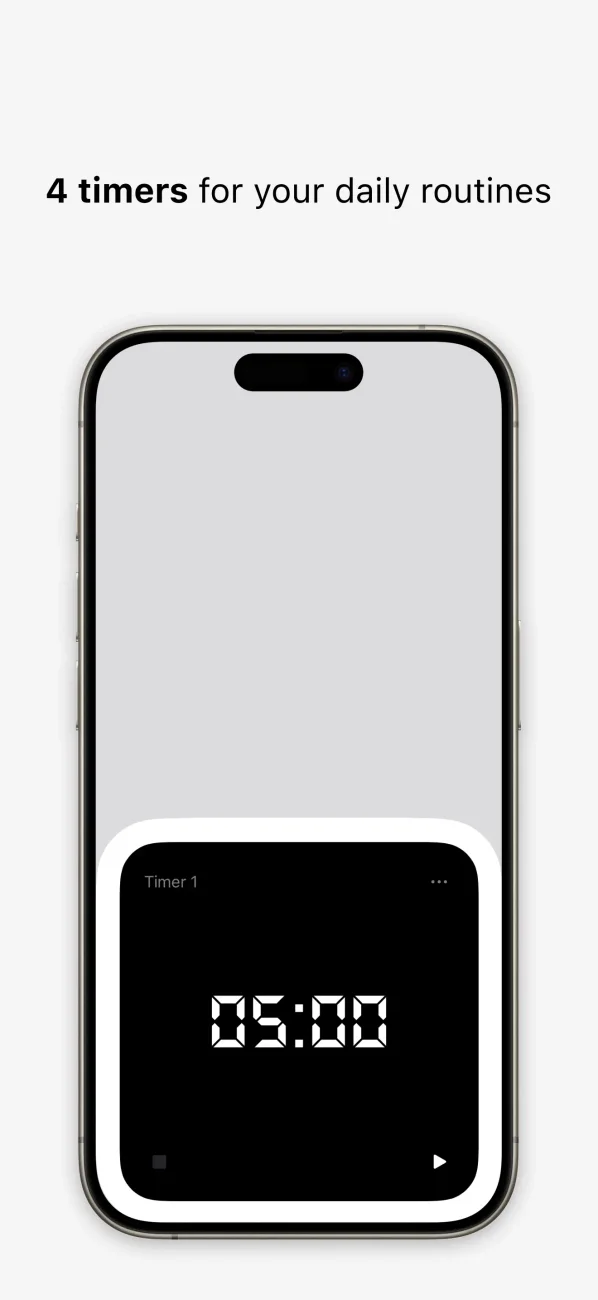
Each side of your iPhone holds a timer: 5 minutes, 10 minutes, 30 minutes, or 1 hour. Turn to the one you need and tap Start.
In Rotate view, the cards move with gravity. If you’d rather not turn your phone, switch Timer View to List and pick from all four timers on one screen.
◆ Timer sets for every routine
Save up to 10 sets for studying, cooking, workouts, and more.
Each set holds four timers. Swipe left or right to jump to the set you need.
◆ All four at a glance on big screens
On wider screens, such as iPad, all four timers appear on one screen.
No turning needed. Just tap Start on the timer you want.
◆ Start right from your Home Screen
Tap a timer in the widget to open the app and start the countdown.
Each widget can show its own timer set.
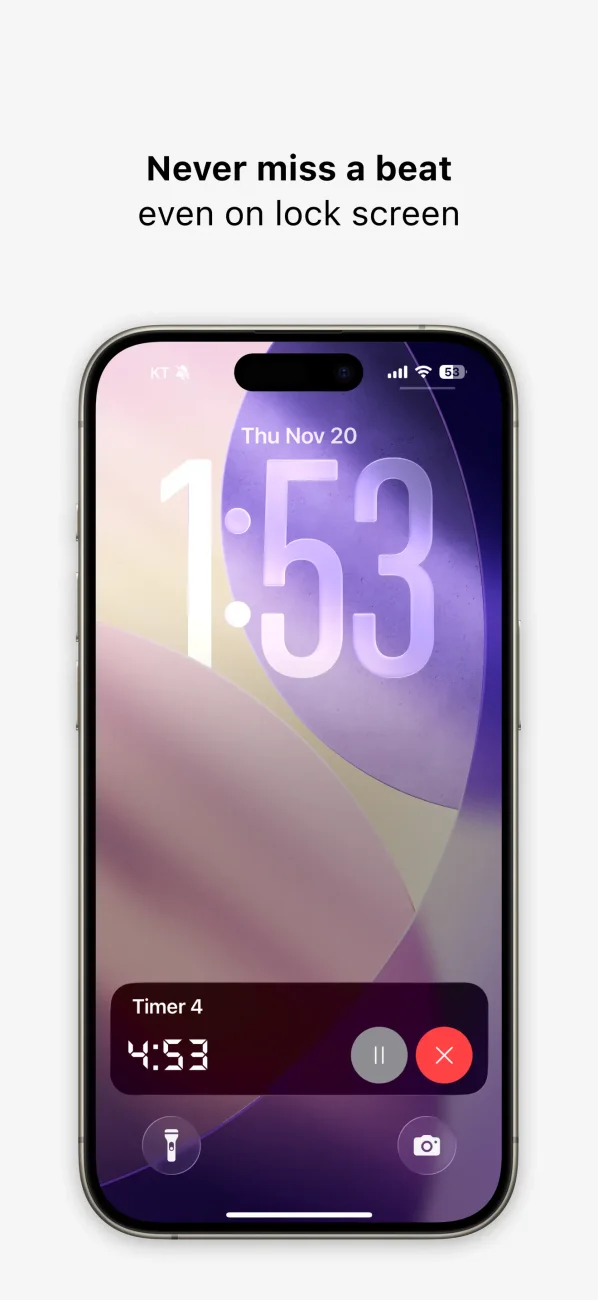
◆ Check and control it from the Lock Screen
See the time left on the Lock Screen, and pause, resume, or stop without opening the app.
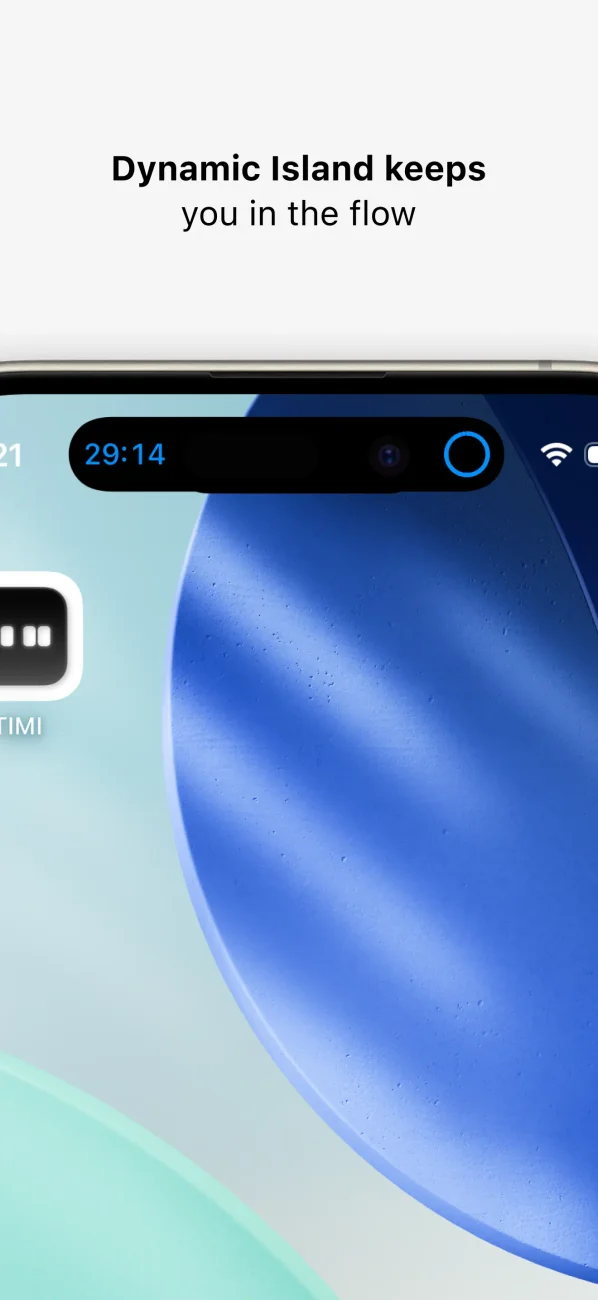
On iPhone models with the Dynamic Island, you can check and control the timer there too.
◆ Make every timer your own
Name each timer, set its length, and change the screen and border colors.
Show the numbers in the font you like.
Only one timer runs at a time.
Whether you’re settling in to focus or taking a quick break, keep the times you need ready in Timer4.
Terms of Use: https://www.apple.com/legal/internet-services/itunes/dev/stdeula/
What’s new
Version 7 · Oct 31, 2026
- Stability and usability improvements
App privacy
What Goateraction declares on the App Store about how this app handles data.
-
Data not collected
The developer does not collect any data from this app.
Privacy practices may vary, for example with the features you use or your age.
Information
- Seller
- Goateraction
- Category
- Utilities
- Version
- 7
- Updated
- Oct 31, 2026
- Released
- Nov 26, 2025
- Size
- 2.6 MB
- Requires
- iOS 26.1 or later
- Age rating
- 4+
- Price
- Free
- In-app purchases
- Yes
- Languages
- English, French, German, Hindi, Italian, Japanese, Korean, Russian, Simplified Chinese, Spanish, Traditional Chinese, Turkish + 1 more
- Copyright
- © Goateraction
You might also like
-
 TimePulseHabit, Mood & Streak Tracker
-
 Drop That DueNever miss an expiry date
-
 AchromatorSubstitute Color with Texture
-
 Inventory Scanner: OrganizerScan barcodes & Store
-
 ThreadSplit: Tweet SplitterLong Post to Thread Fast
-
 BarcodeClipAll points Cards in 1 Place
-
 Sale Countdown & Deal TimerPrecise Clock & Float Timer
-
 XYZMoney-玲珑记账智能语音记账,轻松掌控财务!
-
 Aliya: AI Dream JournalDream Meaning, Art & Video
-
 Cove: Focus App BlockerStudy Timer, Less Screen Time